


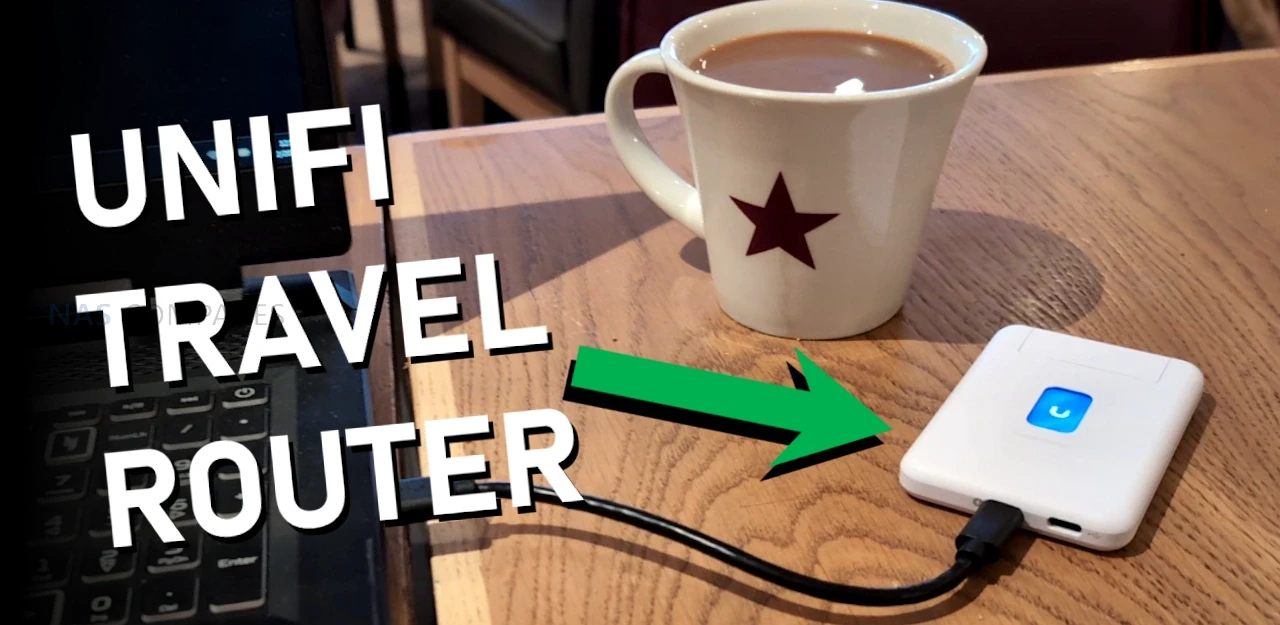
UniFi’s New Travel Router – Pocket-Sized Perfection?
The UniFi Travel Router (UTR) is a compact router intended to extend an existing UniFi network to temporary locations such as hotels, offices, or public WiFi environments, with setup and changes handled through the UniFi Mobile App rather than on device controls. It is designed to bind to a UniFi site so that WiFi settings and Teleport can be applied automatically, allowing a familiar SSID and consistent LAN behavior to follow the user between locations without re adopting devices each time. In practical use, this positions it as a way to place multiple client devices behind a single controlled access point when working from shared networks, while still routing traffic through a VPN path back to a UniFi gateway if desired. The UTR also supports multiple uplink types, including Ethernet, WiFi, and USB tethering through a smartphone, with the ability to set uplink priority once an upstream connection has been established and any captive portal login has been completed via the phone.

 |
|
|---|---|
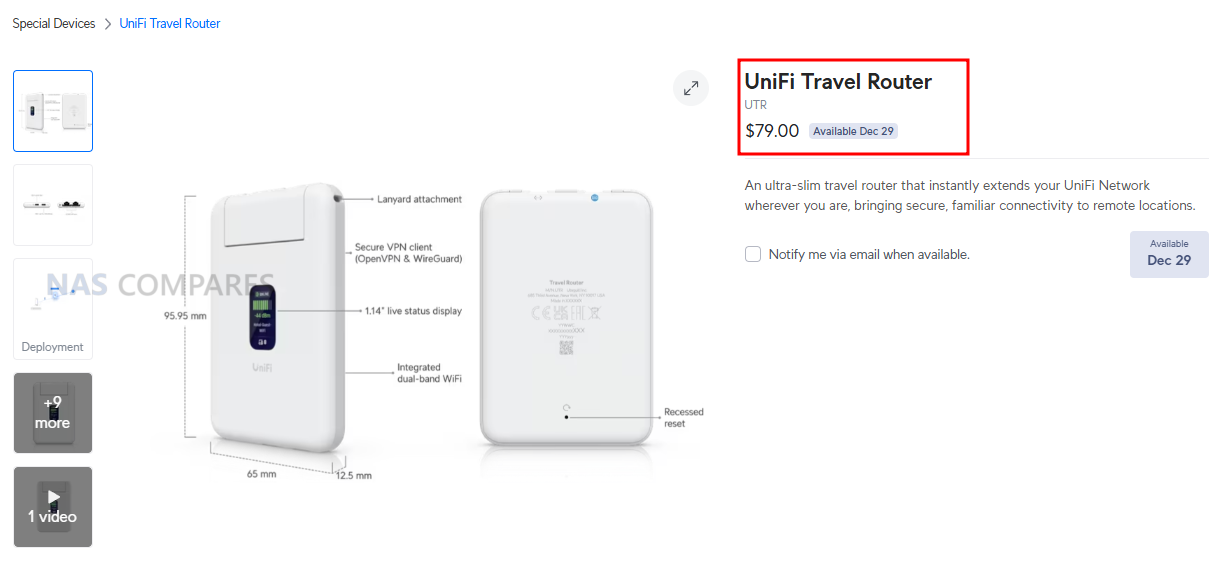
| Item | Detail |
| Product | UniFi Travel Router (UTR) |
| Price | $79.00 |
| Dimensions | 95.95 x 65 x 12.5 mm |
| Weight | 89 g |
| WiFi standard | WiFi 5 (802.11ac) |
| Bands | 2.4 GHz, 5 GHz |
| WiFi MIMO | 2 x 2 |
| Antennas | 2 embedded WiFi antennas |
| Max TX power | 2.4G: 13 dBm, 5G: 13 dBm |
| Ethernet ports | 2 x GbE RJ45 |
| VPN client support | OpenVPN, WireGuard |
| Power method | USB-C |
| Power input | 5V / 2A (adapter not included) |
| Max power consumption | 5W |
| Display | 1.14″ status display |
| Button | Factory reset |
| Certifications | CE, FCC, IC |
| Compliance | NDAA compliant |
| Not supported (per docs) | WPA Enterprise, Passpoint |

UniFi Travel Router Review – Quick Conclusion
The UniFi Travel Router looks like a genuinely handy tool for people already invested in UniFi: it gives you a small, light travel router with two gigabit ports (WAN and LAN), USB C power, separate USB tethering for using a phone as a 5G uplink, and a status screen that makes it easy to confirm what uplink you are using and whether Teleport is active, plus the big headline benefit that you can bind it to an existing UniFi setup and effectively carry your familiar SSID and behavior with you so your devices and even colleagues can connect without reconfiguring anything, while tunneling sensitive traffic back home through Teleport for safer use on hotel, office, or coffee shop networks and simplifying captive portal logins through the app. The tradeoffs are mostly about performance and features compared with newer rivals: it is WiFi 5 only with modest real world throughput expectations, the Ethernet ports are 1 GbE rather than 2.5 GbE, the screen is not touch so you still rely on the mobile app for changes, and there is no internal battery plus no built in SIM or eSIM option, which will disappoint anyone wanting an all in one, fully cellular travel router rather than a UniFi focused extender that leans on WiFi uplinks, wired WAN, or phone tethering.



UniFi Travel Router – Design
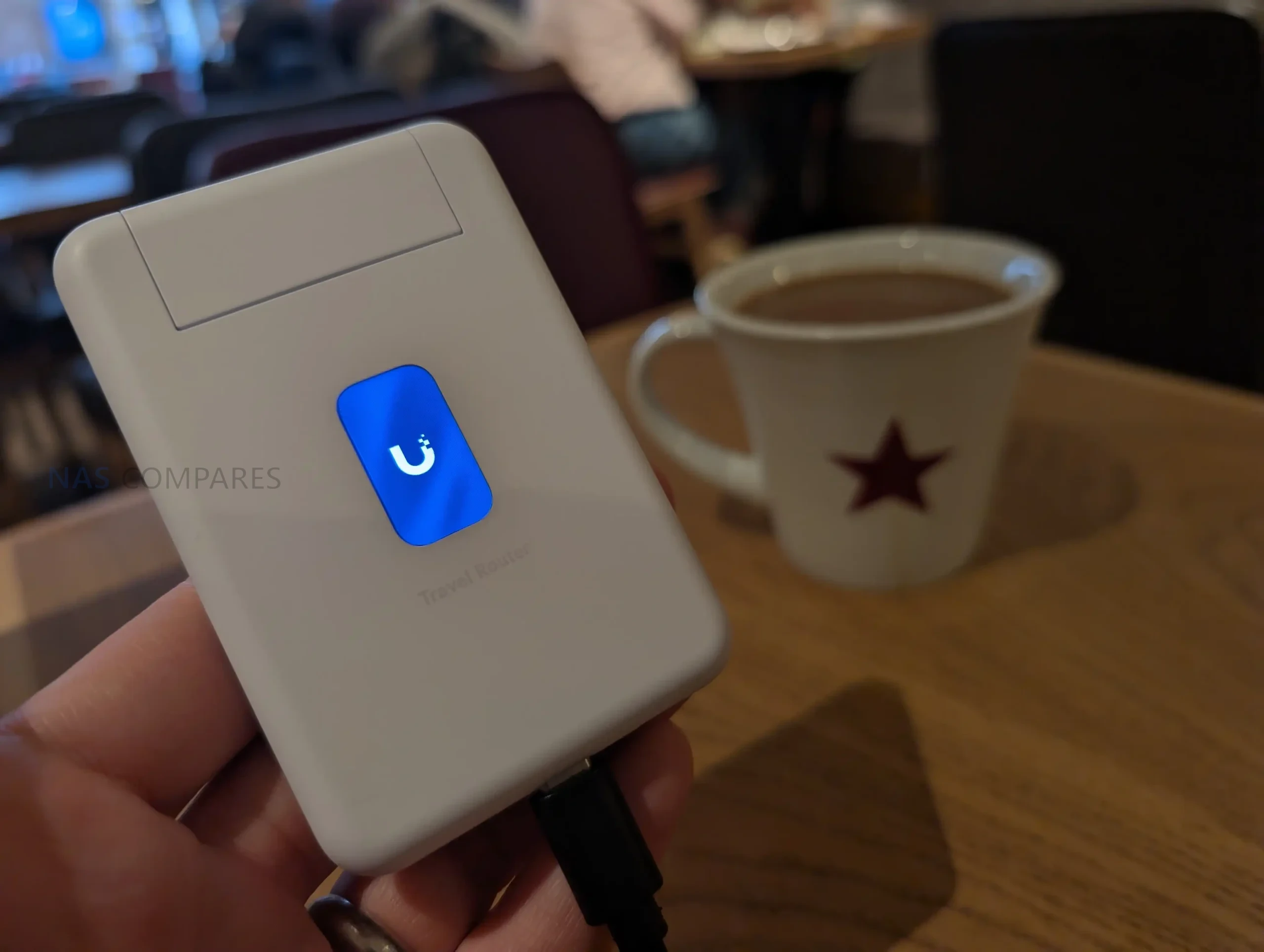
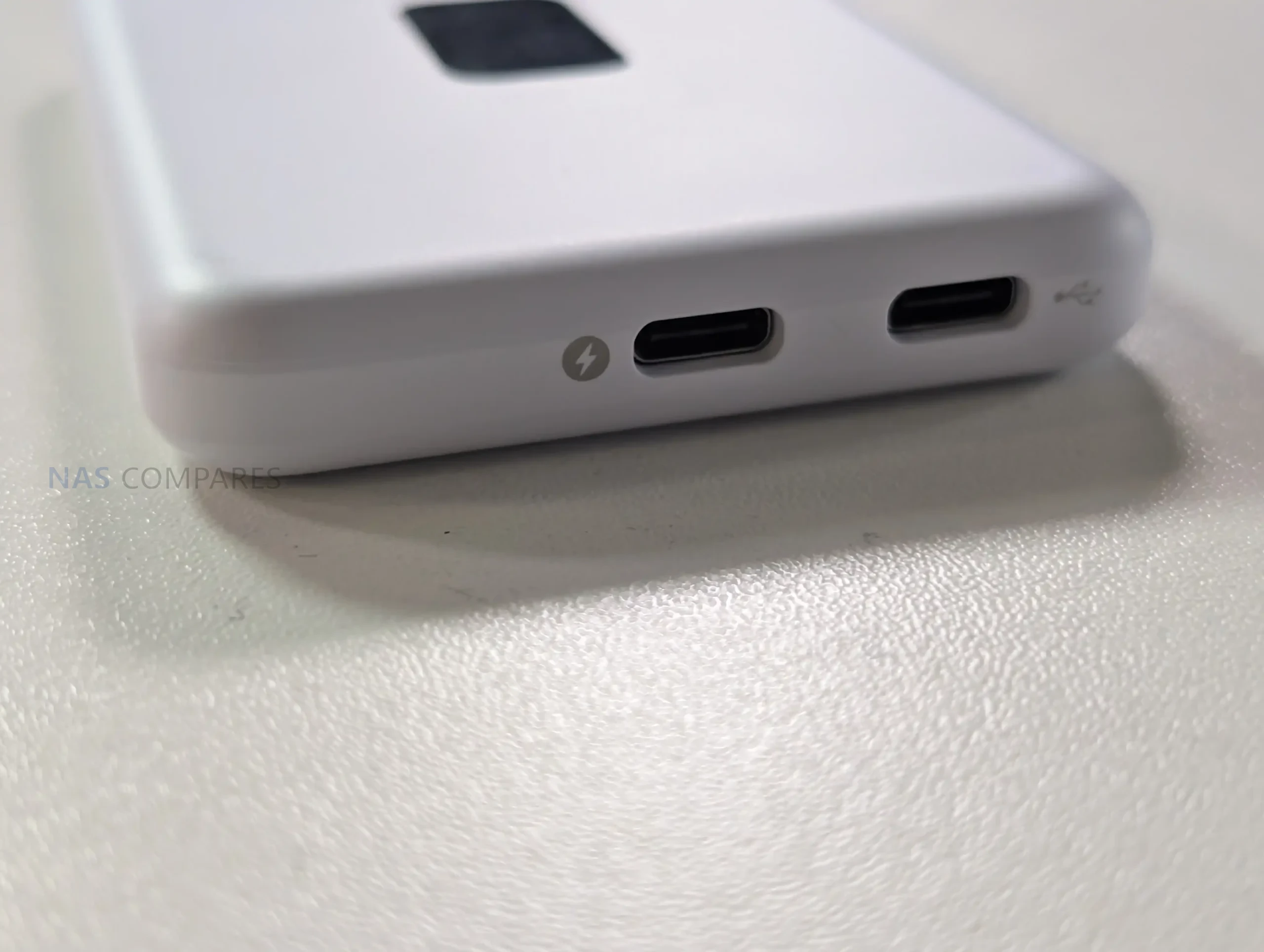
The UTR uses a slim, pocket oriented chassis that matches its intended role as a portable router rather than a fixed installation device. At 95.95 x 65 x 12.5 mm and 89 g, it is sized to carry alongside a phone, power bank, or small toolkit, and the enclosure is polycarbonate rather than metal. The design is built around external power, with no internal battery listed, so it is meant to be powered from common USB sources such as a charger, a power bank, or an available USB port in transit environments. UniFi specifies a USB-C 5V 2A input and up to 5W consumption, which places it within the output range of typical phone chargers and many shared USB outlets, but also means functionality depends on having a reliable external power source.
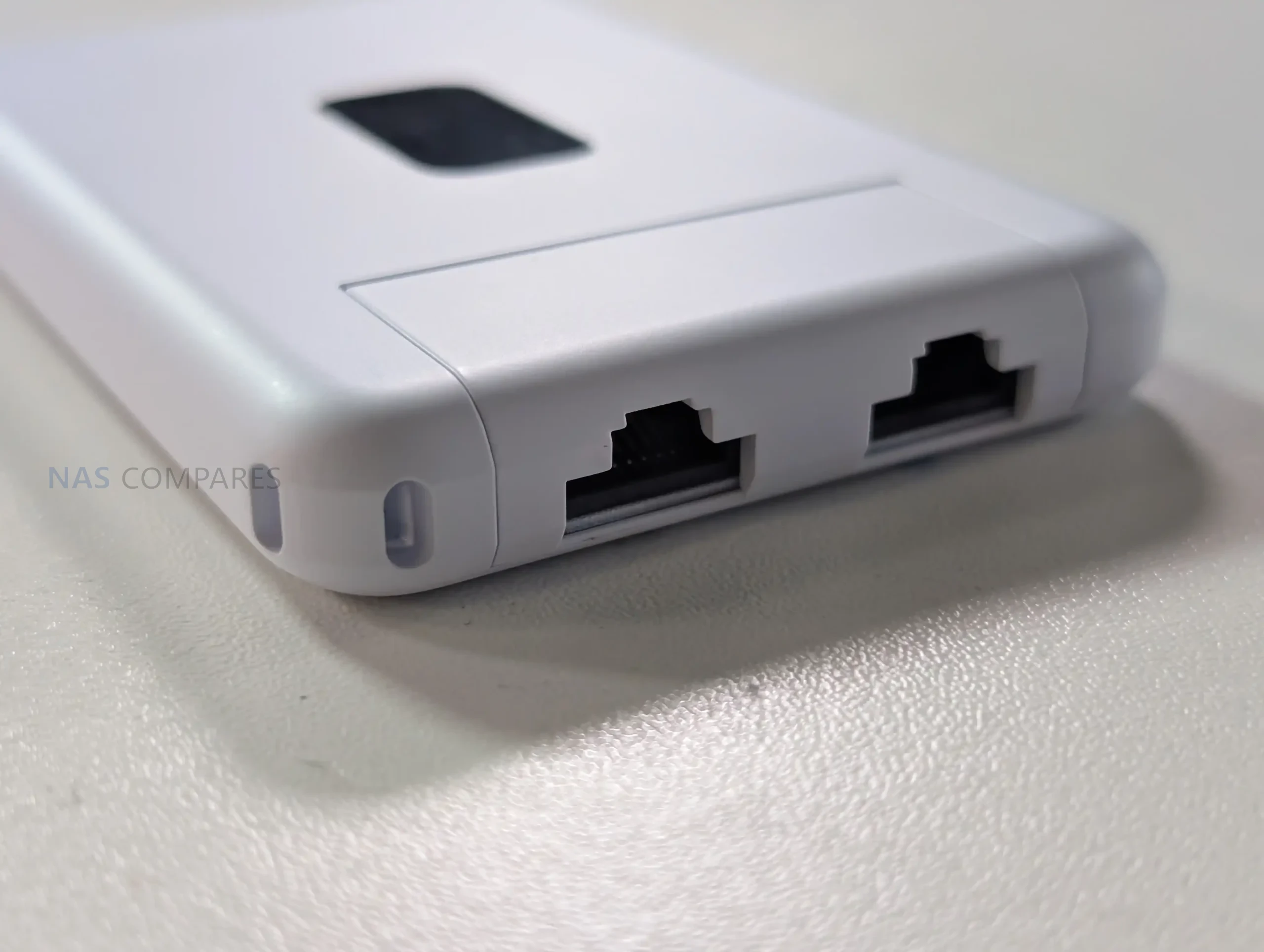

Physical I O is minimal and focused on travel use, with emphasis on flexibility rather than high port count. The unit provides 2 x GbE RJ45 ports for wired connectivity, typically used as WAN and LAN in practice, enabling either a wired upstream connection or a direct wired link to a local device when needed. It also includes a factory reset button but no other on device controls for configuration changes. In your usage notes, you highlighted that power and USB tethering are separated, allowing the device to stay powered from one source while using a different connection for phone tethering, which avoids the single port limitation found on some compact travel routers. You also noted that this layout suits scenarios where the most convenient power source might be a multi port power bank or a vehicle and public USB outlet, while the tether source remains the phone.
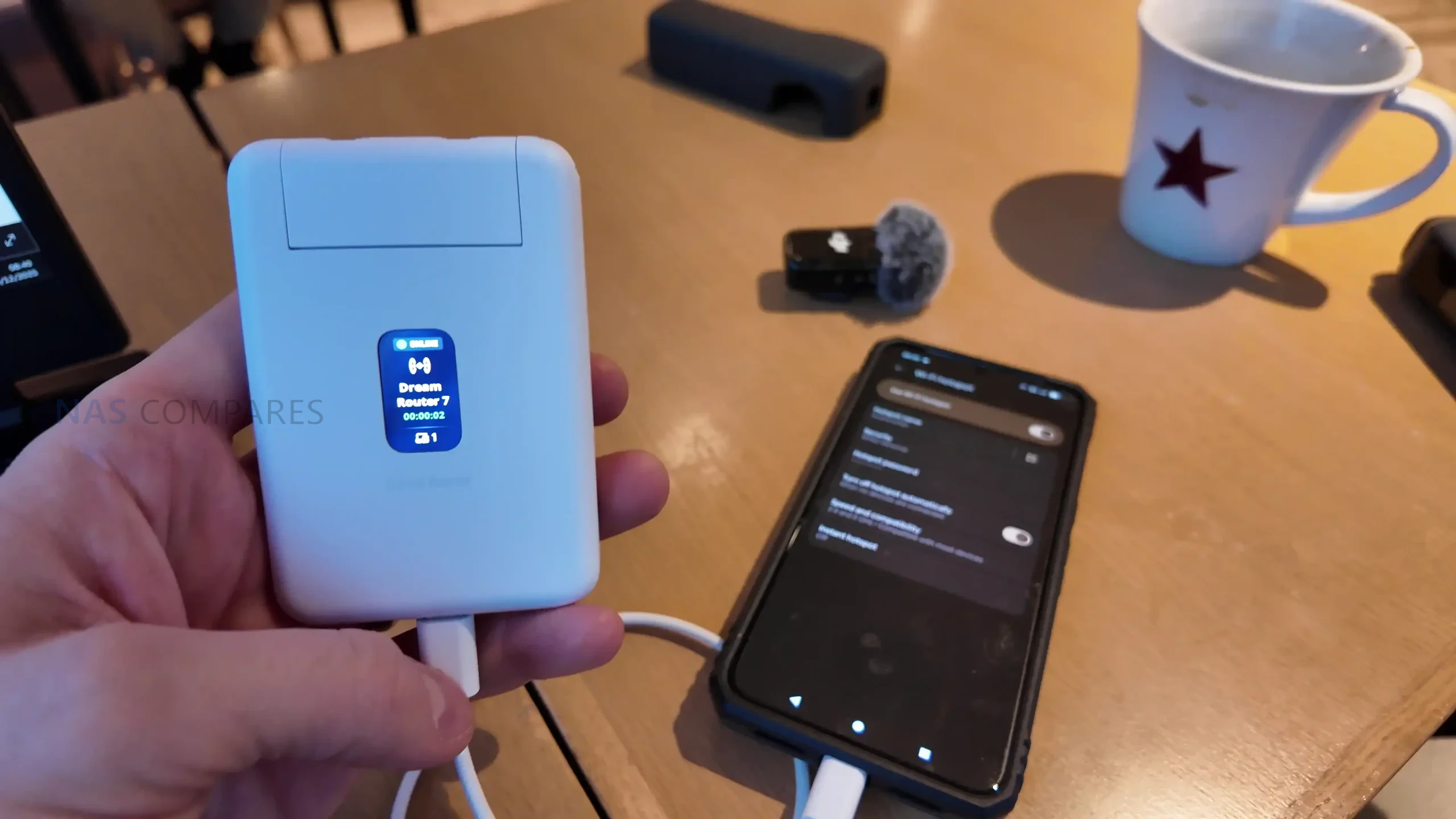
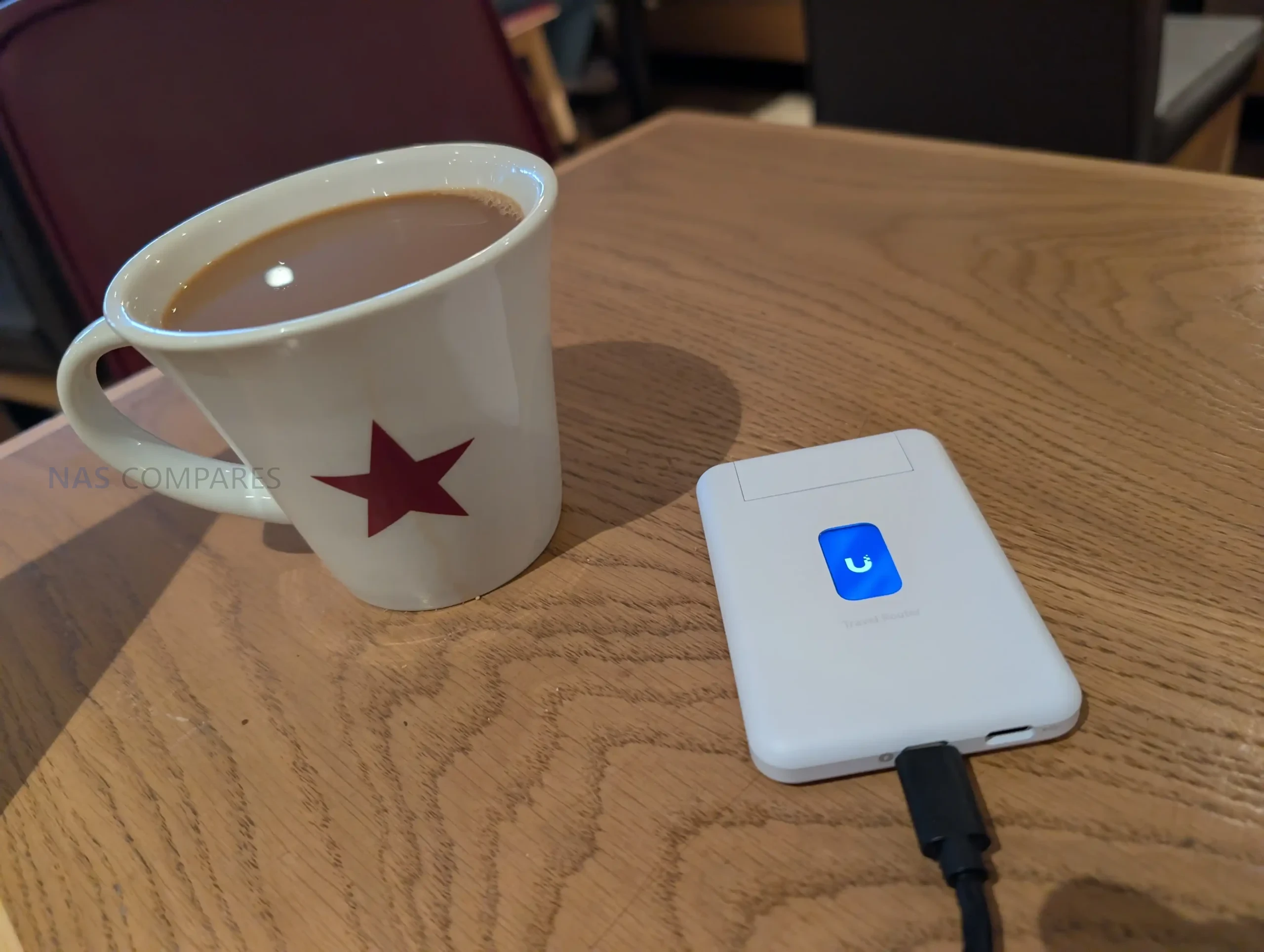
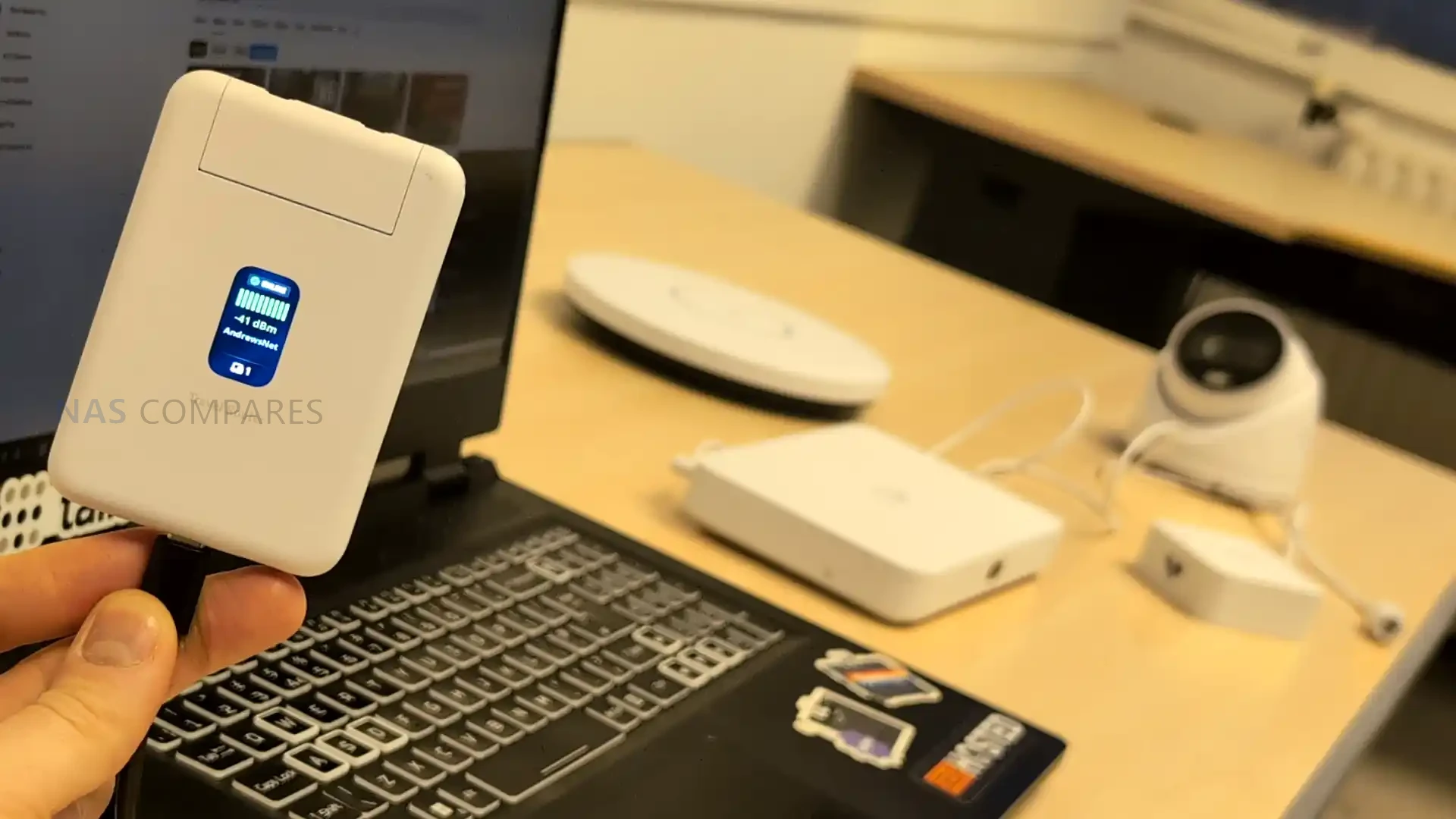
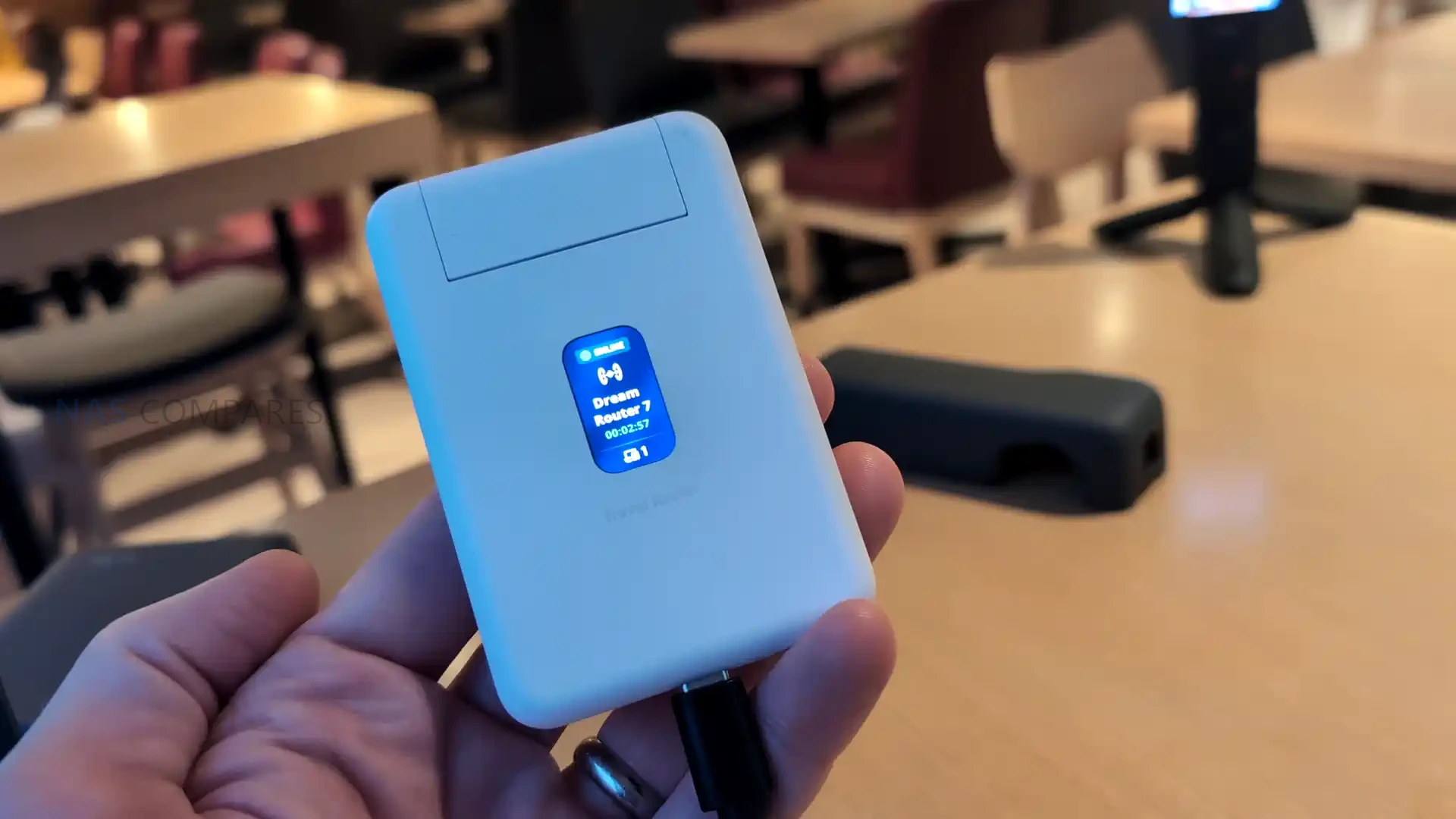
Status feedback is provided through a 1.14 inch display, but it is not a touchscreen, and configuration changes are handled in the UniFi Mobile App. This means the display functions as a quick reference for connection state and operational mode, such as whether it is using a particular uplink or whether Teleport is active, rather than a control surface for changing settings. Internally, WiFi is delivered via 2 embedded antennas with 2 x 2 MIMO and listed maximum transmit power of 13 dBm on both 2.4G and 5G, reflecting a design focused on compactness rather than external antenna placement. Operating limits are specified at -10 to 40 C and 5 to 95% noncondensing humidity, and the unit is listed as NDAA compliant with CE, FCC, and IC certifications, which may matter for users deploying it in regulated or corporate environments.
UniFi Travel Router – Connectivity
The UTR is built around 3 uplink paths: wired Ethernet, wireless WAN, and USB tethering through a smartphone, with the router acting as the single aggregation point for connected client devices. On the wired side, it provides 2 x GbE RJ45 ports, typically used as 1 WAN and 1 LAN, which allows a direct connection to an upstream network where a desk port or wall jack is available, while still offering a wired LAN handoff to a laptop, switch, or other local device. In your review, you also noted the practical advantage of using a wired uplink in temporary deployments, since it avoids relying entirely on building WiFi when you are on site for multiple days and want more predictable upstream stability.

For wireless connectivity, the UTR uses WiFi 5 (802.11ac) across 2.4 GHz and 5 GHz, with 2 x 2 MIMO and support for typical channel widths of 20, 40, and 80 MHz. UniFi lists a maximum 802.11ac data rate of up to 866.7 Mbps at VHT 80 and corresponding 802.11n rates up to 300 Mbps, with legacy 802.11a b g rates also supported for compatibility. In your video, you set expectations around real world throughput, noting that this class of WiFi 5 travel router can feel limited compared with newer WiFi 6 and WiFi 7 options, and you referenced typical observed uplink figures around 150 Mbps in the context of public WiFi and travel scenarios rather than sustained near gigabit speeds.
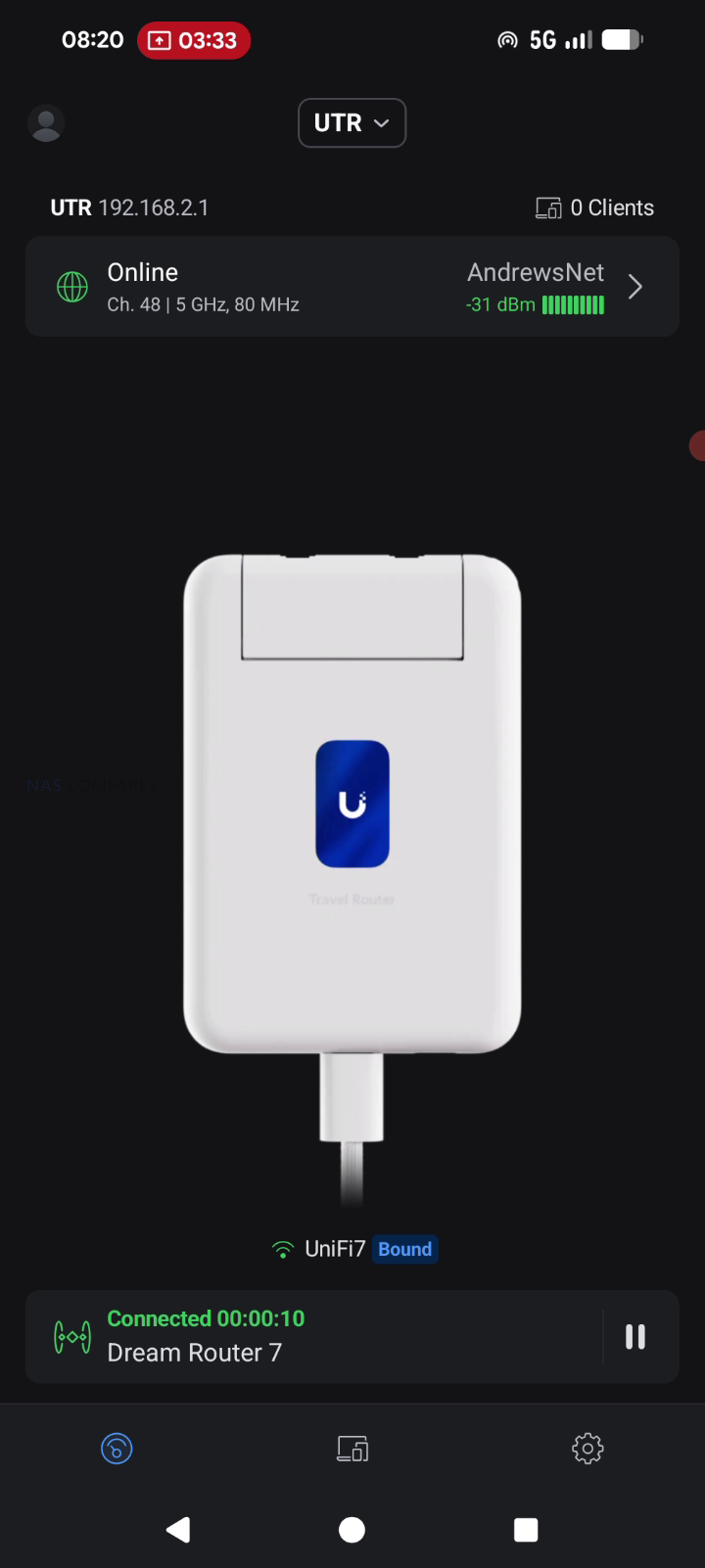

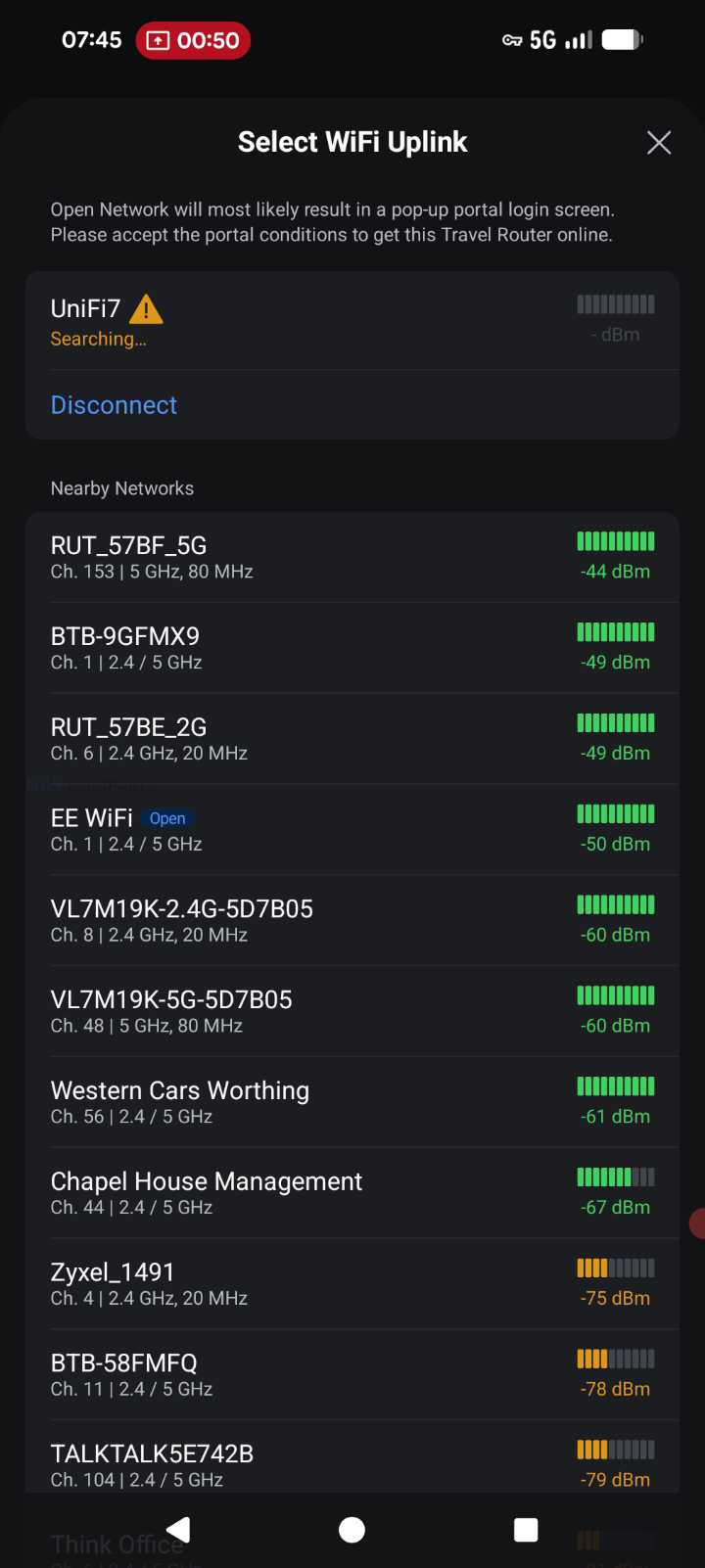
When connecting through hotel or venue WiFi, captive portal handling is part of the connectivity workflow rather than a separate feature layer. The documented process is to select the upstream network in the UniFi Mobile App, then complete any captive portal login on the phone when prompted, after which the router maintains that authenticated upstream session for the devices behind it. This approach can simplify group use, since multiple devices can share the same authenticated uplink without each device individually interacting with the portal. Connectivity limitations are also defined in the documentation, including lack of support for WPA Enterprise and Passpoint networks, which can affect compatibility in some corporate or managed public environments where those authentication methods are enforced.
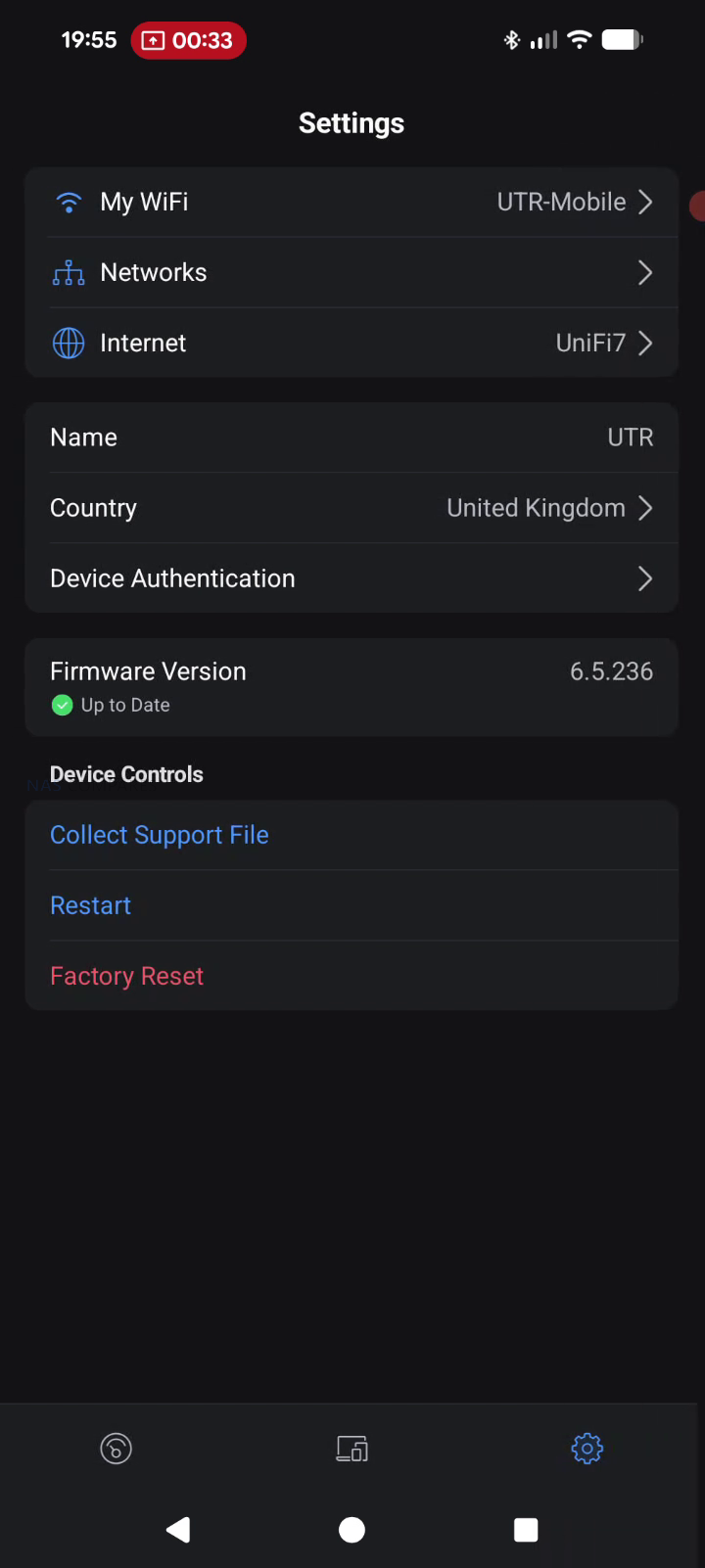

UniFi Travel Router – Software & Services
The UTR is designed to integrate into an existing UniFi deployment rather than operate as a standalone router with its own separate management model. Once it is bound to a UniFi site, it can automatically apply WiFi configuration and bring up the same network identity used elsewhere, including expected SSIDs and routing behavior. UniFi positions this as a continuity feature, where location aware policies and routing rules can activate when the router connects at a new site, reducing the amount of manual setup typically needed when moving between venues.
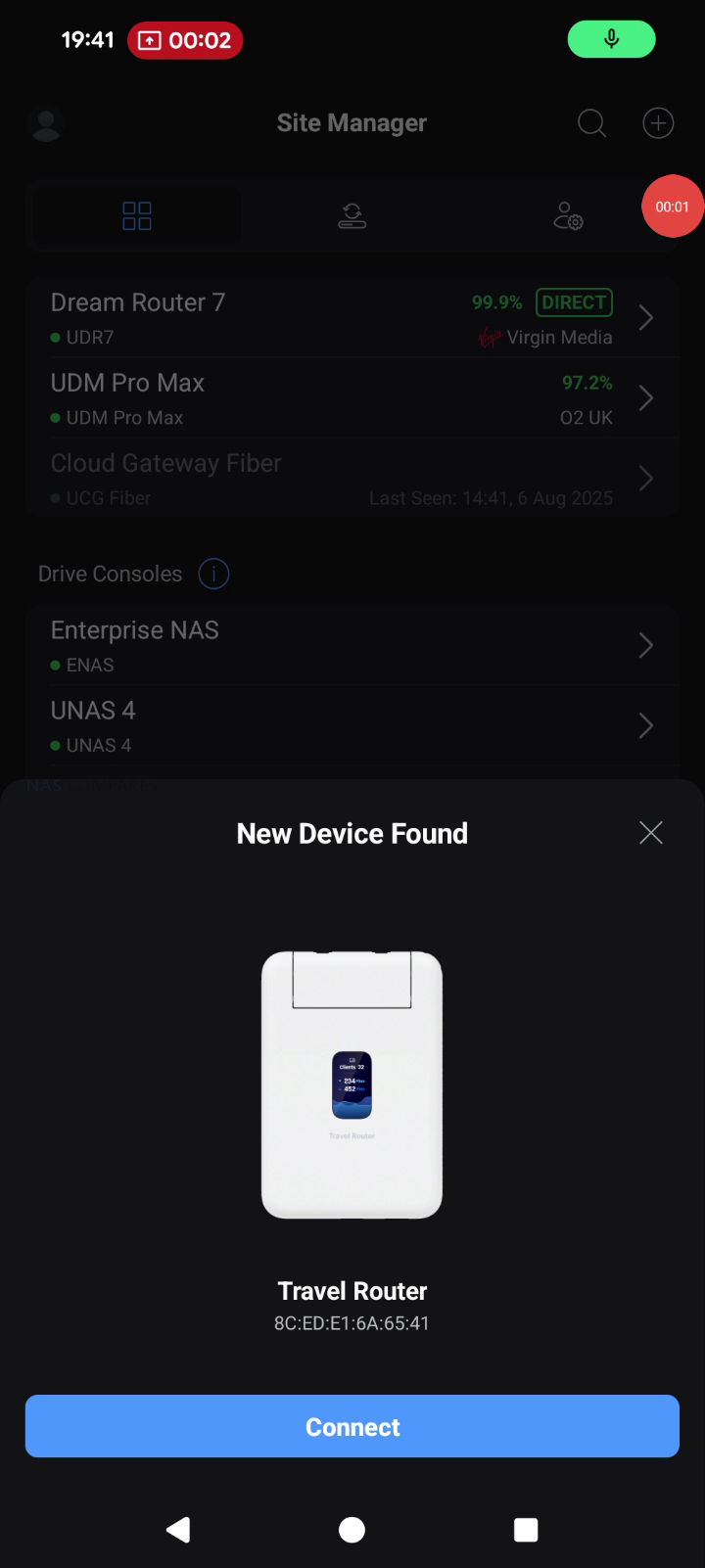

Teleport is the primary UniFi service feature tied to remote access on the UTR. The documented workflow is to complete initial setup, open the UniFi Mobile App, select an available UniFi gateway or console, and then connect using Teleport, creating a private path back to the user’s UniFi network. Alongside Teleport, the UTR lists VPN client support for OpenVPN and WireGuard, allowing VPN enforcement at the router level so connected devices use the same tunnel without requiring separate VPN configuration per device. In your review use case, this was framed around keeping work traffic routed through a known UniFi environment while operating on public or untrusted networks during multi day on site work.
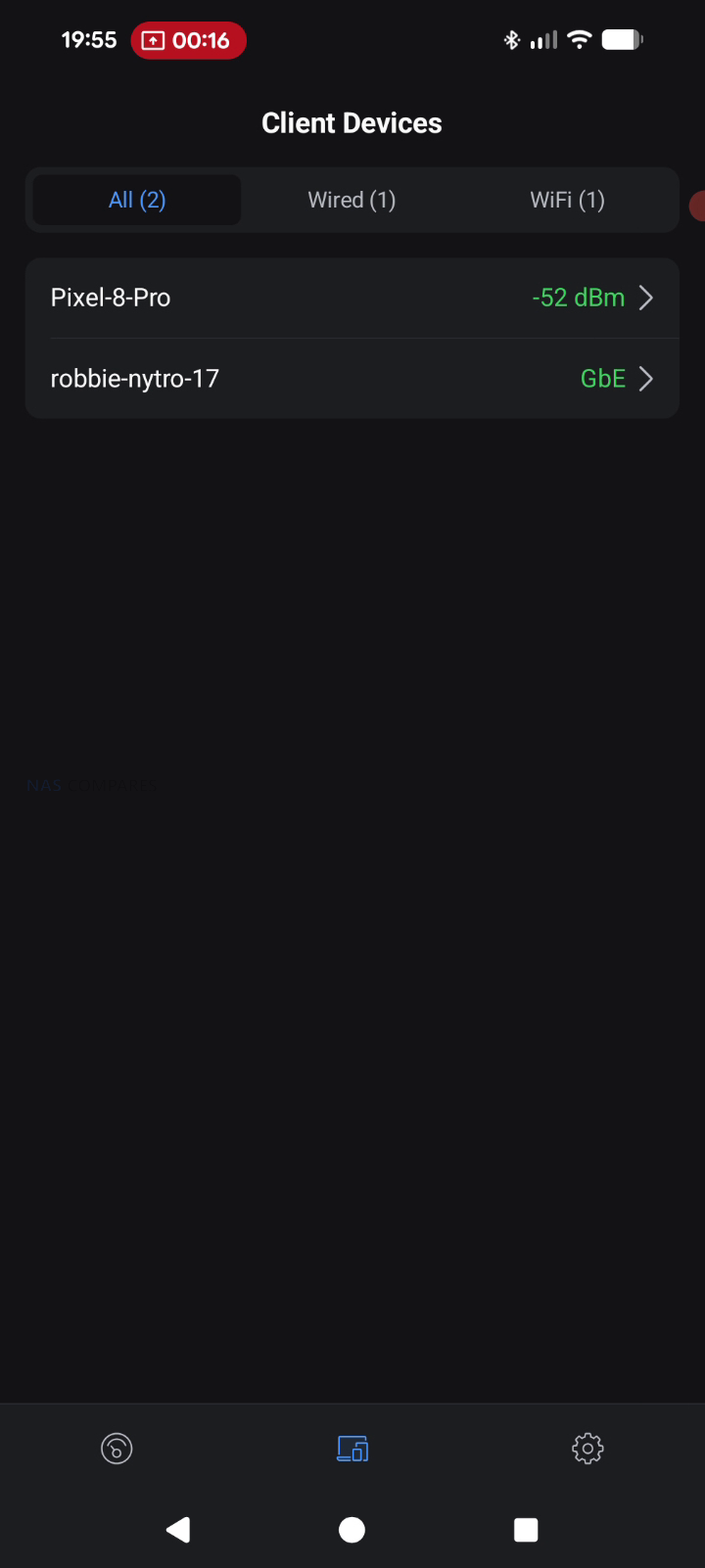

Beyond remote access, the feature set includes core router functions such as firewall and port forwarding, with UniFi management intended to keep LAN behavior consistent across locations. UniFi also describes plug and play pairing with existing UniFi devices, aiming to reduce friction when traveling with preconfigured hardware that is expected to reappear on a familiar network. The documentation also references Auto Link in the context of keeping wireless cameras and devices online automatically, positioning it as a continuity mechanism rather than a separate setup workflow. Operationally, configuration and connection selection are handled through the UniFi Mobile App, including joining upstream WiFi and completing captive portal authentication when present, while enterprise style WiFi authentication methods like WPA Enterprise and Passpoint are listed as unsupported.


UniFi Travel Router – Conclusion
The UniFi Travel Router makes the most sense as a “UniFi extender you can pocket” rather than a generic travel router trying to win on raw specs. The real value is how quickly it drops you back into a familiar environment: bind it to your UniFi setup, carry over the SSID you already use, and your devices can reconnect without you rebuilding a network from scratch each time you land somewhere new. For people who work on site, bounce between coffee shops, or travel with a small team, that convenience adds up fast: one upstream connection, one captive portal login handled through the app, and everything behind the UTR can ride through a secure Teleport tunnel back to your home or office UniFi gateway. Add the practical hardware touches, like two gigabit ports for wired WAN or LAN use, separate USB C power and USB tethering for pulling in a phone connection, and a status display that helps you confirm what is actually happening at a glance, and it is easy to see why this little box is appealing if you already live in the UniFi ecosystem.

The drawbacks are largely about what it is not trying to be. If you want a bleeding edge travel router, the UTR’s WiFi 5 radio and 1 GbE ports will feel conservative next to WiFi 6E or WiFi 7 options, and your top end wireless throughput is simply going to be capped by the platform. The screen is useful, but it is not touch, so you are still leaning on the mobile app for most changes, and there is no internal battery to make it a truly self contained travel companion. Just as importantly, there is no integrated SIM or eSIM, so anyone hoping for an all in one cellular travel router will be looking elsewhere or relying on phone tethering. Taken together, the UniFi Travel Router is a strong niche product: it is not the fastest, but for existing UniFi users who care most about consistency, security, and getting online quickly in messy real world networks, it is a smart and affordable addition to the kit bag.

| PROS of the UniFI Travel Router | CONS of the UniFI Travel Router |
|
|




