

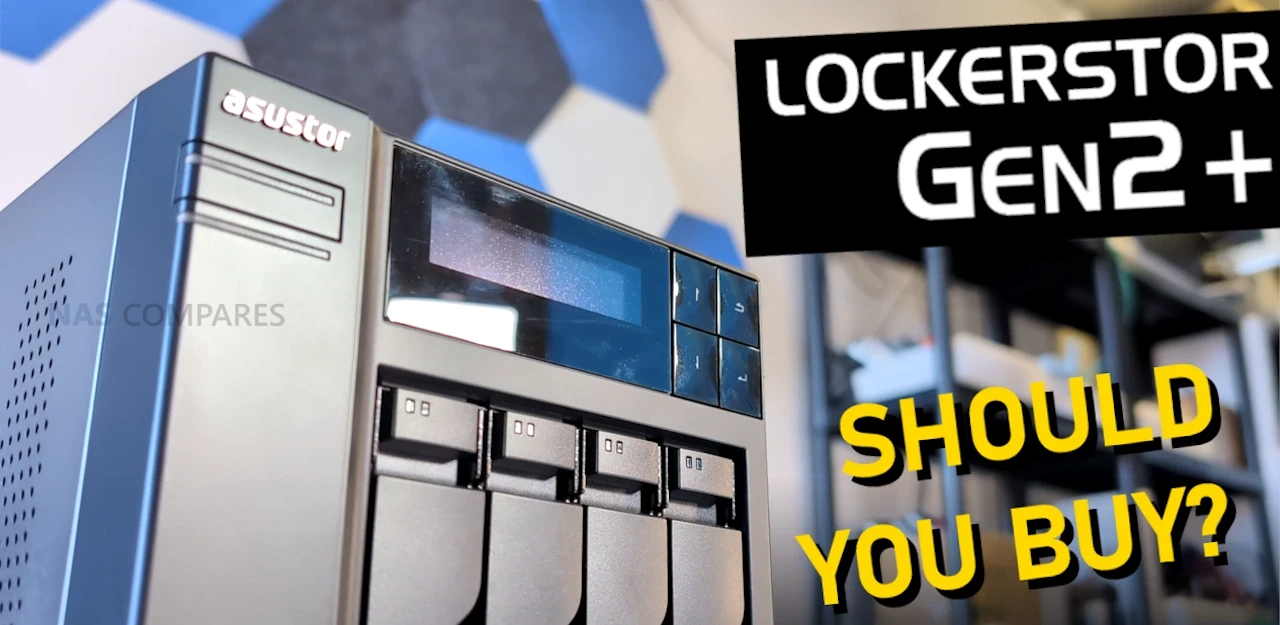
Asustor AS6704T v2 Lockerstor 4 Gen2+ NAS Hardware Review, Worth Your Data?
Asustor has always sat slightly off to one side of the mainstream NAS conversation. It does not chase the same marketing angles as the bigger names, but it has consistently tried to combine features that other brands often keep separated by model tier. The Lockerstor series is a good example of that approach, mixing prosumer hardware touches such as a metal chassis, HDMI output and multiple SSD bays with a fairly traditional four bay NAS layout. The Lockerstor 4 Gen2+ is not a clean-slate redesign. Instead, it is a mid-range refresh of the existing Lockerstor 4 Gen2, built on the same underlying platform. The CPU remains the Intel Celeron N5095, memory starts at 4 GB of DDR4, the four internal M.2 NVMe slots are unchanged, and the chassis and physical layout are effectively identical. The meaningful update in this revision is networking, with the Gen2+ moving from dual 2.5GbE ports to dual 5GbE. That change is intended to raise the usable network headroom for single users and small teams, particularly where SSD caching or multiple clients are involved, without forcing buyers straight into 10GbE. At the same time, the broader market has moved on since the original Gen2 launched. 2.5GbE is now common at this price point, and the N5095, while still stable and capable, is no longer the standout CPU it was in 2022 and 2023, with newer low power Intel platforms offering better efficiency and raw performance. Taken as a whole, the Lockerstor 4 Gen2+ is best viewed as a targeted update designed to keep the existing Lockerstor platform relevant for longer. It does not attempt to redefine what a mid-range four bay NAS should be, but instead focuses on addressing network performance as storage media and workflows continue to push beyond the limits of 2.5GbE.
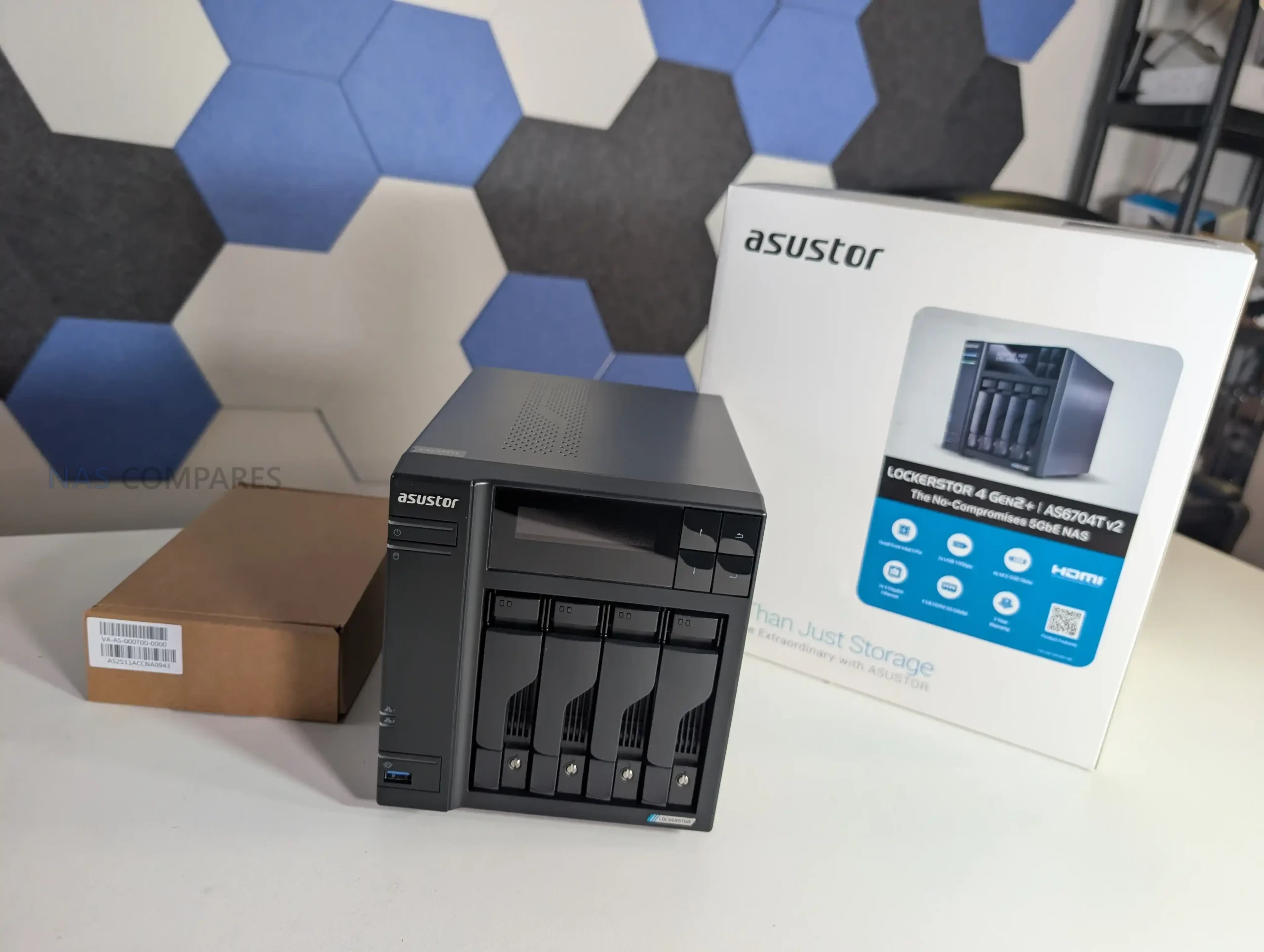
Asustor AS6704T v2 Lockerstor 4 Gen2+ NAS Review, Quick Conclusion
The Lockerstor 4 Gen2+ is a competent and largely familiar system. From a hardware perspective, it remains solid, well built and flexible, with few outright weaknesses in isolation. The metal chassis, internal expandability and feature set still compare well against many competing four bay NAS systems. However, this revision does not materially change the overall character or capability of the platform beyond networking. The move from dual 2.5GbE to dual 5GbE is the defining update. For users who already have compatible network infrastructure, or who are working close to the limits of 2.5GbE with multiple clients, SSD caching or larger hard drives, this upgrade does provide tangible benefits. For others, particularly those still on gigabit or mixed networks, the improvement may be largely theoretical in day to day use. At the same time, the unchanged use of the Intel Celeron N5095 is more noticeable now than it was at the original Gen2 launch. While it remains stable and well supported, it no longer stands out in a market where newer low power Intel CPUs offer better efficiency and performance at similar price points. Combined with pricing that now faces stronger competition, the Gen2+ feels more like a stopgap refresh than a forward looking update. Overall, the Lockerstor 4 Gen2+ is a capable NAS that makes sense primarily for users who value its physical design, internal expandability and Asustor’s flexible hardware policy, and who can take advantage of 5GbE networking today. It is less compelling as a general upgrade for existing Gen2 owners, or as a default recommendation in a crowded mid-range market.
| Where to Buy a Product | |||
 |
    
|
  
|
VISIT RETAILER ➤ |
 |
|
|
VISIT RETAILER ➤ |
| Amazon in Your Region | B&H NAS Shop |
 |
 |
Asustor AS6704T v2 Lockerstor 4 Gen2+ NAS Review, Design
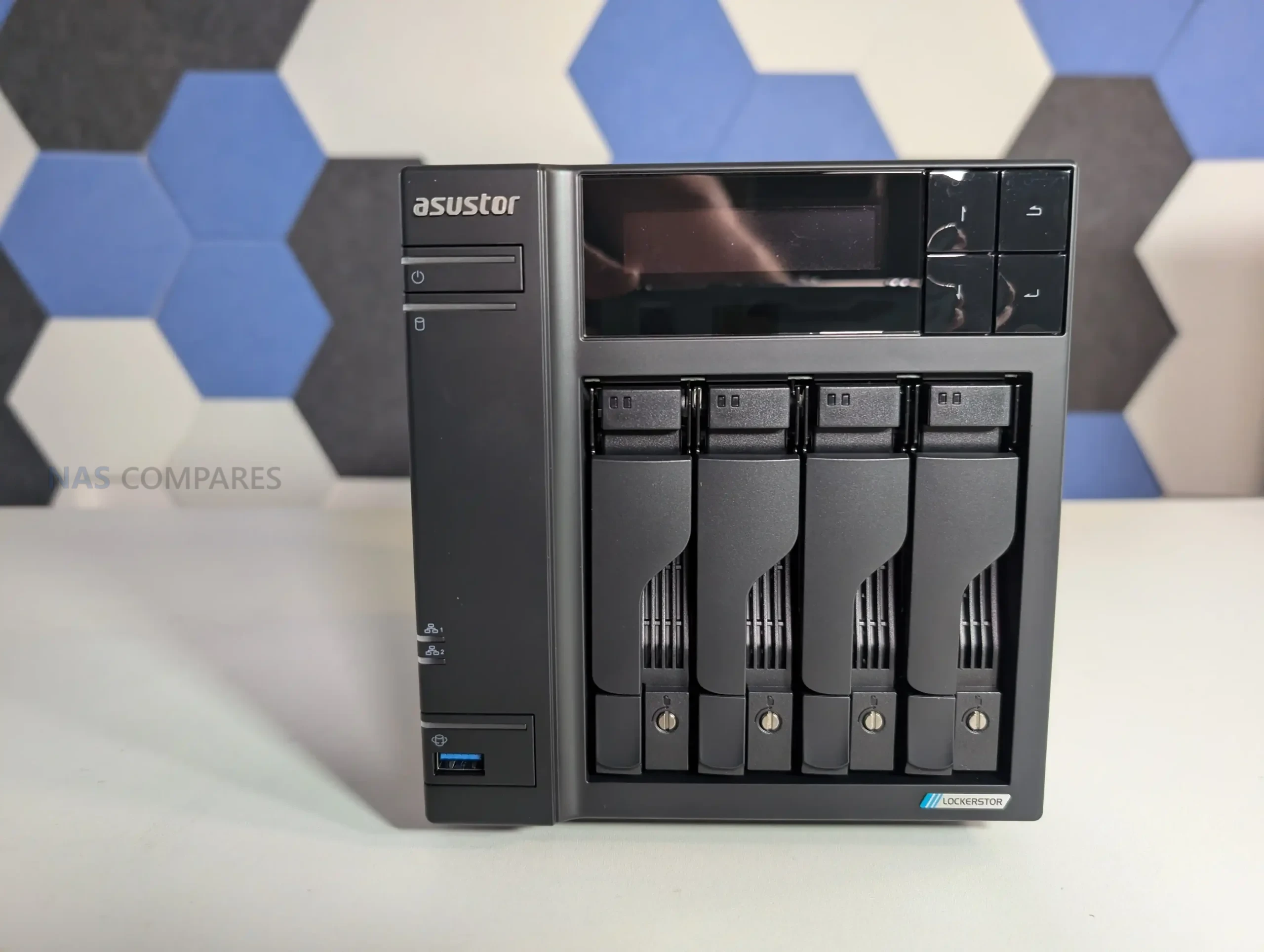
The physical design of the Lockerstor 4 Gen2+ is effectively unchanged from the earlier Gen2 model. Asustor has retained the same chassis, dimensions and layout, making this revision visually indistinguishable from its predecessor. This is a deliberate choice rather than an oversight, and it reflects Asustor’s preference for continuity in this product line.
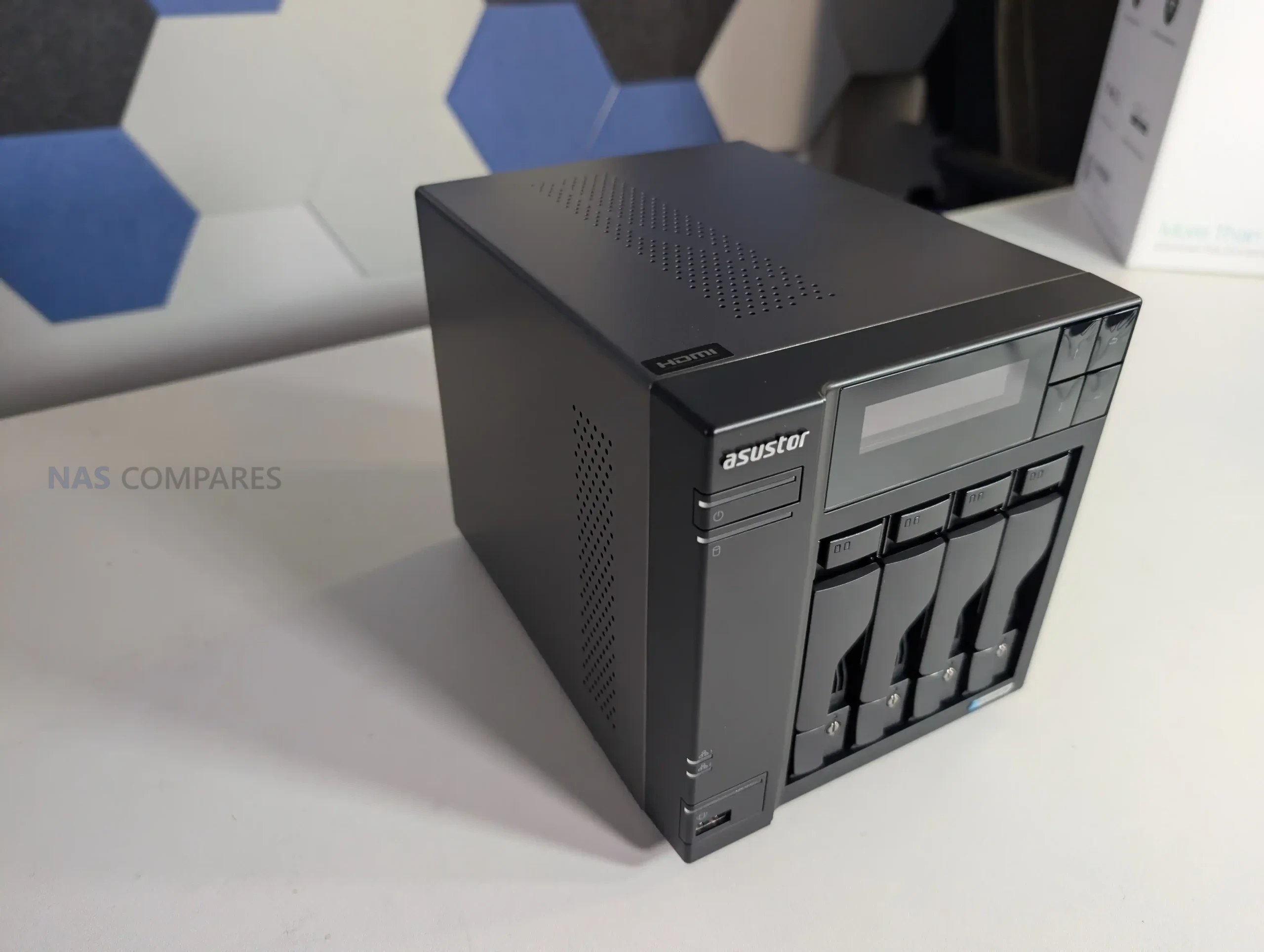
The enclosure is almost entirely metal, including the outer shell and the individual drive trays. This gives the unit a robust, industrial feel and contributes to passive heat dissipation. It also differentiates the Lockerstor from many competing four bay NAS systems that rely more heavily on plastic for cost and noise reduction. The trade-off remains increased vibration and audible resonance when using higher capacity, faster spinning hard drives.
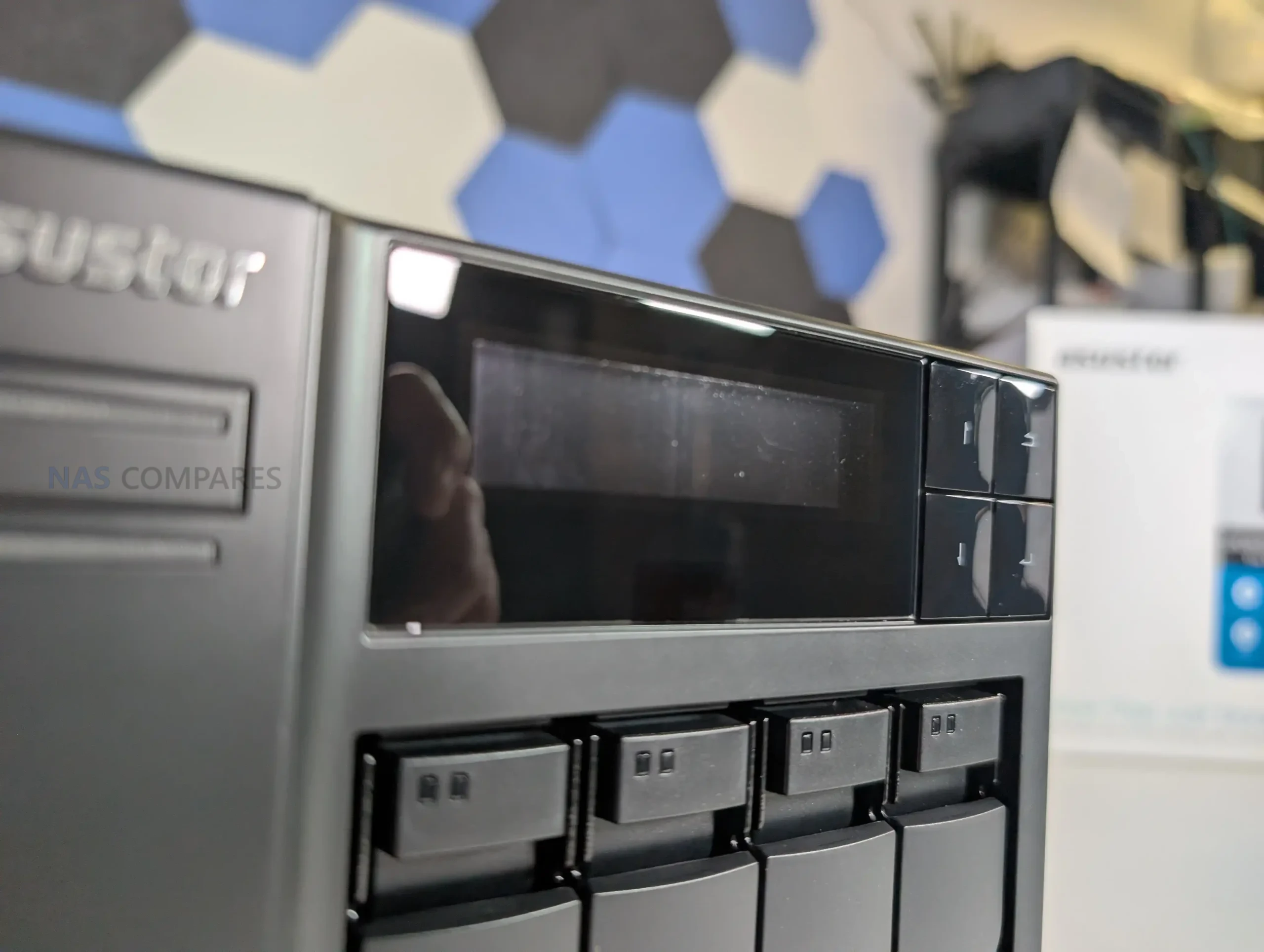
On the front of the unit, the Lockerstor retains its LCD display, a feature that has largely disappeared from this segment. The display provides system status information such as IP addresses, temperature readings and alert notifications. Beyond basic monitoring, it can also be used for initial system setup, allowing the NAS to be configured without a connected computer. While this will not replace web based administration for ongoing management, it remains useful for rapid deployment and troubleshooting, particularly when network access is limited.
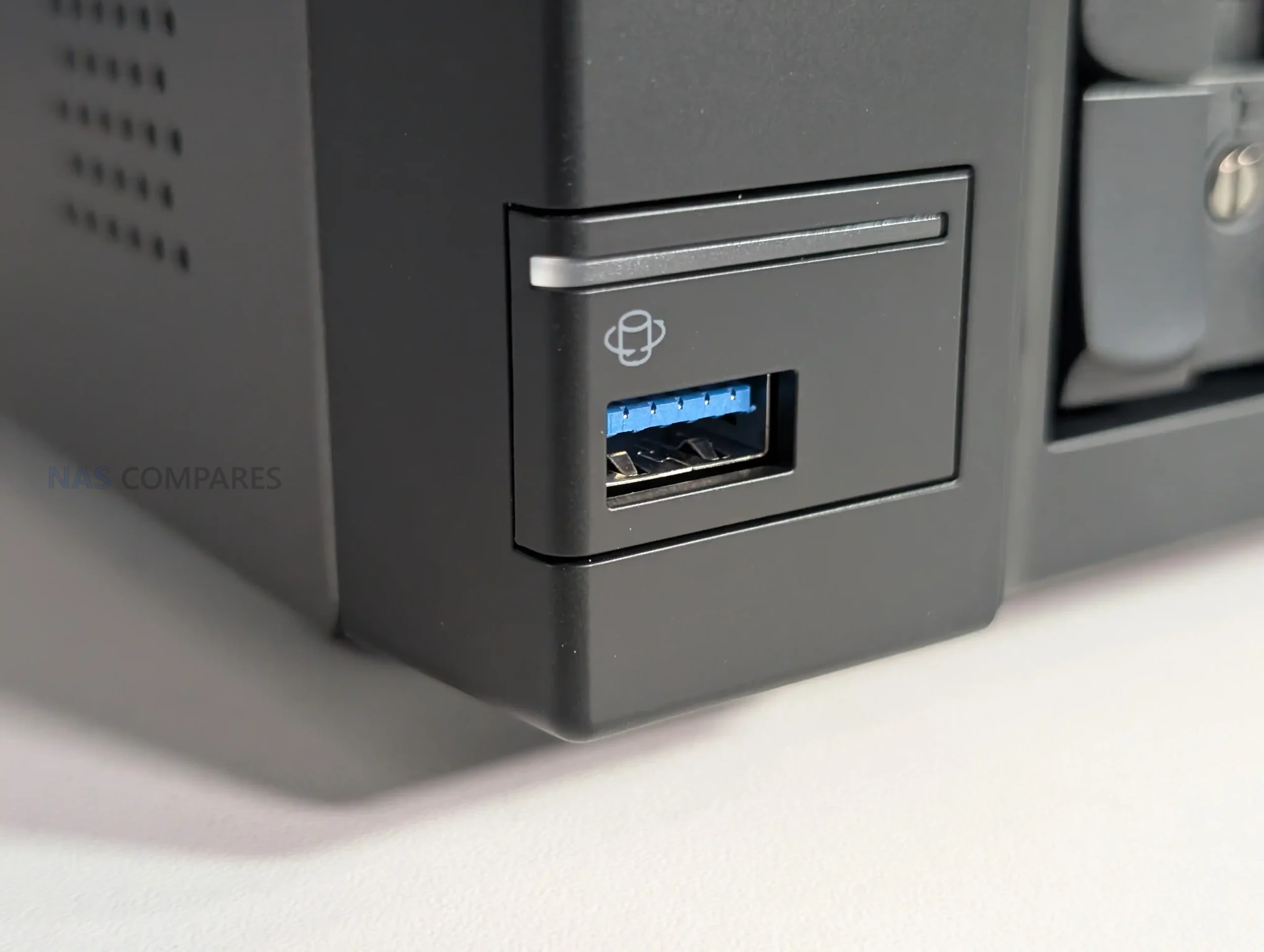
Status LEDs are present alongside the display and drive bays, offering basic activity indicators. These are functional but secondary to the information provided by the LCD panel. A front mounted USB port with a dedicated copy button is also retained. This supports both manual and automatic backup tasks and has been upgraded in earlier Gen2 models to USB 3.2 Gen 2, allowing higher speed transfers to and from external storage devices.
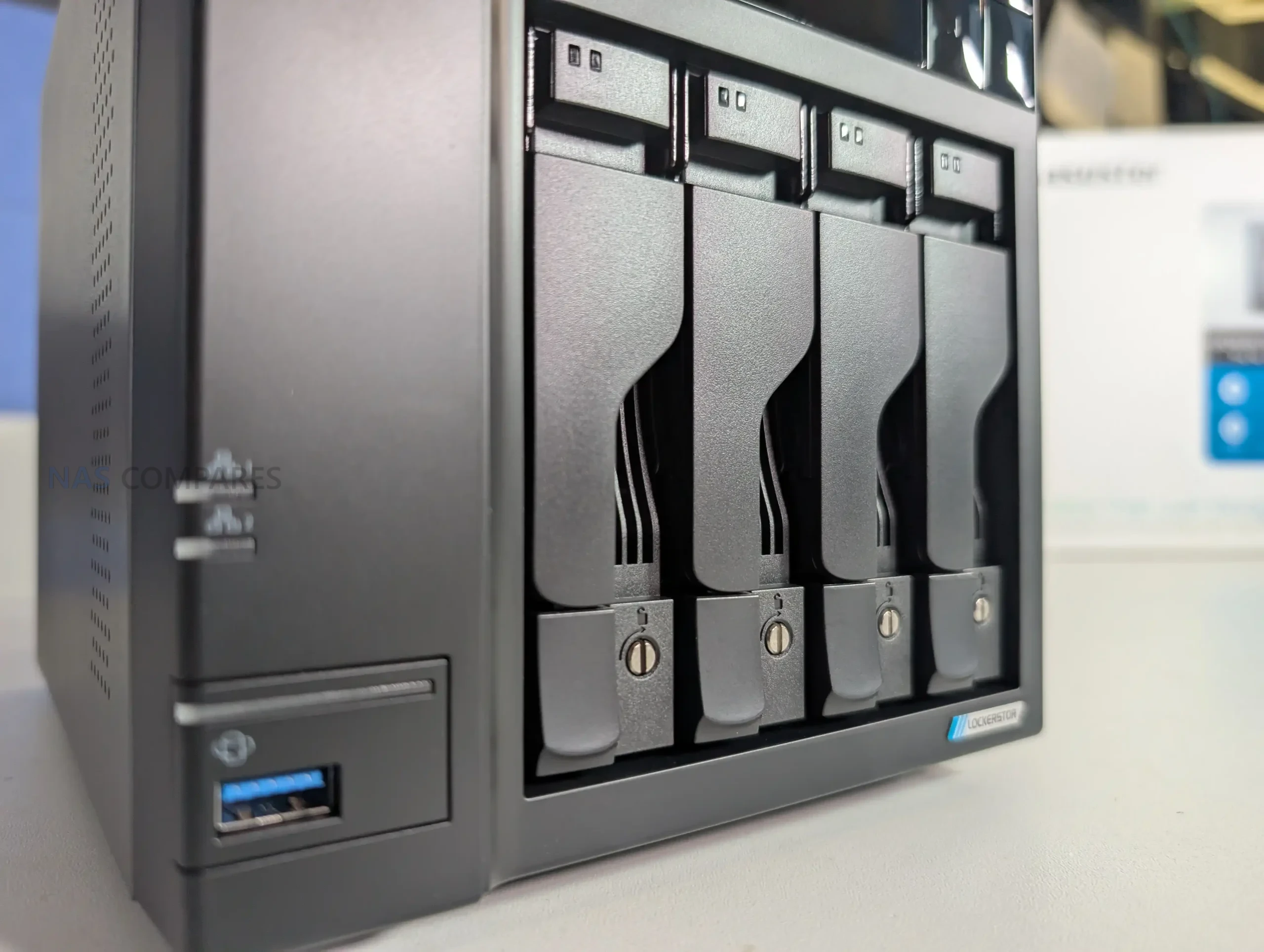
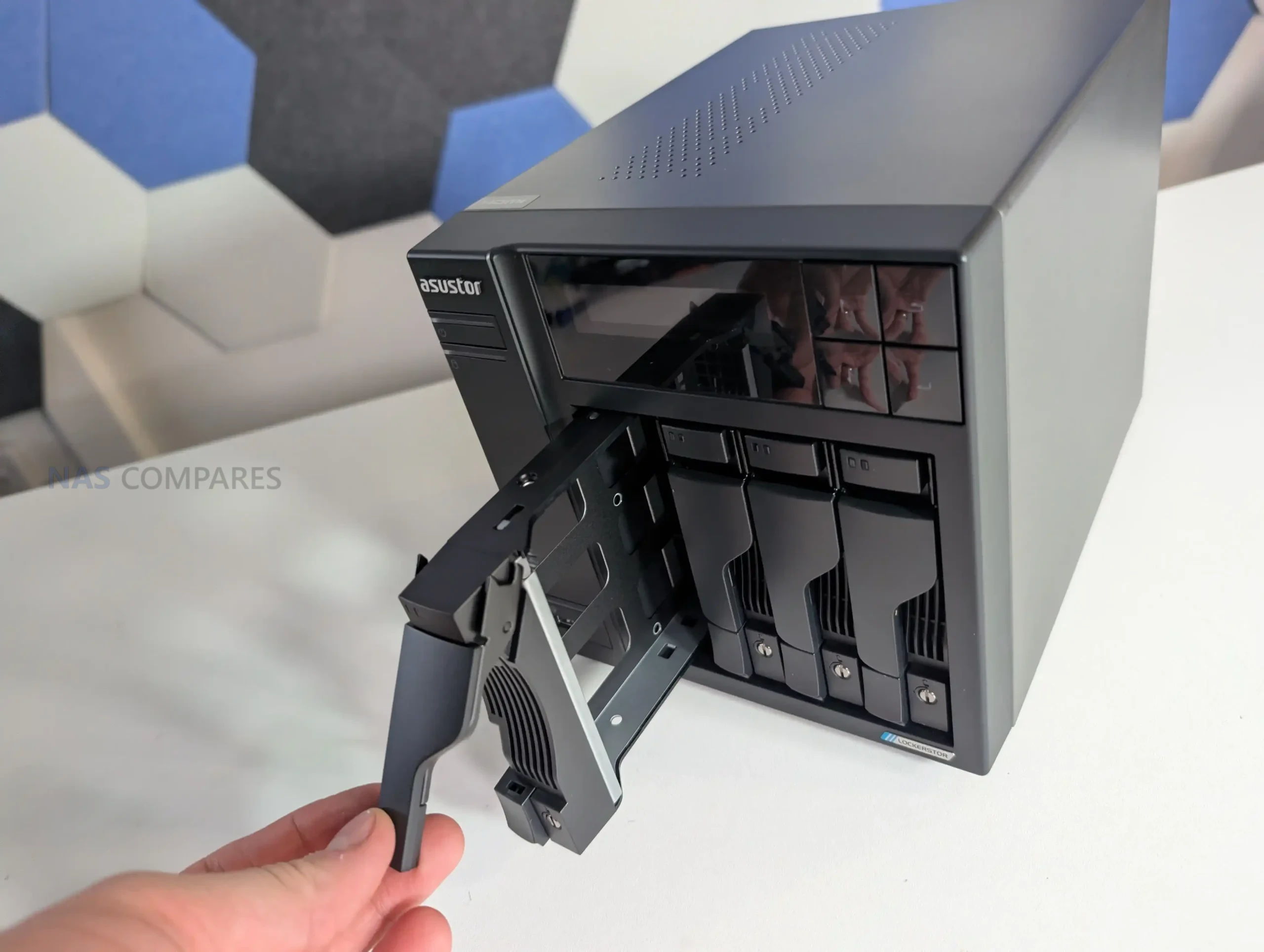
The drive trays themselves are metal, ventilated and feature a locking mechanism. They support both 3.5 inch and 2.5 inch SATA drives and allow hot swapping where the configuration permits. The tray design prioritizes rigidity and airflow over acoustic dampening, which again reinforces the Lockerstor’s server-like character rather than a living room friendly one.
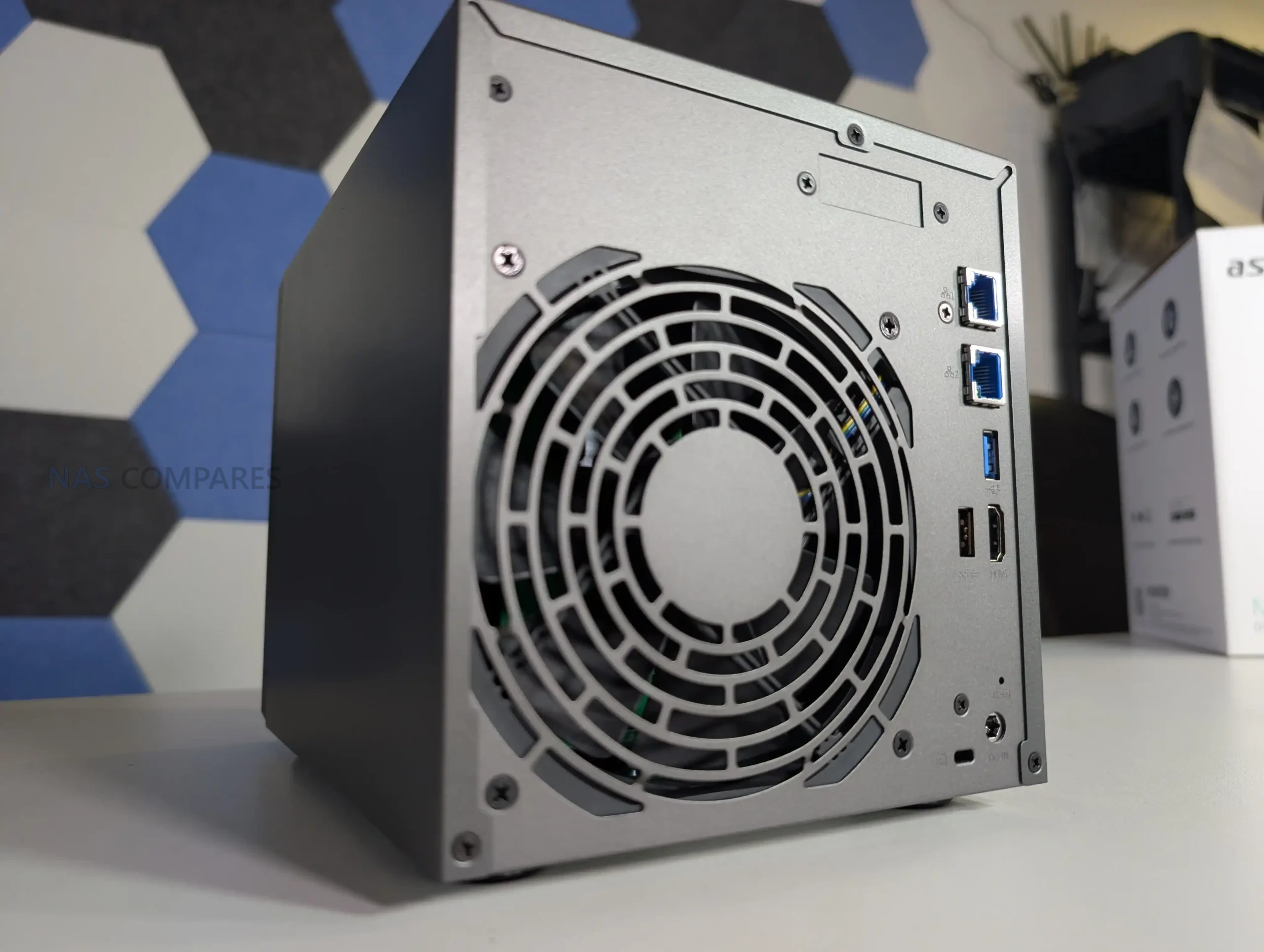
Ventilation is handled through a combination of tray perforation, side vents and a large rear mounted cooling fan. There have been minor adjustments over successive revisions to improve airflow around the M.2 area, but the overall cooling approach remains conservative and tuned for reliability rather than silence.
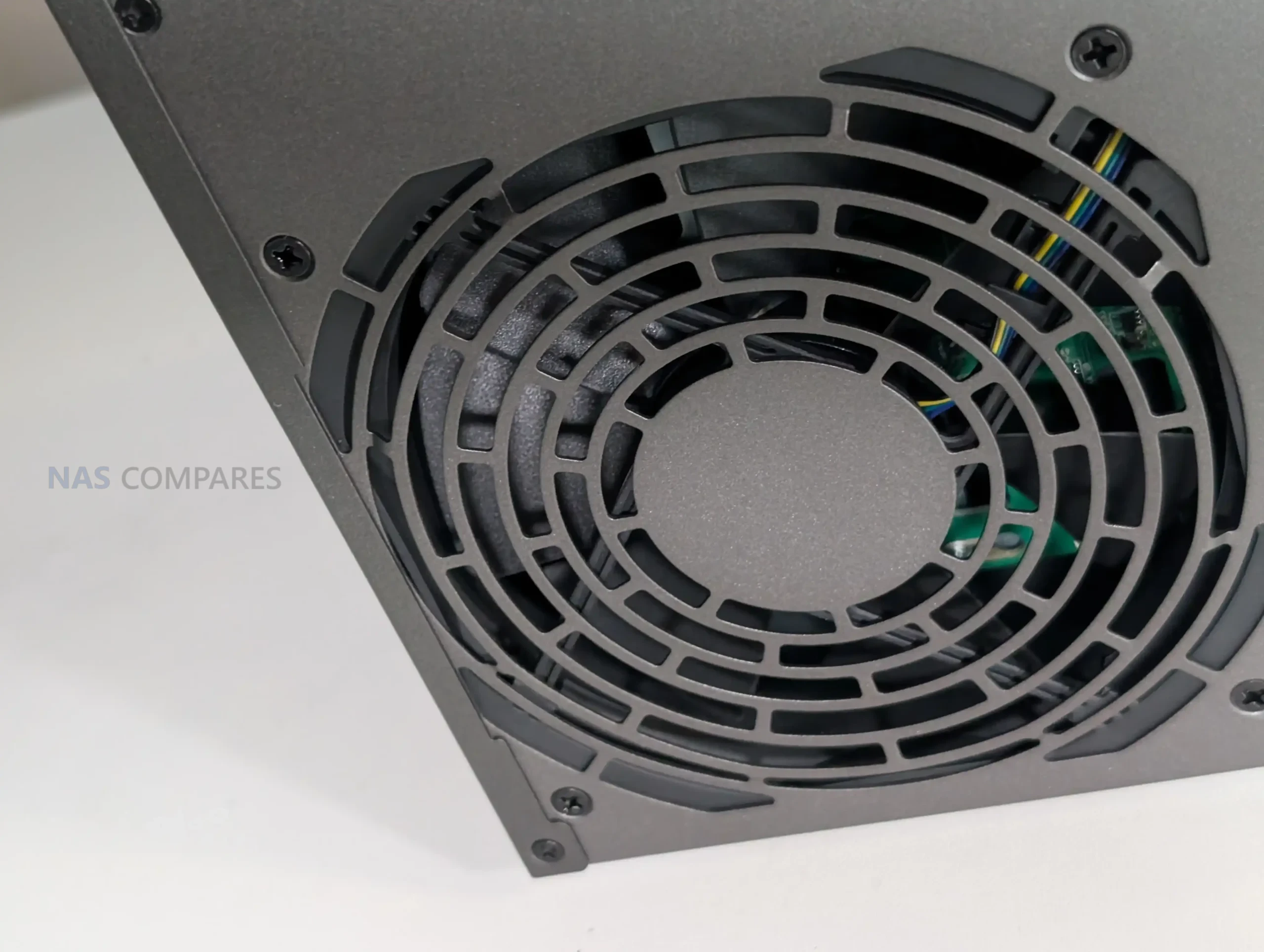
In summary, the design of the Lockerstor 4 Gen2+ will appeal to users who value durability, serviceability and physical controls. It does not attempt to modernize its appearance or reduce its footprint, and buyers sensitive to noise or aesthetics should be aware of the compromises that come with this design philosophy.
Asustor AS6704T v2 Lockerstor 4 Gen2+ NAS Review, Ports and Connections
The rear connectivity of the Lockerstor 4 Gen2+ closely resembles that of the earlier Gen2 model, with one important exception. The dual 2.5GbE ports have been replaced with dual 5GbE Ethernet, which represents the core purpose of this refresh. Everything else in the port layout remains largely the same, reinforcing that this is a targeted update rather than a rework of the platform.
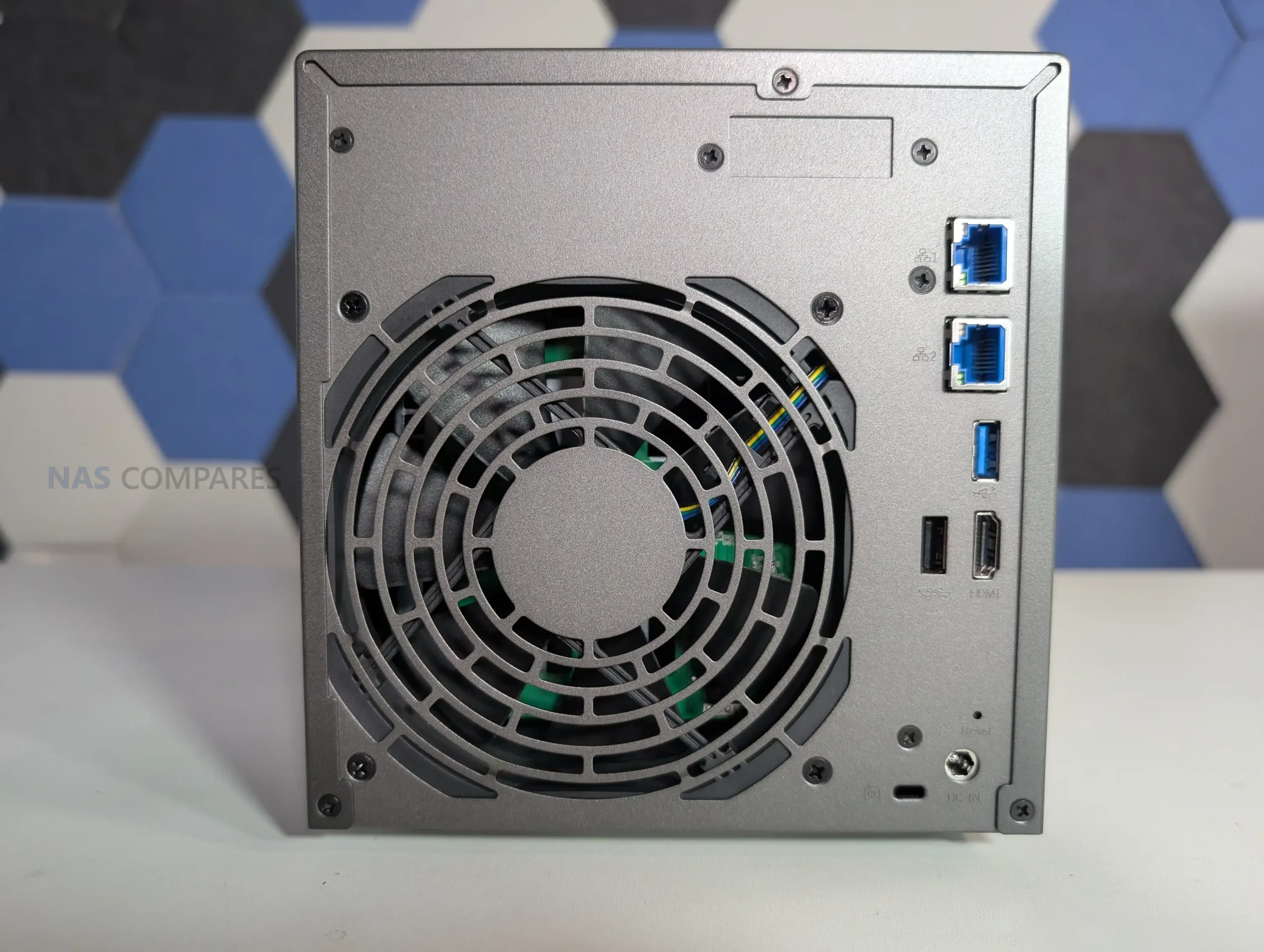
The two 5GbE ports support standard Ethernet features including link aggregation and SMB Multichannel. In practical terms, this allows higher aggregate throughput when multiple clients are accessing the NAS simultaneously, or improved single client performance in supported environments. Asustor positions this as offering near 10GbE class performance without the cost or infrastructure demands of full 10GbE. In reality, the benefits depend heavily on the surrounding network hardware, client support and workload type. Users without compatible switches or clients will see little immediate advantage over 2.5GbE.
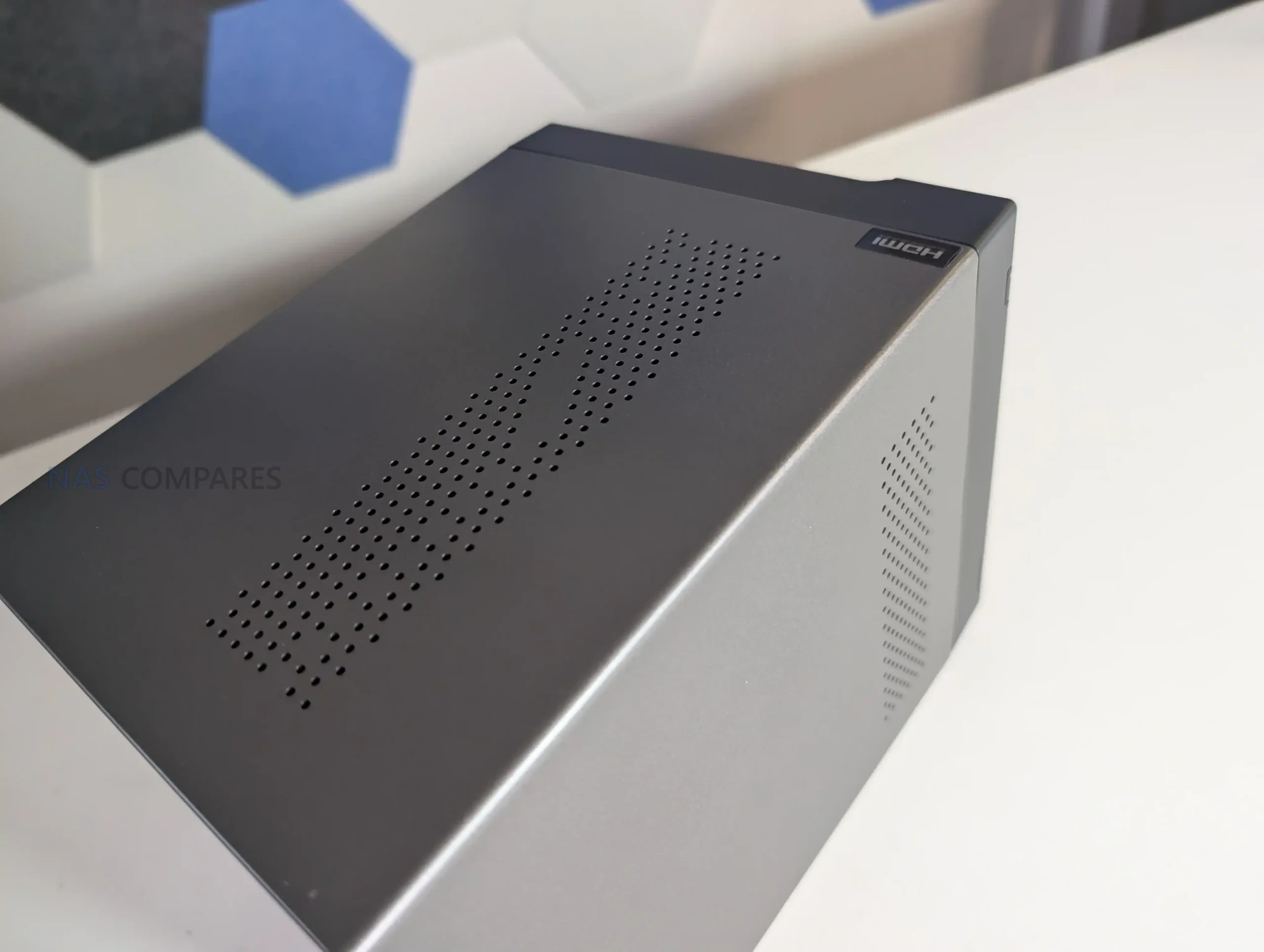
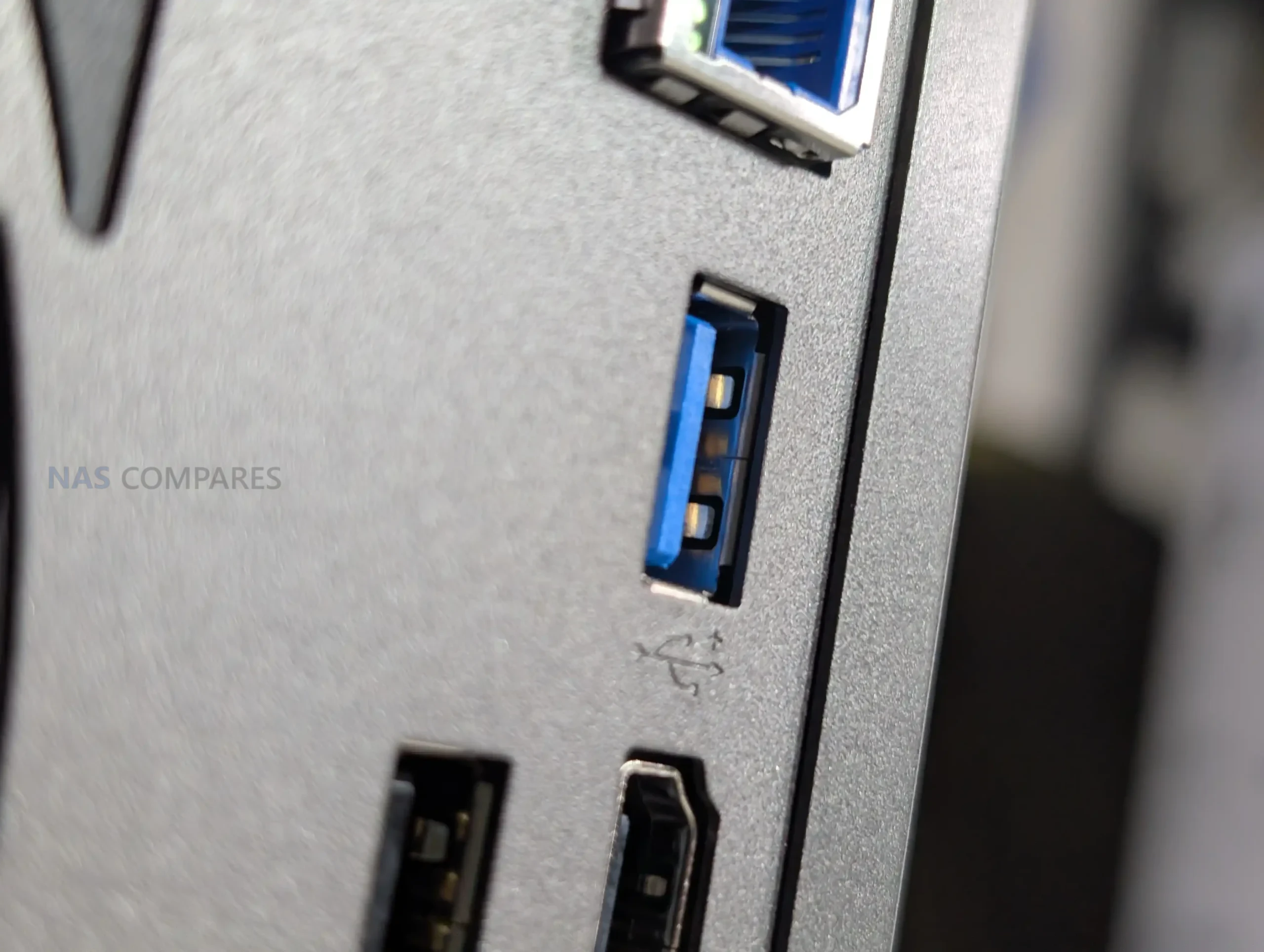
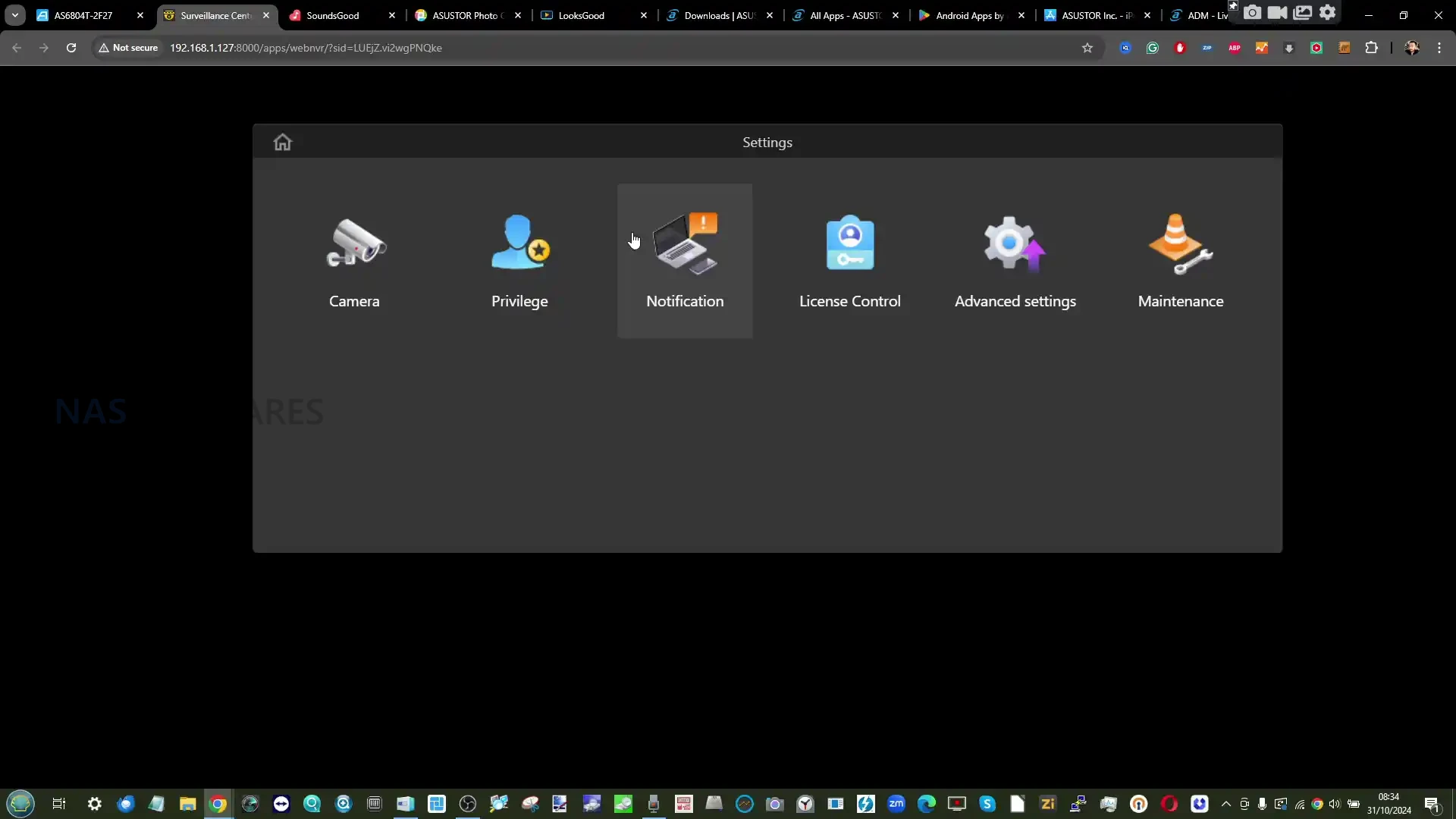
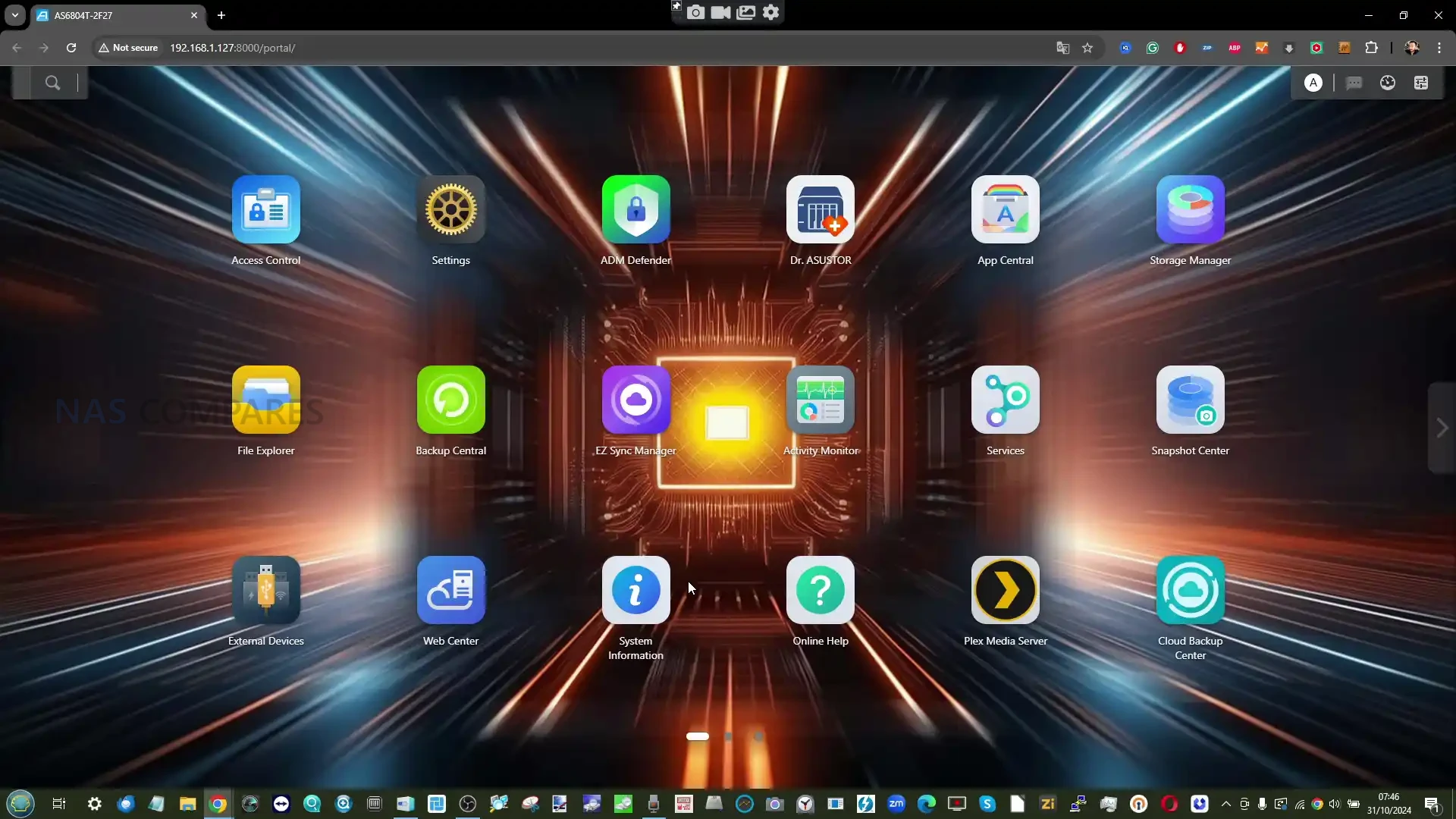
Alongside the Ethernet ports, the Lockerstor 4 Gen2+ retains its HDMI output. This is used with Asustor Portal, a parallel interface that allows direct interaction with media playback, virtual machines and containerized applications when the NAS is connected to a display. Unlike some competing implementations, this HDMI output is actively supported, though it remains a secondary interface compared to the browser based ADM environment. Two rear USB ports provide USB 3.2 Gen 2 connectivity for high speed external storage, adapters and peripherals.
A PCIe expansion slot is also present and remains an important part of the Lockerstor design. In the Gen2+ series, this slot is described as no longer proprietary, allowing broader compatibility with third party 10GbE network cards. This adds flexibility for users who expect to outgrow 5GbE in the future, although it still requires choosing between PCIe expansion and the preinstalled M.2 carrier board.
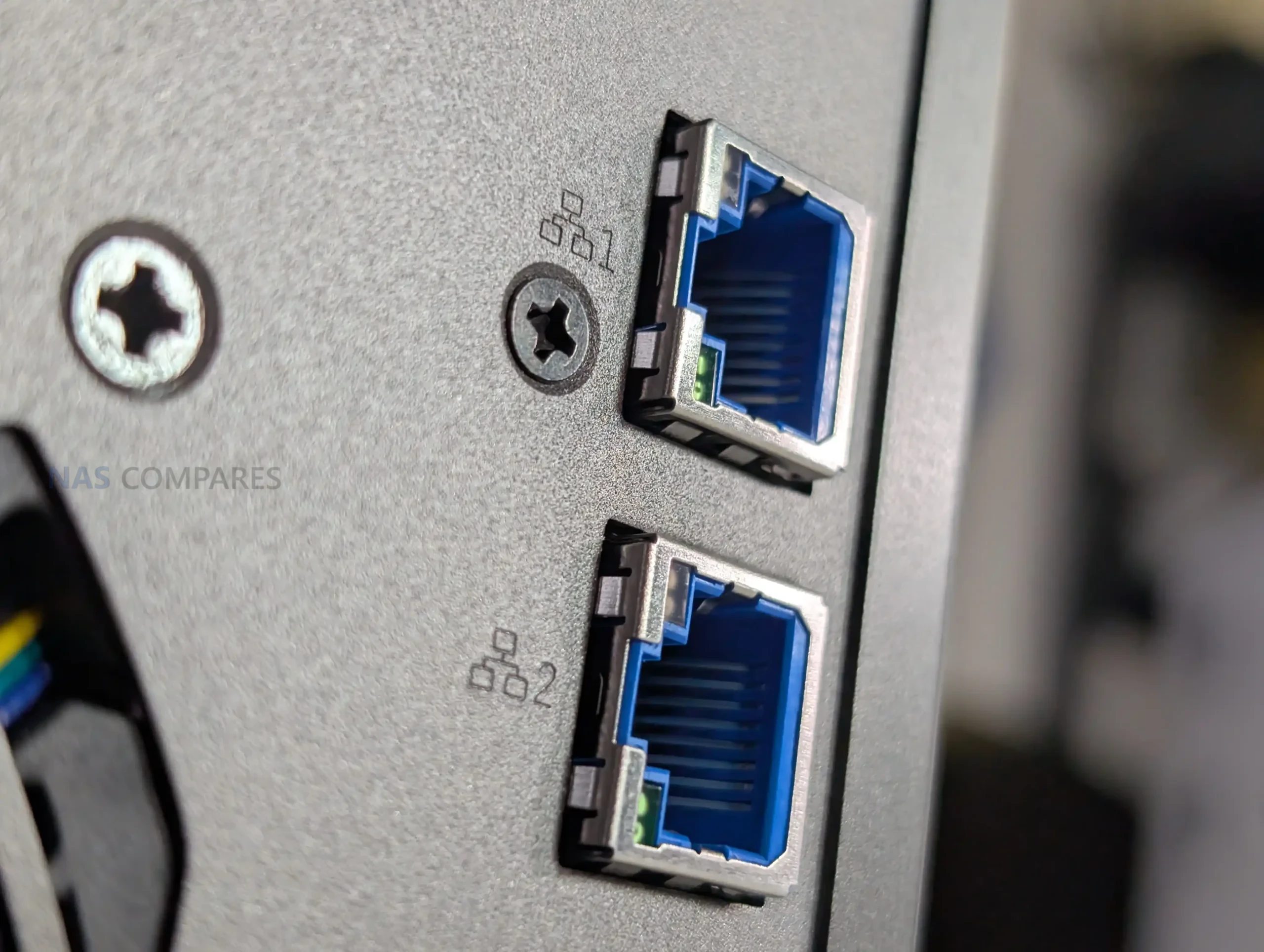
The combination of four SATA bays, four internal NVMe slots and dual 5GbE networking provides sufficient internal and external bandwidth for many small office and creative workloads. However, it is worth noting that modern hard drives and NVMe SSDs can quickly approach or exceed the limits of a single 5GbE connection. In environments where sustained maximum throughput is a priority, the optional move to 10GbE may still be the more appropriate long term choice.
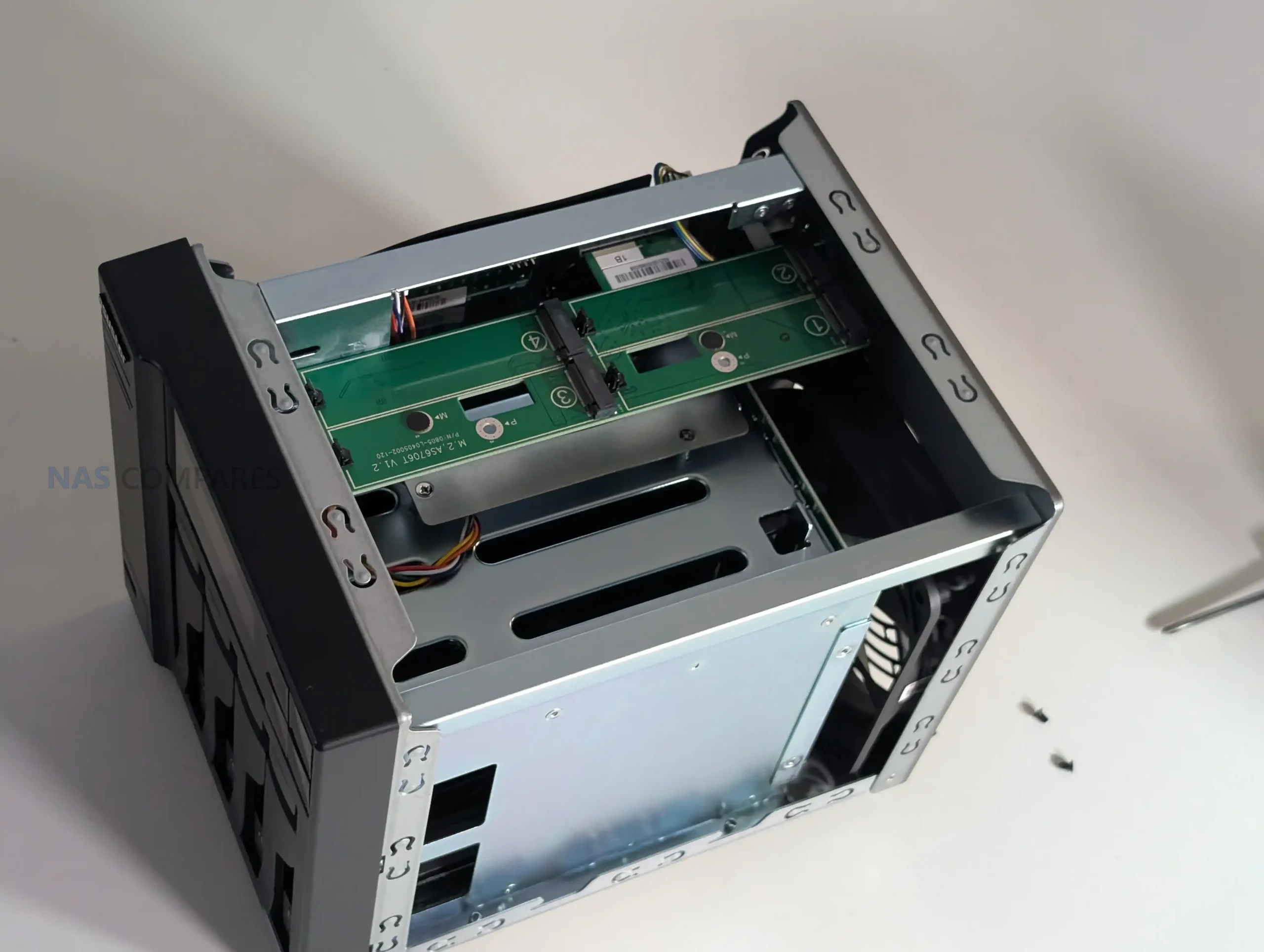
Overall, the port selection on the Lockerstor 4 Gen2+ is well rounded and flexible. The addition of dual 5GbE meaningfully updates the networking capability of the system, but it does not fundamentally change how the device integrates into a network compared to the earlier Gen2.
Asustor AS6704T v2 Lockerstor 4 Gen2+ NAS Review, Internal Hardware
Internally, the Lockerstor 4 Gen2+ is almost identical to the earlier Gen2 model. Asustor has not revised the core platform, and the internal layout, controller architecture and expansion approach remain the same. This consistency simplifies evaluation, but it also makes the age of some components more apparent in the current market.
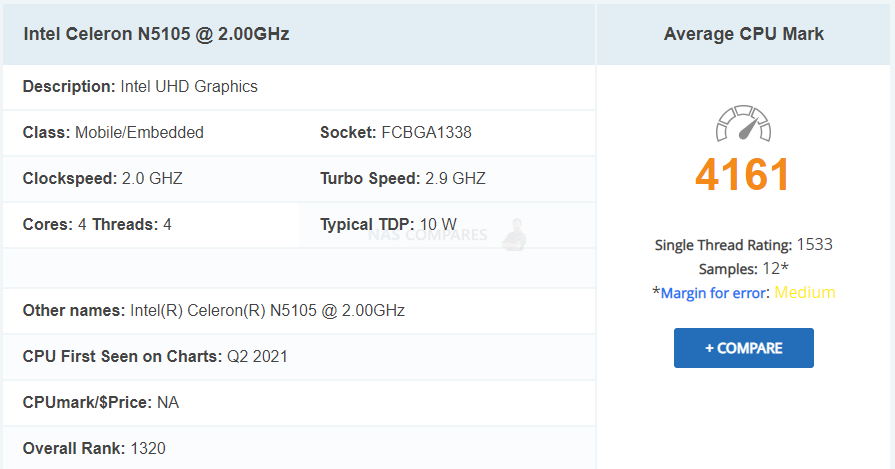
The system is powered by the Intel Celeron N5095, a quad core processor based on Intel’s Jasper Lake architecture. At launch, this CPU was widely adopted in mid range NAS systems due to its balance of power consumption, integrated graphics and general purpose performance. It operates at a 2.0 GHz base frequency with burst speeds up to 2.9 GHz. In 2026 terms, the N5095 is no longer a standout choice. Newer low power Intel CPUs offer improved efficiency and stronger CPU side performance at similar price points, particularly for non media workloads.
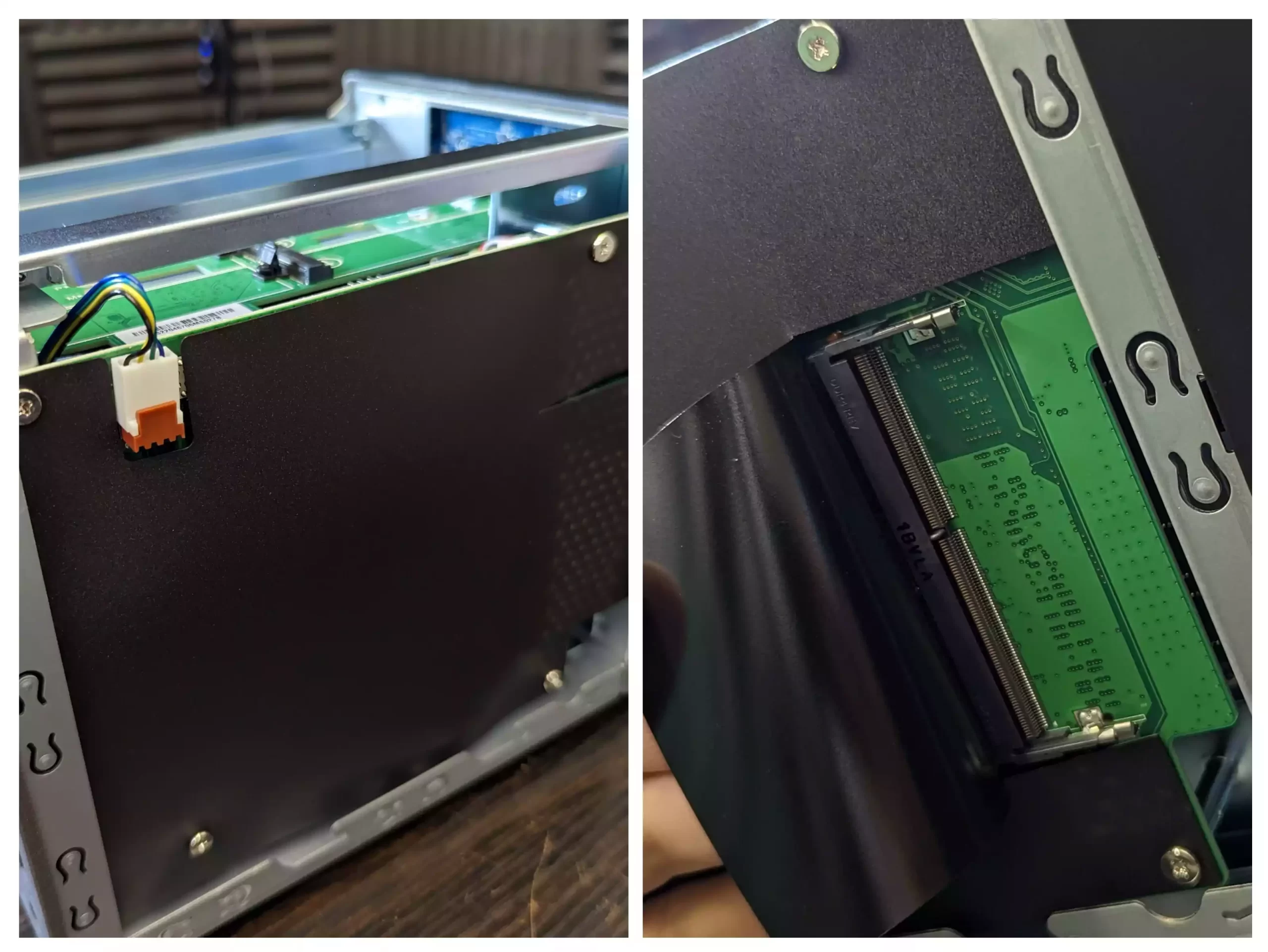
The presence of integrated graphics remains relevant for hardware assisted video transcoding and HDMI based output, and the N5095 continues to handle typical NAS tasks, light virtualization and container workloads without issue. However, users planning heavier multi VM deployments or CPU intensive services may find the platform limiting compared to more recent alternatives.
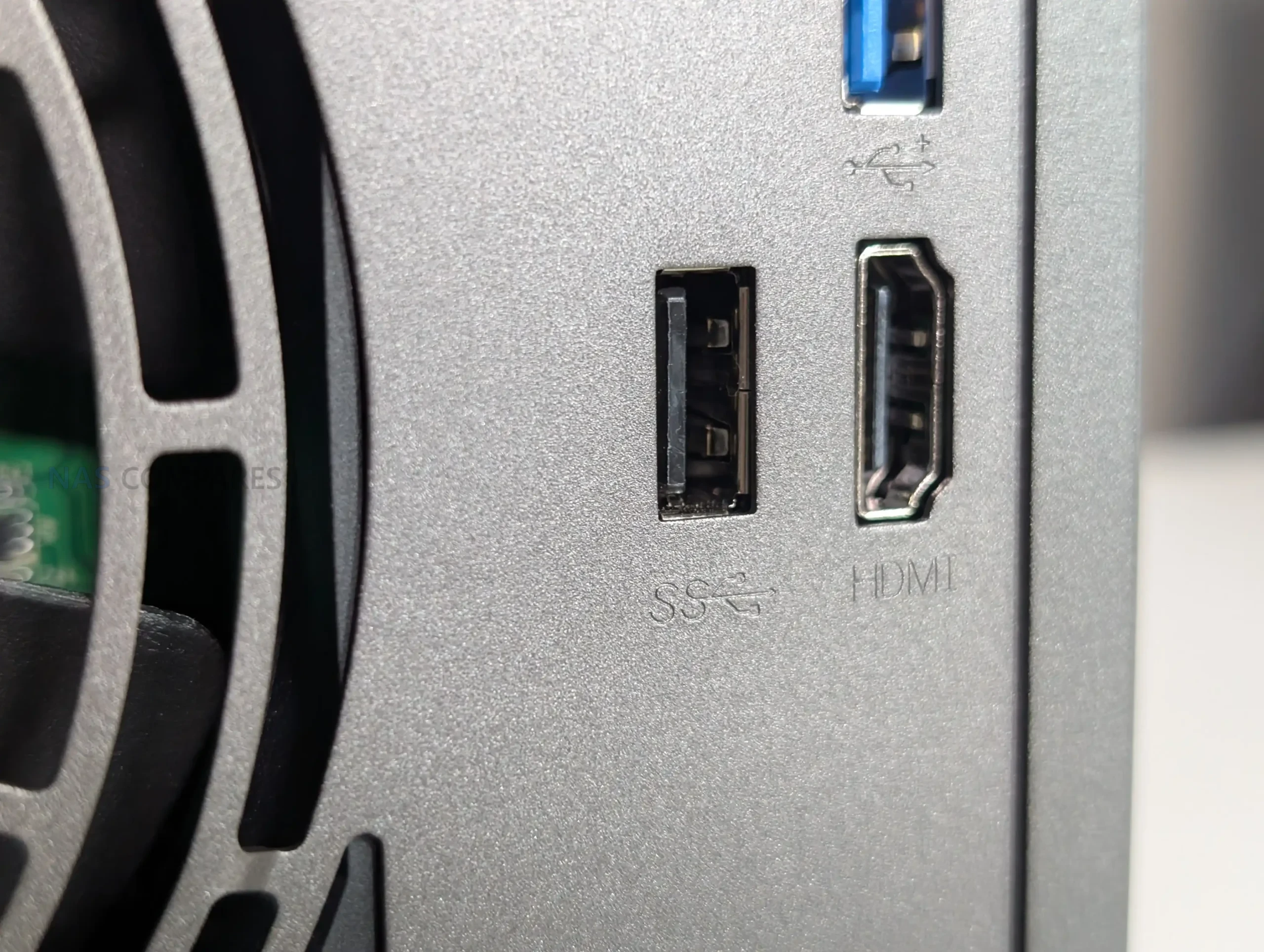
Memory configuration starts at 4 GB of DDR4 2933 MHz SODIMM memory and can be expanded up to 16 GB. This is sufficient for most file serving, backup and multimedia tasks, and provides some headroom for virtualization and containers. ECC memory is not supported, which is worth noting given the pricing and the comparison to some competing systems in this segment.
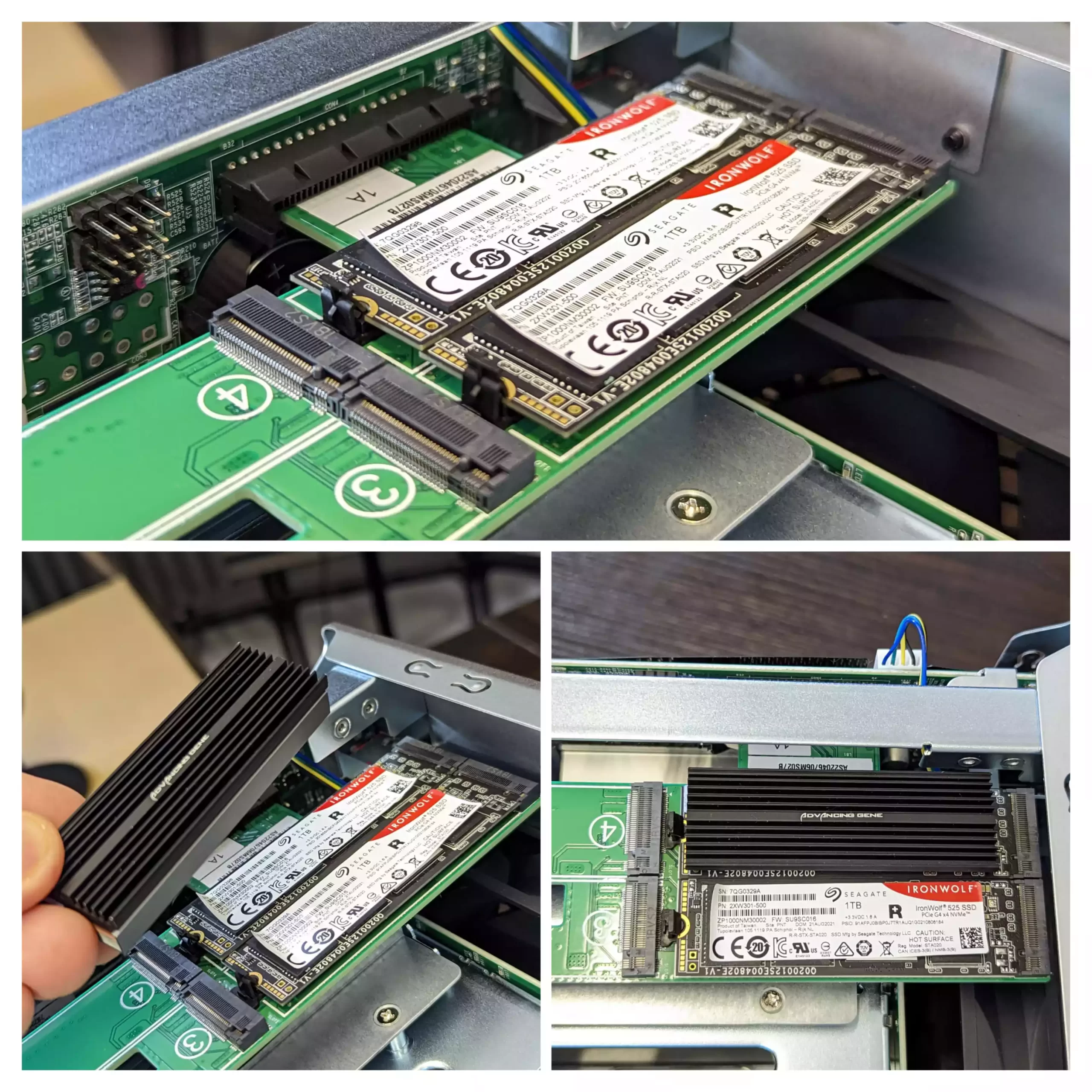
One of the defining features of the Lockerstor platform remains the inclusion of four M.2 NVMe SSD slots. These support 2280 form factor drives and operate over PCIe Gen3. The slots can be used for SSD caching, dedicated storage pools, or a mixture of both, offering flexibility that is not universally available in this class. The practical throughput per slot is lower than modern x4 NVMe drives can deliver, but still significantly higher than SATA SSDs and more than sufficient for caching and high IOPS workloads. The NVMe slots are mounted on a dedicated PCIe carrier board that occupies the system’s expansion slot. This design choice means users must choose between using the four M.2 slots and installing a PCIe network card, unless a compatible combination card is used. While workable, it remains a compromise that should be considered when planning long term upgrades.
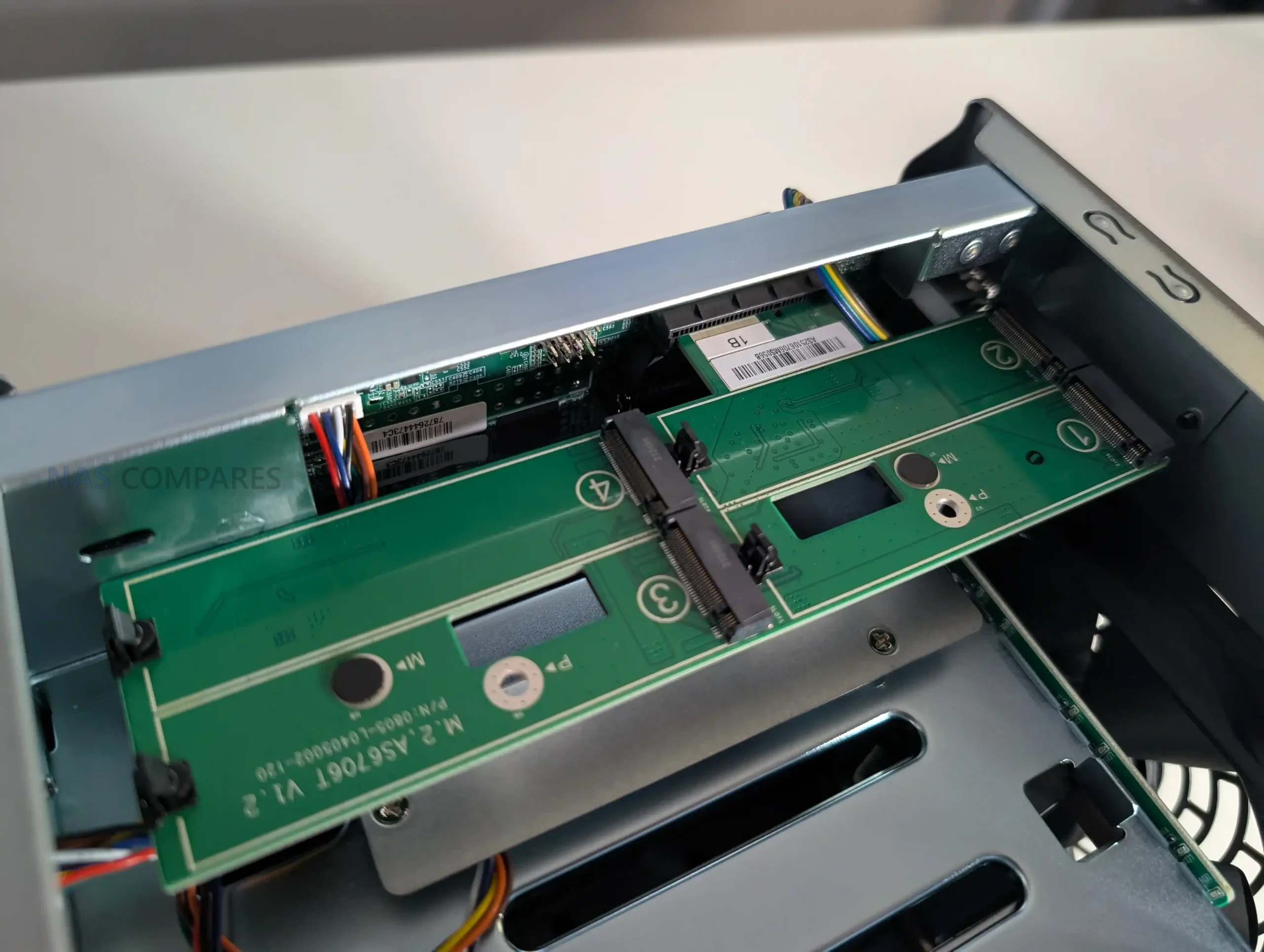
Overall, the internal hardware of the Lockerstor 4 Gen2+ remains capable and flexible, but it is clearly rooted in an earlier generation of mid range NAS design. The networking upgrade extends its usefulness, but it does not address the broader shifts in CPU and platform expectations that have emerged since the original Gen2 release.
 |
 |
Asustor AS6704T v2 Lockerstor 4 Gen2+ NAS Review, Software
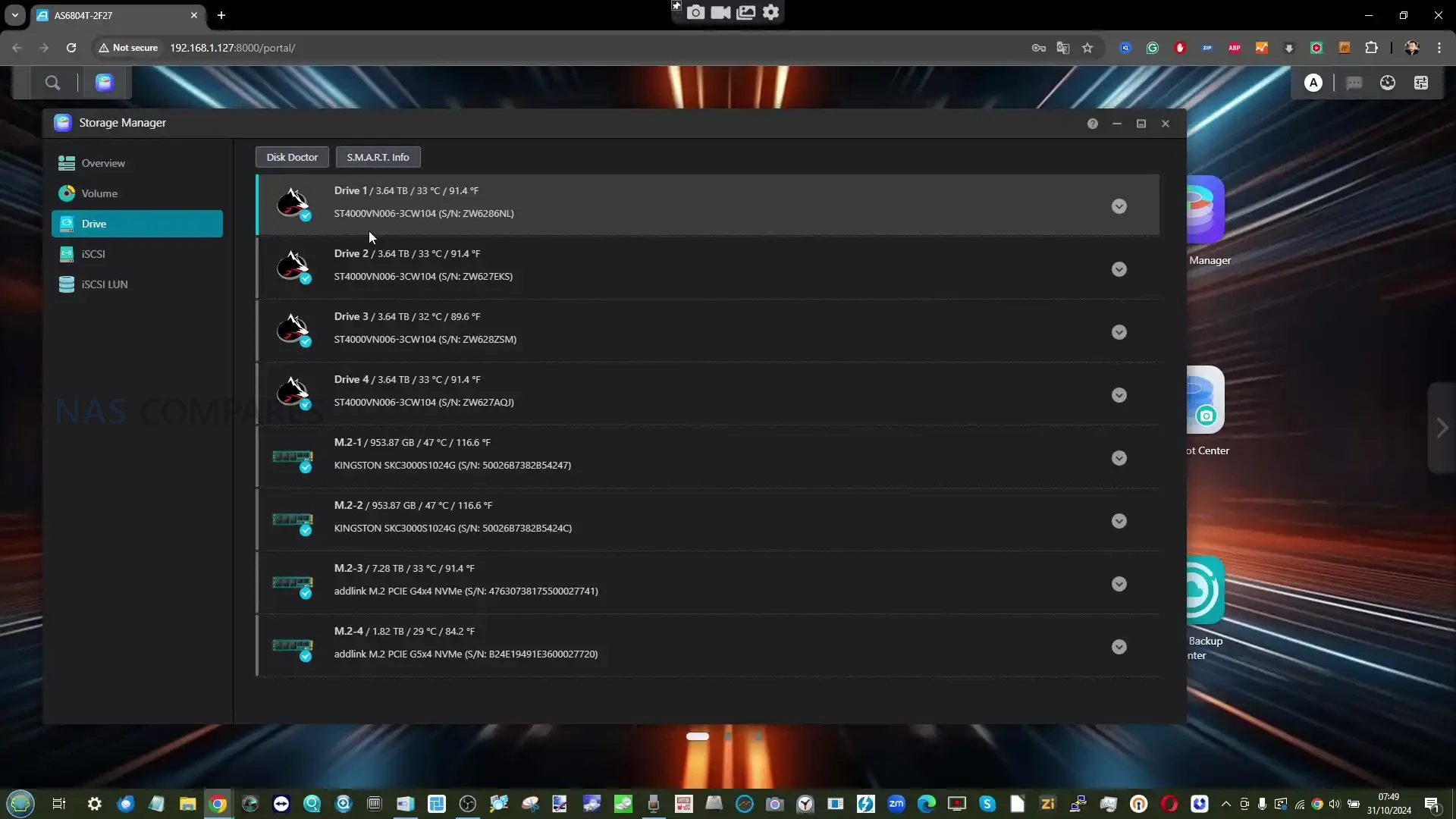
The Lockerstor 4 Gen2+ ships with the latest version of Asustor Data Master, commonly referred to as ADM. Functionally, the software experience is the same as on the earlier Gen2 models, with no Gen2+ specific changes or features introduced as part of this refresh. Any improvements are the result of ongoing platform updates rather than hardware driven differentiation.
 |
 |
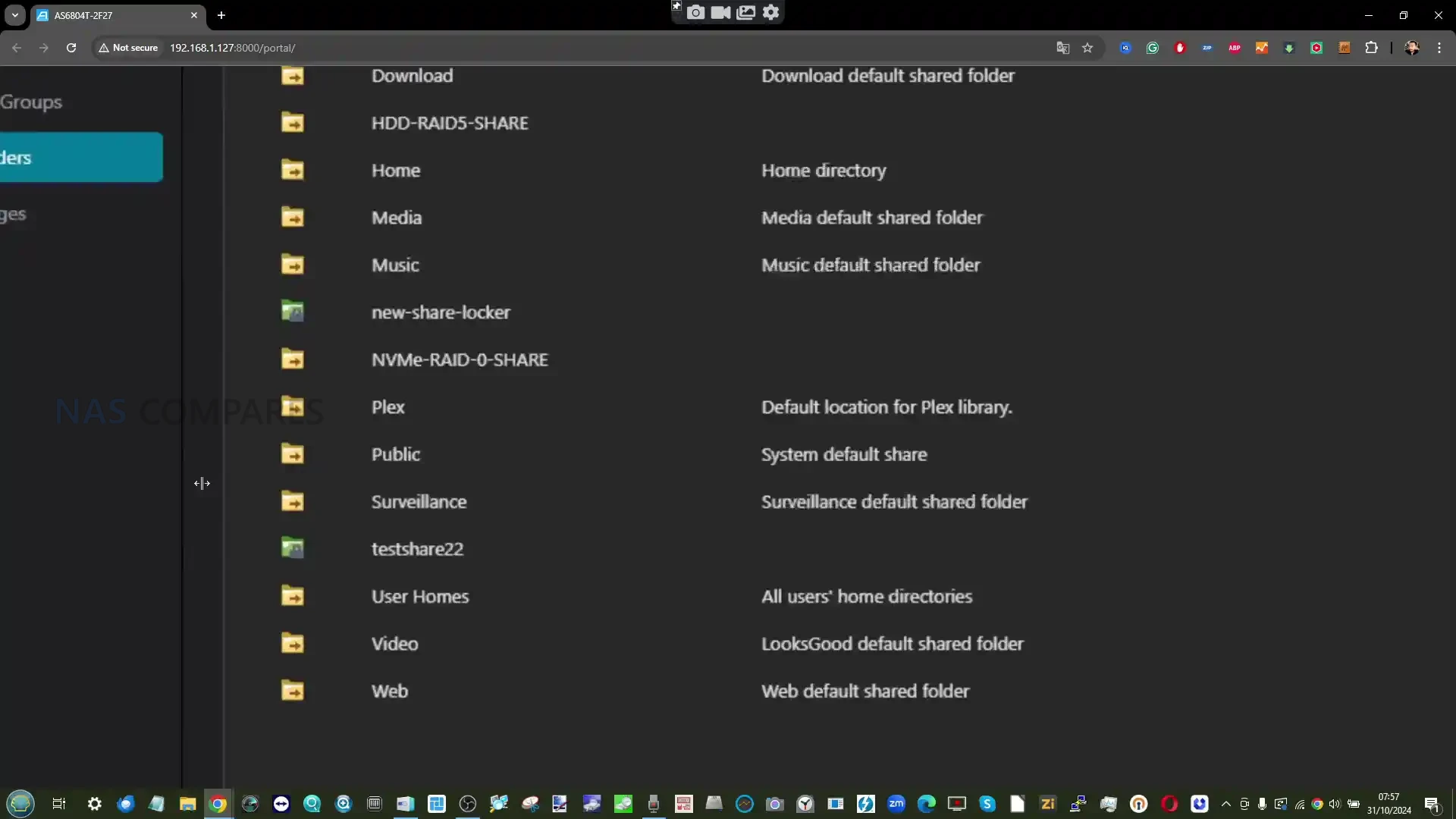
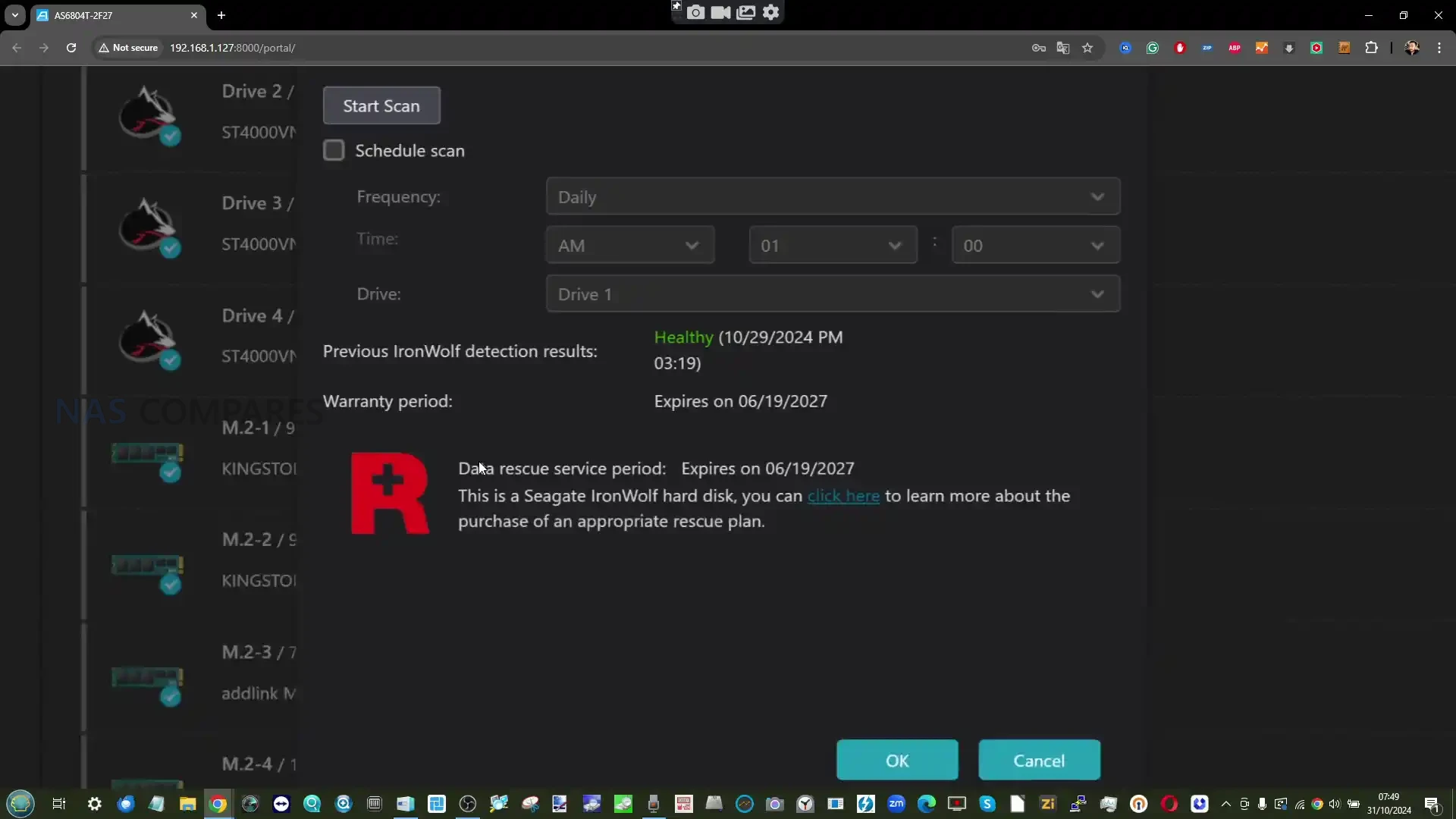
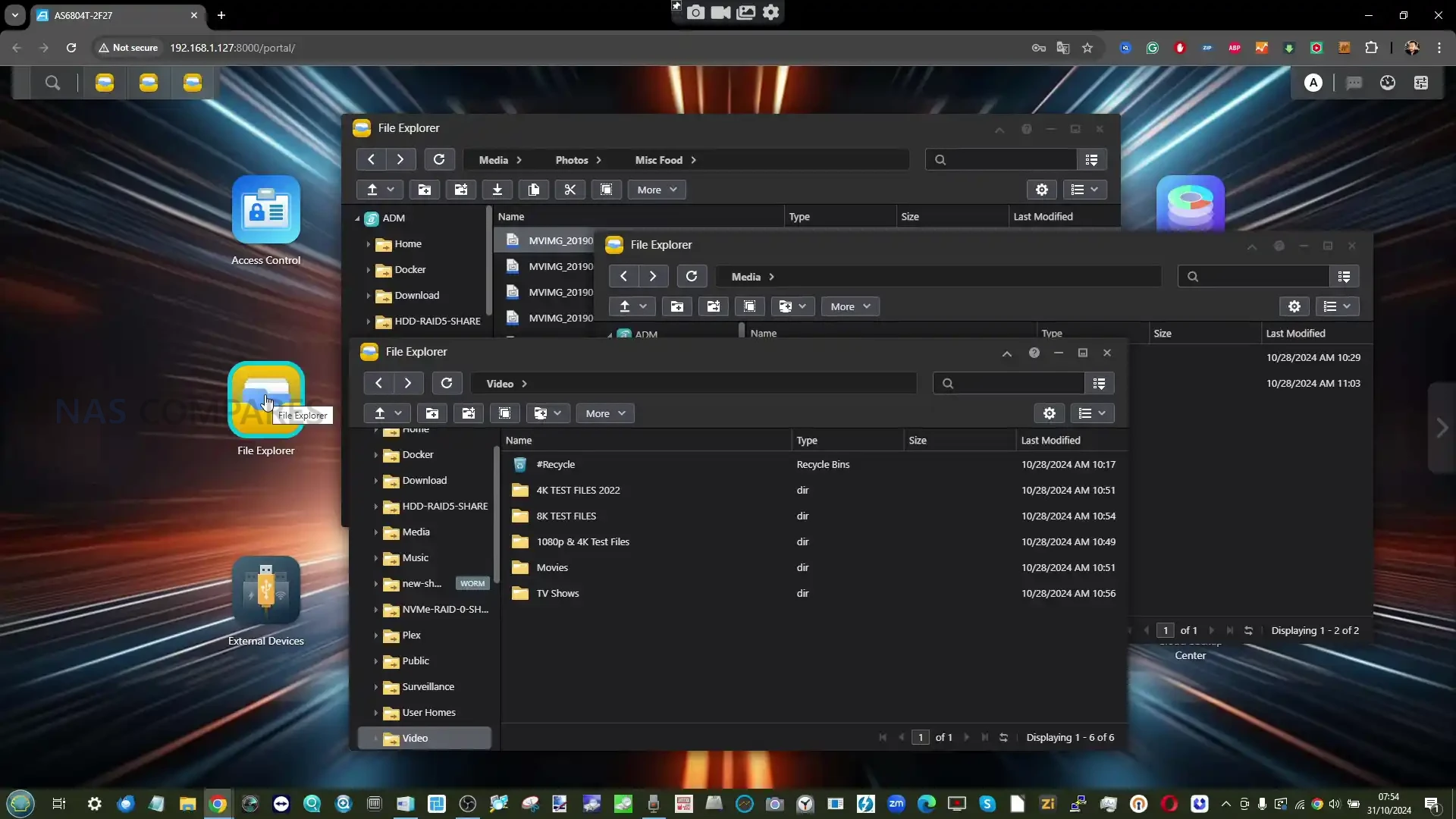
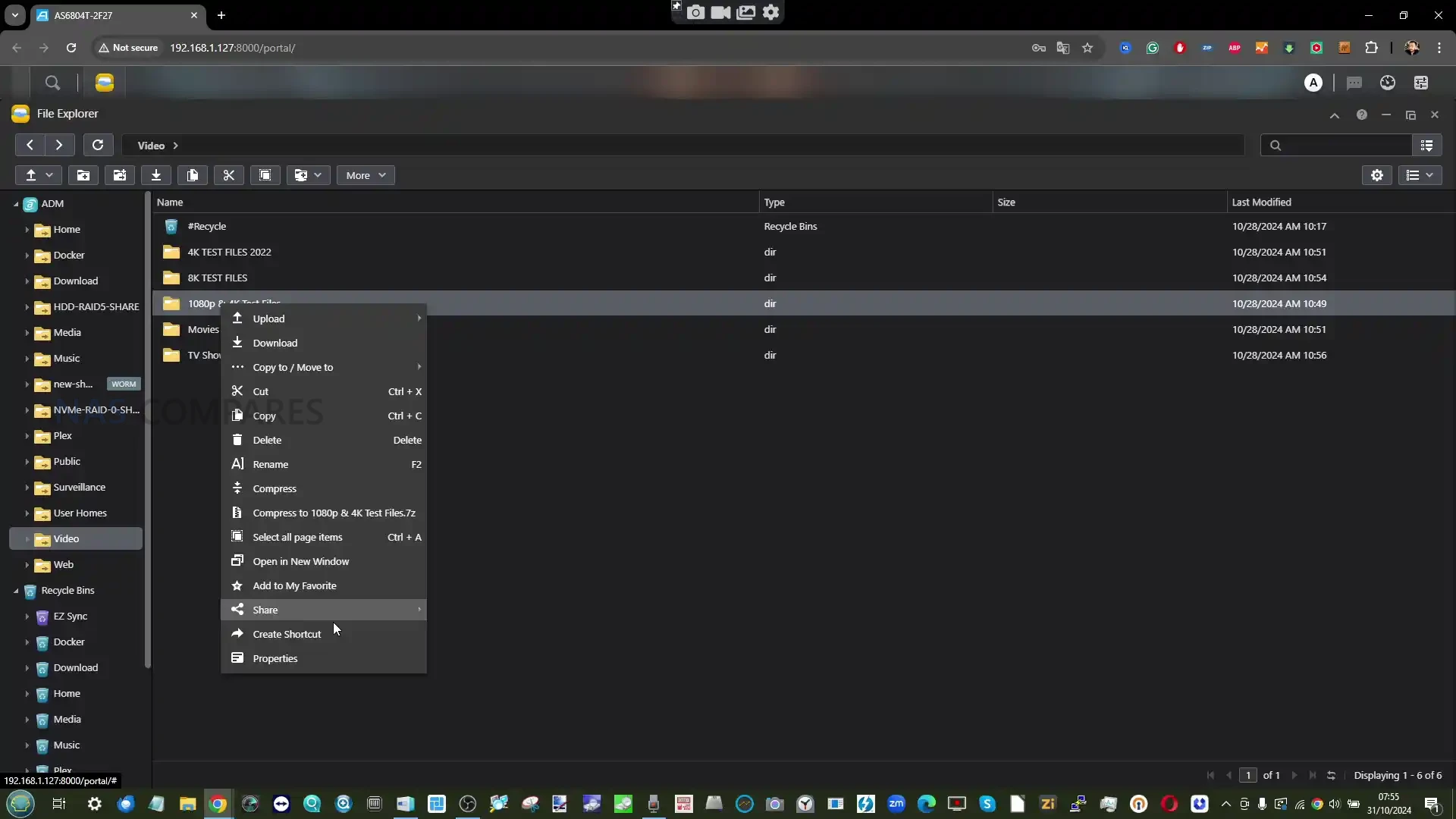
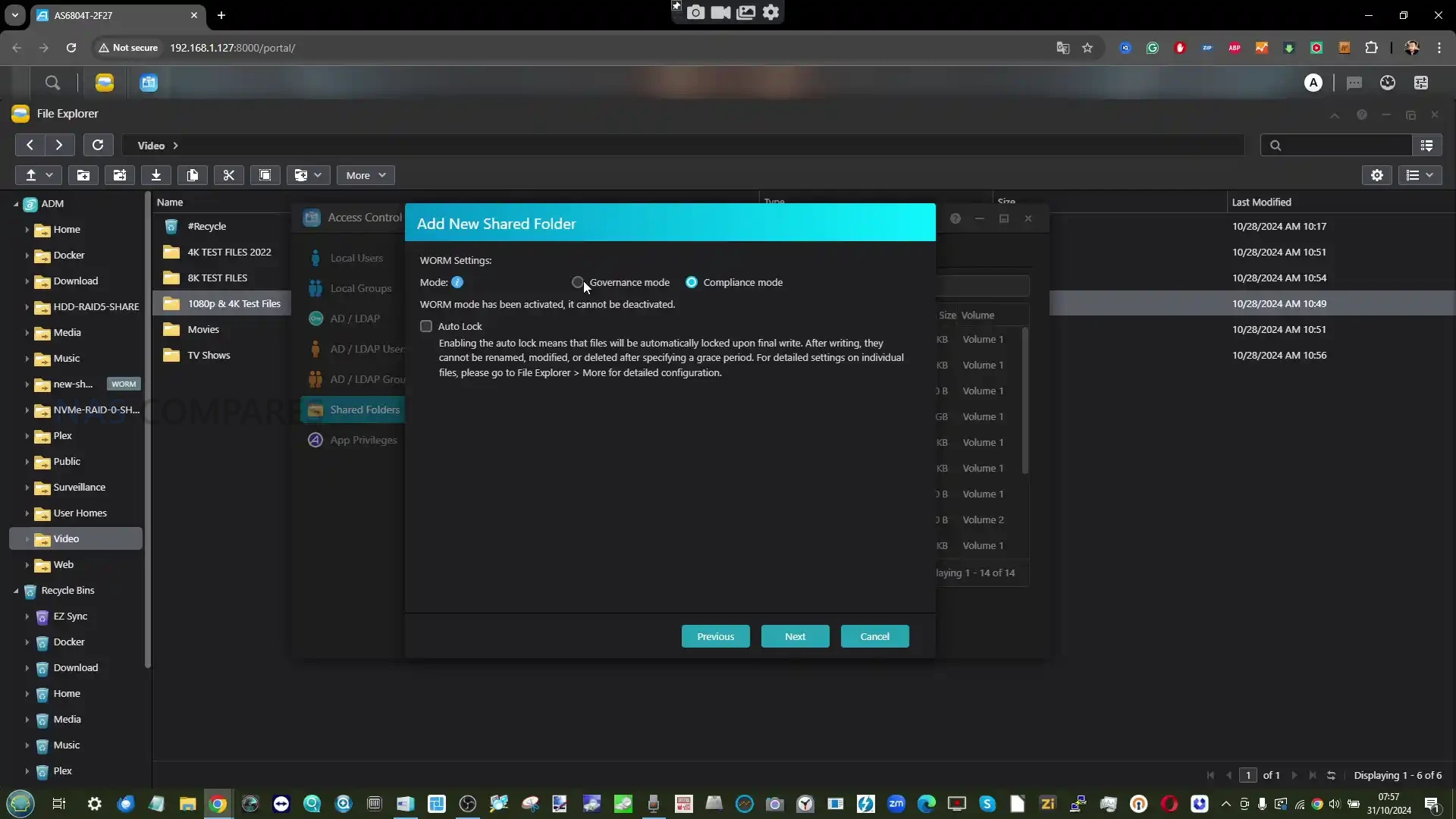
ADM presents a desktop style interface accessed through a web browser, with windowed applications, user accounts and a traditional file manager. It is straightforward to navigate and generally stable in operation. Performance on the N5095 platform is consistent and predictable, with no major responsiveness issues during typical file serving, backup or media management tasks.
 |
 |
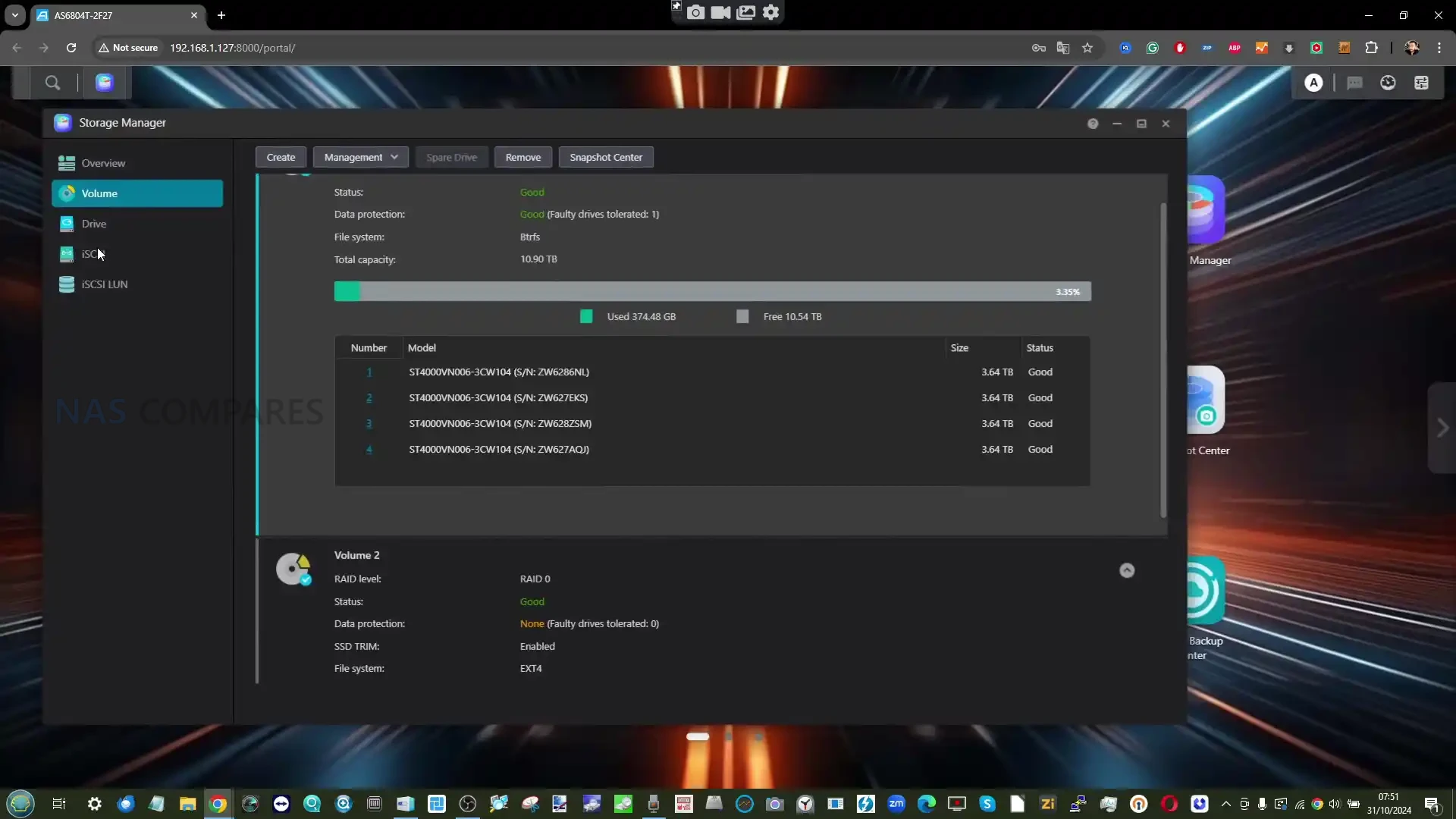
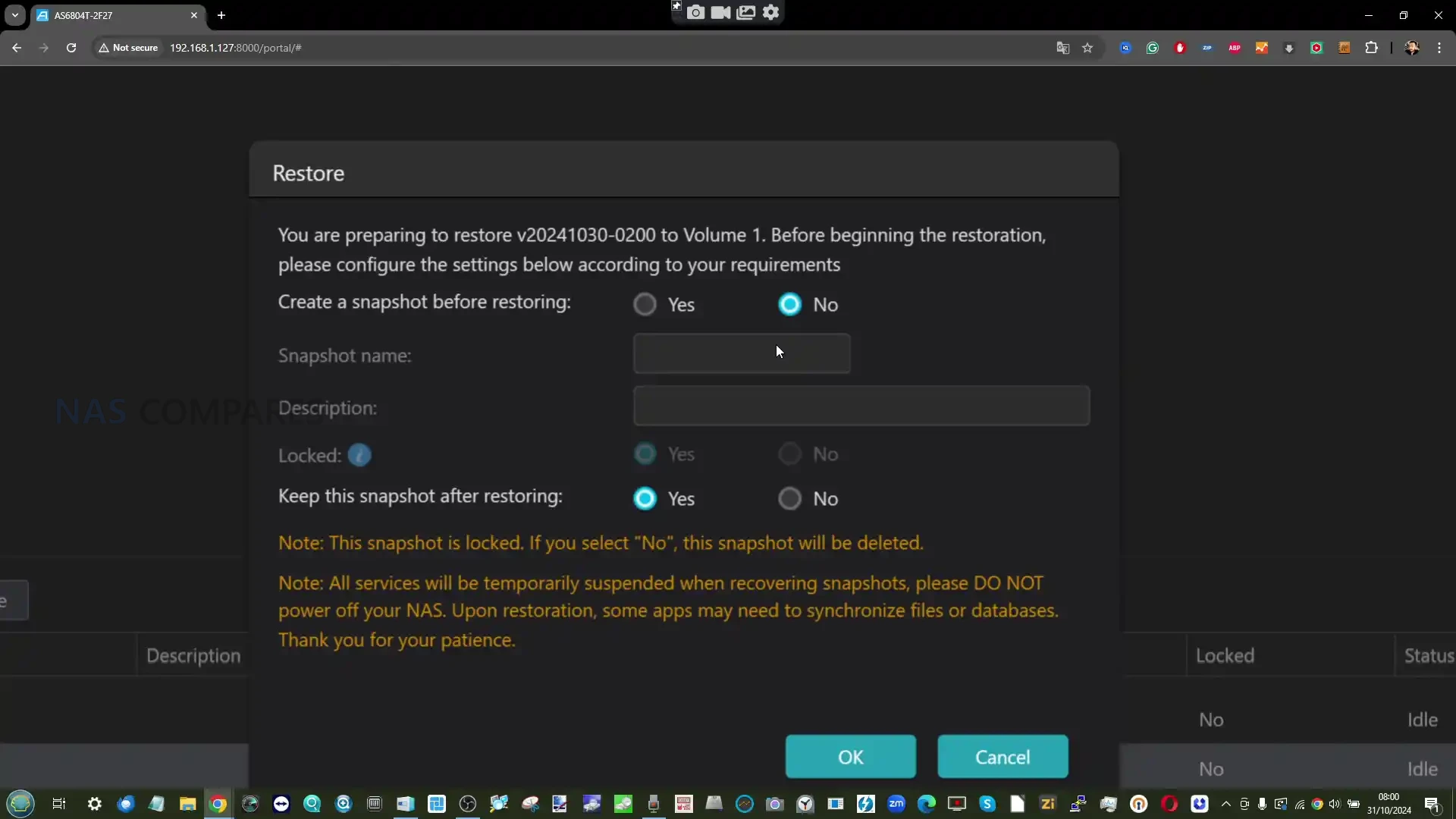
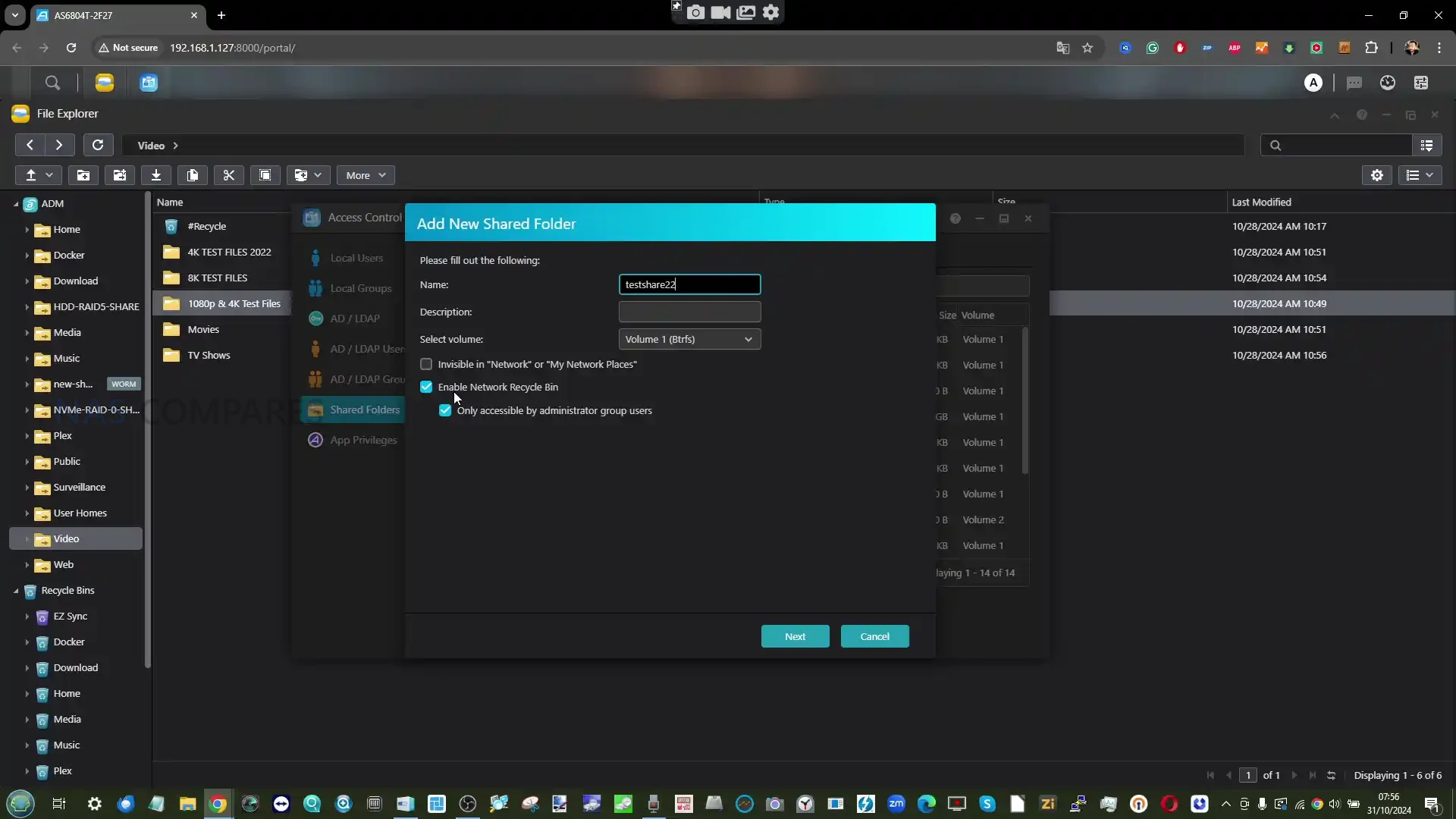
Asustor continues to support both EXT4 and Btrfs file systems. Btrfs brings snapshot support and data versioning for shared folders and iSCSI volumes, while EXT4 remains available for users who prefer a simpler, lower overhead file system. Snapshot Center integrates with Btrfs to provide scheduled and manual snapshots, offering basic protection against accidental deletion or ransomware scenarios.
 |
 |
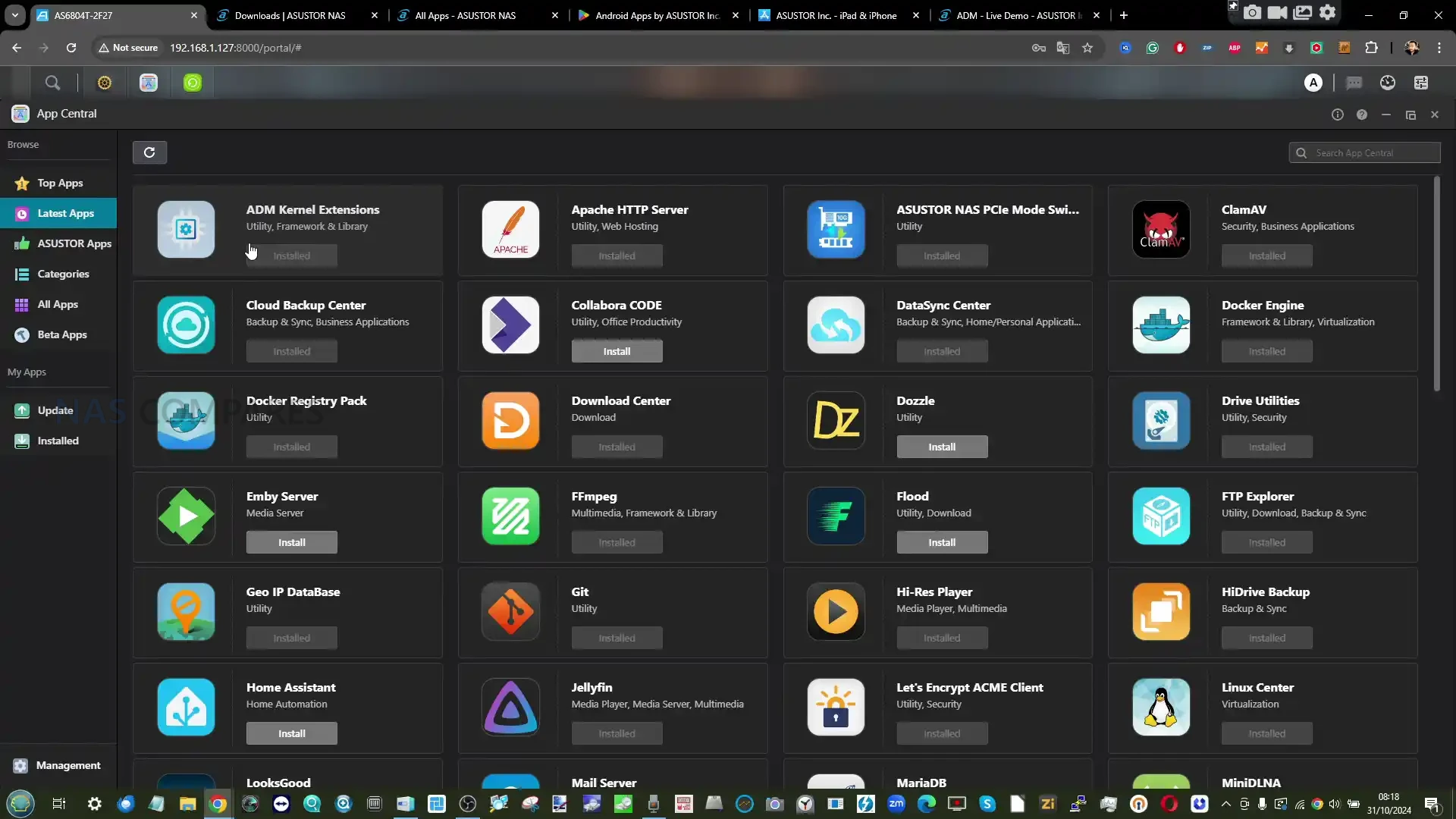
The application ecosystem in ADM remains broad but uneven. Core first party applications for storage management, backups, media indexing and basic virtualization are present and generally reliable. However, a number of advanced functions rely heavily on third party software. Virtualization, for example, is still built around VirtualBox rather than a native hypervisor. Container support is provided through Docker and Portainer, which is flexible but assumes a degree of user familiarity.
 |
 |
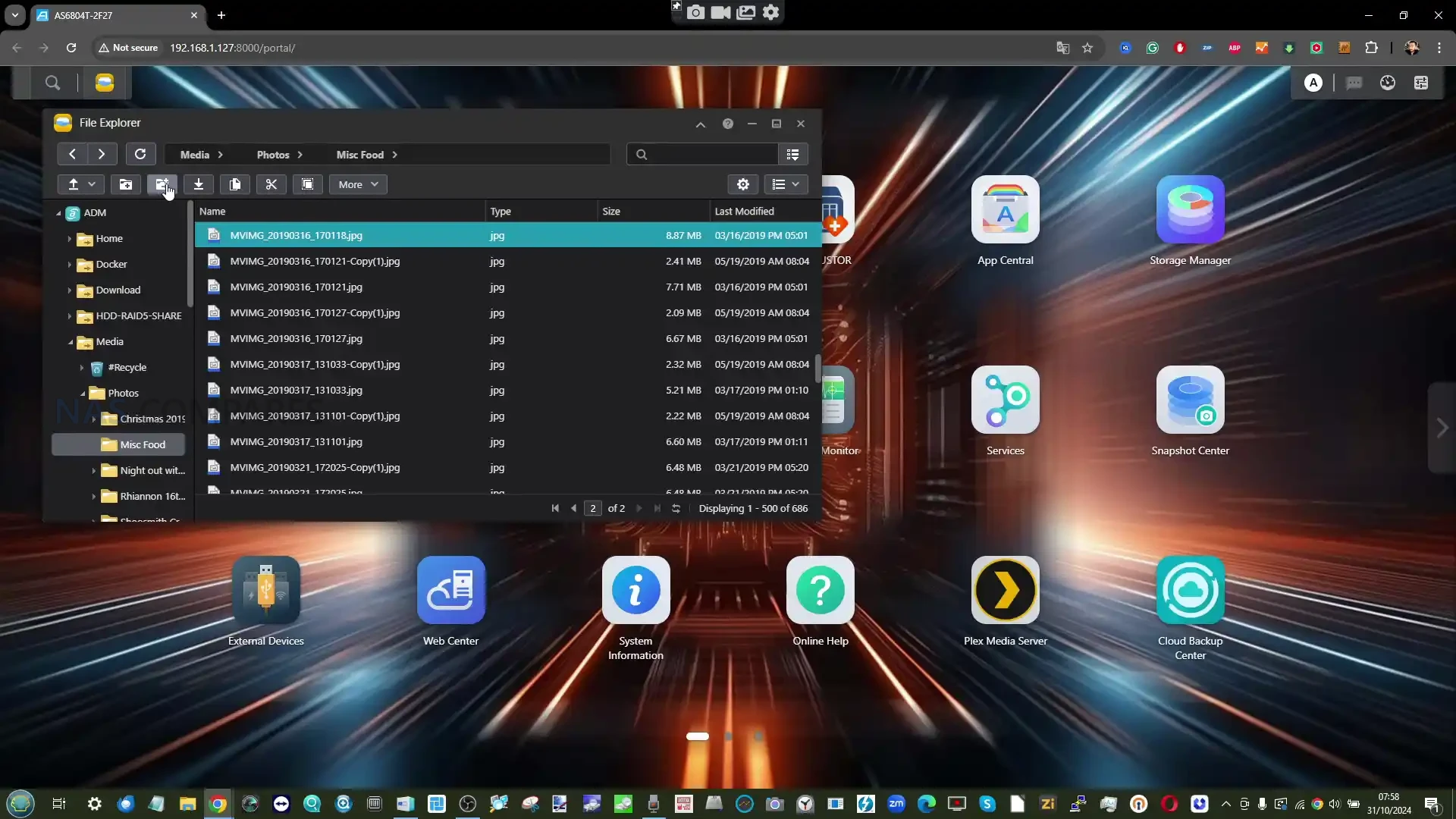
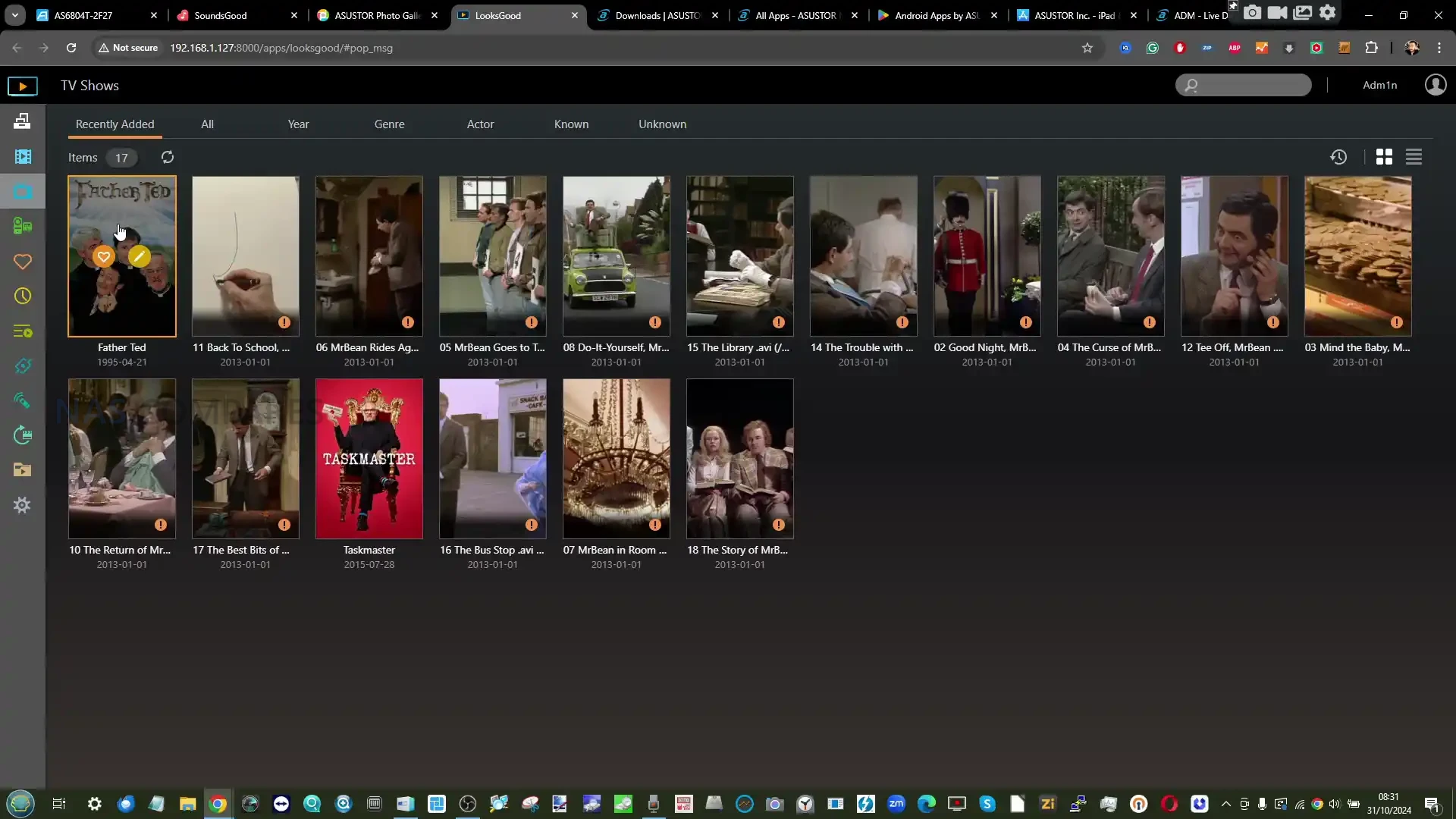
Multimedia support is one of ADM’s stronger areas. Applications such as LooksGood, Photo Gallery and SoundsGood provide local media management and streaming, and hardware assisted video transcoding is available through the Intel integrated graphics. HDMI output via Asustor Portal runs in parallel to ADM and allows direct playback and interaction with selected applications. While this remains more fully featured than some competing HDMI implementations, it is clearly secondary to the browser based interface and receives fewer updates.
 |
 |
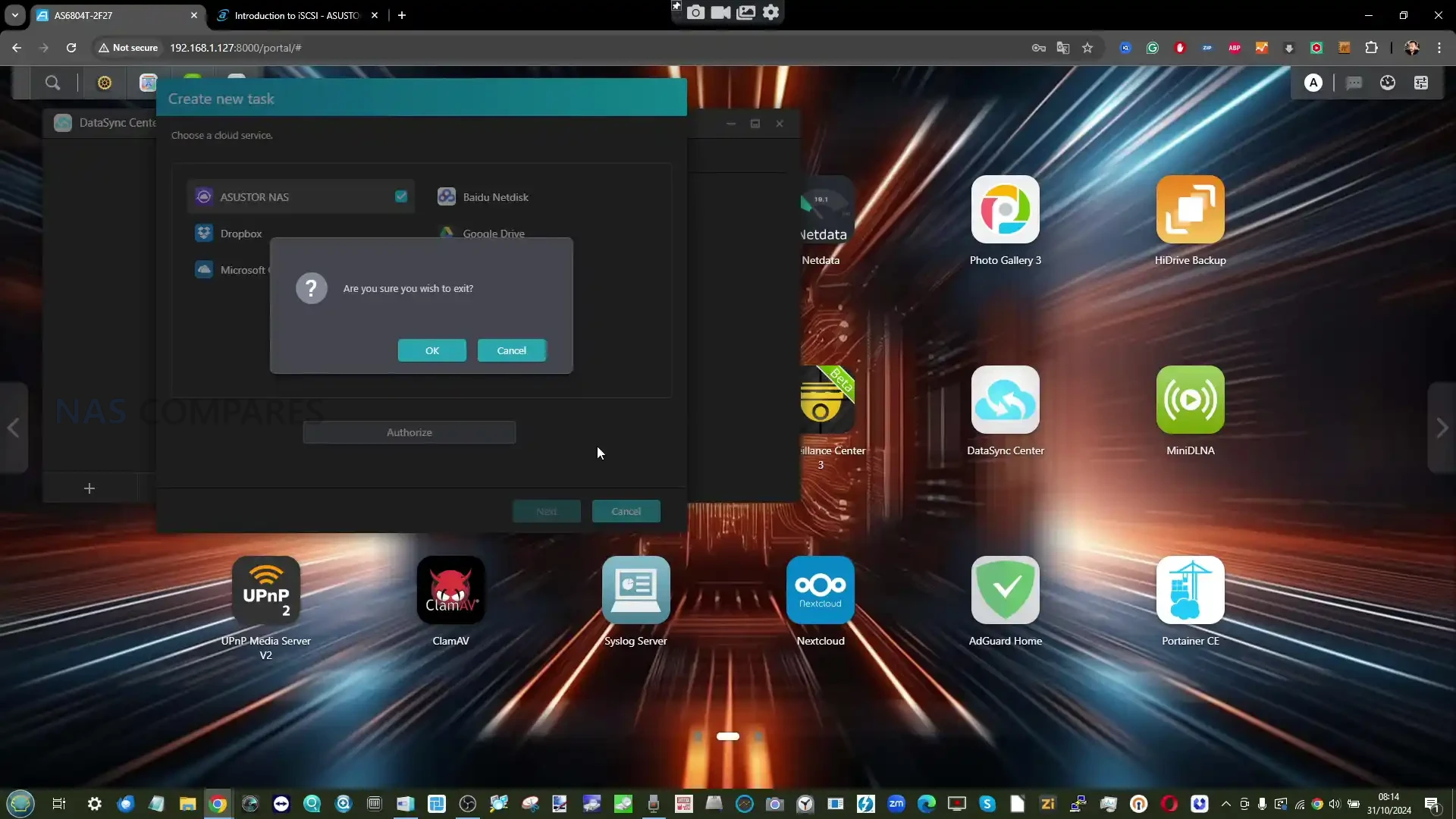
Backup and synchronization tools are comprehensive in scope. ADM supports local and remote backups via rsync, USB devices, NAS to NAS replication and a wide range of public cloud services. DataSync Center and Cloud Backup Center consolidate many of these functions into centralized tools, though configuration can feel fragmented compared to more tightly integrated platforms.
 |
 |
Security features have expanded steadily since earlier releases. ADM includes a firewall, automatic IP blocking, antivirus scanning through ClamAV, two step verification and encryption options for shared folders and MyArchive volumes. These features provide a reasonable baseline for small business and advanced home users, though they rely on manual configuration rather than automated policy driven protection.
 |
 |
Overall, the ADM software platform is stable, functional and capable of supporting a wide range of use cases. It does not stand out for innovation or advanced automation, and it lacks some of the higher level, tightly integrated services offered by competitors. For users seeking a dependable and flexible NAS operating system that prioritizes core functionality over novelty, ADM remains adequate. For those placing heavy emphasis on software features and ecosystem depth, it may feel comparatively restrained.
Asustor AS6704T v2 Lockerstor 4 Gen2+ NAS Review, Conclusion
The Lockerstor 4 Gen2+ is best understood as a maintenance refresh rather than a new generation. Asustor has taken an existing and well established platform and updated it in one specific area, network connectivity, to better align with how storage performance and workloads have evolved since the original Gen2 launch. Outside of that change, the system remains fundamentally the same device. The move to dual 5GbE does meaningfully extend the usable lifespan of the Lockerstor 4 design for users who are already constrained by 2.5GbE, particularly in multi user environments or setups that make effective use of SSD caching and faster hard drives. For those users, the Gen2+ offers a tangible improvement without the immediate cost or complexity of moving to 10GbE. For others, especially those still on gigabit or mixed networks, the practical benefit may be limited.
At the same time, the unchanged internal platform is harder to ignore in 2026. The Intel Celeron N5095 remains stable and compatible with a wide range of workloads, but it no longer compares as favourably against newer low power CPUs now appearing in similarly priced systems. Combined with increased competition across this segment, the value proposition of the Gen2+ is narrower than it was when the original Gen2 launched. The Lockerstor 4 Gen2+ will appeal most to buyers who value its physical build quality, internal expandability, flexible storage configuration and Asustor’s relatively open hardware stance, including third party OS support. It is less compelling as an upgrade for existing Gen2 owners, and it is not a clear default choice in the current mid range NAS market unless its specific strengths align with the intended use case. In short, the Gen2+ succeeds in keeping the Lockerstor platform relevant for longer, but it does not redefine it.
| PROs of the Lockerstor 4 Gen 2+ NAS | CONs of the Lockerstor 4 Gen 2+ NAS |
|
|

Need More Help Choosing the right NAS?
Choosing the right data storage solution for your needs can be very intimidating and it’s never too late to ask for help. With options ranging from NAS to DAS, Thunderbolt to SAS and connecting everything up so you can access all your lovely data at the touch of a button can be a lot simpler than you think. If you want some tips, guidance or help with everything from compatibility to suitability of a solution for you, why not drop me a message below and I will get back to you as soon as possible with what you should go for, its suitability and the best place to get it. This service is designed without profit in mind and in order to help you with your data storage needs, so I will try to answer your questions as soon as possible.
📧 SUBSCRIBE TO OUR NEWSLETTER 🔔
🔒 Join Inner Circle
Get an alert every time something gets added to this specific article!
This description contains links to Amazon. These links will take you to some of the products mentioned in today's content. As an Amazon Associate, I earn from qualifying purchases. Visit the NASCompares Deal Finder to find the best place to buy this device in your region, based on Service, Support and Reputation - Just Search for your NAS Drive in the Box Below
Need Advice on Data Storage from an Expert?
Finally, for free advice about your setup, just leave a message in the comments below here at NASCompares.com and we will get back to you. Need Help?
Where possible (and where appropriate) please provide as much information about your requirements, as then I can arrange the best answer and solution to your needs. Do not worry about your e-mail address being required, it will NOT be used in a mailing list and will NOT be used in any way other than to respond to your enquiry.
Need Help?
Where possible (and where appropriate) please provide as much information about your requirements, as then I can arrange the best answer and solution to your needs. Do not worry about your e-mail address being required, it will NOT be used in a mailing list and will NOT be used in any way other than to respond to your enquiry.
 TRY CHAT
Terms and Conditions
TRY CHAT
Terms and Conditions





|
 |


Is It OK to Buy a Used NAS? (RAID Room)
Do You NEED 5GbE NAS? (Or Should You Skip Ahead to 10GbE)
UGREEN DXP4800 PRO NAS Review
Minisforum G7 Pro Review
CAN YOU TRUST UNIFI REVIEWS? Let's Discuss Reviewing UniFi...
WHERE IS SYNOLOGY DSM 8? and DO YOU CARE? (RAID Room)
Access content via Patreon or KO-FI
Discover more from NAS Compares
Subscribe to get the latest posts sent to your email.
I hate this stuff. I went to 2.5 on everything a few months ago and found out my laptop can’t do dick through it’s USB ports (2.5gbE to usba ugreen) and gets up to maybe 140MBps. Put a wifi 7 card in it with a new router, a little less speed if memory serves. The router is about three feet away. My desktops are spinning plates so I didn’t expect much but I get 230-250 all day ironically and probably hitting write cap, not network. Laptop is a 2022 ideapad 15alc05. Desktops have ssd’s with hdd’s, laptop is all ssd, still damn slow.
REPLY ON YOUTUBE
i like ur content!!! whats ur email? wanna collab with u
REPLY ON YOUTUBE
Great… now I have to retire the house for 10G… and fiber? But what connector? LC, LT, ST ????, other? 50nm? Ugh!
REPLY ON YOUTUBE
@nascompares can you make a video about wifi7 router or AP with mlo not working ?
REPLY ON YOUTUBE
10G is the ONLY way to go.
REPLY ON YOUTUBE
I suspect 5GbE will become an orphaned standard as vendors have largely moved to 10GbE. I did buy a 5GbE usb dongle for my Mac, only because 10GbE for Mac was stupid expensive still. But the switch is 10GbE and as soon as 10GbE dongles are properly affordable, then I’ll change that up.
REPLY ON YOUTUBE
I suspect 5GbE will become an orphaned standard as vendors have largely moved to 10GbE. I did buy a 5GbE usb dongle for my Mac, only because 10GbE for Mac was stupid expensive still. But the switch is 10GbE and as soon as 10GbE dongles are properly affordable, then I’ll change that up.
REPLY ON YOUTUBE
I suspect 5GbE will become an orphaned standard as vendors have largely moved to 10GbE. I did buy a 5GbE usb dongle for my Mac, only because 10GbE for Mac was stupid expensive still. But the switch is 10GbE and as soon as 10GbE dongles are properly affordable, then I’ll change that up.
REPLY ON YOUTUBE
I’d much rather have 5 GbE over 2.5. You can run it everywhere even on Cat 5e. You can’t with 10 GbE. For most consumers its more than good enough as an upgrade over 1 GbE. There are so many environments and even brand new homes that are wired with only Cat 5E.
REPLY ON YOUTUBE
I know that I don’t need 10 gig for my personal nas. But I do want one that has it to future prove it. When it becomes the standard and not have to buy another nas with that option
REPLY ON YOUTUBE
5GbE is like the socially awkward cousin that nobody wants to play with. It’s either 2.5 or 10GbE for me. That middle ground does not make sense
REPLY ON YOUTUBE
10GBE or nothing
REPLY ON YOUTUBE
From the technical standpoint you described, it sounds like 5GbE is a stop-gap solution for existing infrastructures in the future before requiring SFP or tearing out the entire interior cabling for CAT 6A.
REPLY ON YOUTUBE
From the technical standpoint you described, it sounds like 5GbE is a stop-gap solution for existing infrastructures in the future before requiring SFP or tearing out the entire interior cabling for CAT 6A.
REPLY ON YOUTUBE
I am a fan of 2.5gbe, it’s a nice upgrade from 1gbe for basically the same price without much complication. But I think 5gbe is a miss. Just not enough equipment out there, not as bit of an upgrade, and 10gbe is getting much more accessible quickly.
REPLY ON YOUTUBE
I am a fan of 2.5gbe, it’s a nice upgrade from 1gbe for basically the same price without much complication. But I think 5gbe is a miss. Just not enough equipment out there, not as bit of an upgrade, and 10gbe is getting much more accessible quickly.
REPLY ON YOUTUBE
I think 1gbe is well above my needs… but that just makes all of the options quite good.
REPLY ON YOUTUBE
This might be the year of 10GBE with the recent Realtek chipsets last year, might be ruined by the skyrocketing DRAM market though ????
REPLY ON YOUTUBE
No need yet. The 48 port, level 3, 1Gbe switch is coping.
Most of the devices on the LAN (PCs, iMac, Laptops, Tablets, printers, TVs, DVD player, Air Con unit, Fridge, …) don’t need more than 1Gbe.
The NAS is using link aggregation so in theory it has a 2Gbe connection to the rest of the LAN.
REPLY ON YOUTUBE
The problem I’ve run into is that all my 10GB switching hardware does 1gb/10 GB, but not 2.5 or 5, so I either have to change my switches to ones that support multigig 1/2.5/5/10 or live with slower speeds. You’d be surprised how much switching hardware doesn’t support multigig 10gb…
REPLY ON YOUTUBE
Unfortunately 5Gbps is the least common network speed. Some NBase-T solutions jump from 2.5 to 10Gbps and not bother implementing 5Gbps. These off the shelf NAS boxes should be offering a x4 PCIe slot so that users can slot in 10Gbps NICs if they like.
REPLY ON YOUTUBE
Nice video, also don’t forget a new 10gbe chip launched which is cheaper, lower power and less heat. Furthermore it can run on PCIe 3×1. Just ordered my card for £36. Don’t waste your money on 5gbe.
REPLY ON YOUTUBE
Its at least double as good as 2.5Gbe. I think most people have 10Gbe switches if not still stuck in 1Gbe infrastructure. So 5Gbe is a nice upgrade to slower speeds, and I would pay a bit extra for it.
REPLY ON YOUTUBE
Servethehome recently released a video of a 12 port 10G smart switch for ~$200 USD. Right proper price for a 10G switch to say the least. Still having said that, 2.5G and 5G are IMO are still respectable. As long as you’re not stuck on 1G you’re laughing!
REPLY ON YOUTUBE
“5Gbe approaching bottleneck”, try telling that to Synology that is still releasing kit with a 1Gbe port ROFL
REPLY ON YOUTUBE
10 gig and loving it!
REPLY ON YOUTUBE
The lengths motherboard manufacturers go through to avoid giving you 10gbe is astonishing.
REPLY ON YOUTUBE
In your review of the unifi 10GbE adapter was the only place that I found that it had no support for USB 3.x Gen 1/2. Of course it was after purchasing 2 of them and numerous hours of troubleshooting. I had completely ignored 5 GbE for the solution to my dell proxmox system throughput problems. Thank you!
REPLY ON YOUTUBE
I had a cheap switch and wifi mesh logged loads of problems ???? not worth it
REPLY ON YOUTUBE
You can have 5 PCs with 1 Gbit connections getting full 1 Gbit speed to the NAS
Or 2 PCs with 2.5 Gbit
REPLY ON YOUTUBE
if we’re going to talk about 5G, we have to talk about switches. I went on Amazon this morning and I was able to find exactly two 5 gbe switches, eight ports each for $199. The same eight ports in 10 gig are only $259. 2.5gbe switches are around $100. It seems like the switch market has not quite caught up yet.
REPLY ON YOUTUBE
I still stick with 1gbe cause I haven’t found a sustained need for more. The only thing I have that actually saturates 1gbe is nightly bacukp. Maybe instead of 30 minutes it could take only 10 minutes, but since I am asleep when it happens it doesn’t matter.
REPLY ON YOUTUBE
Thing also is, you may want to buy cheap old server 10gbit equipment that will not autonegotiate 5g speed. I think it’s an upgrade that makes no sense, as I believe that soon 25gbit equipment will come down in price as 10gbit has. And if you ever want to upgrade to it, it will make no sense investing in RJ45 infrastrucure.
REPLY ON YOUTUBE
btw. did you license the use of this well known song?
REPLY ON YOUTUBE
… but where are the 5Gbit switches? I’ve seen many 2,5Gbit and also 10Gbit Switches, but not a single 5Gbit switch.
REPLY ON YOUTUBE
It sounds great! If I can ever get my squeaky tricycle of Syn out on the information super highway that is my home LAN. Honestly surprised it’s not using 10/100; Or maybe it is and that’s why there’s no native Speed test, PING, or Trace Route utilities?
REPLY ON YOUTUBE
Is it too much to ask for even a single 10Gbe?
REPLY ON YOUTUBE
Multiple 5gbe client adapters for a 10GBE NAS. That’s efficient because no single system is hogging the bandwidth. And most of the time i don’t dont need 500MB/s. For the same price as 2.5Gbe, its a win.
REPLY ON YOUTUBE
Headroom’s nice ????♂️ my set up is run thru 2.5gbe switches and I’m not upgrading those any time soon. Only mildly miffed when I’m paying for a 10gbe connect that I’ll never use
REPLY ON YOUTUBE
Let’s put it this way: I’d rather have it than not have it. If manufacturers ship (cheap, low power draw) NAS solutions with 5GbE instead of 1 or 2.5 for next to no cost increase, great, why not!
If you’re in the 10GbE or die camp… you pay for it. I invested in a switch with a few 10G ports and the rest 2.5. I’d rather have those latter ones be 5GbE for just a few bucks more. I also appreciate that I can buy a usb-dongle with 5GbE for 30 bucks to upgrade my Mini PC instead of having to pay 80-100 for a 10GbE dongle… that frankly it doesn’t need. If you can pay for 10GbE-everthing, good for you, I’m glad I can have 5GbE stuff now with the money I have, instead being stuck with 1 or 2.5 because I can’t afford 10 everywhere. And then there’s the obvious question for which kind of people this is. 5GbE is not for businesses, it’s for home users, and if we can have a little bit more speed for not much more money, why the hell would I not take it?
REPLY ON YOUTUBE
Yes and no. As usual it depends on what you are doing. Are you using your NAS to store personal documents and backing up one computer overnight? 1GbE networking will do. Is this going into a 10 man office for file storage? 2.5GbE will suffice for most applications would be better. Providing apps and photo / GIS storage in that same office? 5-10GbE would be better if you don’t want to make a career of moving data around. Are you using the NAS to host AI training data? 10GbE to start, and can I get that NAS with a QSFP-28 connector perhaps?
I have recently retired and downsized from HP Proliants with Infiniband to a Beelink ME Mini, using it for file storage and application services for my household of about 8 people. I am perfectly happy with the 2.5GbE performance, and can’t see the need for more within the lifetime of the device. Size your network based upon what you do. Conspicuous consumption in the network closet is a waste.
REPLY ON YOUTUBE
Synology: Finally, here’s your 2.5G in 2025.
QNAP&Asustor: Already been there son, in 2019.
REPLY ON YOUTUBE
10Gb minimum but not via rj45
REPLY ON YOUTUBE
A wise man once said, “10GB will always say Smack My B**** Up to 5GB due to future proofing!” Unless you’re looking for something more low-powered or less heat generation for tight setups, of course.
REPLY ON YOUTUBE
2.5 and 5gbps are a result of GREED. We went from 10Mbps –> 100Mbps –> 1000Mbps –> 10000Mbps
but then greed kicked in and WEDGED 2.5 and 5 in the middle.. they were NEVER meant to be..
but MARKETING and GREED kept our networking lagging behind for 20 years!!
We have stinking USB ports running at 40Gbps for crying out loud!!
Rob… what are you pushing here?? older 10Gbps switches do not even support 2.5 or 5 because the standard wasn’t supposed to exist..
I am sick and tired of hearing about re-using CAT5 cables that are 20 years old.. lol
REPLY ON YOUTUBE
8tb M2??
REPLY ON YOUTUBE
Im using AS6604T first Gen, I think I shoudnt update right? Any performance impact with new ADM 5?
REPLY ON YOUTUBE
Bonjour effectue mise à jour ADM 5 problème mon asustor n’éteint pas je suis obligé de le débrancher à t il une solution
REPLY ON YOUTUBE
what about Drive clients and services on Asustor (like synology drive) ? for linux
bare metal backup/restore? (like ABB) ? any other softwware?
UPS connection over USB ?
REPLY ON YOUTUBE
I purchased my Asustor nas to replicate my Apple iCloud but the Nextcloud software that comes with it is not turnkey at all. It’s really glitchy very complicated to set up. Many people are buying NAS machines so that they can set up their own iCloud system, but these NAS companies are not taking advantage of providing a turnkey system that allows you to set up a iCloud system that rivals what Apple is doing or what Google Drive is doing.
REPLY ON YOUTUBE
NO MORE ASUSTOR is SCRAP !!!!!
REPLY ON YOUTUBE
10.000 clicks in 30 minutes. Am I supposed to get any knowledge from that ????
REPLY ON YOUTUBE
So no VPN app exists in app store? How to use VPN on NAS?
REPLY ON YOUTUBE
Does asustor ADM 5 let you create a virtual ADM, similar to how synology lets to you make a virtualDSM?
REPLY ON YOUTUBE
Never owned a Synology, so I have no Synology user experience to compare with, but based on this ADM5 review and their modern hardware specs , I would def choose Asustor in a heartbeat over Synology! Four NVMe M.2s, dual 10Gbe NICs, etc. The only thing I wish they had is an Intel CPU for media transcoding. Great video, thank you!
REPLY ON YOUTUBE
I have a Lockerstor 2 Gen 2 I’ll have to look but I’m on a 4.** version of ADM, I assume it will go to ADM 5 soon.
REPLY ON YOUTUBE
You nailed the “context” perfectly Dude!
REPLY ON YOUTUBE
I’ve owned an Asustor and plan on installing Proxmox and/or TrueNAS in the future as I don’t trust ADM anymore. Their updates break their own apps.
For example, I updated Jellyfin and it broke this app. I lost all my progress and configurations. An update for NextCloud broke it too (I had backups of my files at least). Another time, 2FA broke as well. I was lucky that I had recently had a recent Windows copy on another SSD on my laptop, so I was able to access the GUI without logging in again. I had to disable 2FA.
REPLY ON YOUTUBE
I soo badly want to dump my Synology for a Asustore. Even more so now with ADM5. But as I said before, they really need a AMD Ryzen Embedded 8000 Series (like 8845HS) with a good GPU and media codecs (AV1 encode/decode plz) that can be the heart of a great Plex/Jellyfin setup.
Great products.though
REPLY ON YOUTUBE
Asustor Gen 3 Vs Ugreen 6800 (about 500$ cheaper in black friday)
which one should I get as my fist NAS for my video business?
being able to connect directly with USB sounds fun, and also I think the Asustor is still more reliable for business.
what do you think? 🙂
REPLY ON YOUTUBE
Apple no longer supports AFP and it’s been deprecated for at least a few years so I don’t know why it’s even included anymore. Apple supports SMB and should be used now.
REPLY ON YOUTUBE
I wish ixsystems made cheaper boxes so everyone could go truenas.
REPLY ON YOUTUBE
Nothing about VM’s despite it being in the description?? I would suggest this is a major feature for anyone looking at spending this much on this
REPLY ON YOUTUBE
Does not apply for my older AS3102T NAS we are stuck on ADM 4.3………
REPLY ON YOUTUBE
I don’t get it
– if i want to restore a single file from a snapshot, can i do that?
– there’s no way to browse the snapshot?
– there’s no way to change time between snapshots for an individual folder?
REPLY ON YOUTUBE
ADM also lacks the ability to backup for example Photo Gallery 3 data so if your system fails, you lose all your albums. The photos itself can be backed up but not the settings/app data. Astounding that a company which sells backup solutions for a living is not making sure its own apps are backed up.
REPLY ON YOUTUBE
Another missing feature is automatic reconnect of WireGuard VPN. It works for OpenVPN in ADM, but not WG.
REPLY ON YOUTUBE
ADM has folder encryption, but you cannot use it for photo folders and still use ASUSTOR’ photo app. You cannot use encryption on user home folders either. So basically it does not work for home privacy protection in case of theft.
REPLY ON YOUTUBE
Does ADM have a task scheduler ui yet?
REPLY ON YOUTUBE
will it support lockerstor Gen 2 AS6704T ?
REPLY ON YOUTUBE
Thank you for the video. Will ADM run a full synchronization for RAID1 after every reboot?
REPLY ON YOUTUBE
I have an AS6806T and the LED for drive six is always on after boot-up. It’s not blinking like the others. All six drives are used in a single volume with RAID 6. any ideas? ADM-bug?
REPLY ON YOUTUBE
They still haven’t fixed the scrubbing and raid sync been 2 tasks (manual, can’t be scheduled) it’s can be dangerous for your data because before running a raid sync you must always run a btrfs scrub first to make sure the filesystem is good (if raid sync is ran first and there is corruption in the filesystem it will sync that corruption to the parity making btrfs scrub unable to do a repair attempt)
On Synology a data scrub automatically runs a btrfs scrub first then once finished it runs a raid sync and it can be ran as a schedule
REPLY ON YOUTUBE
Synology moved on, so the question is pointless really. Should Dell be afraid of Synology? That is the question…
REPLY ON YOUTUBE
Synology isn’t worried because they decided a few years to stop focus/no longer give a shit…about private users..it’s now all corporate and maximum profits for minimum efforts…in short, if you are still considering synology…you’re dumb.
REPLY ON YOUTUBE
Synology SHOULD be worried because they are screwing up with their loyal customers ….. Synology ARE NOT worried because Asustor scored a massive own goal with their delusional screwed up pricing so they will not penetrate much if any of Synology’s market share….. also a worrying LACK of support with issues with Asustor products and failing drive arrays has been noticed with quite a few threads on Reddit about it …. ADM 5 looks extremely promising ….. but as Newt said it won’t make any difference….
REPLY ON YOUTUBE
Synology should have already been worried. I’ve been using Synology NAS since 2011, and was very pleased with their hardware/software offerings. But current hardware is lacking to the point their that their software is no longer enough to keep me loyal to the Synology brand.
REPLY ON YOUTUBE
Is there an app for backing up a hole computer? You install some kind of agent on your station and it backs up computer to a nas. Then you restore it even on a diffrent hardware. Synology has it and it works great.
REPLY ON YOUTUBE
With the pricetag of 1230 eur?? nooo way, I would love to have that, but this price is a BIG BIG NO!! adding drives to it it would be 2000 eur. I am not that mental
REPLY ON YOUTUBE
Please don’t enable youtube’s auto dubbing feature, it’s absolutely awful.
REPLY ON YOUTUBE
Good French translation
REPLY ON YOUTUBE
It certainly performs wonders and shits cucumbers but nothing compelling to switch from Synology. Yet. Your comments regarding the breakout of functions into separate apps makes for a very busy looking desktop. And, without SHR, I would be looking to buy a 6 bay and start with 3 drives in RAID 5 to leave me expansion flexibility.
REPLY ON YOUTUBE
Is it worth waiting till they improve?
Do you think it is worth installing Unraid or Truenas Scale instead?
REPLY ON YOUTUBE
ASUSTOR is teaching us what a NAS should be today, unlike Synology, which decided to remove internal HEIC support to avoid slowness, instead of installing better hardware.
REPLY ON YOUTUBE
The Synology Hybrid RAID still seems like the biggest selling point to me! I just don’t understand why other NAS brands haven’t done something similar. If I’ve got a 4-bay NAS, I shouldn’t have to replace all 4 drives just to get more storage.
When I rebuild my NAS, I’ll have to go with Xpenology again or UnRAID.
REPLY ON YOUTUBE
Hello, did you tried to play anything in 4K ? Is it possible to add external GPU ?
REPLY ON YOUTUBE
Always happy to see updates to the software across any of the NAS providers. Everytime time I see Asustor it makes me want to switch from Synology as my primary NAS. Also, that taskbar gives me anxiety everytime I see it ????
REPLY ON YOUTUBE
Get us a Black friday deal for Gen 3 six bays, im in!
REPLY ON YOUTUBE
Considering this file “explorer” – i would consider this over Synology, which i currently have.
REPLY ON YOUTUBE
good morning Robbie.
REPLY ON YOUTUBE
all this stuff is great, but, do you have a video that explains the HDMI hook up specifically, and shows the specifics on going from the Asustors HDMI connection to a HDMI connection on the back of a tv? Can i play my servers 4k videos in full resolution? and what software should i install to achieve this, Thanks for considering answering me, i love my asustor nimbustor server with PLEX, my family accesses all the old family videos across the internet, they love that there is no old camera to set up, Pipefittermike on You tube
REPLY ON YOUTUBE
Do we need license to display app ?
REPLY ON YOUTUBE
Awesome video, here is my question, how do I watch videos and pictures stored in my Asustor via HDMI ??
REPLY ON YOUTUBE