

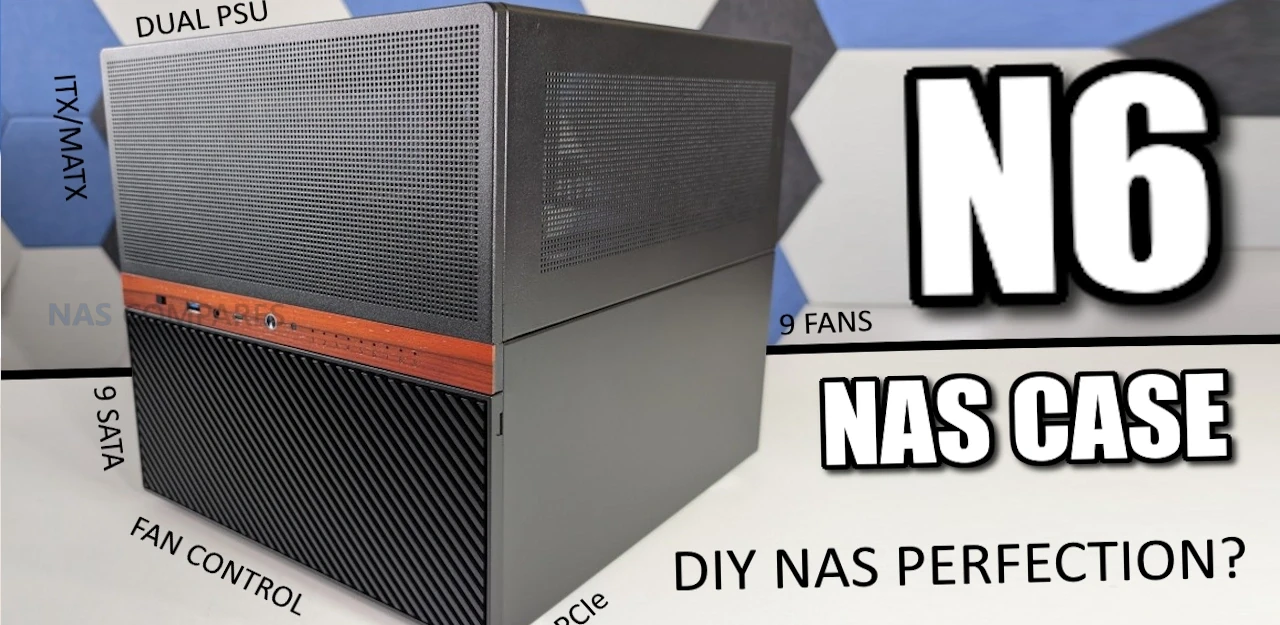
Jonsbo N6 DIY NAS Case Review
The Jonsbo N6 is the latest addition to the company’s long running lineup of DIY NAS focused enclosures, positioned between the compact N4 and the much larger N5. It is designed as a 9 bay desktop NAS chassis that supports both ITX and Micro ATX motherboards, while also introducing several changes compared with earlier Jonsbo designs. These include proper metal drive trays instead of rubber mounted sleds, expanded fan support, flexible PSU placement, and the inclusion of a physical fan controller. After spending the last 2 weeks building, configuring, and testing the N6 in a real world NAS environment, this review looks at how the case performs in practice, how its design decisions affect usability, and where it fits within the wider Jonsbo NAS case range.
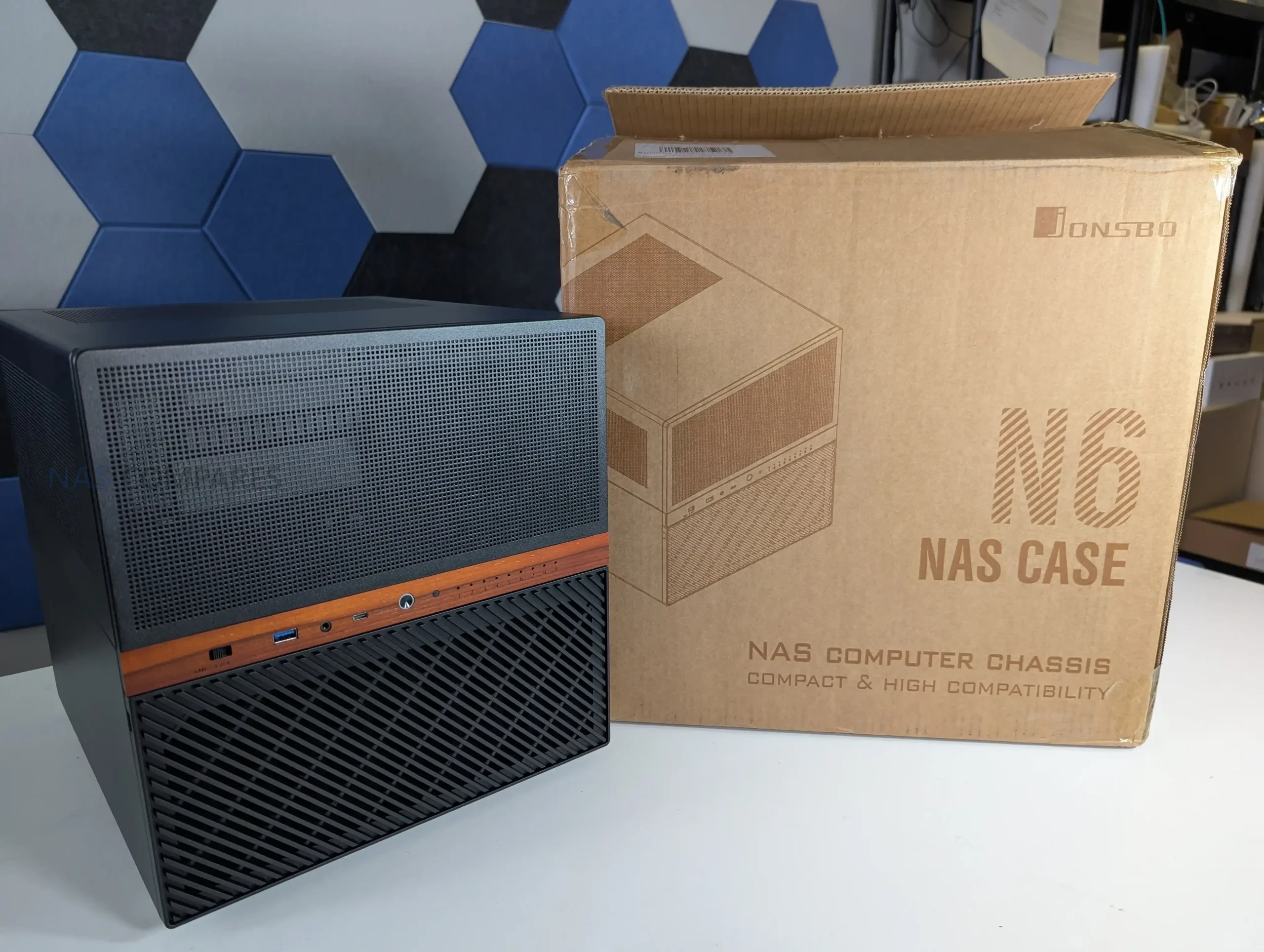
| Component Area | Specification |
|---|---|
| Motherboard Support | Mini ITX, Micro ATX |
| PCIe Expansion Slots | 4 full height |
| PSU Support | ATX up to 220mm, SFX up to 100mm |
| Dual PSU Support | Yes |
| Max CPU Cooler Height | 65mm to 160mm depending on PSU placement |
| Max GPU Length | 275mm to 320mm depending on configuration |
| Drive Interface | SATA via rear backplane |
| Drive Count | 9 x 3.5 inch or 9 x 2.5 inch |
Jonsbo N6 Review – Quick Conclusion
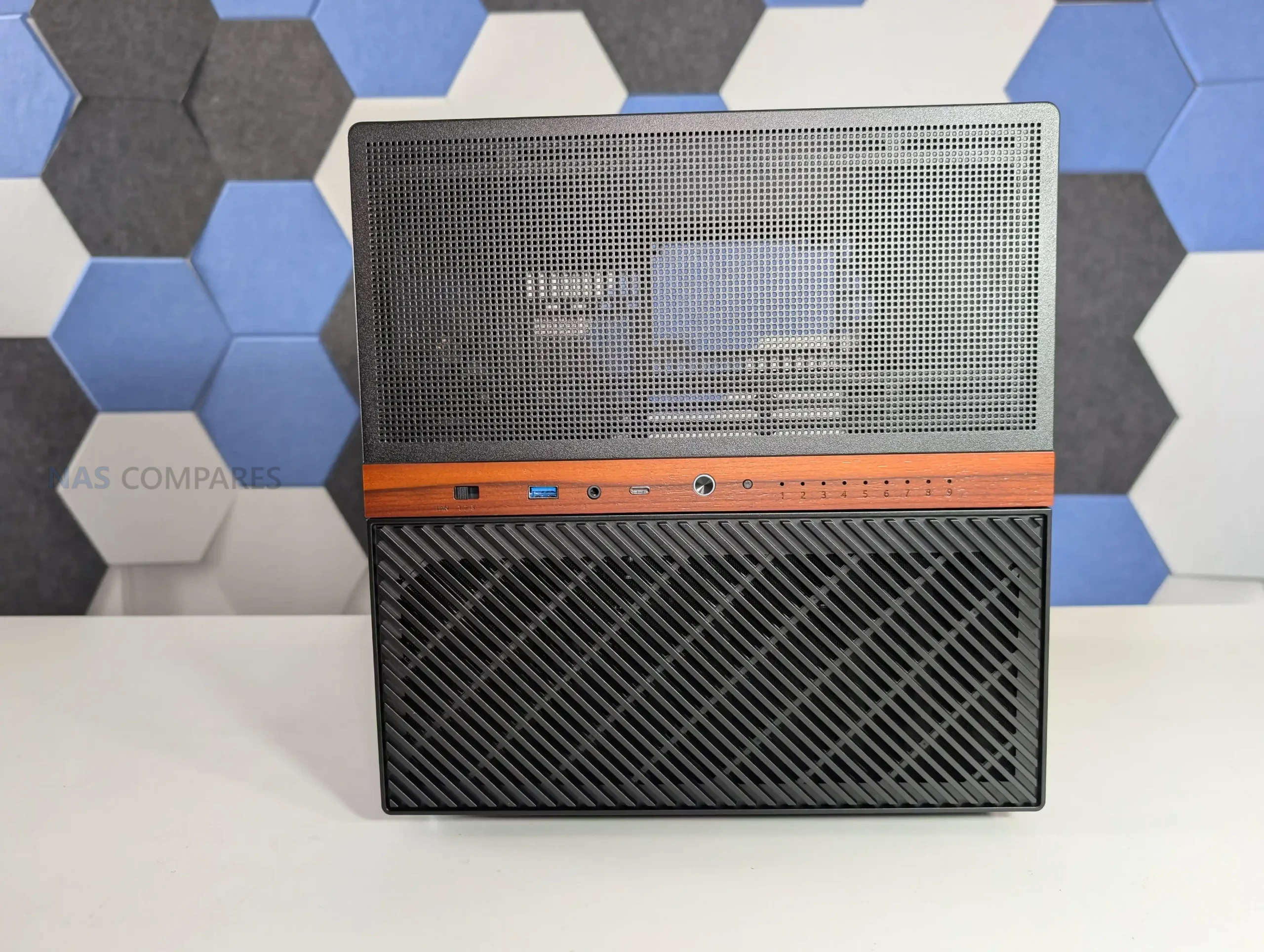
The Jonsbo N6 positions itself as a compact but flexible DIY NAS enclosure that sits neatly between small form factor NAS cases and much larger tower style solutions. It combines a 9 bay storage layout with support for mATX and ITX motherboards, multiple PSU configurations, and extensive cooling options, aiming to address many of the limitations found in earlier Jonsbo NAS designs. In practical use, it delivers solid thermal behavior, manageable noise levels, and a relatively straightforward build process, while also introducing long requested changes such as proper drive trays and integrated fan control. That said, it is not without compromises, particularly around internal clearance when using larger components and the continued reliance on SATA connectors on the backplane. Overall, the N6 feels like a mature evolution of Jonsbo’s NAS lineup, offering meaningful improvements over smaller models like the N2, N3, and N4, while intentionally stopping short of replacing the larger and more expandable N5.
|
Check Amazon in Your Region for the Jonsbo N6 Case
|
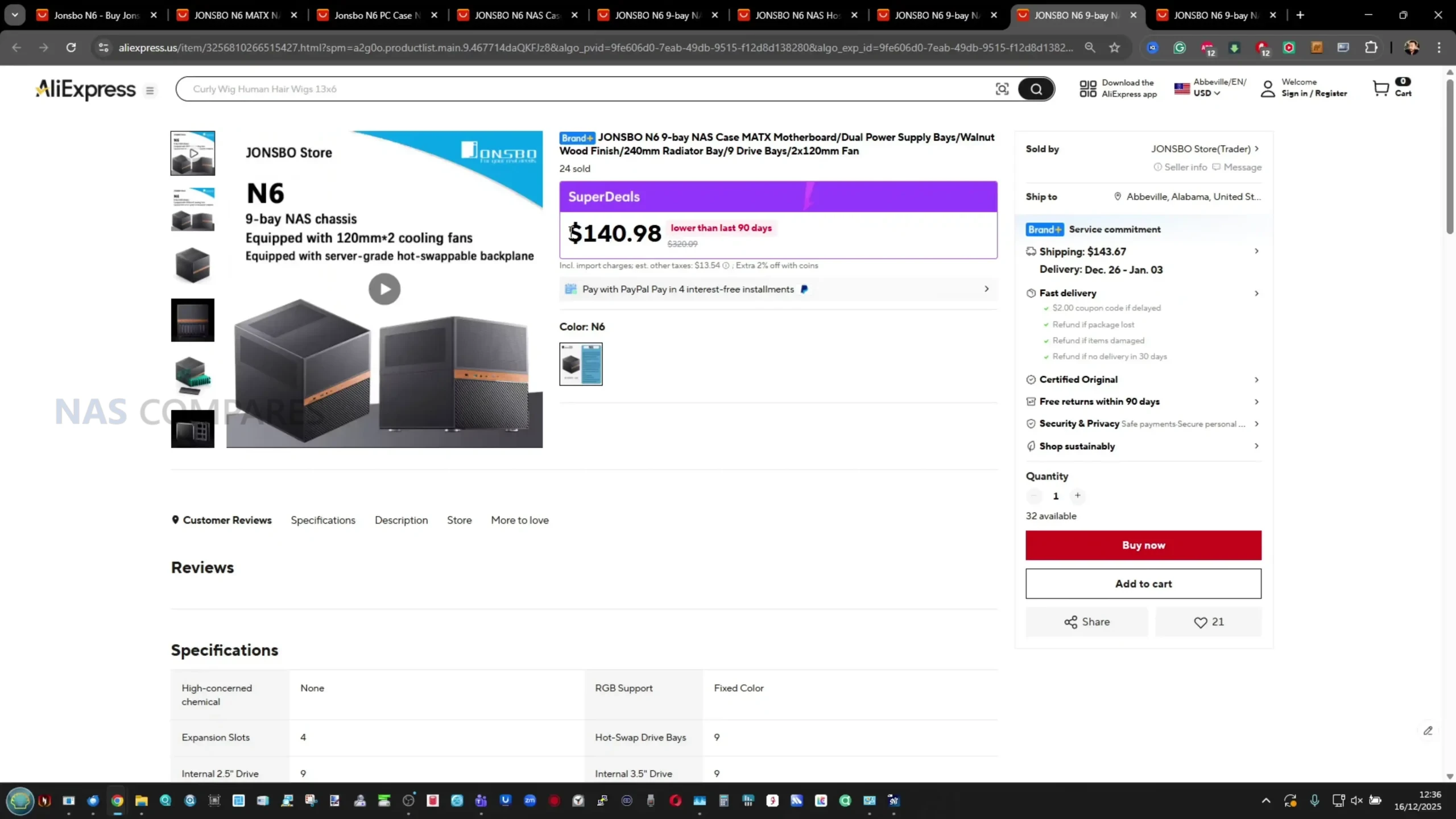
Check AliExpress or the Jonsbo N6 Case
|


Where to Buy a Product



VISIT RETAILER ➤

VISIT RETAILER ➤
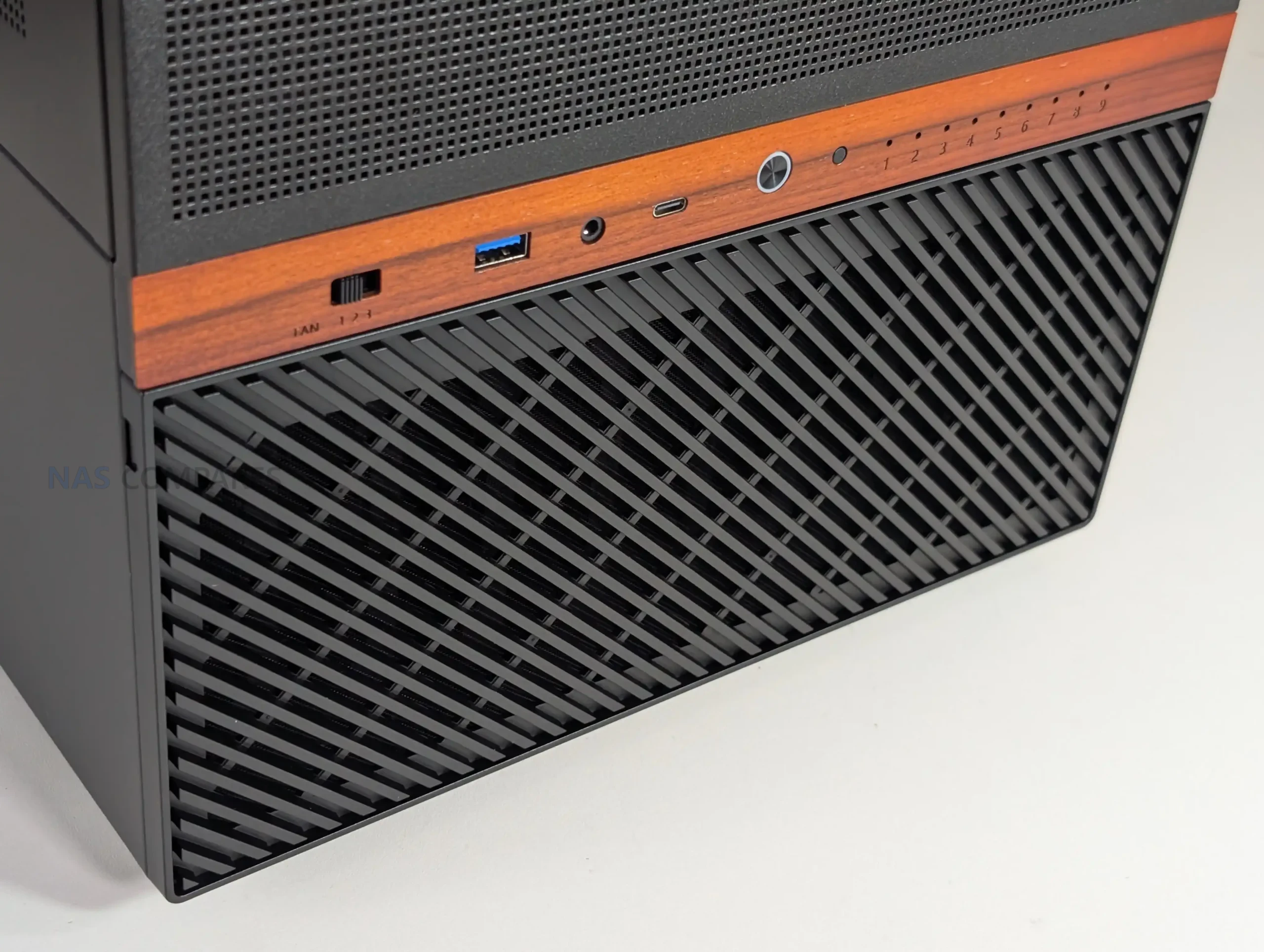
Jonsbo N6 Review – Design & Storage
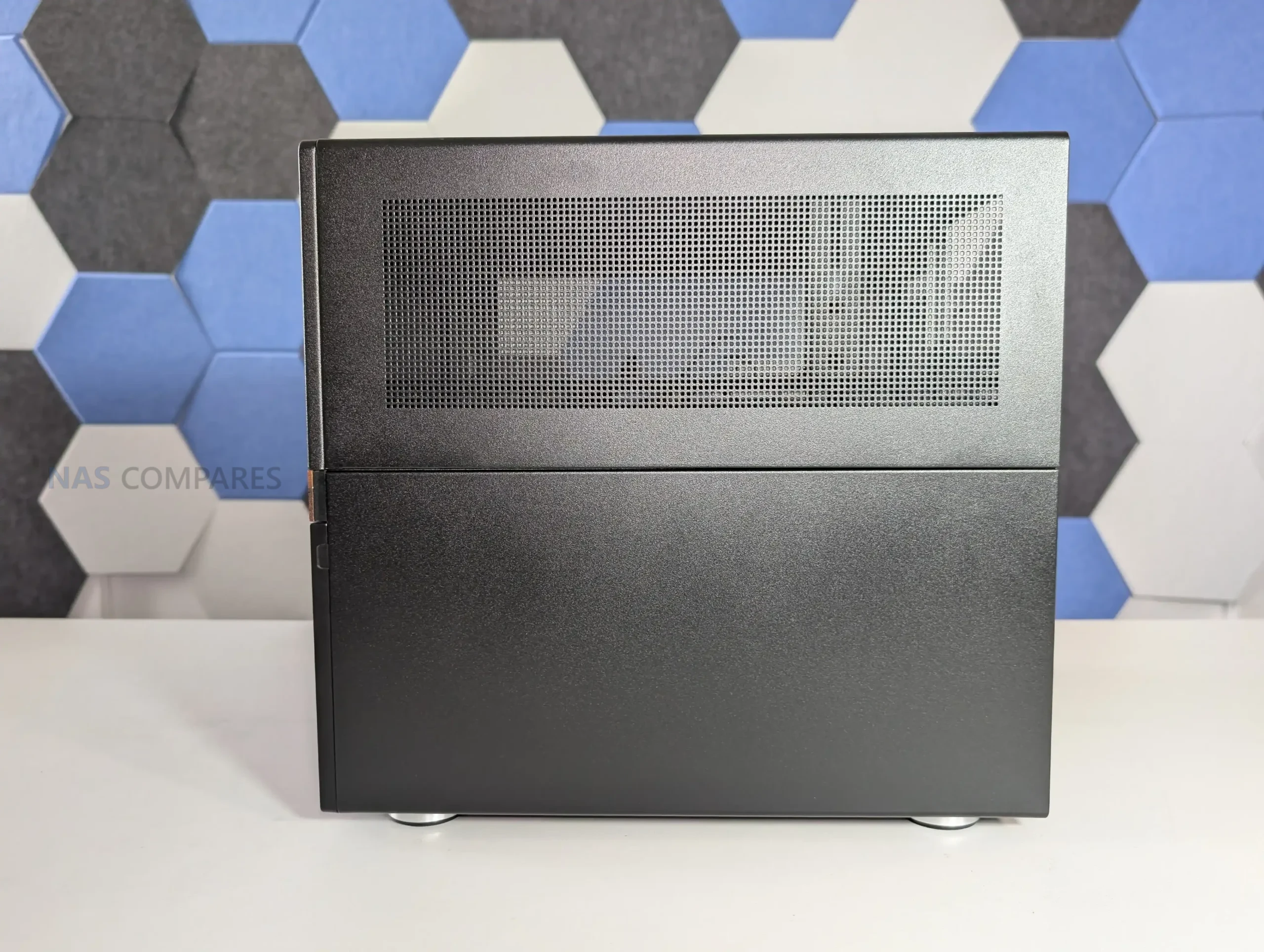
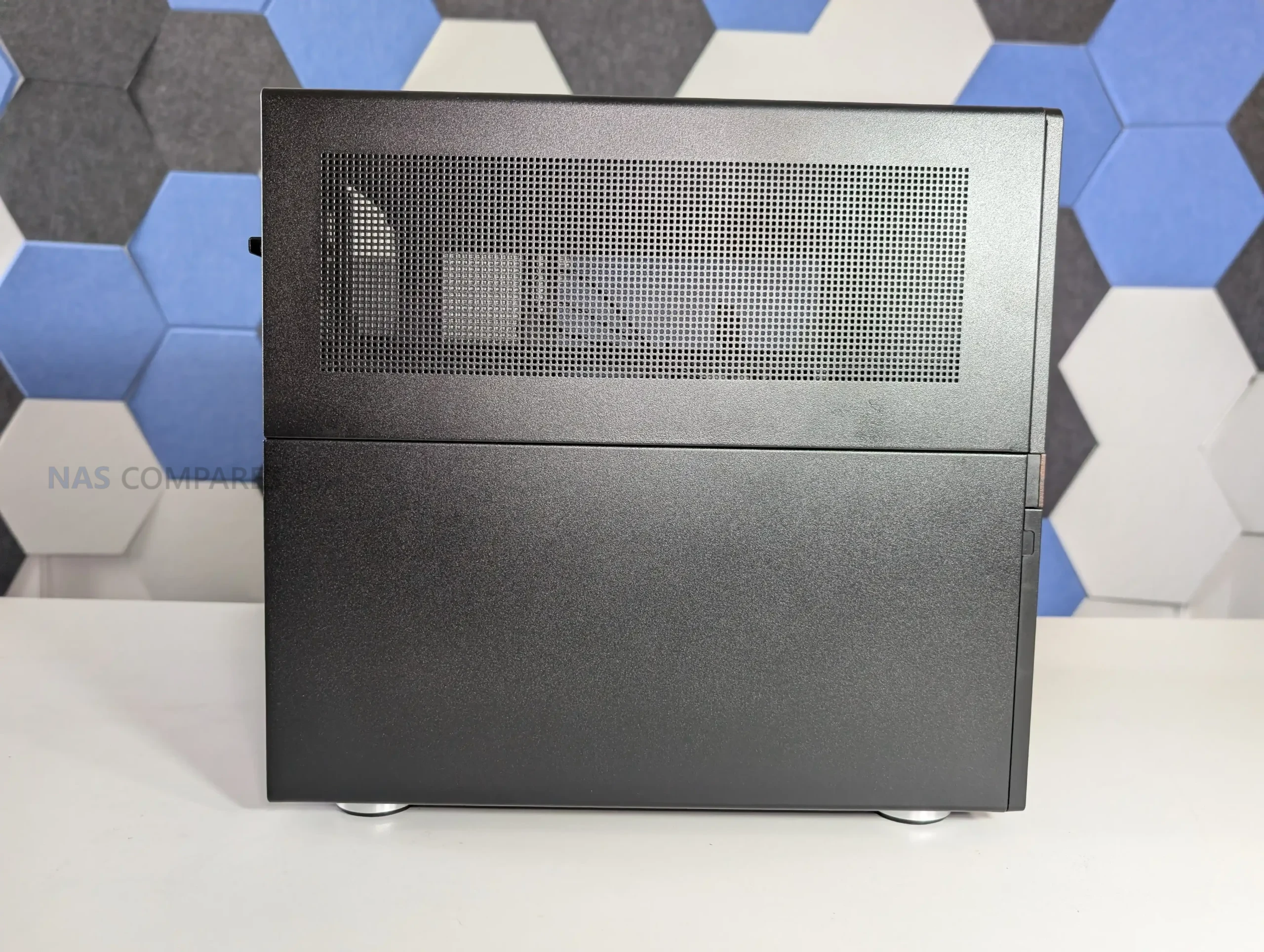
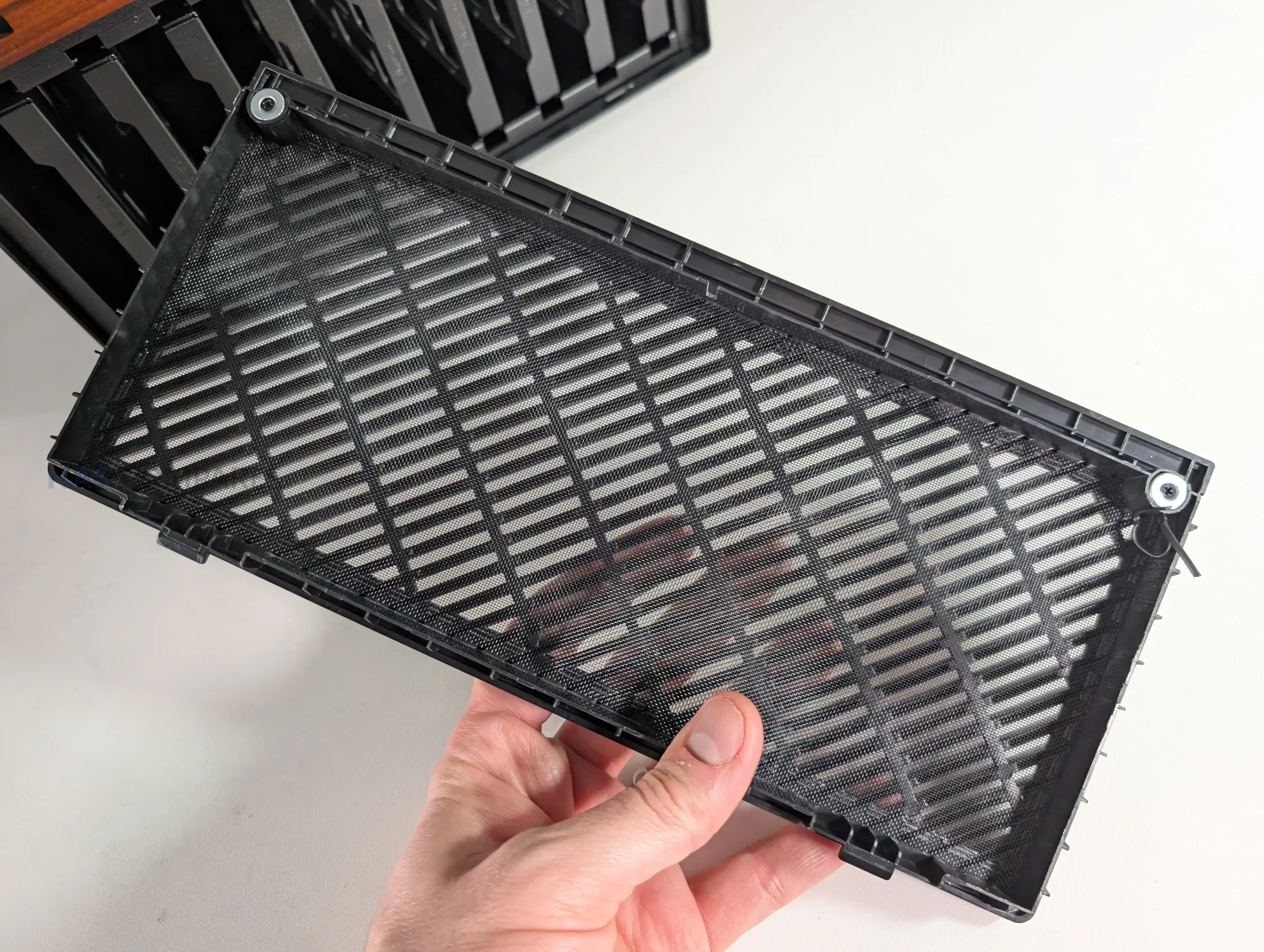
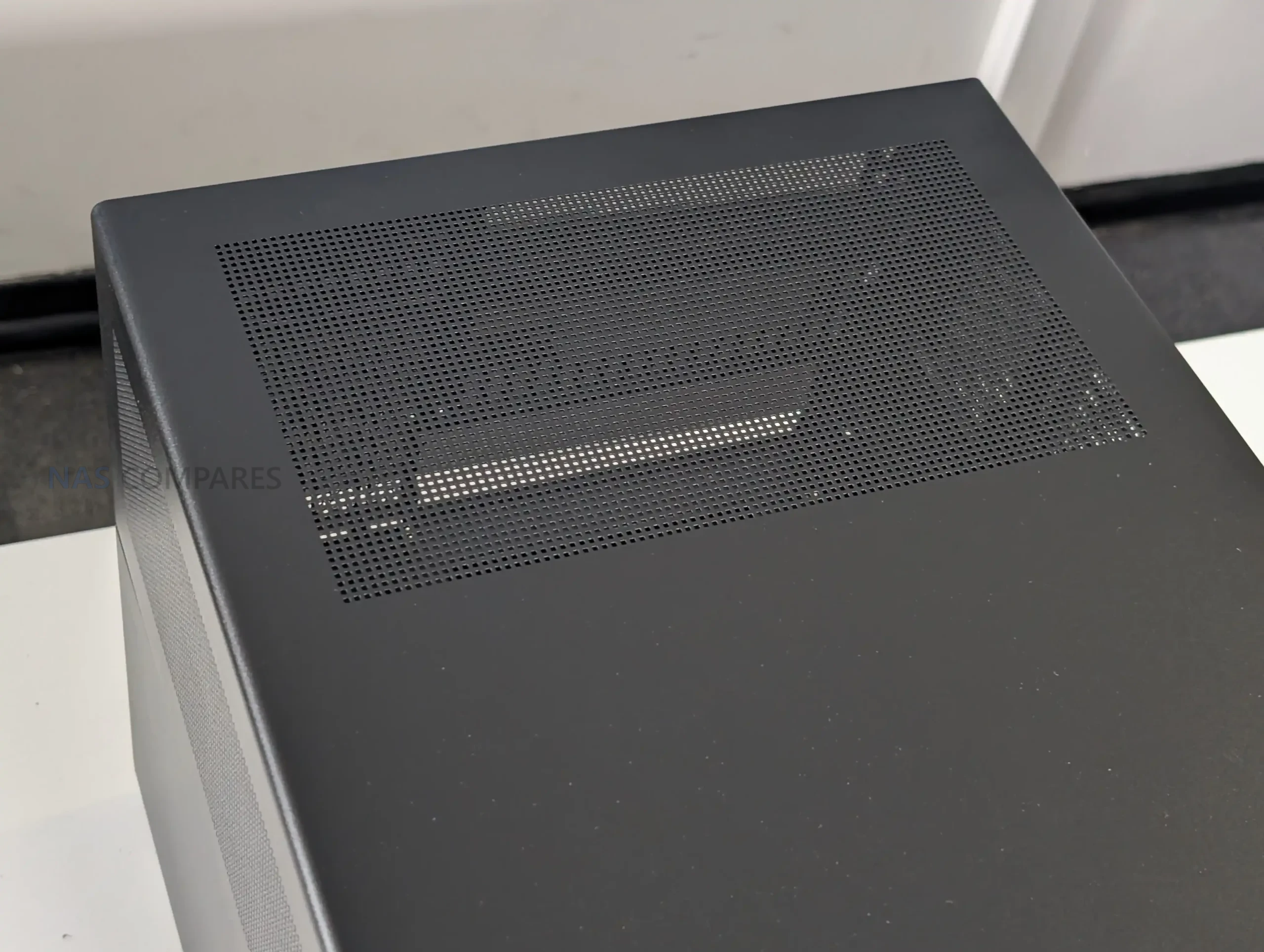
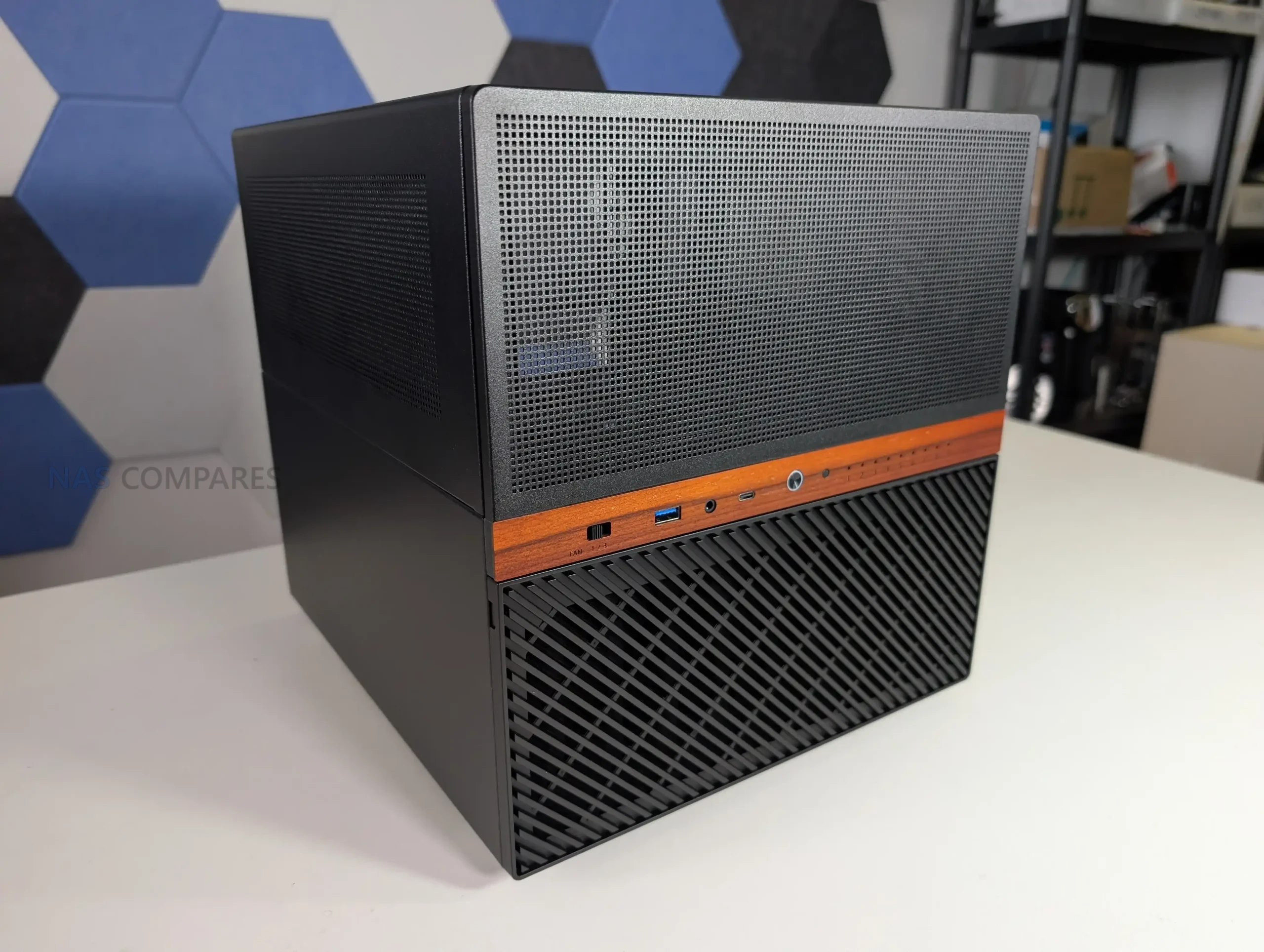
The Jonsbo N6 continues the brand’s established NAS focused design language, combining a compact tower format with a restrained, industrial appearance. The chassis uses a steel construction with aluminum accents and a wooden front trim, which has become a recognizable feature across several recent Jonsbo NAS cases. While the wood insert will not appeal to everyone, it is purely cosmetic and does not interfere with airflow or structural rigidity. Overall dimensions place the N6 clearly below the larger N5, though it is still substantial compared to many ITX cases due to its storage capacity.
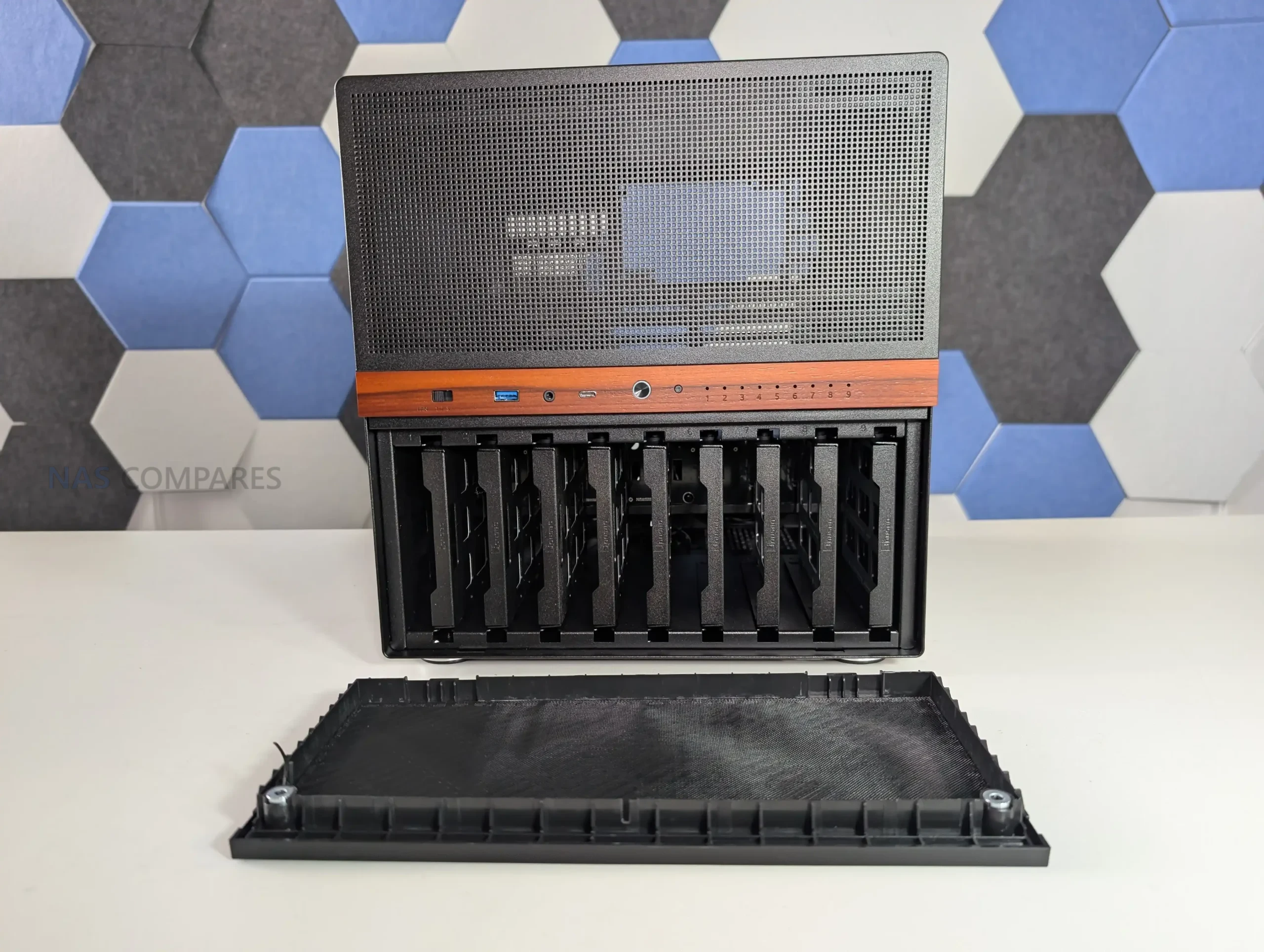
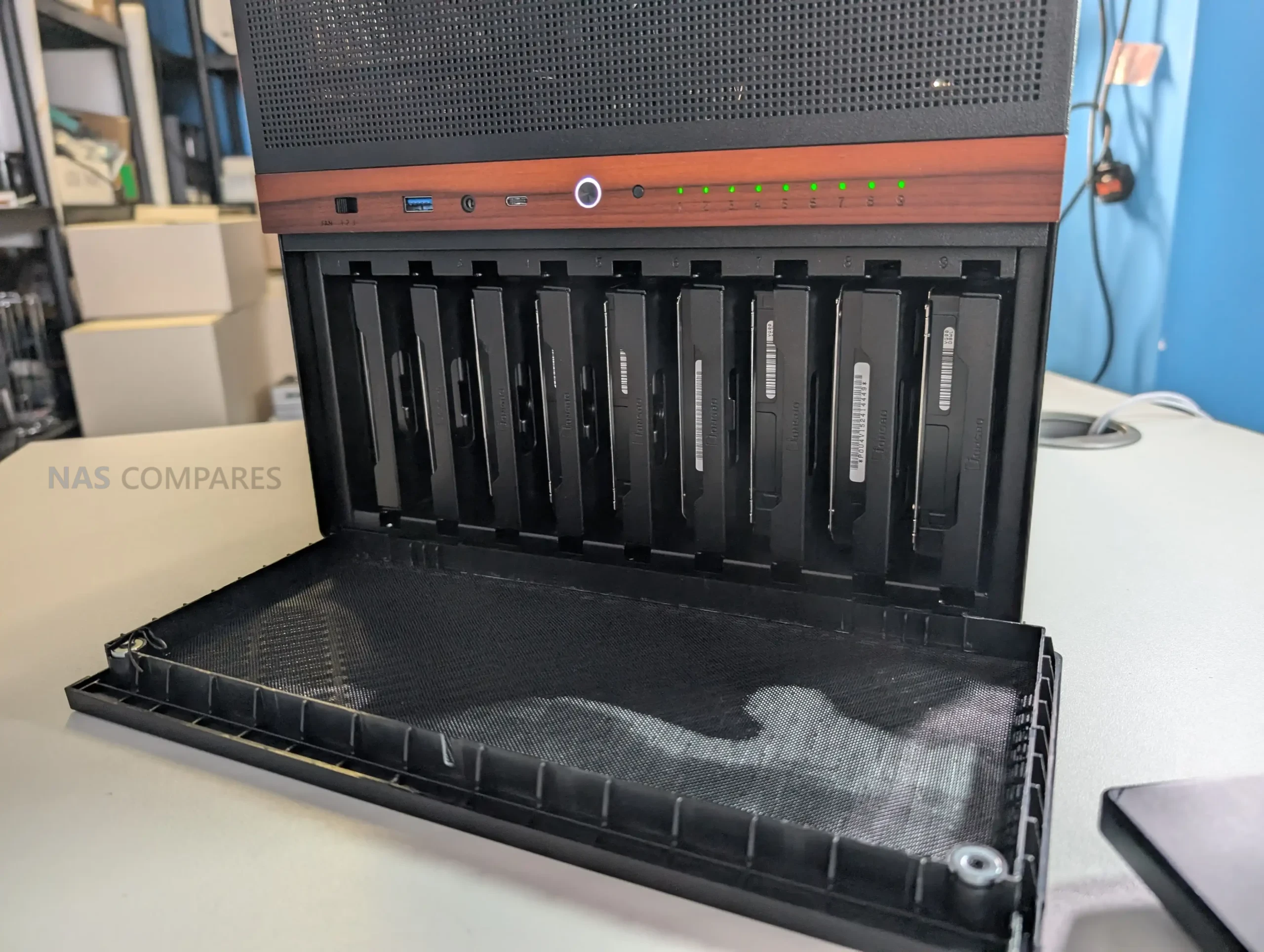
Storage is the defining feature of the N6, with support for up to 9 drives in either 3.5 inch HDD or 2.5 inch SSD formats. All drives are housed in a dedicated lower compartment, separated from the motherboard area. This layout helps with cable management and keeps storage thermals isolated from CPU and expansion hardware. The capacity places the N6 in a relatively uncommon position, offering more drive bays than most compact NAS cases without stepping into full tower territory.
 |
 |
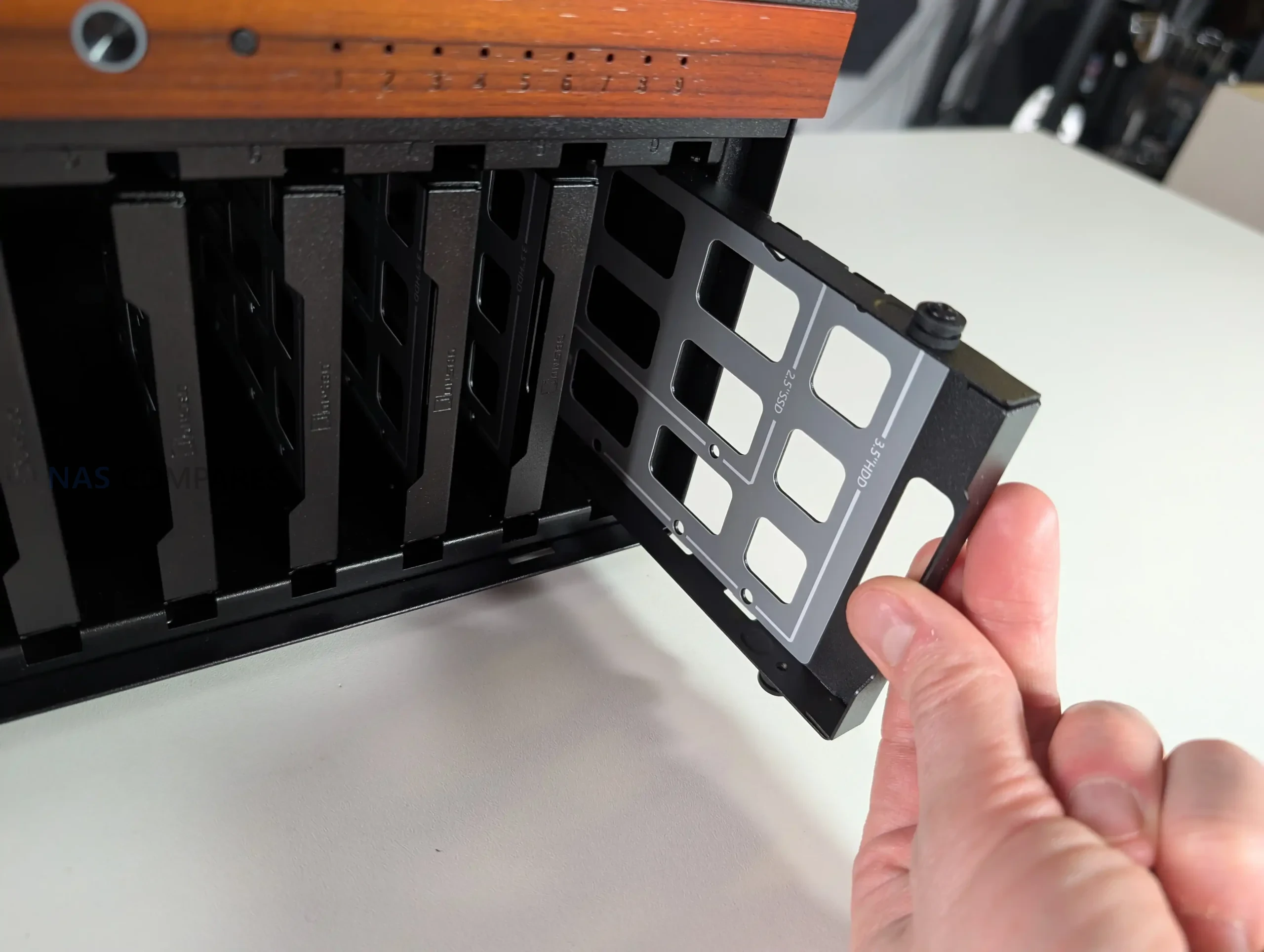
Unlike earlier Jonsbo NAS models that relied on rubber grommets and pull tabs, the N6 uses metal drive trays as standard. Each tray supports both 3.5 inch and 2.5 inch drives and slots directly into a rear mounted backplane. The trays are functional rather than refined, lacking tool less locking mechanisms or individual activity LEDs. However, spacing between drives allows some passive airflow, which is important given the density of a fully populated array.
 |
 |
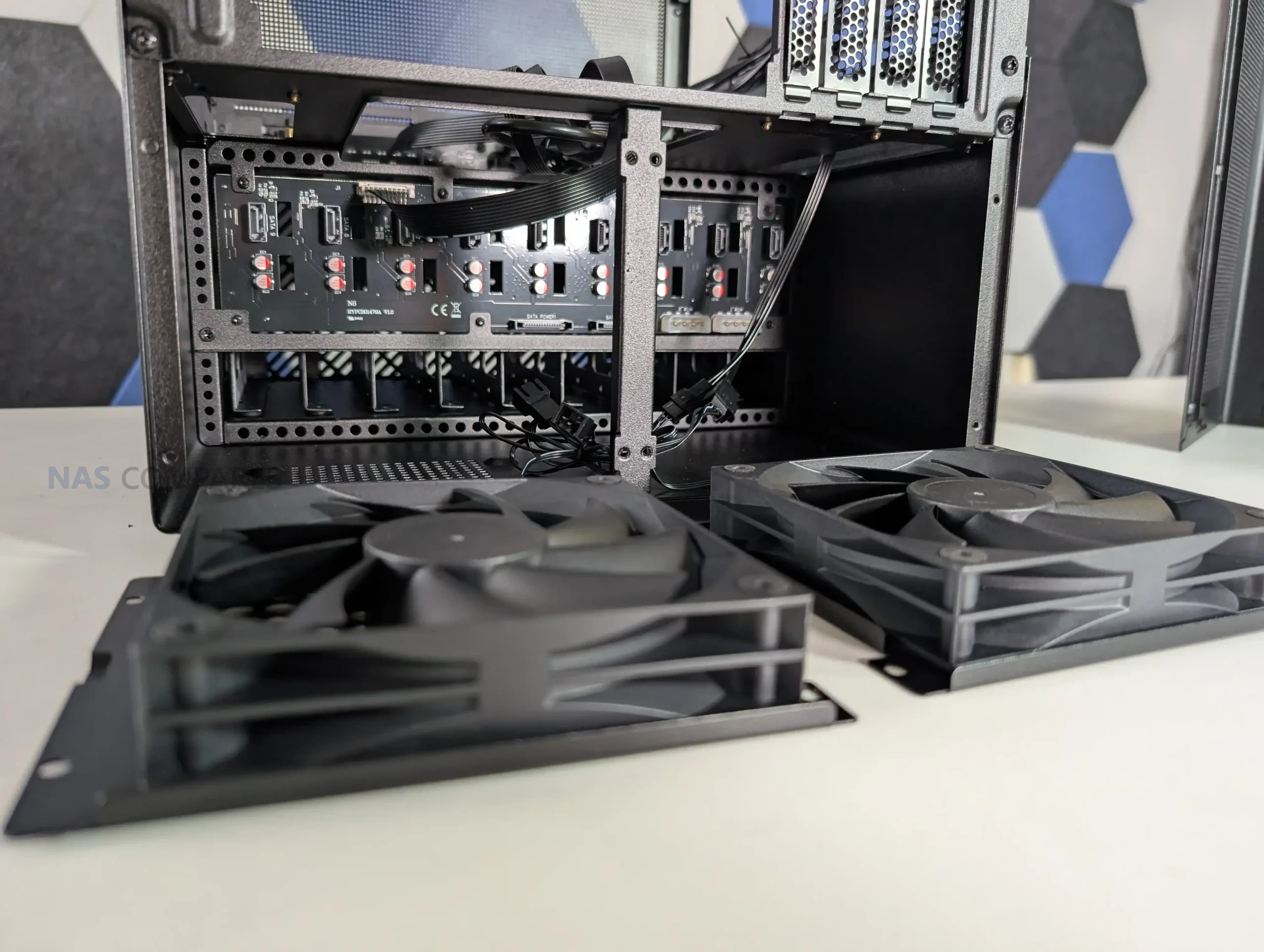
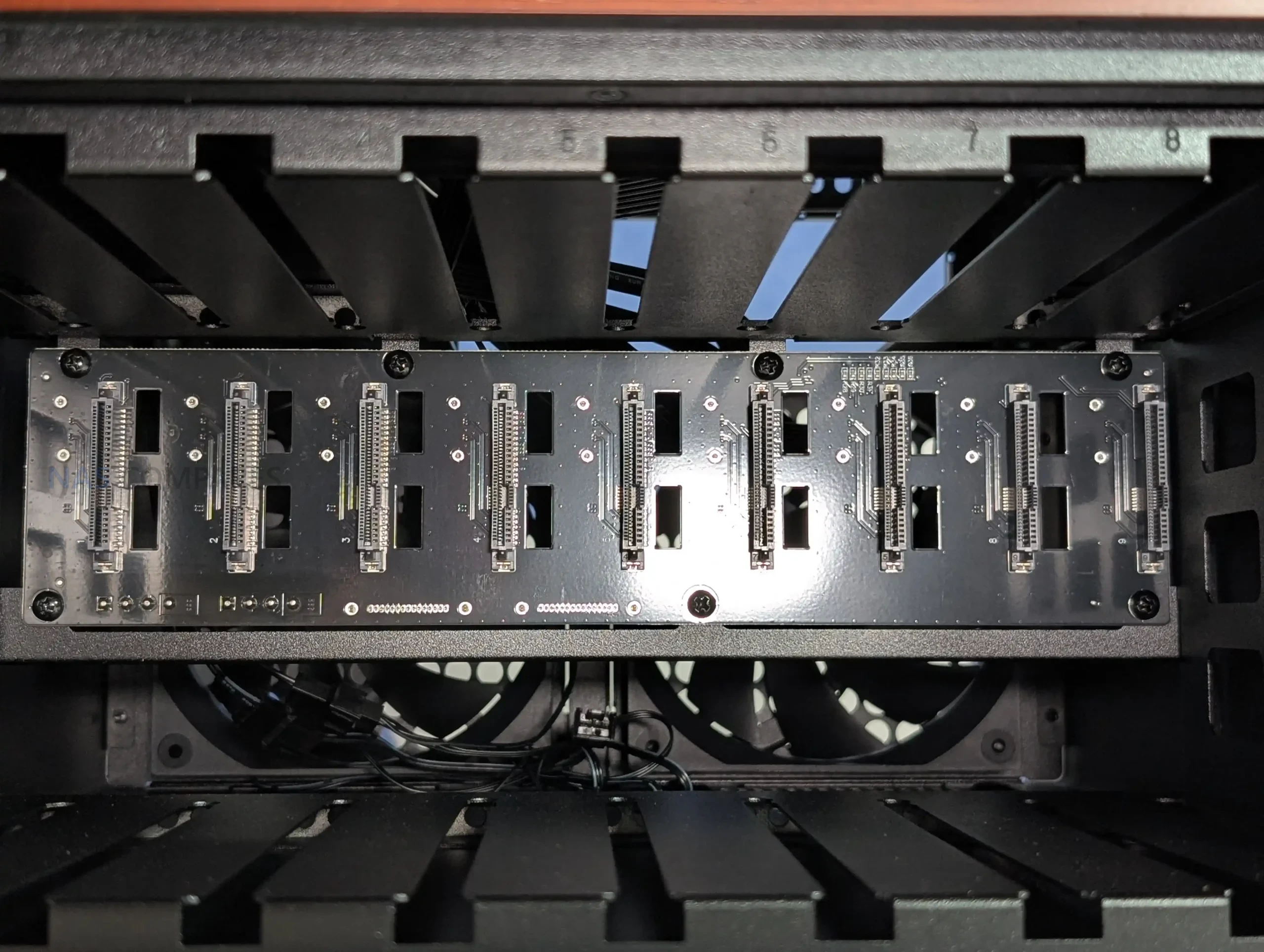
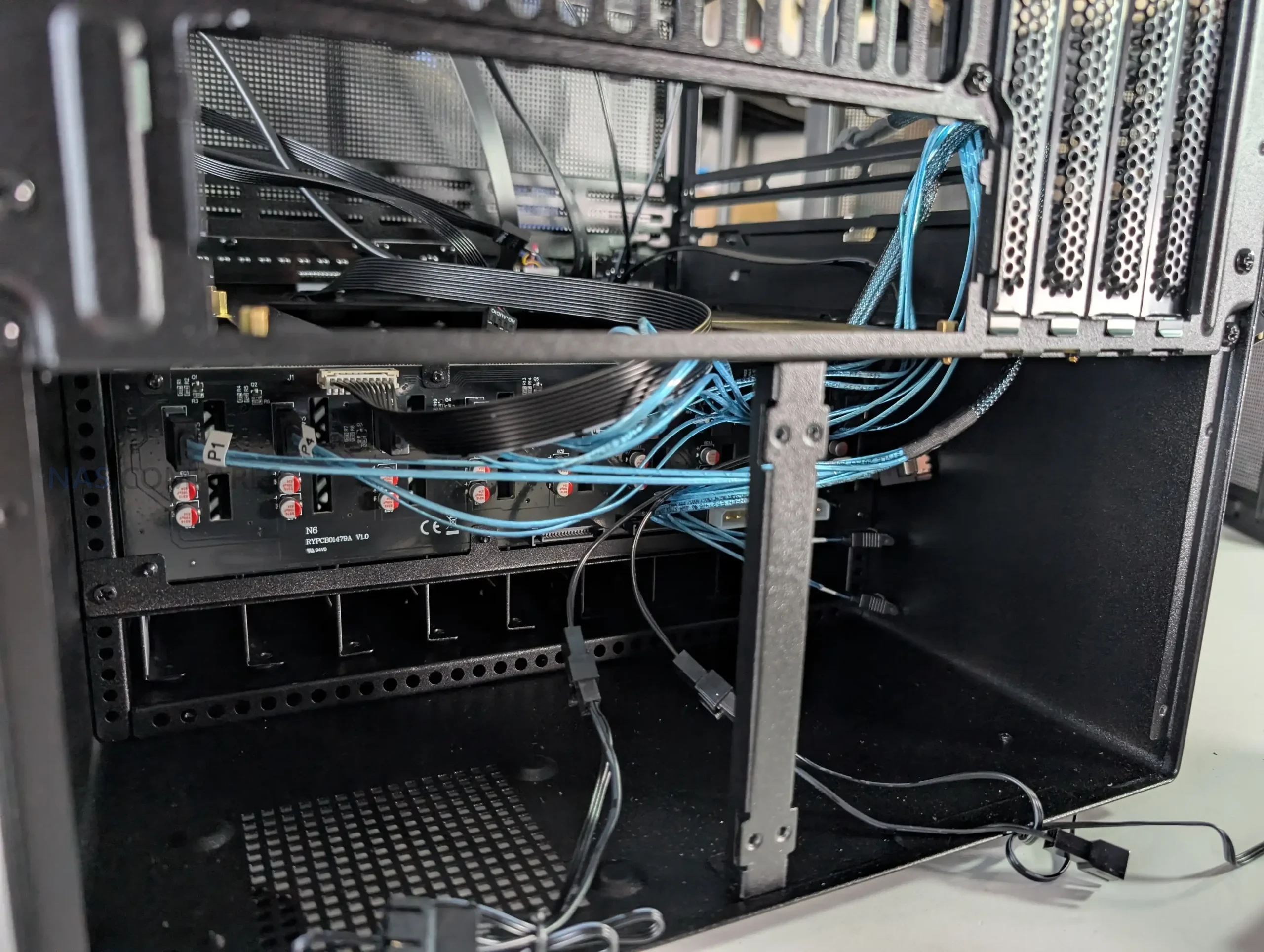
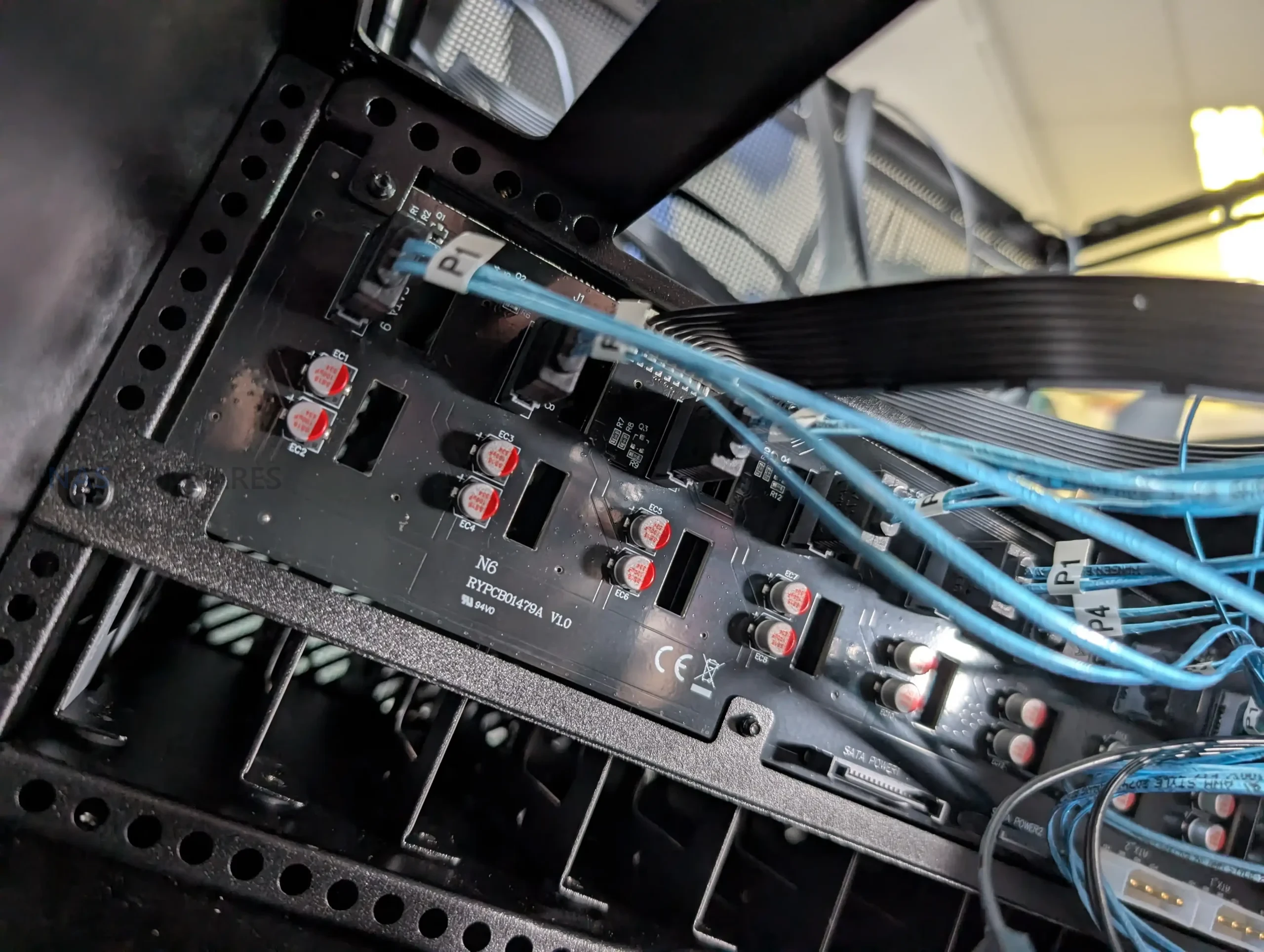
All 9 drive trays connect to a single backplane PCB located at the rear of the drive cage. The front side of the board uses individual SATA connectors for each bay, simplifying installation compared to loose cabling. On the output side, the board breaks out into standard SATA data connectors rather than Mini SAS, alongside SATA and Molex power inputs. This choice favors compatibility but limits native SAS support, which may matter to users running enterprise drives or SAS controllers.
 |
 |
From an installation standpoint, drive access is straightforward, but orientation is something to be careful with. The trays do not include visual indicators for correct alignment, making it possible to insert a drive incorrectly if rushed. While this is not unique to the N6, it does introduce some risk during initial setup or drive swaps. Overall, the storage design prioritizes density and compatibility over convenience features, aligning with the case’s focus on DIY NAS builders rather than hot swap environments.
 |
 |
Jonsbo N6 Review – Internal Structure
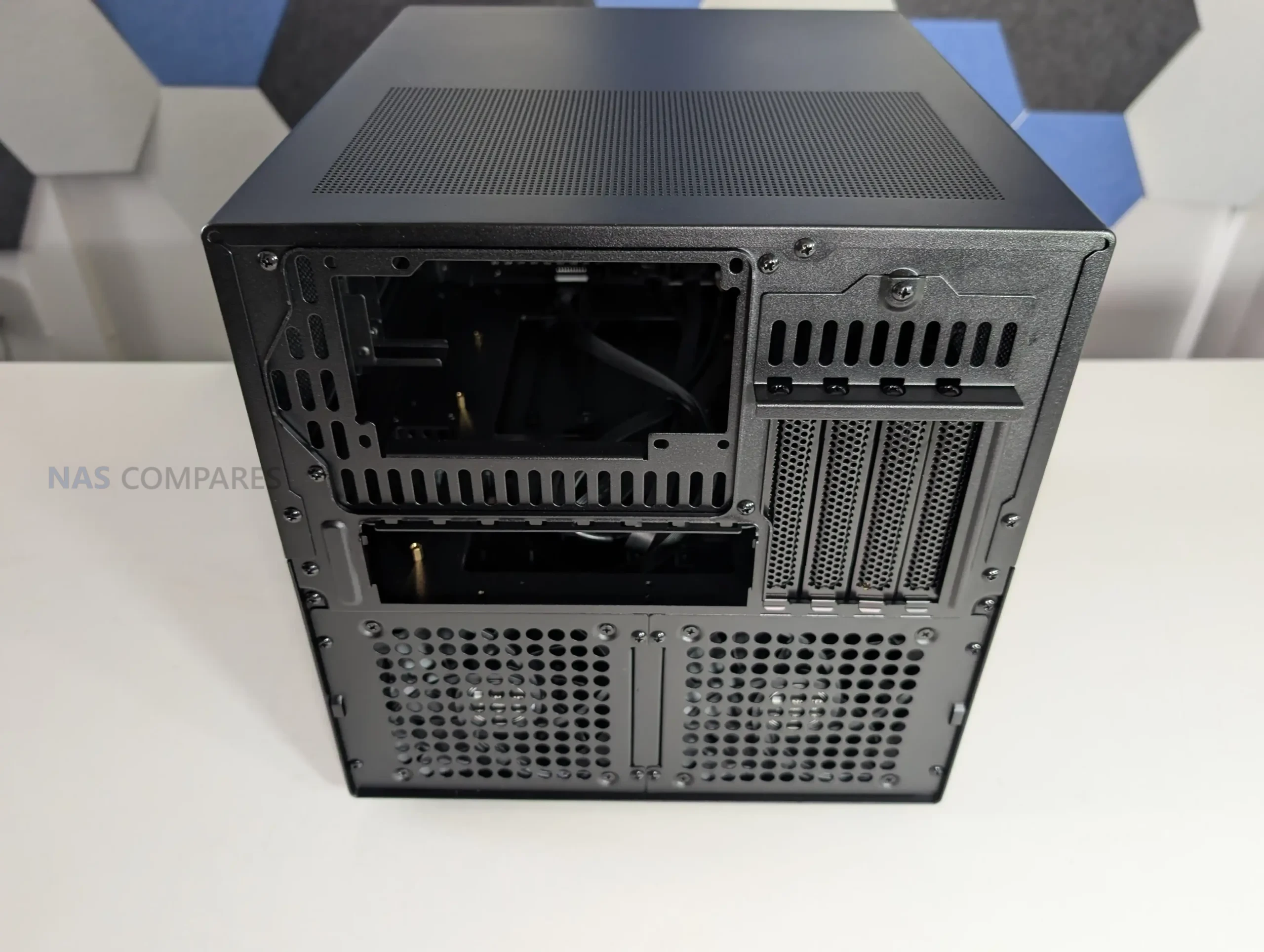
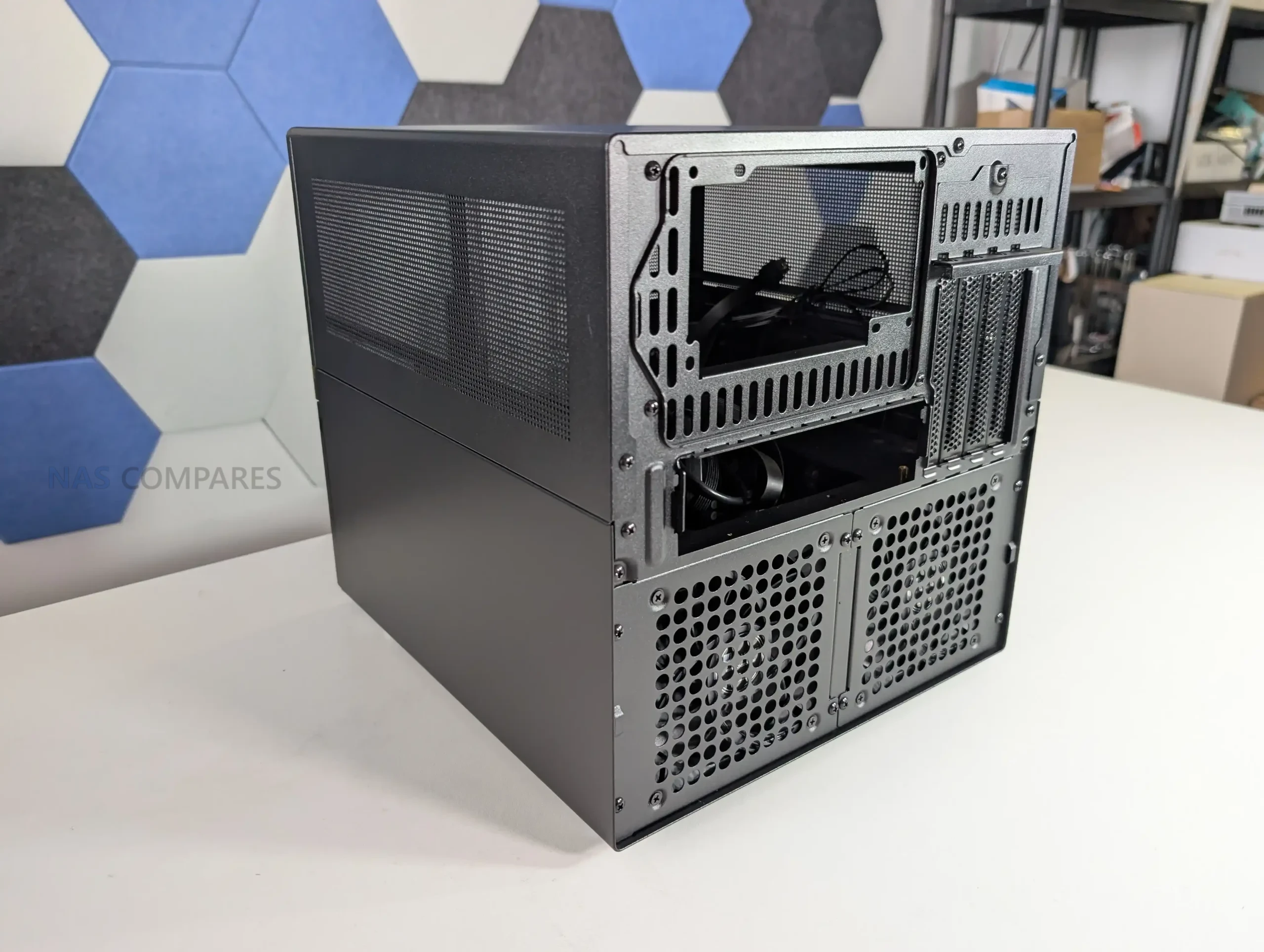
The internal layout of the Jonsbo N6 is designed around flexibility rather than absolute clearance, and that becomes clear once hardware installation begins. The case supports Mini ITX and Micro ATX motherboards, but does not officially support full ATX boards, despite physical dimensions that appear close.
 |
 |
In practice, fitting an ATX board is technically possible but leaves insufficient clearance for cabling, airflow, and component access, making it impractical for most builds. With ITX boards, internal space is generous and largely unobstructed, while Micro ATX installations require more planning due to tighter edge clearances near the drive backplane and PSU mounting areas.
 |
 |
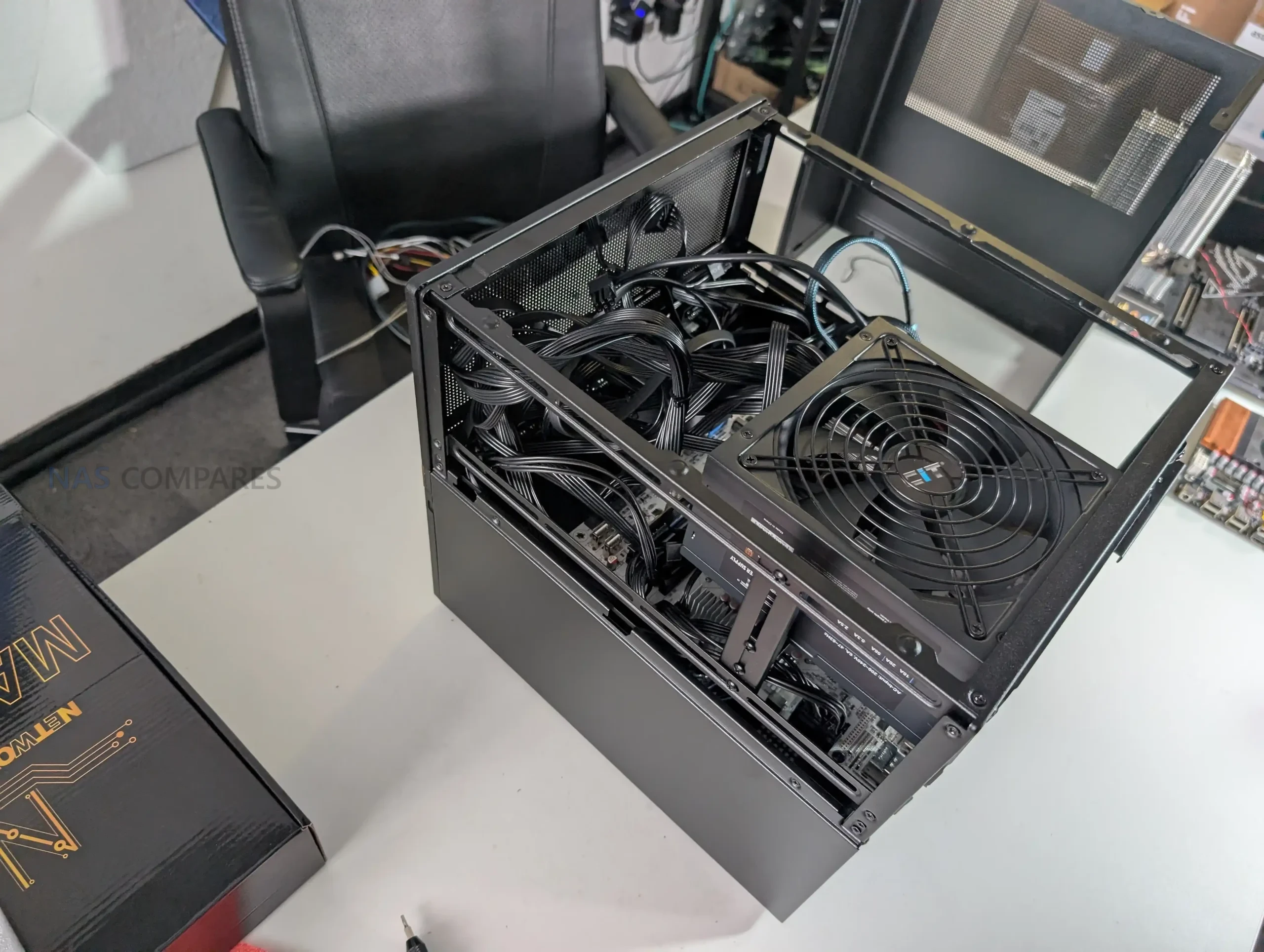
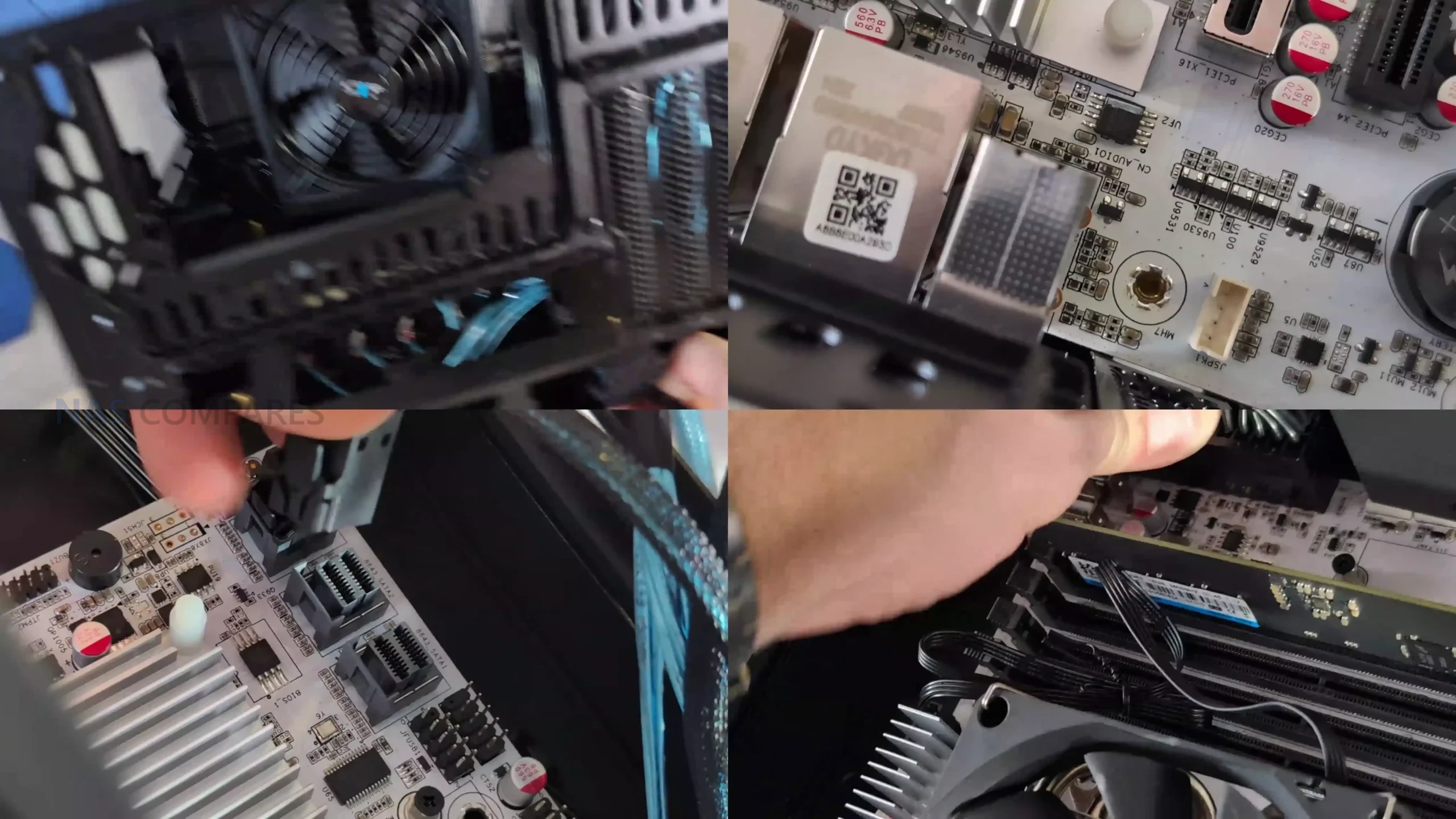
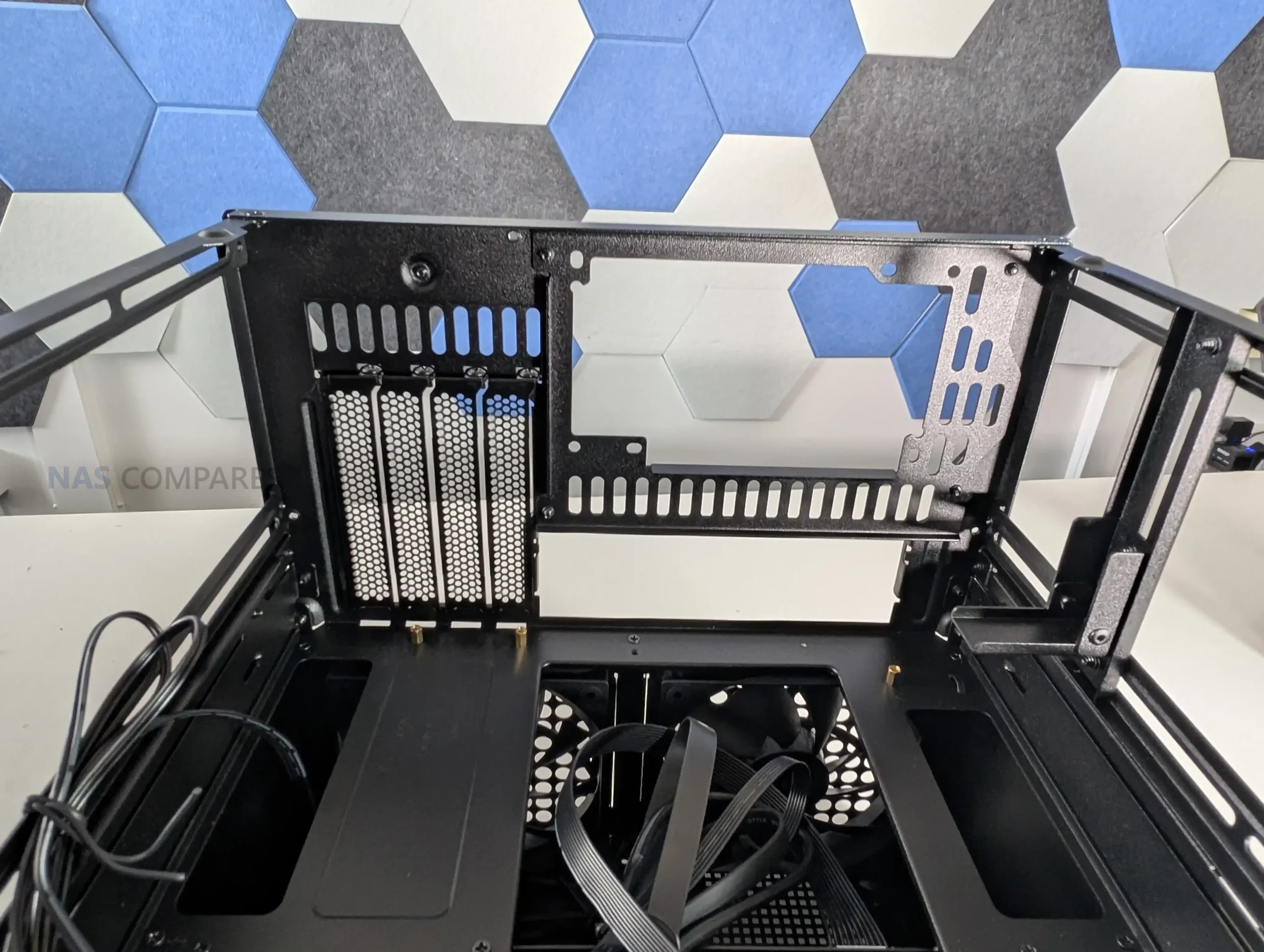
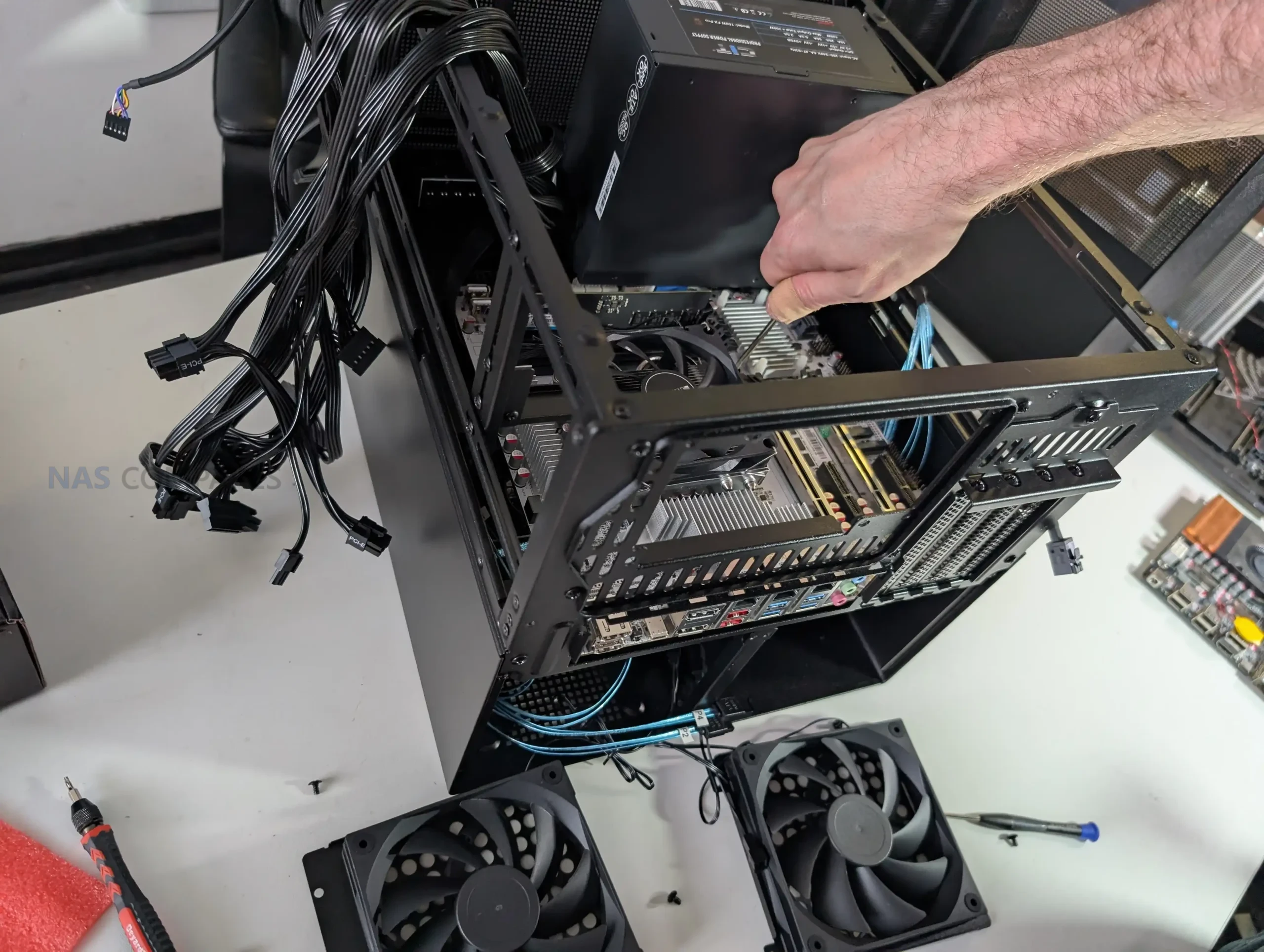
PSU placement plays a major role in how the internal hardware layout behaves. The N6 supports both ATX and SFX power supplies and allows installation in multiple positions using included brackets. Mounting a full size ATX PSU above the motherboard significantly reduces available CPU cooler height, which can limit cooler selection to low profile or compact tower designs. SFX power supplies offer more flexibility and reduce conflicts around the CPU socket area, particularly when using Micro ATX boards.
 |
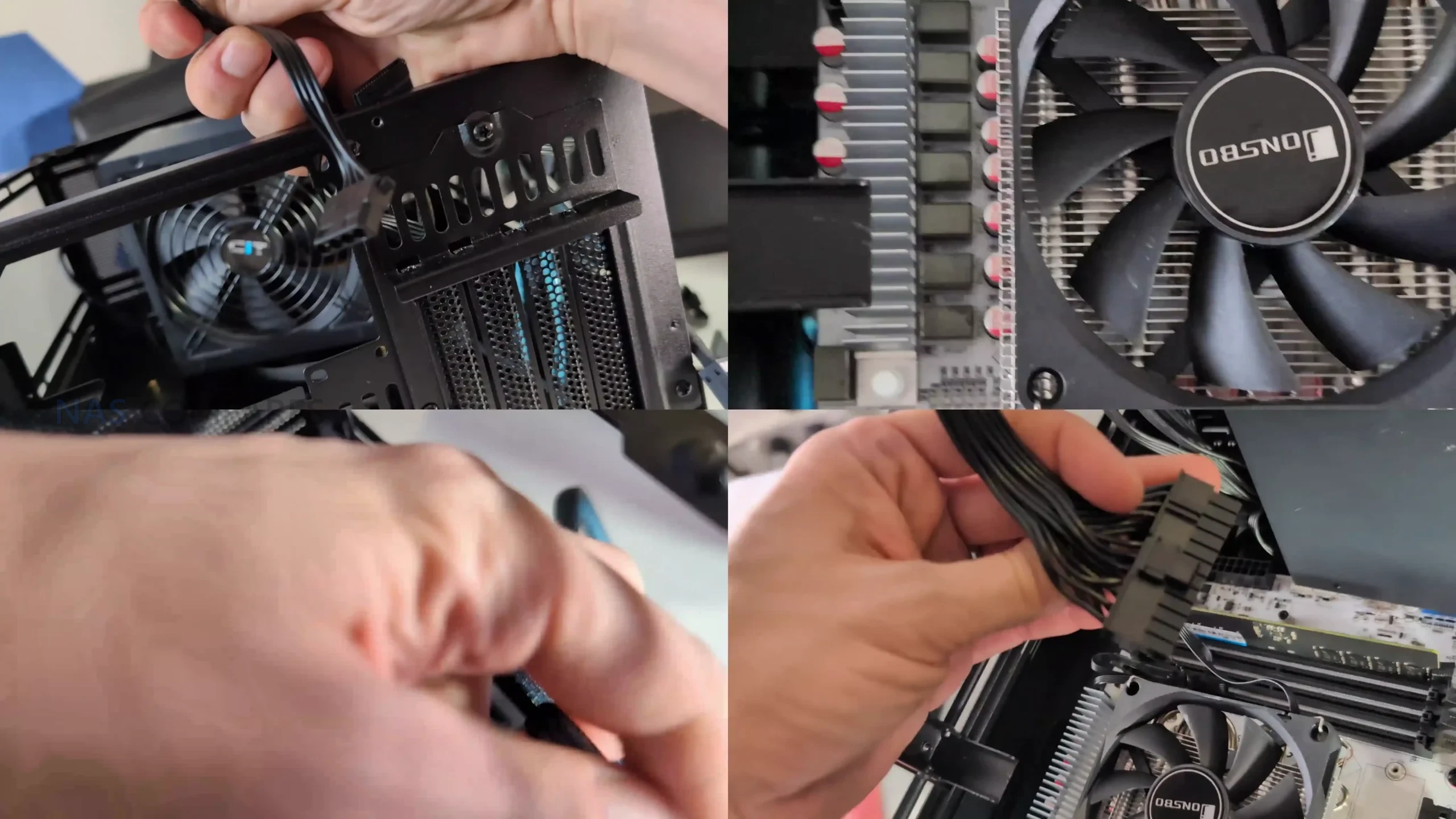 |
The option for dual PSU installation adds another layer of configurability, but it further increases complexity around airflow paths and cable routing.
 |
 |
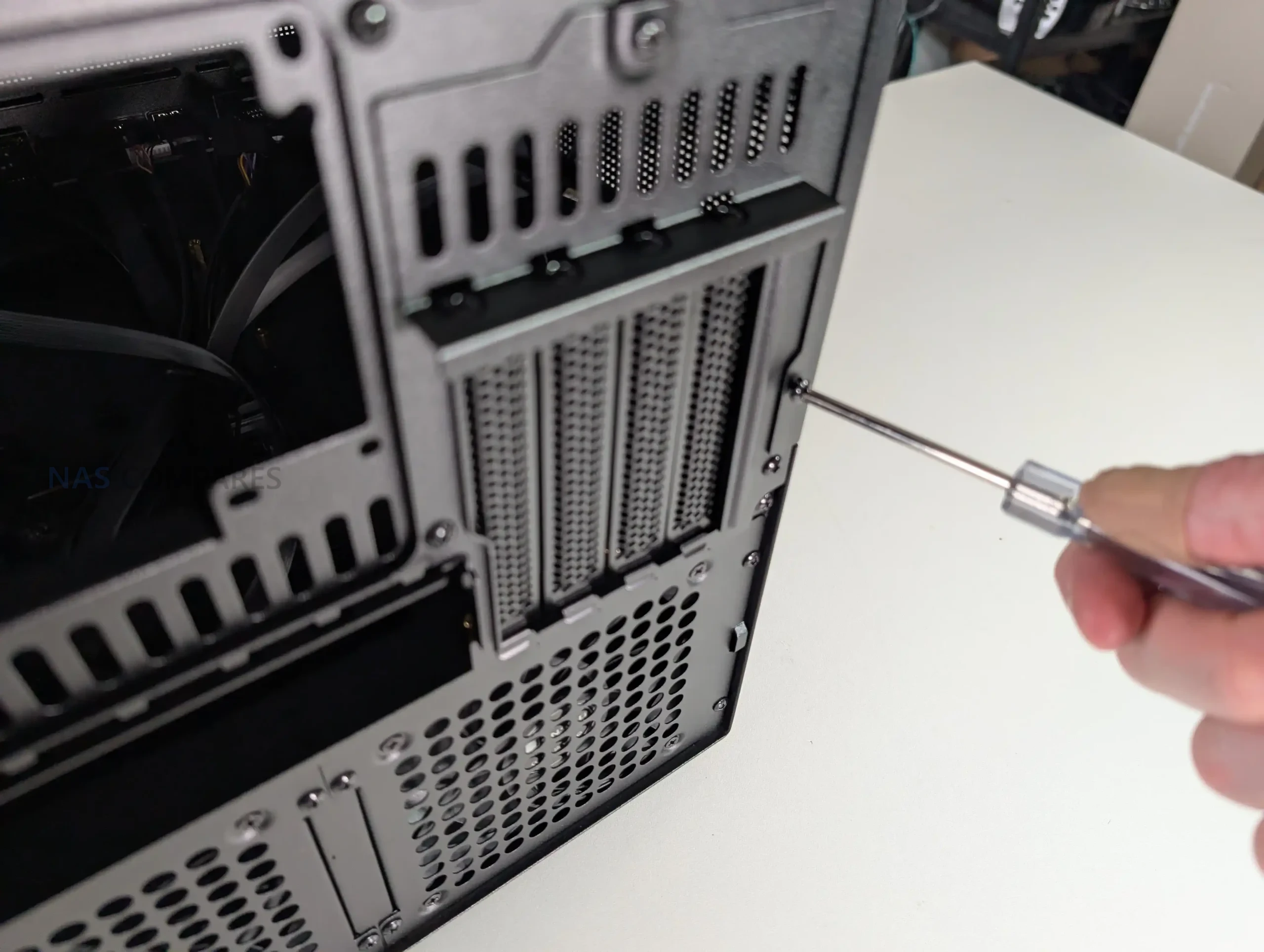
PCIe expansion is relatively strong for a case in this category, with support for up to 4 full height expansion slots. This allows for the use of HBAs, network cards, or even a discrete GPU, provided length and thickness limits are respected. Clearance becomes tight when multiple expansion cards are installed alongside side mounted fans, especially on the lowest slot. Cable routing is generally straightforward, with clear channels and anchor points, but routing SATA or Mini SAS fan out cables is easier if completed before final motherboard installation, particularly in Micro ATX configurations.
 |
 |
Jonsbo N6 Review – Connectivity
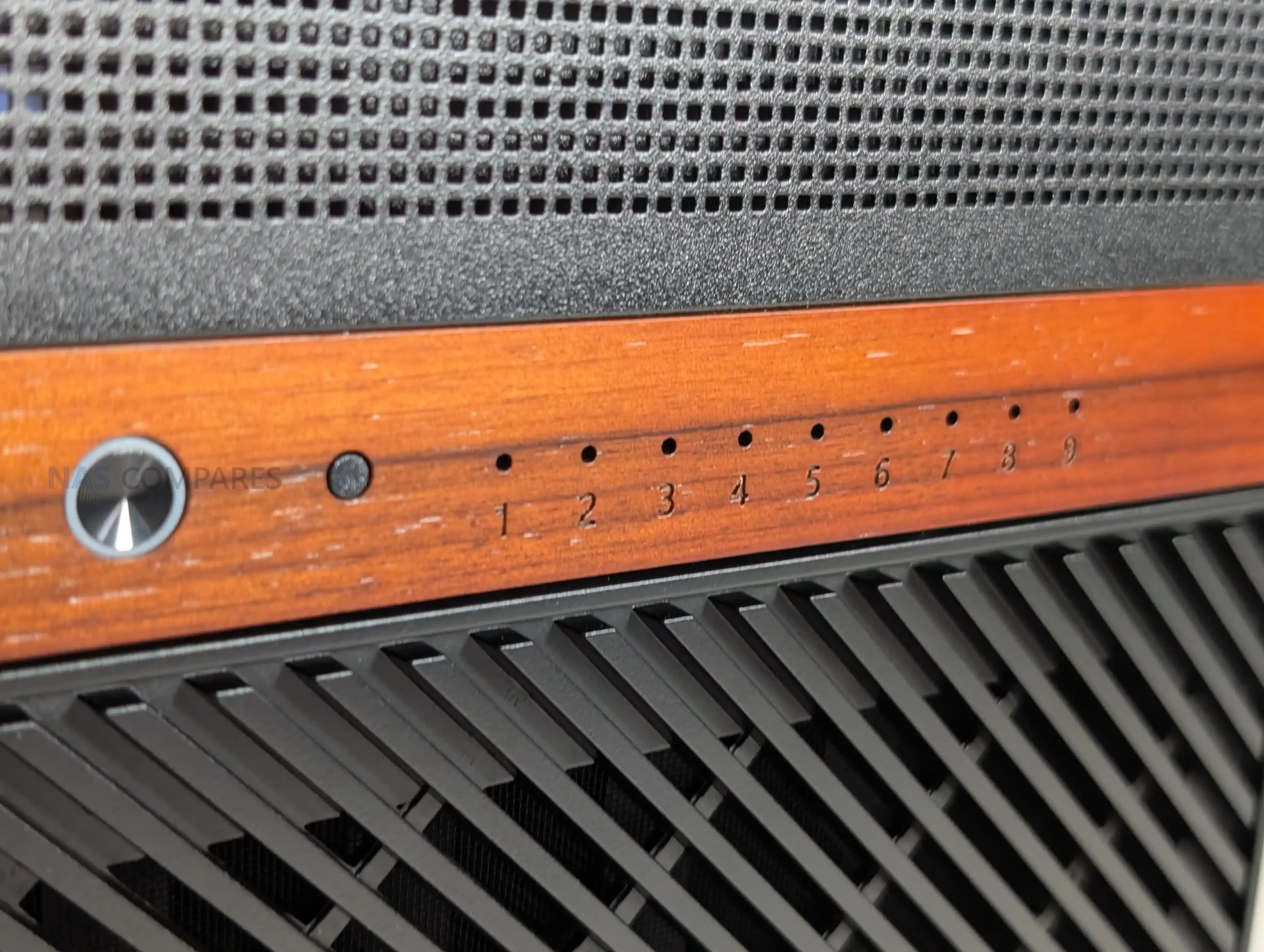
The Jonsbo N6 keeps external connectivity relatively straightforward, with all user facing ports located on the front panel for easy access. This placement makes sense for a NAS chassis that is likely to be positioned on a desk, shelf, or rack adjacent surface rather than frequently accessed from the rear. The front I O layout focuses on essential connectivity rather than attempting to replicate a full desktop case feature set.
 |
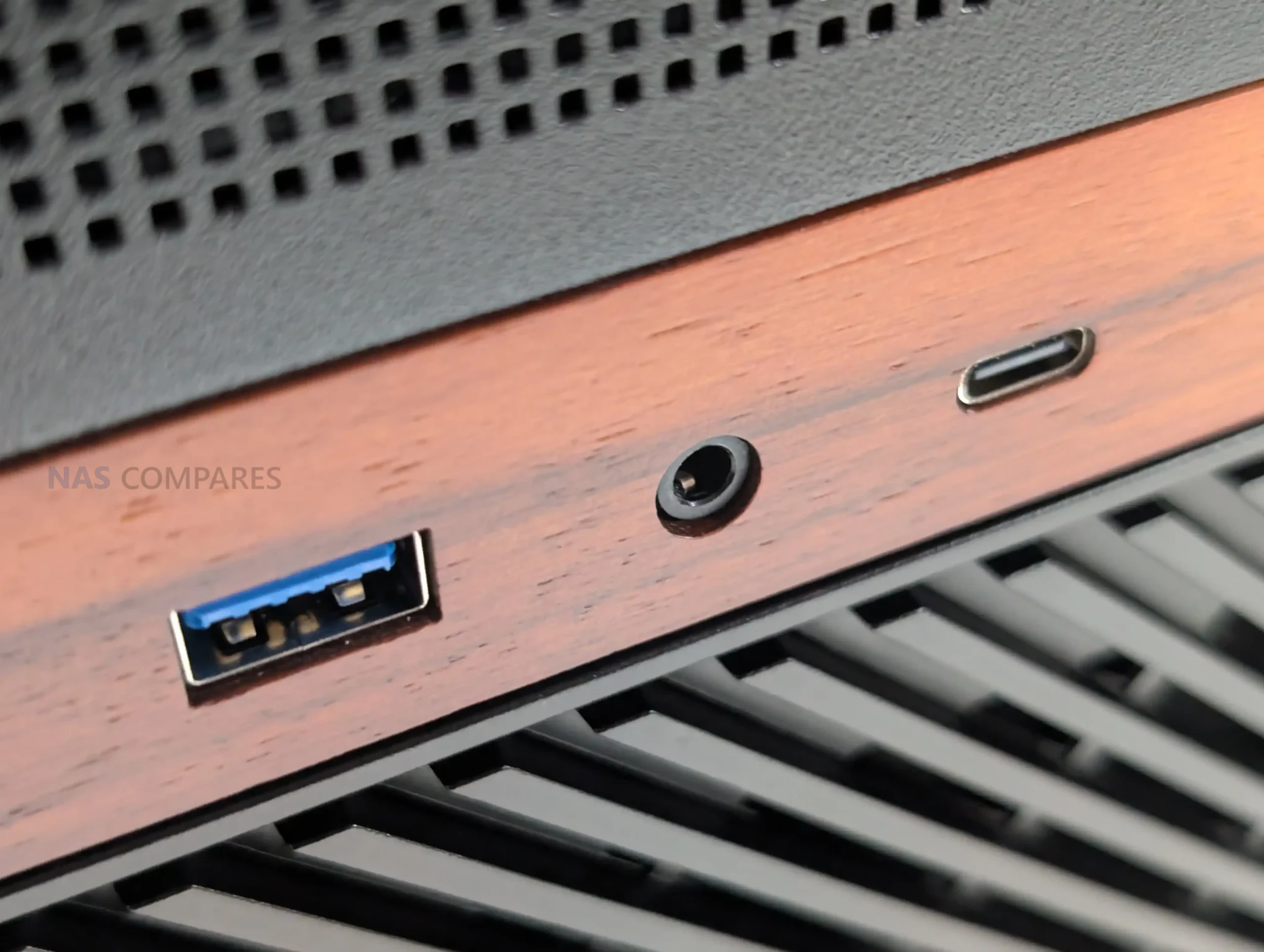 |
In practical use, the inclusion of a USB 3.2 Gen2 Type C port provides a high bandwidth option for external storage, temporary backups, or maintenance tasks such as system recovery media. Alongside it, the USB 3.0 Type A port offers compatibility with a wide range of existing peripherals. This combination should be sufficient for most NAS focused workflows, where frequent hot swapping of peripherals is uncommon but occasional high speed access is still required.
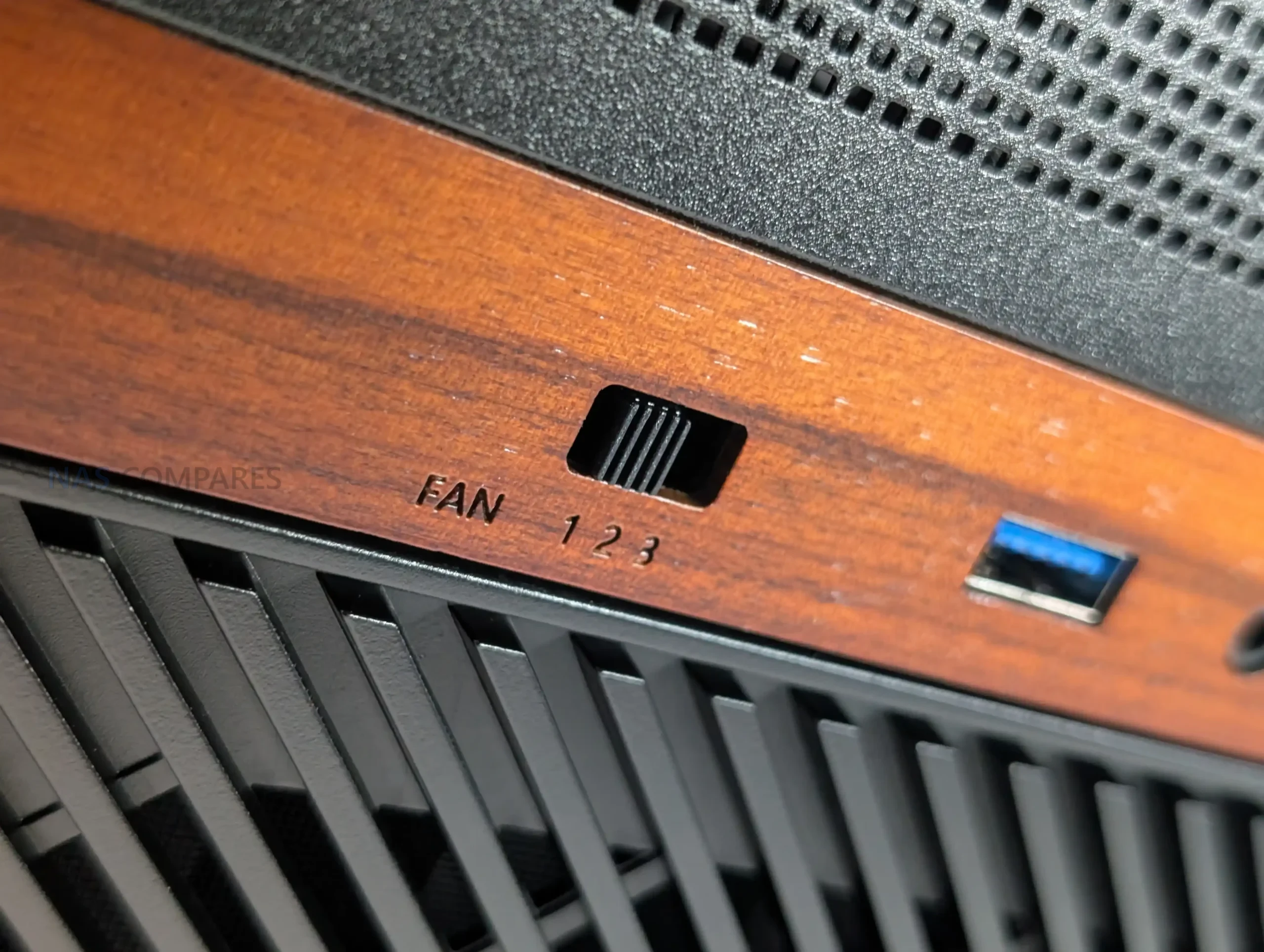 |
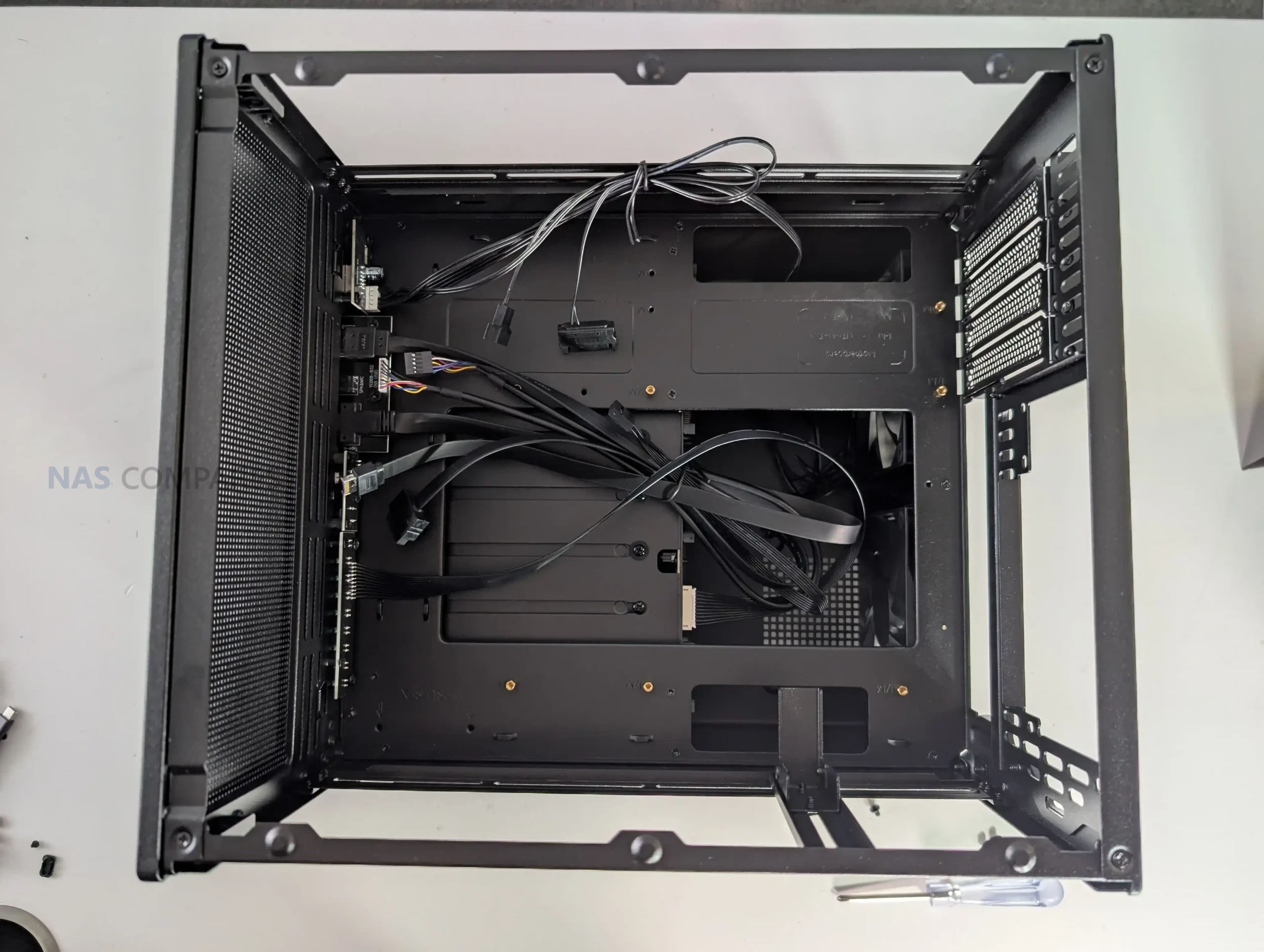 |
Internally, connectivity is more complex and is closely tied to the integrated drive backplane. All 9 drive bays connect through the rear mounted PCB, which uses individual SATA data connectors rather than Mini SAS or SAS HD outputs. Power delivery is handled through a mix of SATA power and Molex connectors, which provides flexibility but may increase cable management complexity depending on the power supply used.
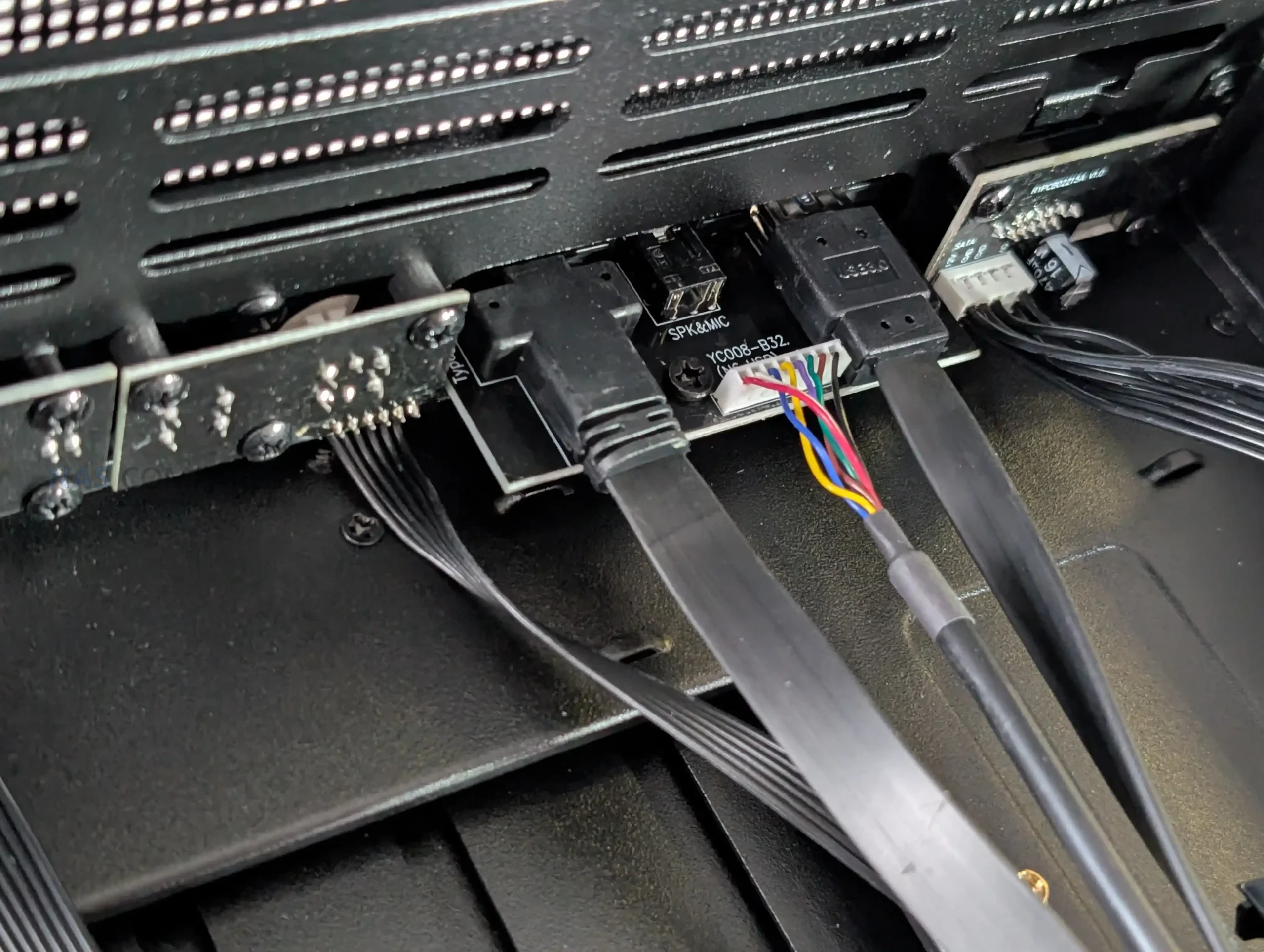 |
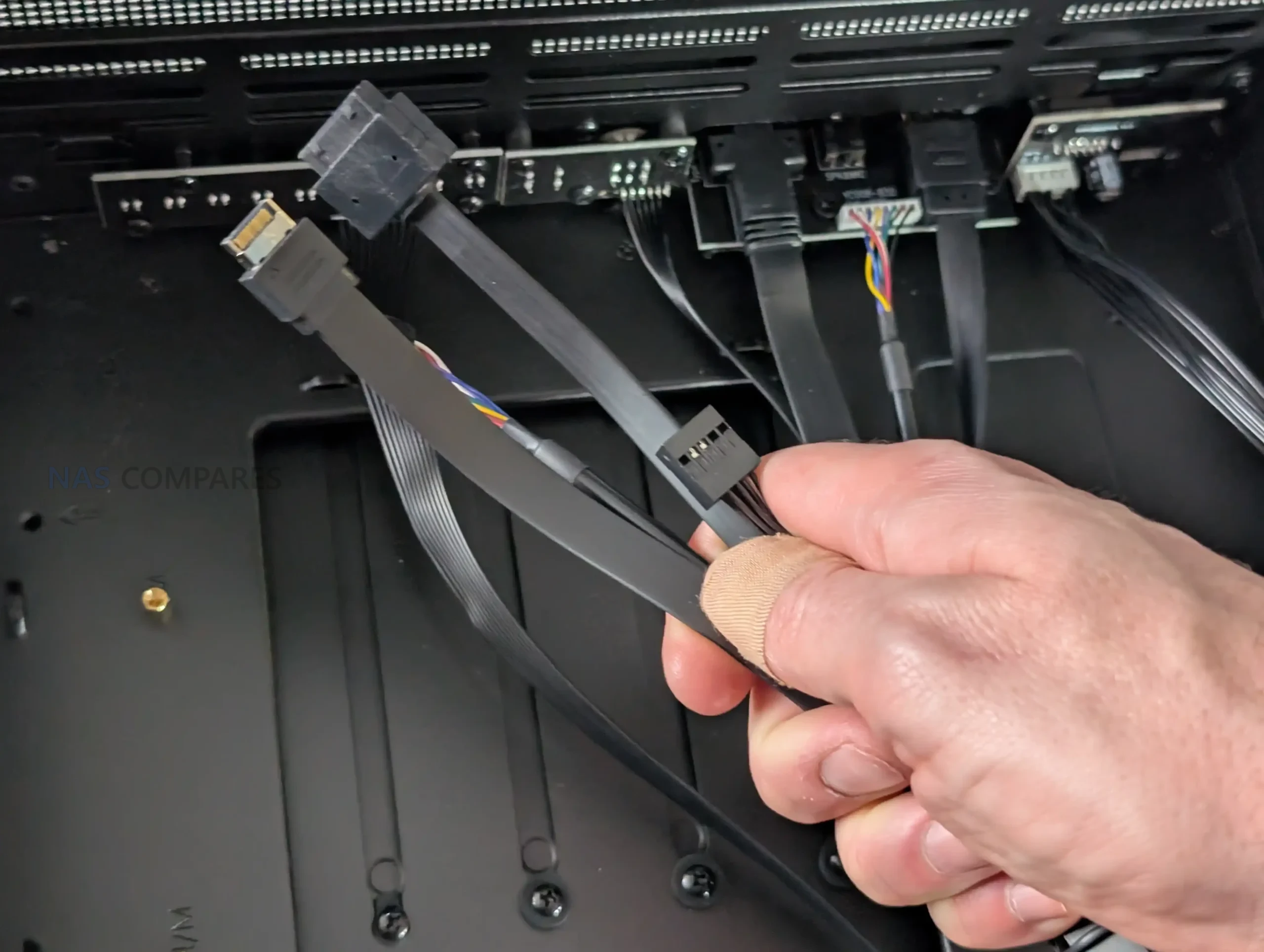 |
While functional, this approach places more responsibility on the user to plan cabling carefully, especially in fully populated configurations.
| Feature | Specification |
|---|---|
| Front USB Type C | USB 3.2 Gen2 |
| Front USB Type A | USB 3.0 |
| Audio I O | Combined headphone and microphone |
| Drive Data Interface | Individual SATA per bay |
| Drive Power Inputs | 2 x SATA power, 2 x Molex |
| Backplane SAS Support | No |
| Front Panel Cabling | Pre routed internal cables |
Jonsbo N6 Review – N5 vs N6
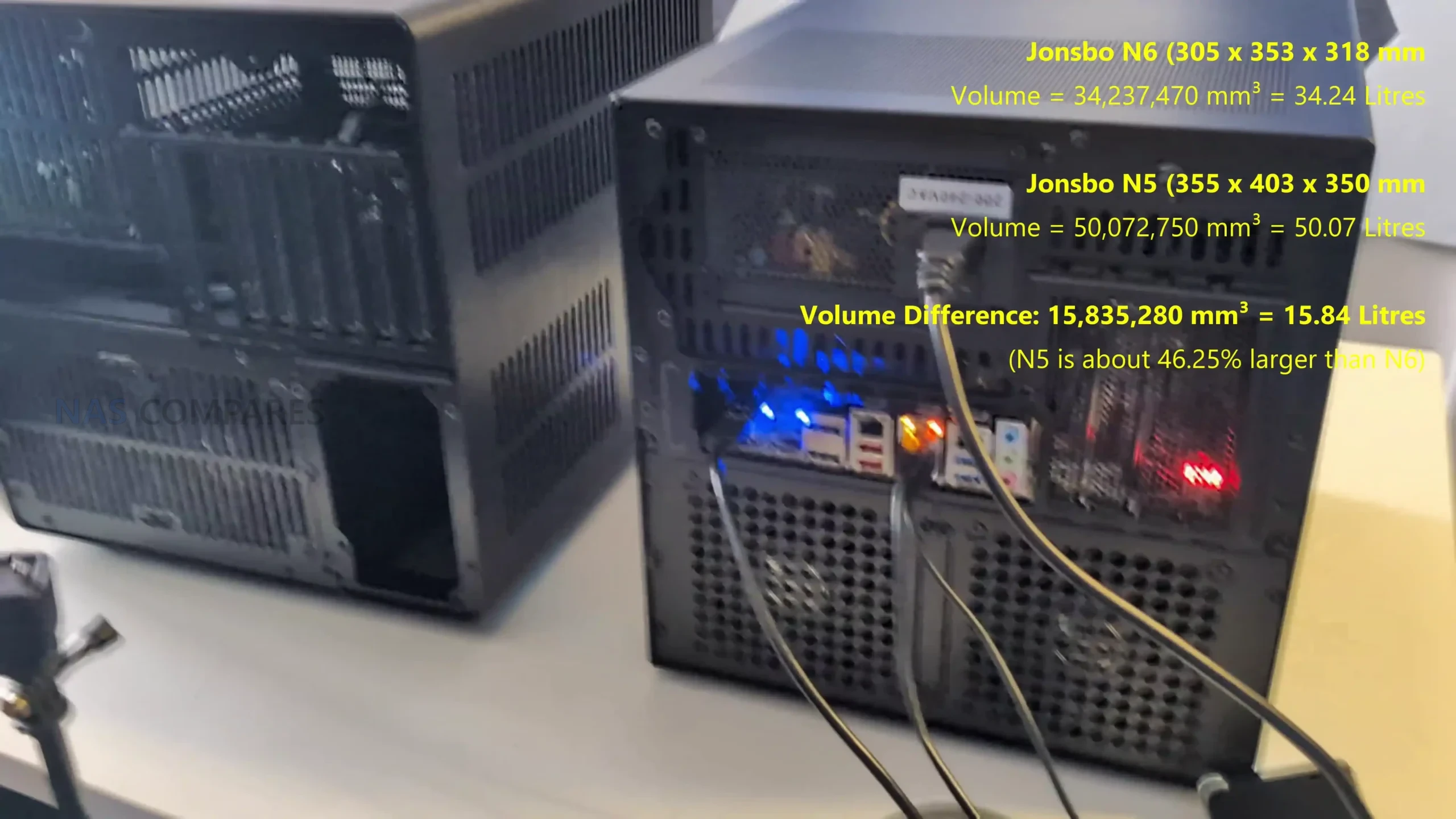
The Jonsbo N6 and the N5 address similar DIY NAS use cases but sit at different points in the product lineup in terms of capacity and flexibility. The N6 is designed around a nine-bay drive layout with support for ITX and micro-ATX motherboards and compatibility with either ATX or SFX power supplies, offering a balance between storage density and a relatively compact footprint, which makes it suitable for builds that need a significant number of drives without a full tower size. By contrast, the N5 supports up to twelve 3.5-inch drives and up to four 2.5-inch SSDs, and accepts larger motherboard formats including ITX, micro-ATX, ATX, and E-ATX, giving it broader component compatibility and expansion potential.
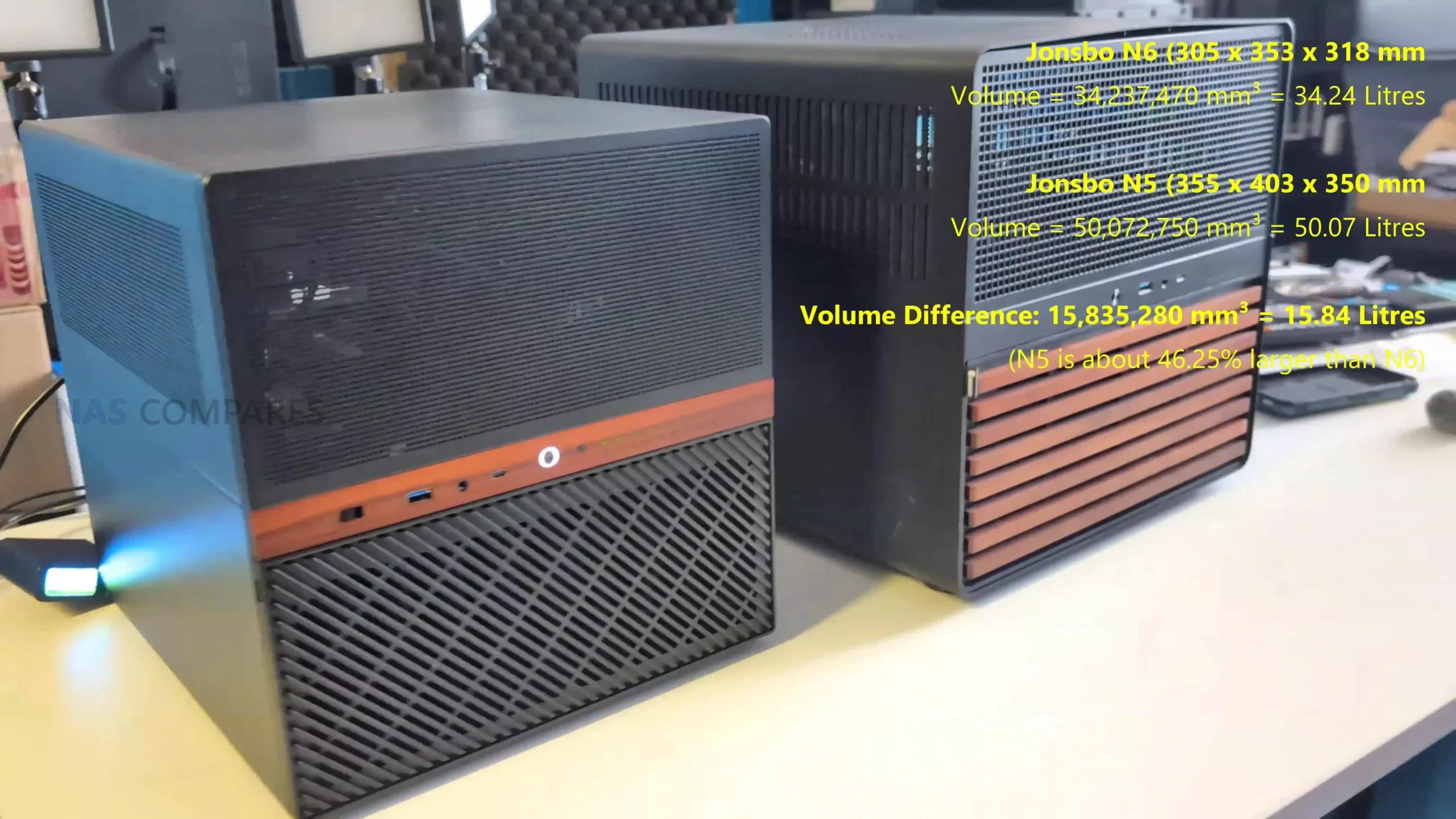
The N5 also provides more PCIe slots and larger GPU clearance, supporting use cases that may combine NAS storage with workstation-class expansions, and includes a mesh front and more extensive cooling provisions to manage heat in its larger enclosure. Both cases offer USB-C and USB-A front I/O for quick access, but the N5’s larger size and multi-material construction generally result in greater internal space for hardware and cooling options. In practice, the N6 aims to offer a middle ground with substantial drive capacity and flexible power supply choices, while the N5 pushes more towards maximum expandability and support for larger and more powerful builds within the Jonsbo NAS ecosystem
Jonsbo N6 Review – Build Testing
In day to day use, the Jonsbo N6 shows that its performance characteristics are shaped more by component choice than by any inherent limitation of the chassis itself. With a fully populated 9 bay configuration using 7200 RPM hard drives, the case does not introduce noticeable bottlenecks in sustained storage workloads. During extended uptime testing across multiple days, system stability remained consistent, with no unexpected thermal throttling or airflow related instability observed. This aligns with the case design philosophy, which prioritizes open ventilation paths and modular fan placement rather than aggressive acoustic dampening.
 |
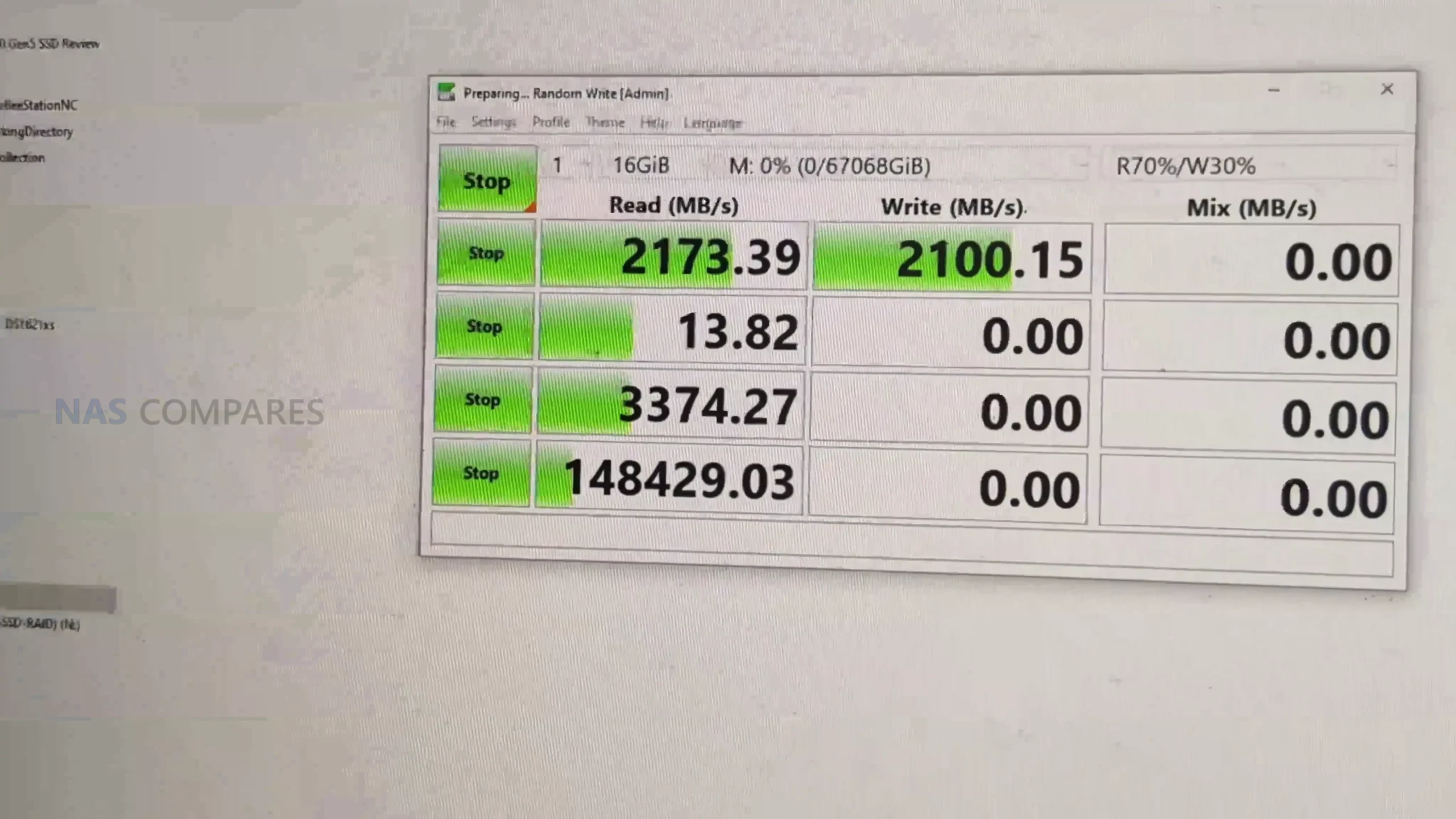 |
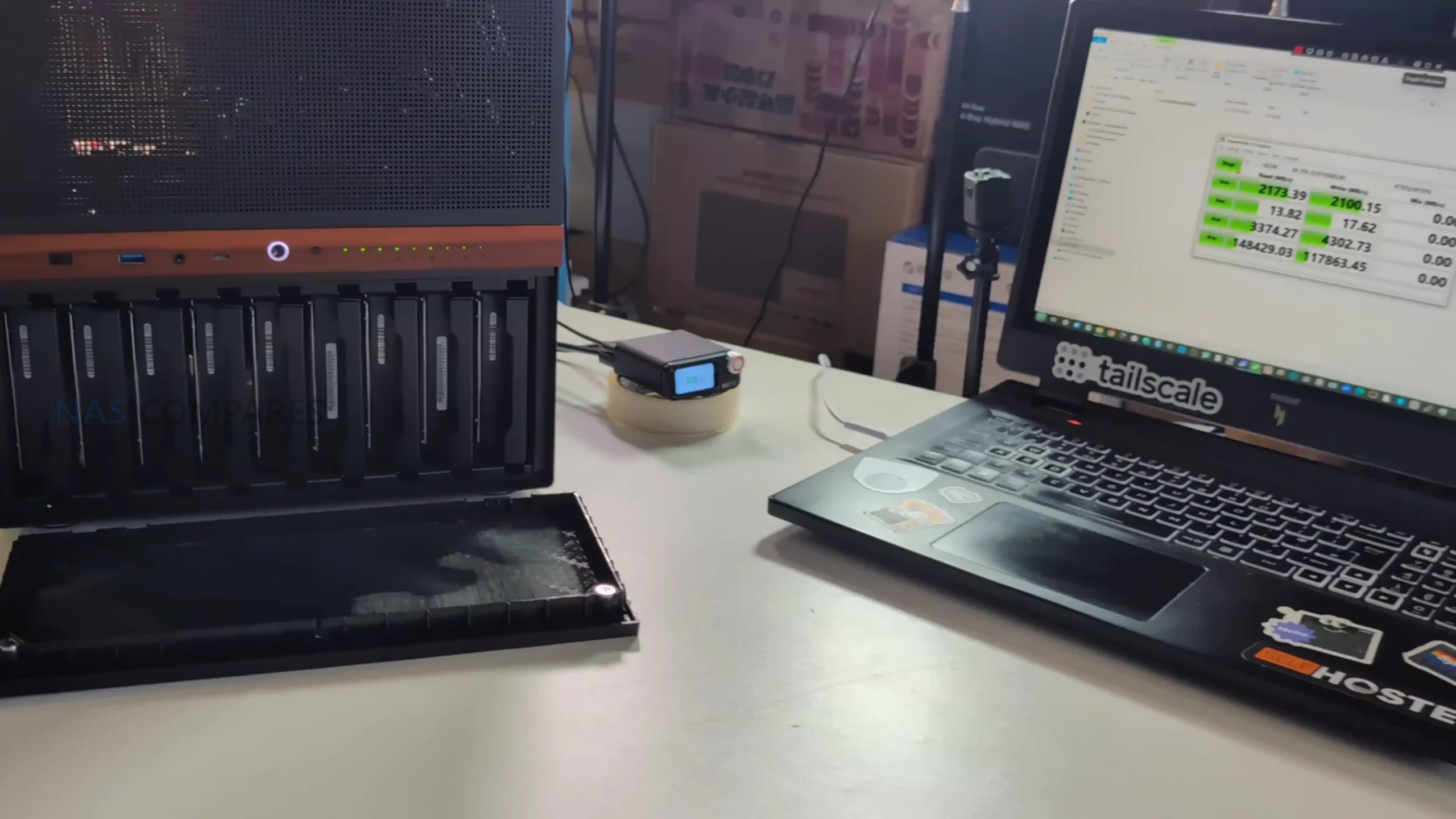
Storage performance testing was carried out using a RAID 0 array across 9 mechanical drives, paired with a workstation class MATX motherboard and a dedicated SATA controller. Sequential read and write speeds reached approximately 2.0 to 2.1 GB/s in CrystalDiskMark, indicating that the enclosure itself does not constrain throughput. These figures are primarily governed by controller bandwidth, PCIe lane allocation, and drive characteristics, rather than the internal backplane. Random access behavior remained typical for high capacity HDD arrays, with no anomalies linked to vibration or drive seating within the metal trays.
 |
 |
 |
 |
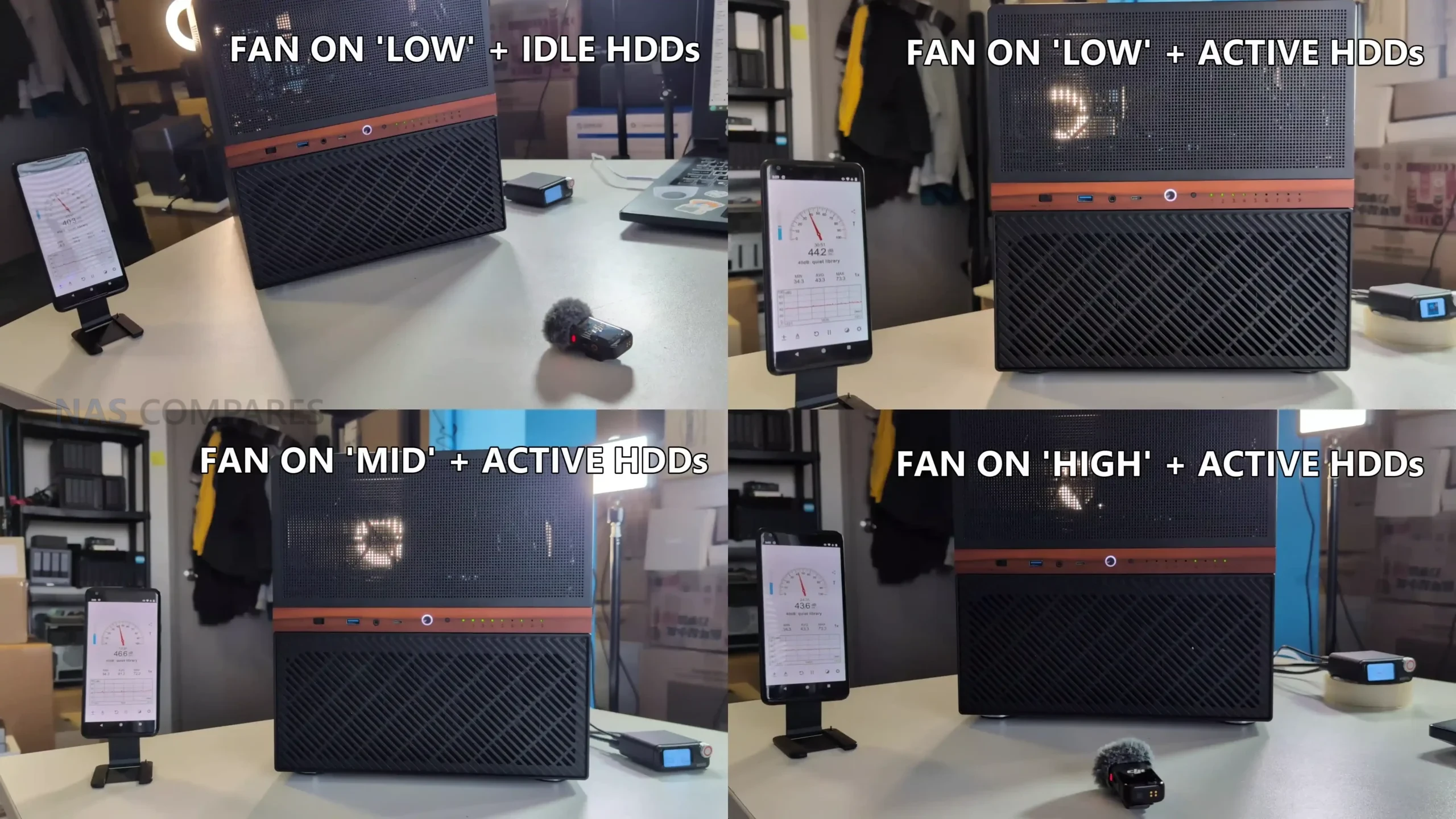
Noise testing was conducted under multiple operating conditions to evaluate how the N6 behaves in real environments rather than synthetic silence. At idle with fans set to the lowest manual setting and drives spun down, measured noise levels hovered around 37 to 39 dBA. Under active disk access with the same fan profile, noise increased modestly to around 41 to 44 dBA, with most audible output coming from the rear exhaust area. Increasing the fan controller to mid and high settings resulted in only marginal increases, topping out around 43 to 44 dBA, suggesting diminishing returns in airflow relative to acoustic output.
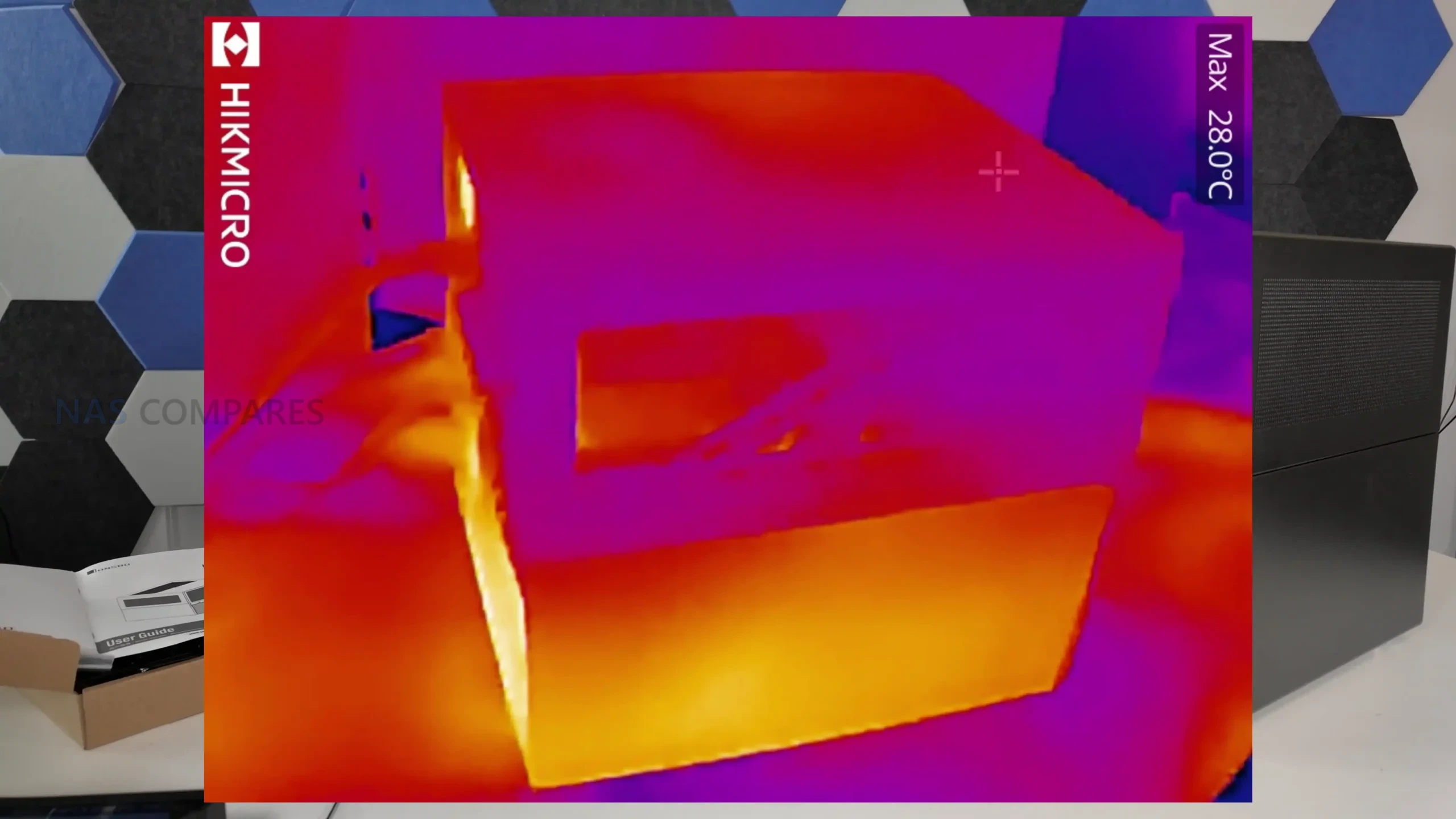
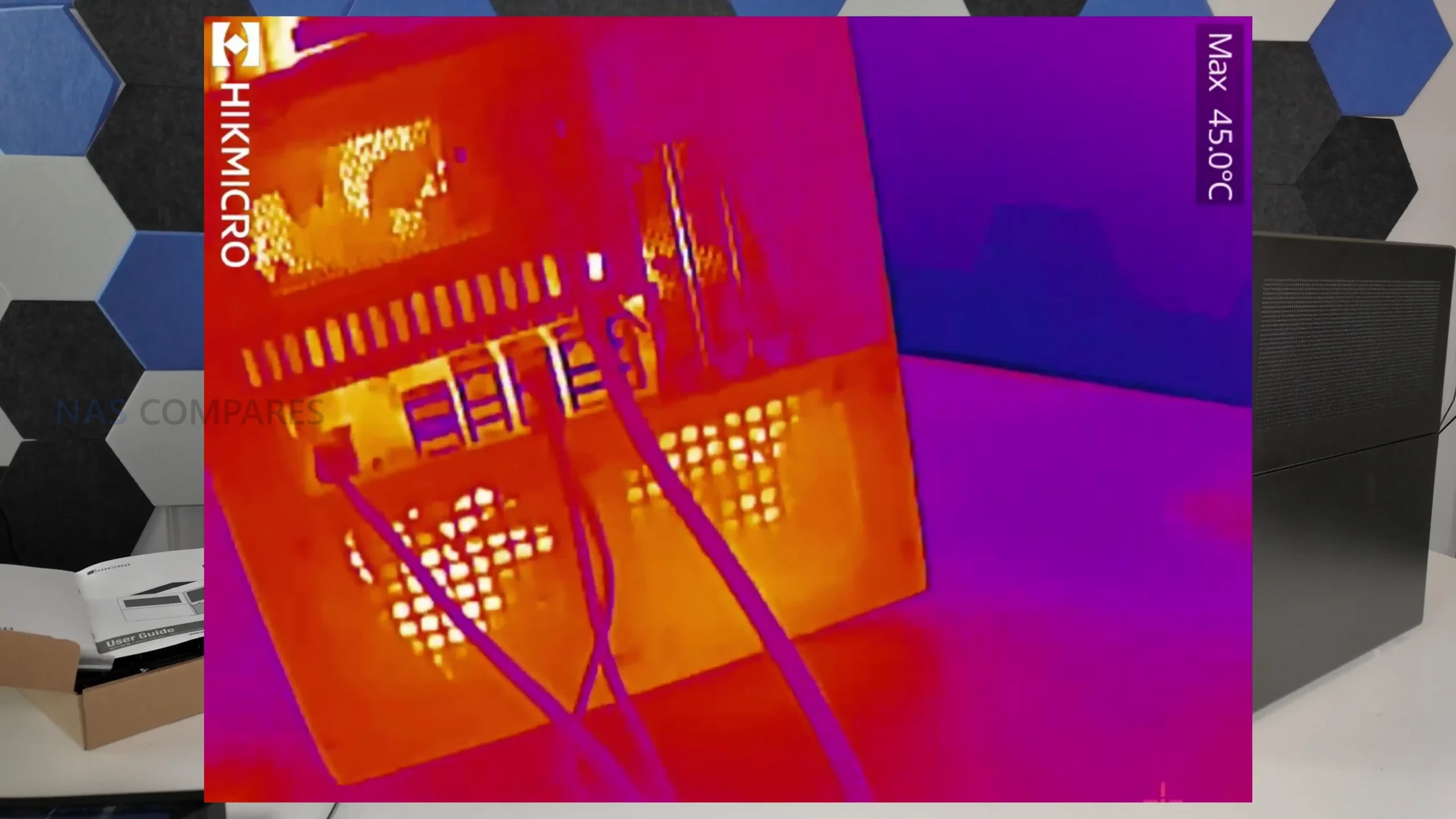
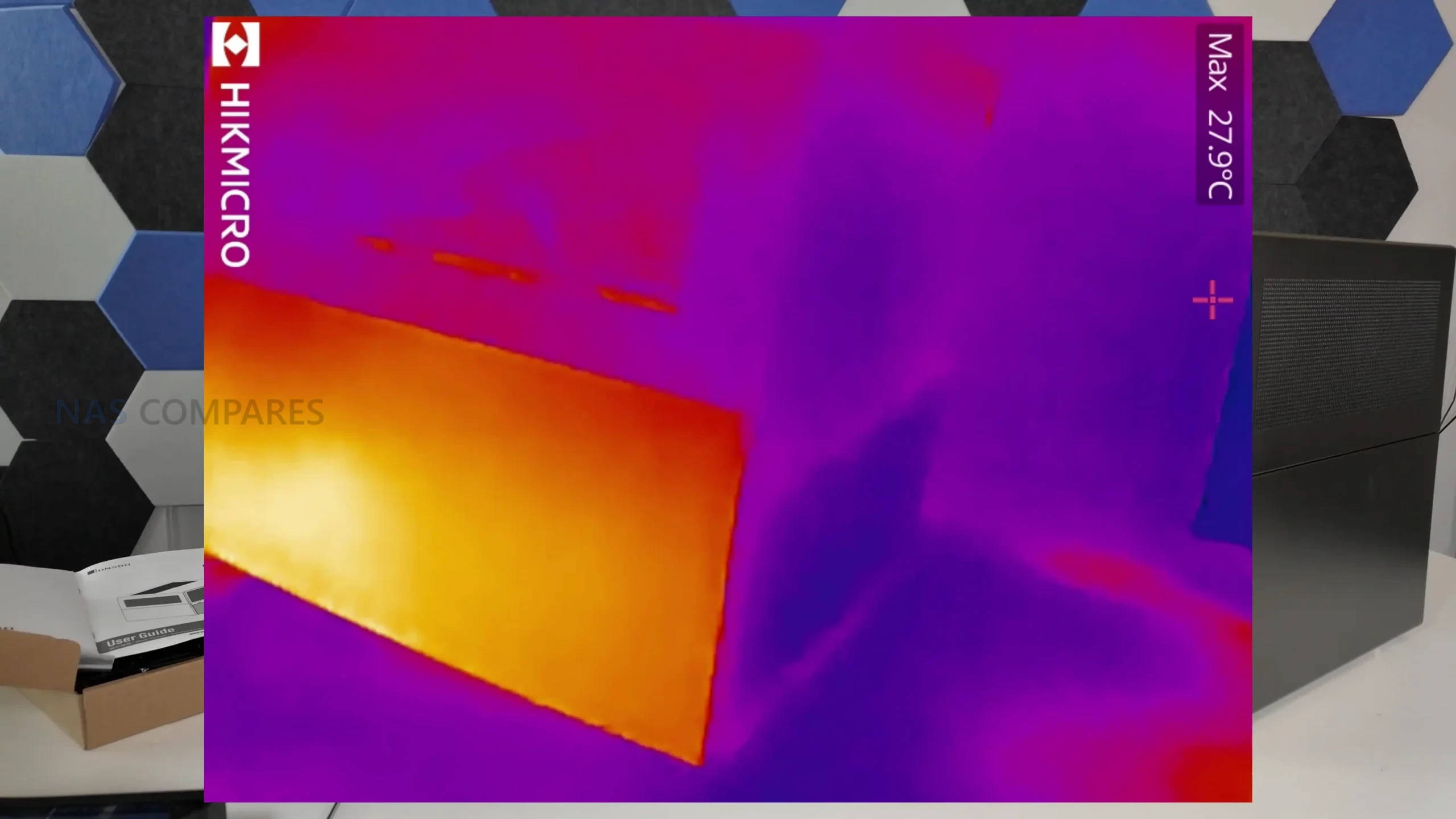
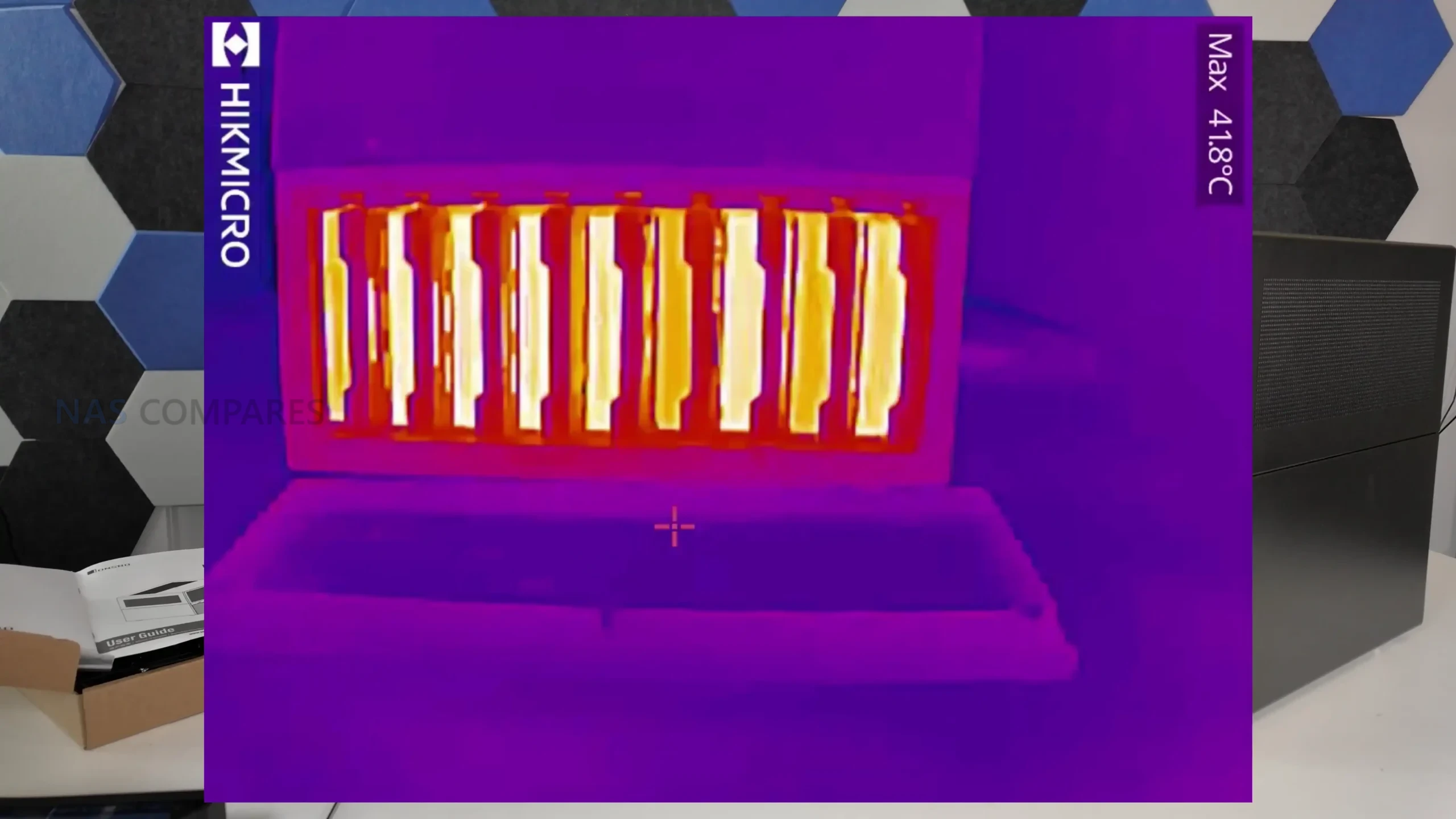
Thermal measurements were taken after the system had been operating continuously for roughly 2.5 days, followed by active load and cooldown observation. Drive temperatures during idle periods generally sat between 25°C and 28°C, with active access pushing internal drive area temperatures to around 42°C. Surface readings across the chassis showed consistent heat distribution, with the rear PCB area and PSU zone measuring close to 42°C, while the top and side panels remained closer to ambient at roughly 26°C to 27°C. These results indicate that while airflow around the drive backplane is not optimal, overall thermal behavior remains within acceptable limits for a 9 bay enclosure.
| Test Area | Result |
|---|---|
| Sequential Read Speed | ~2.0 to 2.1 GB/s |
| Sequential Write Speed | ~2.0 to 2.1 GB/s |
| Idle Noise Level | 37 to 39 dBA |
| Load Noise Level | 41 to 44 dBA |
| Idle Drive Temperature | 25°C to 28°C |
| Load Drive Area Temperature | ~42°C |
| PSU Area Temperature | ~41.8°C to 42°C |
Jonsbo N6 Review – Verdict and Conclusion
After extended hands on use, the Jonsbo N6 positions itself as a compact but ambitious DIY NAS enclosure that sits clearly between the smaller N4 and the larger, more expansive N5. It delivers a high storage density with 9 drive bays while introducing support for Micro ATX motherboards, which meaningfully expands hardware choice compared with earlier Jonsbo NAS cases. Build quality is consistent with the brand’s established approach, using thick steel panels, simple exterior styling, and a layout that prioritizes airflow potential and internal flexibility over visual flair. The inclusion of drive trays, a physical fan controller, multiple PSU mounting options, and extensive fan support marks a clear evolution over previous generations.
That said, the N6 is not without compromises. ATX motherboard support is effectively absent despite tight tolerances, cooling outcomes remain highly dependent on fan selection and placement, and the backplane design relies on standard SATA connections rather than SAS aggregation. Pricing at launch also places it in a competitive bracket where expectations are higher, particularly around refinement of drive trays and airflow optimization around the disk stack. For users who found the N5 too large or excessive but felt constrained by the N3 or N4, the N6 fills a specific and practical gap. It does not replace the N5 as a flagship option, but it stands as a capable and thoughtfully designed alternative for builders who value density, flexibility, and manageable footprint over absolute expansion.
|
Check Amazon in Your Region for the Jonsbo N6 Case
|
Check AliExpress or the Jonsbo N6 Case
|
| Jonsbo N6 Case Review PROs | Jonsbo N6 Case Review CONs |
|
|
📧 SUBSCRIBE TO OUR NEWSLETTER 🔔
🔒 Join Inner Circle
Get an alert every time something gets added to this specific article!
This description contains links to Amazon. These links will take you to some of the products mentioned in today's content. As an Amazon Associate, I earn from qualifying purchases. Visit the NASCompares Deal Finder to find the best place to buy this device in your region, based on Service, Support and Reputation - Just Search for your NAS Drive in the Box Below
Need Advice on Data Storage from an Expert?
Finally, for free advice about your setup, just leave a message in the comments below here at NASCompares.com and we will get back to you. Need Help?
Where possible (and where appropriate) please provide as much information about your requirements, as then I can arrange the best answer and solution to your needs. Do not worry about your e-mail address being required, it will NOT be used in a mailing list and will NOT be used in any way other than to respond to your enquiry.
Need Help?
Where possible (and where appropriate) please provide as much information about your requirements, as then I can arrange the best answer and solution to your needs. Do not worry about your e-mail address being required, it will NOT be used in a mailing list and will NOT be used in any way other than to respond to your enquiry.
 TRY CHAT
Terms and Conditions
TRY CHAT
Terms and Conditions





|
 |


WHERE IS SYNOLOGY DSM 8? and DO YOU CARE? (RAID Room)
UniFi Routers vs OpenWRT DIY Routers - Which Should You Choose?
WHY IS PLEX A BIT S#!t NOW? IS 2026 JELLYFIN TIME? (RAID Room)
Synology FS200T NAS is STILL COMING... But... WHY?
Gl.iNet vs UniFi Travel Routers - Which Should You Buy?
UnifyDrive UP6 Mobile NAS Review
Access content via Patreon or KO-FI


Discover more from NAS Compares
Subscribe to get the latest posts sent to your email.
Looks like this will fit quite nicely into an IKEA KALLAX shelf.
I currently have a U-NAS 810A, which I wanted for its compact size. Though it was a challenge to build in, the system has been almost trouble-free (the blue HDD power LEDs kept burning out). However, it’s starting to feel a bit cramped, and I may end up rebuilding it into this Jonsbo case, which is nearly USD$100 less than the 810A.
REPLY ON YOUTUBE
Can you make the review of that w680 motherboard that it is in this build? I was considering of buying it, but since it is Chinese version, I want to know how it compares to asus w680 or asrock w680? Thank you in advance.
REPLY ON YOUTUBE
Nice review. I just got my N6 delivered and would LOVE for you to do a build video.
REPLY ON YOUTUBE
How did you power the backplane? N6 docs say separate connectors for each of the SATA/Molex ports… but most SFX PSUs only have 3 SATA/PATA connections
REPLY ON YOUTUBE
currently waiting on my Jonsbo N6 in the mail from good ole’ AliExpress; so excited to get started, but now I also have to wait for a new low profile cooler as I hadn’t accounted for the ATX PSU being right above the motherboard ????
REPLY ON YOUTUBE
5:48 a rattling screw? ????
REPLY ON YOUTUBE
The power connectors on the back plane do i have to use both moles and sata?
REPLY ON YOUTUBE
I don’t understand how these jonsbo cases are better than old fractal design define R5? It’s dead silent with sound deadening, can mount 8 hdd on stock plus pretty much anything i guess, including two empty optical bays.
REPLY ON YOUTUBE
Jonsbo is still sleeping with those backplanes. Just give us proper SAS backplanes with mini SAS connectors so we can choose if we plug those into a HBA controller or convert them to SATA. 9 SATA cables take a lot of volume inside a case even if you use the slim ones you often see in server and Mini-SAS to SATA cables.
REPLY ON YOUTUBE
N7 with ATX support will be incredible
REPLY ON YOUTUBE
I love the look of this case, but no SAS or ATX Motherboard support or as far as I can see, internal 2.5″ bays other than wasting a 3.5″ bay on the backplane, is not a fit for my own personal setup, but I’m sure many people will find this a decent buy.
REPLY ON YOUTUBE
Their slavish adherence to seemingly imaginary dimensional restrictions continues to both baffle and annoy in equal measure.I’d like to see them be more ambitious with proper trays; a better backplane design, and front fan mounting in front of drives. Still a case of an arbitrary form dictating function. Better effort but little improvement to the main hard drive area, rudimentary trays aside. I think they could pull off something a bit more refined and upscale as there is nobody real tackling price points a bit north of here.
REPLY ON YOUTUBE
i tiny pc could be installed in the extra PS spot. !!!
REPLY ON YOUTUBE
Thanks for the review! Just on time!
Tariffs are a bitch aren’t they? In Asia this box retails on Alixprs for $120 USD.
Great review and I like the talky format. Just worried about the space between the ATX psu and CPU fan. 65mm is not a lot of space. That’s the main thing stopping me from buying this case at the moment.
I agree the drive brackets are important but you would not be touching that all the time unless you were in the business of testing and reviewing these things.
Most home consumers would be concerned first about cooling and airflow, then fan noise and overall material quality including the case, fans and sata ports. That is the stuff we have to deal with for a long time.
REPLY ON YOUTUBE
Does those HHD trays fit into a N5 case?
REPLY ON YOUTUBE
Yes please build video. Thank you!
REPLY ON YOUTUBE
I like where Jonsbo is going with these. I’m running a Define R5 for my NAS that I carried over from a previous desktop system, but have been looking for something more compact and/or purpose-made for a 2nd NAS. Since the 2nd one is mainly a back-up with media service, I have an ITX N150 board picked out with 8 SATA. I have been tossing between the Jonsbo N5 and Silverstone CS382, mainly if I think the Silverstone is worth double or if I can be happy without them on a box that will primarily sit in a closet. I like this more than the N5 but at nearly the same price, I would probably go with the Silverstone.
REPLY ON YOUTUBE
Does anyone know if the new trays are compatible with the old cases and vice versa? Would be nice to have the option to swap old case trays out with these
REPLY ON YOUTUBE
This has me very excited for the N7 because it feels like they are taking consumer feedback and improving their designs
REPLY ON YOUTUBE
Great review and thoughts!
Would love to see a MoDT build in this case as suggested in the poll. Is/Was my initial thought when the 200h erying boards comes out, or that CWWK for a power house homelab and nas.
If it takes up too much shelf space, let me know and ill hop over to the UK to buy it off of you
REPLY ON YOUTUBE
been waiting for this one. it’s so nice. only 185.99 on amazon us with free shipping!
REPLY ON YOUTUBE
Please give us a build video!!!
REPLY ON YOUTUBE
It’s a shame about the backwards step with the screws, as hex sockets are superior to the earlier Philips or slotted designs in every respect.
Otherwise, it looks great, and I suppose a set of decent, modern hex socket or torqx screws is not a major additional expense.
REPLY ON YOUTUBE
I don’t understand the dual-PSU use case. Neither full redundancy nor >1kW system power is realistic with consumer hardware at this size.
REPLY ON YOUTUBE
I just got one of these for $185 US and I plan to do a build with a matx board. I got a cheap Pentium Gold 7400 which should be more than enough for my needs , (PLEX).
My main dilemma now is which fans do I run and how many. I was looking at the Artic cooling 5pks which looks like a good price/quality ratio.
REPLY ON YOUTUBE
Node 804 still the best
REPLY ON YOUTUBE
I went with a JMCD 9S2 instead. Also 9-bay, 4 expansion slots, m-atx, able to fit a gpu and good cpu cooler, good airflow, a little more compact and better trays. Plus the mb section slides out. But just as problematic to acquire as a N6.
REPLY ON YOUTUBE
Robbie, might you show us some rack mount cases?
I for one would like that.
REPLY ON YOUTUBE
I ordered these in december and they never bothered sending it. So I ended up going with a normal ATX case instead. Pitty.
REPLY ON YOUTUBE
i would LOVE to see a build with a gaming GPU, SFX PSU and Liquid CPU cooling. cuz building just a plain boring NAS system is…. boring 🙂
REPLY ON YOUTUBE
I got this case few days after it got released. It’s an S tier case. My only note is that it’s not very user friendly to open up the case
You forgot to mention that to power all 9 hard drives at the same time you need all x2 Pata and x2 sata power slots filled which means you will need 4 seperate wires (x2 sata & x2 pata), daisy chain will burn the cables
REPLY ON YOUTUBE
I for one would love to see the build and what form MB is best and the nplacement of the psu
REPLY ON YOUTUBE
Those fans need to be replaced ASAP. Would love to see a high powered build using a 16-24 core CPU for larger scale virtualization duties. This could easily be an entire homelab solution.
REPLY ON YOUTUBE
Price is too high for a small empty box
REPLY ON YOUTUBE
Still love my Fractal Define 7 ????
– support for 11 drives at the front & 16 in total (yes, the non XL version:D)
– 3x 140mm fans right on the drives for extremely good cooling
– Sound dampening at front, sides & top (really helps with enterprise drives)
REPLY ON YOUTUBE
Finally! Thank you
REPLY ON YOUTUBE
Are those HDD trays available separately and do they fit in the N3?
REPLY ON YOUTUBE
For my TrueNAS build, I am using my old X570 Aorus Xtreme, which is an E-ATX board with 90-degree connectors, so I went with a Fractal Design Define 7 XL, mainly because it has a lot of bays and I’m reasonably confident those 90 degree connectors won’t cause me problems in there >_>
REPLY ON YOUTUBE
have you tried whether or not you can use those trays in the N5?
REPLY ON YOUTUBE
Yeah the noise factor is why i am using a 2 stage system here.
A NAS with the fan inactive and 2x2TB SATA SSDs in it allways on for low power and no noise.
And a home server with 5x8TB HDDs in it for long term and big storage.
REPLY ON YOUTUBE
Why is this case noisier than the other jonsbo cases? HDD noise? Fan noise?
If HDD noise is it (probably) because of the rigid trays vs the rubbery handles that dampened vibrations?
Or
Is it the fan acoustics?
Trying to decide between the N6, N4.
With either case, in the longer term, I will look to do something like this to get the fans in front of the drives:
https://www.printables.com/model/922981-jonsbo-n4-2x-slim-fans-front-adapter
For the N6 with its fans in the back, feel they have to work a bunch harder to cool the drives.
Wish the design was the fans in the front.
IE Jonsbo could have done this if they forewent the lower SFX psu option.
Could have just given a SFX into ATX bracket (Silverstone makes a good one for ref).
That would have given the option for a (slightly) higher cpu cooler / more air flow in the MB section while being able to have 4x 120mm fans force air from front to back.
Thanks for test! I’m always looking for new content from NasCompares!
A questions, within mATX what do you think, will it fit GIGABYTE GeForce RTX 5060 Ti GAMING OC 16G without overhear?