

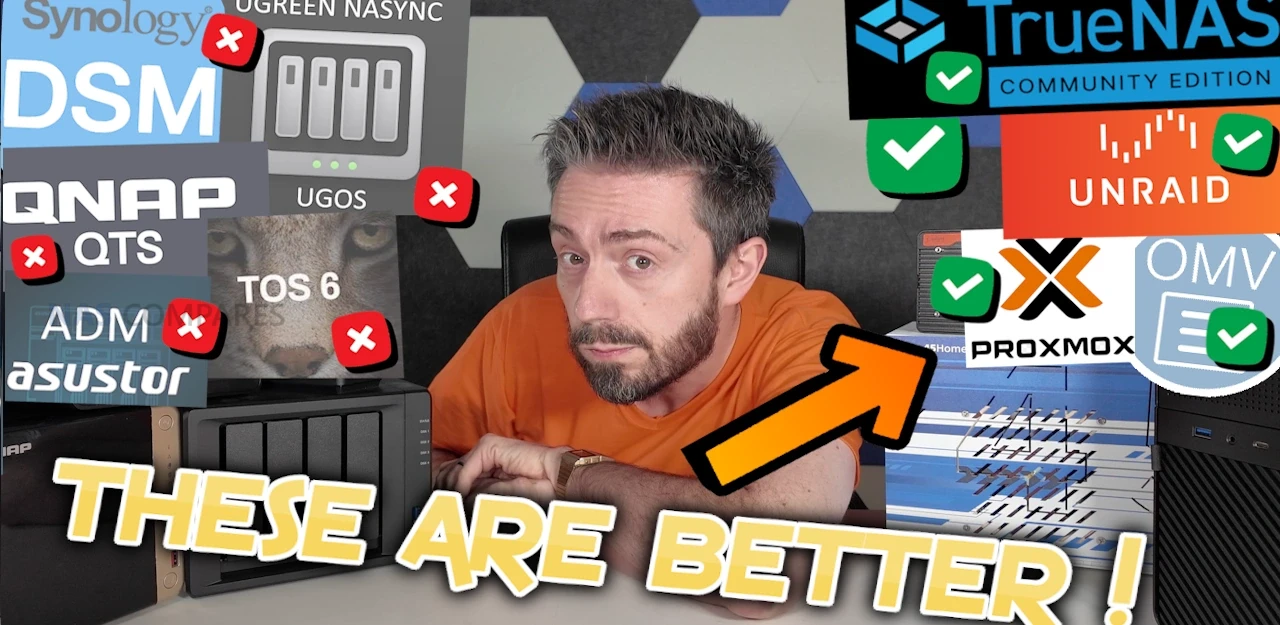
Why Many Users Choose TrueNAS, Unraid, Proxmox, OMV or ZimaOS over Synology QNAP, Terramaster and More – 100 Reasons
Plenty of people who start with Synology, QNAP or other turnkey NAS boxes will quietly admit that they keep hearing the siren call of DIY platforms like TrueNAS, Unraid, Proxmox, OpenMediaVault and ZimaOS. They see the videos, the benchmarks and the insane builds that squeeze every last drop out of consumer and ex-enterprise hardware. No one is pretending that turnkey systems are not convenient or polished, but more and more users are realising that the raw control, scalability and flexibility you get from rolling your own NAS can be worth the extra effort. In 2025 it is easier than ever to grab a used server, a pile of drives and a USB stick and end up with something that outperforms many branded appliances, both in speed and long term value. So, below are 100 reasons why users decide to jump ship from the safe, curated and sometimes expensive world of turnkey NAS, and instead join the more open, powerful and endlessly customisable world of DIY storage. Some points are very homelab focused, others are about cost and longevity, and some are specific to individual platforms such as TrueNAS ZFS, Unraid parity arrays or Proxmox clustering.
IMPORTANT DISCLAIMER – Different tools suit different tasks! I use both DIY and Turnkey Solutions in my own personal/work data storage environments (as well as a little bit of DAS and even some off site cloud!),. This article is not designed to ‘attack’ or ‘slag off’ one side of the home server market over another! It is to help understand why users might choose one over the other. Not disimilar in some ways to how some people prefer PC gaming vs Console gaming (or even exclusively mobile, though even struggle to wrap my head around that one!).
1. Full control over your hardware
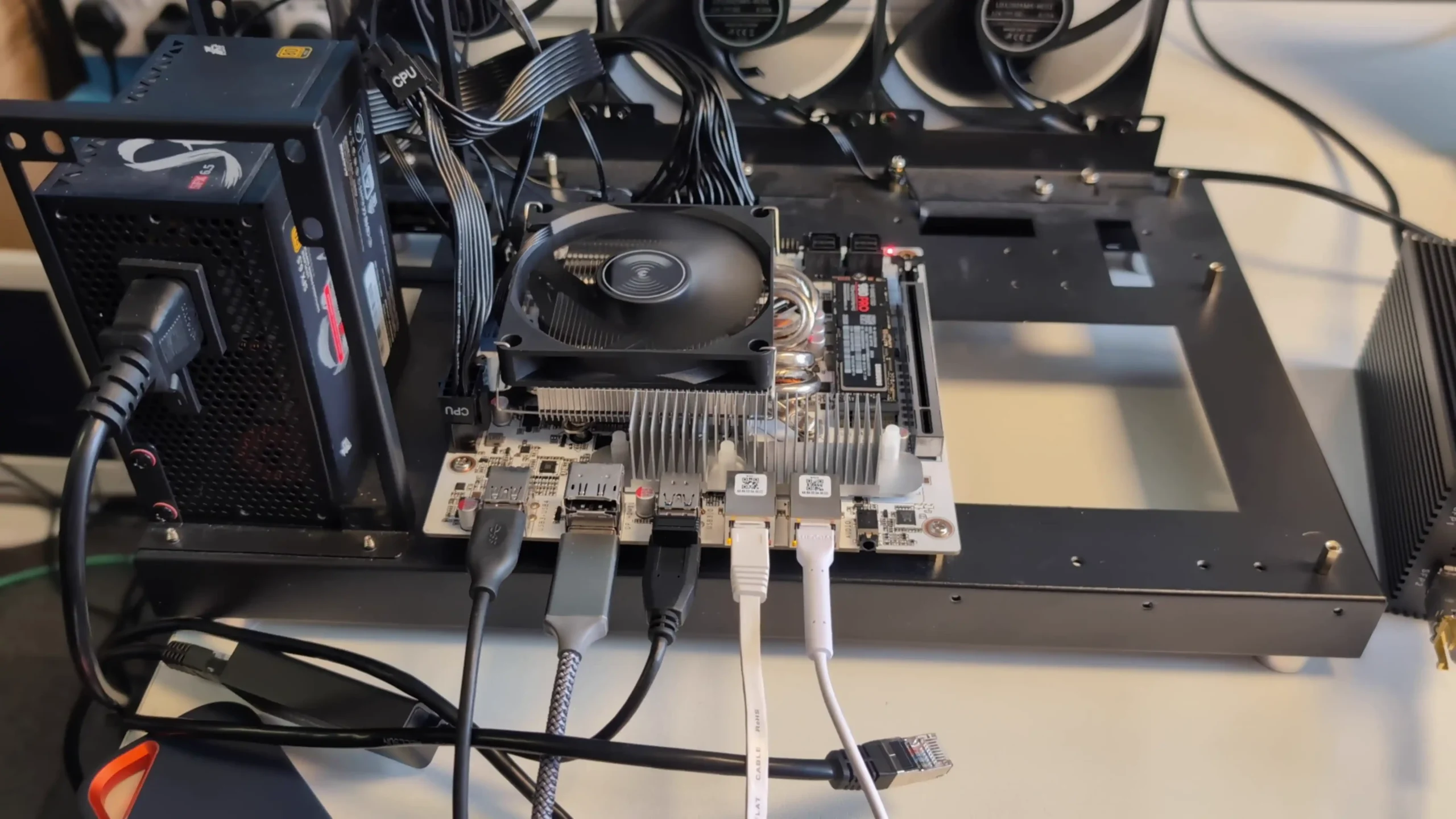
With TrueNAS, Unraid, ZimaOS, Proxmox or OMV you choose everything yourself, from CPU and RAM to motherboard, HBA, NIC, case and power supply. You are not restricted to a small list of approved chassis and expansion units, so you can build around quiet small form factor systems, big tower rigs, or used rack servers depending on your needs and budget.
2. No vendor lock on drives
DIY NAS platforms let you use almost any SATA or SAS drive you like, including shucked external drives and mixed brands. There are no vendor media lists, no compatibility warnings that nag you for using third party disks, and no artificial limits that push you toward expensive branded drives.
3. Advanced file system features
TrueNAS and some other DIY platforms give you direct access to ZFS features such as copy on write integrity, end to end checksums, compression, snapshots, clones and send or receive replication. You can design datasets and snapshot schedules exactly as you want rather than relying on simplified abstractions.
4. Flexible storage layouts and mixed disk sizes
Unraid and ZFS based DIY stacks allow non traditional layouts, with mixed disk sizes, parity only arrays, mirror vdevs, striped vdevs and multiple pools. You can start small and grow over time without following the fixed bay patterns or limited RAID options of many turnkey systems.
5. Deep performance tuning
DIY NAS operating systems usually expose more dials for memory usage, cache behaviour, record sizes, sync policy, queue depths and network stack tuning. Power users can squeeze more throughput or lower latency from the same hardware by testing and adjusting these settings, something appliance firmware often hides.
6. Multi role server in one box
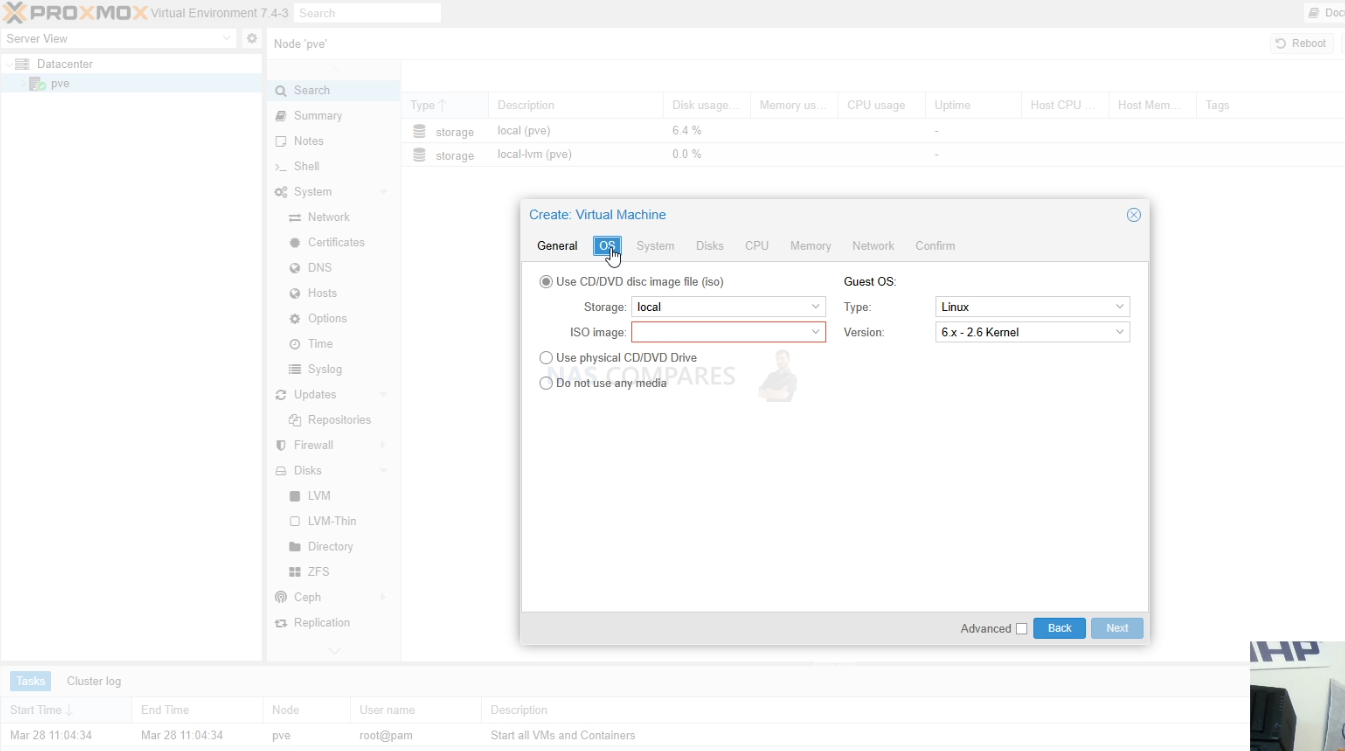
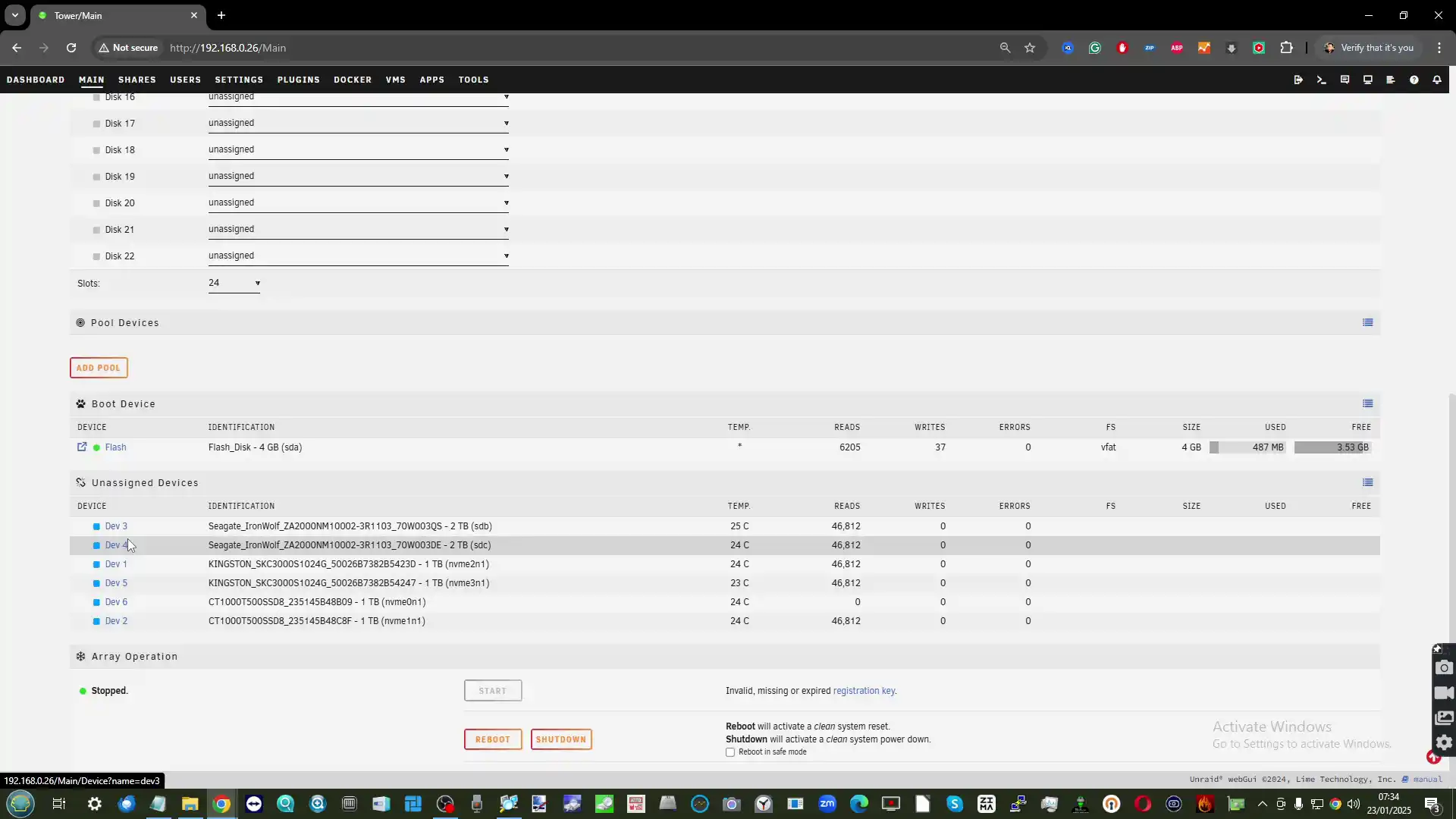
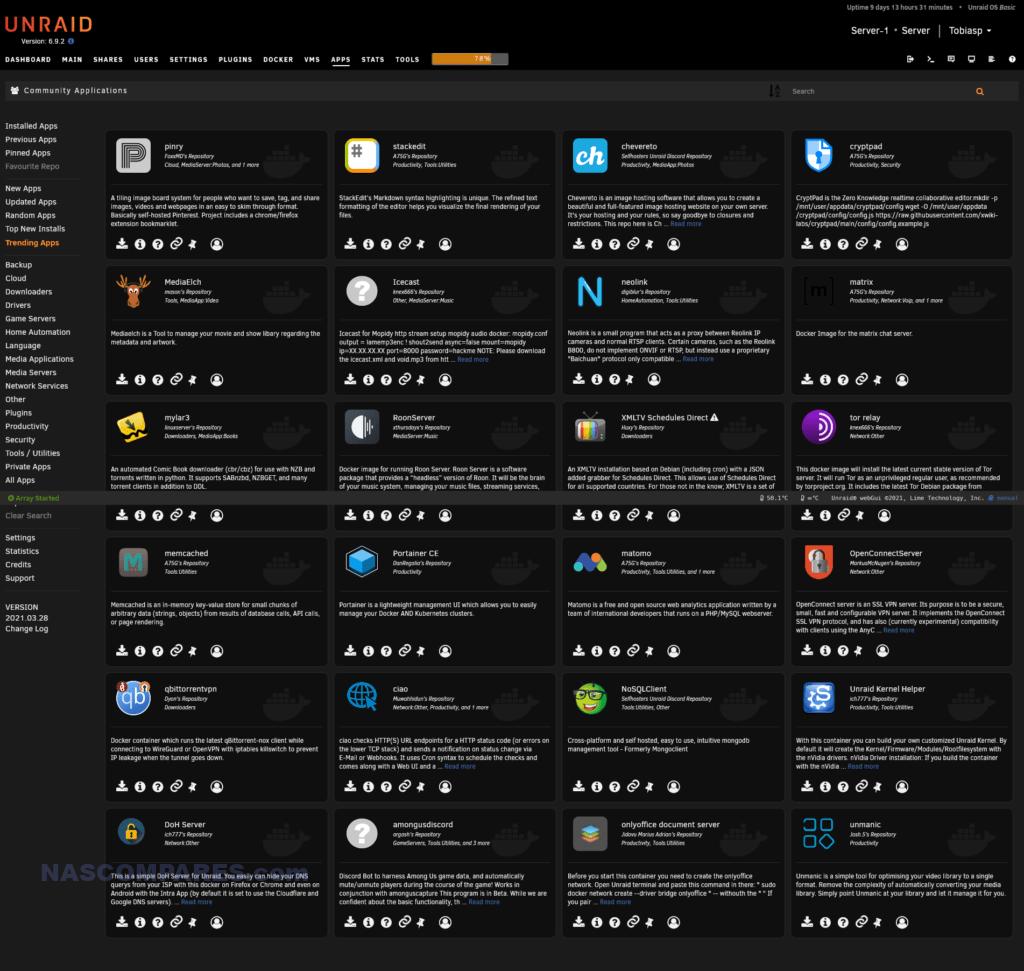
A DIY NAS can be more than just storage. With Proxmox, Unraid, ZimaOS or OMV plus a hypervisor you can run VMs, containers, network services and lab workloads on the same system. This suits homelab users who want their storage server to double as a general purpose compute node.
7. Better use of high end or unusual components
If you invest in many core CPUs, large amounts of RAM, enterprise NVMe or special purpose HBAs, DIY platforms can take full advantage of them. You are not limited by a turnkey vendor firmware that assumes mid range hardware and sometimes underuses powerful components.
8. Lower cost at large scale
Once you move beyond a handful of bays, appliance NAS pricing climbs quickly. Building a DIY NAS with commodity parts or refurbished enterprise gear often gives you a much lower cost per bay and a cheaper upgrade path over five to ten years, especially for media servers and backup targets.
9. Reuse of existing hardware
Many people already have a spare gaming PC, workstation or decommissioned server. DIY NAS software lets you repurpose that hardware rather than buying a completely new appliance. You can then gradually replace parts over time without throwing the whole system away.
10. Independence from vendor roadmaps
With TrueNAS, Unraid, Proxmox or OMV you are not tied to one company product line or release schedule. If a vendor drops a feature, changes licensing, or stops making a class of device, your DIY stack keeps going and you can add or swap components as you see fit.
11. Open source transparency and auditability
Many DIY NAS platforms are open source or based on open distributions. You can inspect the code, follow public issue trackers, and see exactly how data path and management components behave. For organisations with strong security requirements this transparency can be more attractive than opaque appliance firmware.
12. Rich community plugin and container ecosystem
TrueNAS, Unraid, Proxmox and OMV all have active communities that publish templates, stacks and guides for a huge range of self hosted services. New applications usually appear first as containers or community charts, so you can experiment with cutting edge projects long before they arrive in any vendor app store.
13. Clean integration with existing homelab tools
If you already use tools such as Ansible, Terraform, Salt, Proxmox clusters, or Kubernetes, a DIY NAS fits into that world more naturally. It behaves like another Linux or BSD server, so you can reuse automation, monitoring, and configuration patterns that you already trust.
14. Freedom from feature based licensing
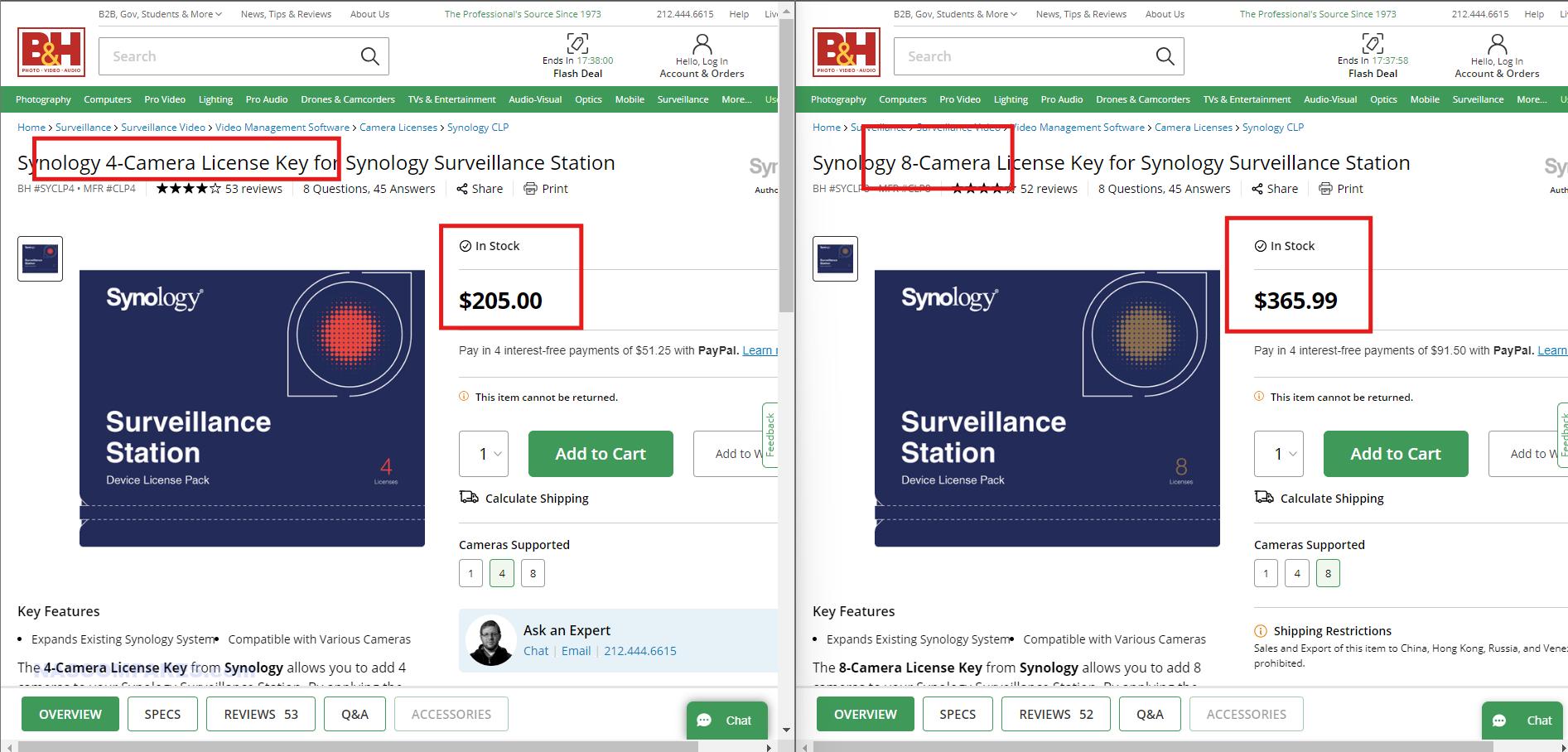
DIY platforms generally do not charge extra for adding more cameras, shares, users or applications. If your hardware can handle twenty containers or twenty camera streams, you can run them without buying more licences. That is very different from some turnkey systems where extra features are tightly controlled.
15. Strong privacy control and no enforced cloud accounts
TrueNAS, Unraid, ZimaOS, Proxmox and OMV can all run fully local with no requirement to create cloud accounts or sign in to a vendor portal. You choose if you want remote access and which VPN or reverse proxy you trust, so it is easier to keep storage isolated from external services.
16. Powerful scripting and automation options
Because DIY NAS software sits on standard Linux or BSD layers, you can use cron, systemd timers, full shell scripting and language runtimes such as Python or Go. Backup pipelines, integrity checks, archiving rules and housekeeping tasks can be scripted exactly as you need them.
17. Better fit for larger and denser builds
If you want twenty four, thirty six or more bays, DIY approaches scale more smoothly. You can use dedicated JBOD shelves, fibre or SAS expanders, and multiple HBAs, with TrueNAS or Proxmox managing pools across them. Many consumer appliances run out of official options long before that point.
18. Easier experimentation with new technologies
DIY platforms are ideal for lab work with new storage ideas, for example experimental ZFS features, new compression algorithms, alternative filesystems or clustered storage layers such as Ceph and Gluster. You can try these on real hardware without waiting for a turnkey vendor to embrace them.
19. Ability to virtualise the NAS itself
A DIY NAS stack can sit inside a virtual machine on top of Proxmox, VMware or another hypervisor. That makes it easier to move the entire storage system between hosts, snapshot the system disk, test upgrades in clones, or run multiple separate NAS instances on the same physical hardware.

21. Alignment with strict open source or compliance policies
Some companies and institutions prefer or require that core infrastructure runs on software with open licensing and source availability. DIY NAS stacks based on standard Linux or BSD distributions make it easier to satisfy those policies than closed vendor operating systems.
22. Efficient use of decommissioned enterprise hardware
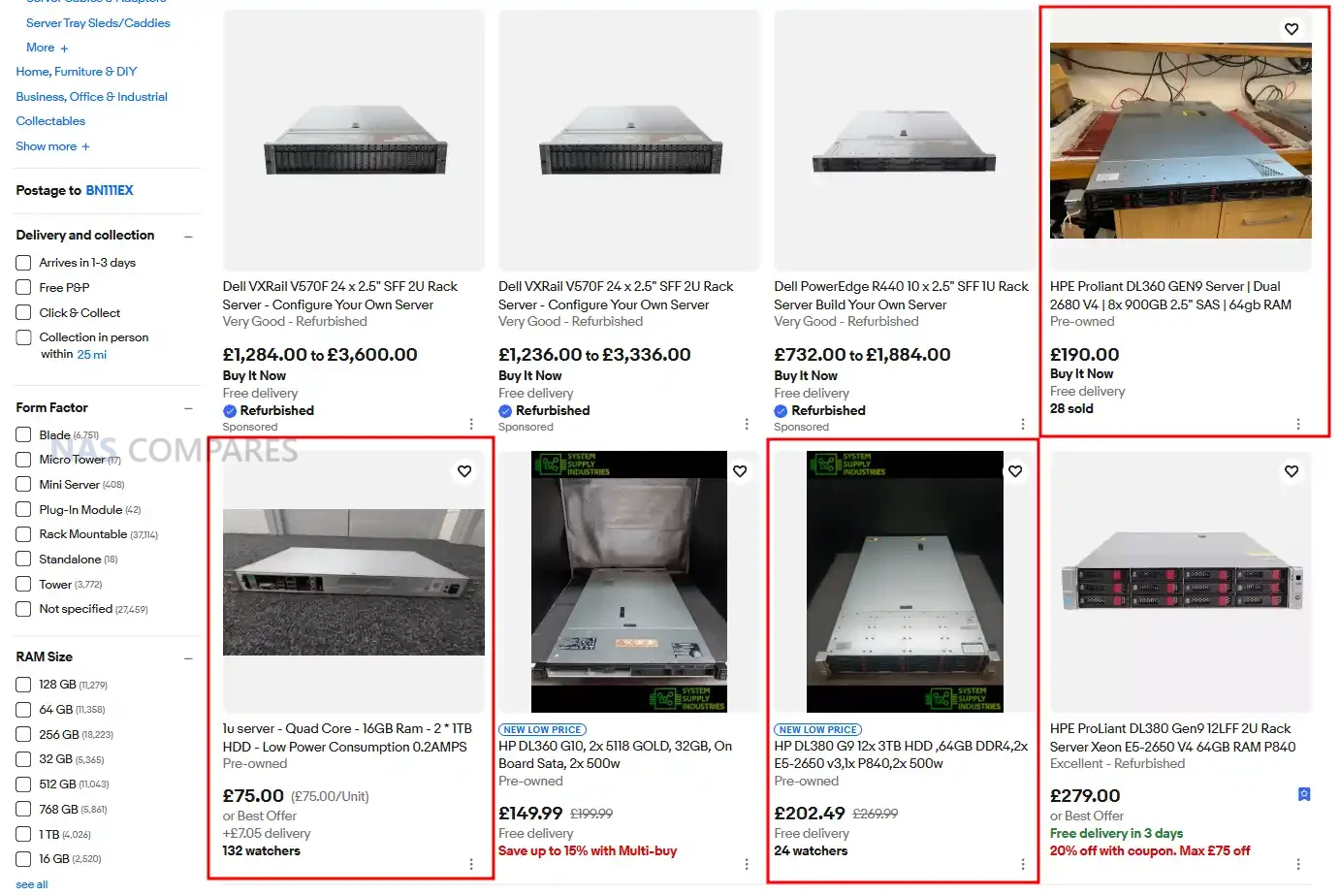
The secondary market is full of cheap rack servers, HBAs and SAS shelves that are no longer wanted in data centres but are perfect for home or small business storage. TrueNAS, Proxmox and OMV can run happily on this hardware and give you enterprise level resilience for a fraction of the original cost.
23. Custom network roles on the same machine
A DIY NAS can also act as router, firewall, VPN concentrator or reverse proxy if you want to consolidate equipment. Proxmox or Unraid can host a firewall VM, DNS resolver and other network tools right next to your storage, which is not how most turnkey NAS devices are designed to be used.
24. Fine grained control of encryption and keys
DIY platforms usually let you decide exactly how encryption is applied, how keys are stored, how passphrases are entered and how this interacts with snapshots and replication. You can integrate with external key managers or strict manual processes rather than using a one size fits all wizard.
25. Easier avoidance of telemetry and phone home behaviour
If you want a storage stack that never connects to any remote service unless you deliberately configure it, DIY software is easier to keep quiet. You can review services, outgoing connections and packages yourself, instead of relying on a vendor to document what their appliance firmware does.
26. Flexible data retention and tiering schemes
Because you control the hierarchy of datasets, shares and pools, you can implement very detailed retention rules and archiving flows. Cold data can move to slower and cheaper disks, hot data can live on SSD pools, and you can enforce lifecycles with your own scripts instead of fixed vendor policies.
27. Shared skillset across storage and compute
When your storage servers and application servers all run similar bases, for example Debian or FreeBSD, the same administration knowledge applies everywhere. Teams do not need to learn a unique vendor interface for one box and a completely different approach for the rest of the estate.
28. Support for niche and emerging services
DIY NAS ecosystems often adopt new projects quickly, whether that is a young media server, a fresh photo tool, or an unusual database. Community templates for Unraid or Proxmox arrive much faster than official packages on proprietary platforms, so you can explore niche services early.
29. Long term reuse of hardware for other roles
If your storage needs change, a DIY NAS box can become a general server, a lab hypervisor or a test bench machine simply by reinstalling or repurposing the disks. You are not stuck with a chassis that only really makes sense as a proprietary NAS.
30. Lean installations without extra bloat
DIY stacks can be installed in a minimal way with only the services you actually need. There is no requirement to run vendor photo portals, cloud connectors or bundled office tools if you do not want them, which keeps resource use low and reduces the attack surface.
31. Granular control over updates and versions
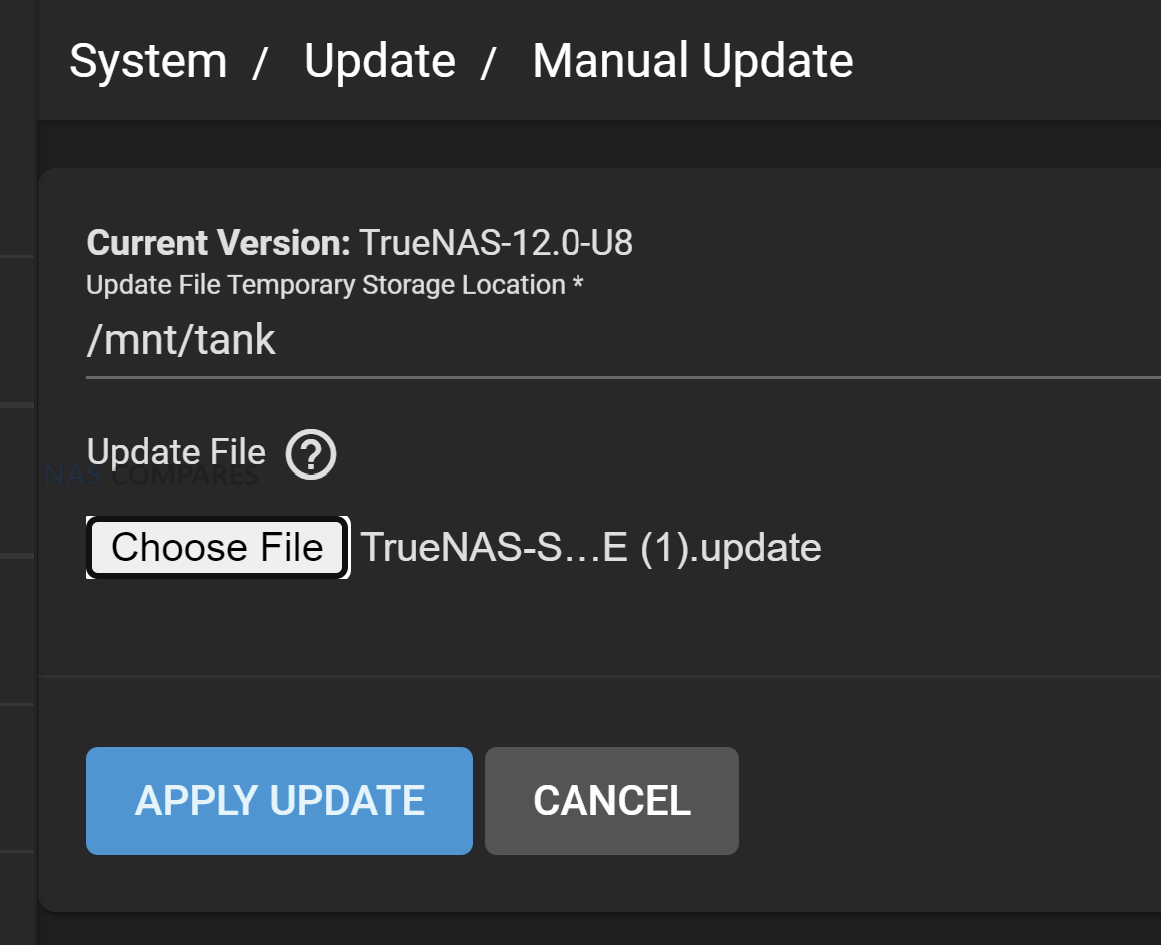
DIY NAS platforms usually let you decide exactly when to update the core system, plugins and containers. You can hold a known good version for months, run a newer kernel only on a test VM, or pin specific containers while the rest of the stack moves forward, instead of accepting a single vendor update cadence across everything.
32. Ability to run several NAS platforms on one machine
With Proxmox or similar hypervisors you can run TrueNAS in one VM, Unraid in another and maybe a plain Linux storage stack beside them, all on the same hardware. This lets you compare platforms, migrate gradually or dedicate different virtual NAS instances to different clients without buying multiple appliances.
33. Deep visibility for troubleshooting and performance analysis
DIY systems expose full system logs, kernel messages, packet captures and low level profiling tools. When you hit a strange performance issue or network glitch you can drill right down into iostat, tcpdump or perf, rather than relying only on a high level vendor dashboard that may not reveal the root cause.
34. Configuration managed like code in Git
Because most DIY NAS configurations live in text or structured files, you can store them in Git, review changes, roll back to older commits and clone the same setup onto another node. This aligns your storage servers with modern configuration management practices instead of keeping all changes on a single vendor GUI.
35. Option to extend or maintain abandoned components
If a plugin, driver or feature you rely on is dropped by its original maintainer, an open DIY stack at least gives you the option to fork and maintain it or hire someone to do so. With a closed appliance firmware, once the vendor removes or changes a feature you generally have no way to bring it back.
36. Freedom to fully rebrand or white label
Service providers that build solutions for clients can install TrueNAS, Proxmox or OMV on standard hardware and theme the interfaces, hostnames and portals to match their own brand. There is no prominent third party logo on the front of the GUI, which is often preferable when you are selling a complete solution.
37. Direct choice of monitoring and alerting stack
DIY NAS servers can run native agents for Prometheus, Zabbix, Checkmk, commercial monitoring suites and whatever log pipeline you already use. You do not have to rely on a vendor specific cloud portal or proprietary alert format, so storage monitoring fits seamlessly into the rest of your infrastructure.
38. Support for unusual hardware form factors
Because you can install DIY NAS software on almost anything that runs a suitable kernel, it is easier to use very compact systems, blade servers, dense JBOD trays or custom builds that no turnkey NAS vendor offers. This flexibility is valuable when you have physical constraints or leftover hardware that does not match appliance shapes.
39. Full control over repositories and software sources
On a DIY stack you decide which package repositories are trusted, whether you mirror them locally and which versions are allowed. This is useful in secure environments that need all software to come from internal mirrors and want to block any unapproved external package feeds.
40. Faster access to new kernel and protocol features
New SMB or NFS versions, fresh filesystems, driver updates and network features typically land on general purpose Linux or BSD first. DIY platforms that stay close to upstream can adopt these improvements long before a NAS vendor ships them in a future firmware for a specific appliance.
41. Stronger learning value and career skills
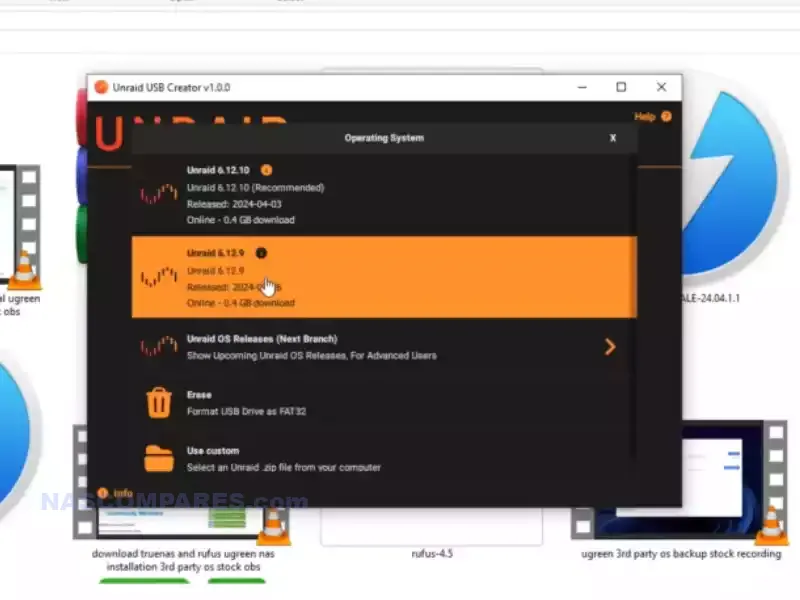
Running TrueNAS, Unraid, Proxmox or OMV teaches real storage, networking and operating system concepts. Many homelab users treat their DIY NAS as a training ground, and the knowledge they gain with ZFS, KVM, Docker and Linux often translates directly into professional roles in IT and DevOps.
42. Better use of GPUs and accelerators
DIY NAS systems can use almost any supported GPU or accelerator card for tasks such as Plex transcoding, AI workloads, video processing or scientific computing. You can pass devices through to VMs or containers and tune them as you like, instead of being restricted to a short list of vendor approved cards.
43. True multi tenant storage on a single chassis
With Proxmox or other hypervisors you can run several separate NAS VMs for different customers or departments on one physical box, each with its own web UI, users and policies. This multi tenant approach is attractive for managed service providers and is harder to implement cleanly on a single turnkey NAS.
44. Custom identity and multifactor authentication integration
DIY NAS environments can tie directly into whatever identity stack you prefer, from simple LDAP through to complex single sign on with custom multifactor rules. You can adopt advanced access controls or experiment with new identity providers without waiting for a NAS vendor to support them.
45. Alignment with strict internal security tooling
Organisations that already use SELinux, AppArmor, central audit frameworks or host based intrusion detection can apply the same policies to DIY storage nodes. A TrueNAS or Proxmox box that runs on a standard distribution can join existing security baselines, which is much harder with proprietary NAS firmware.
46. Support for exotic and high performance networking
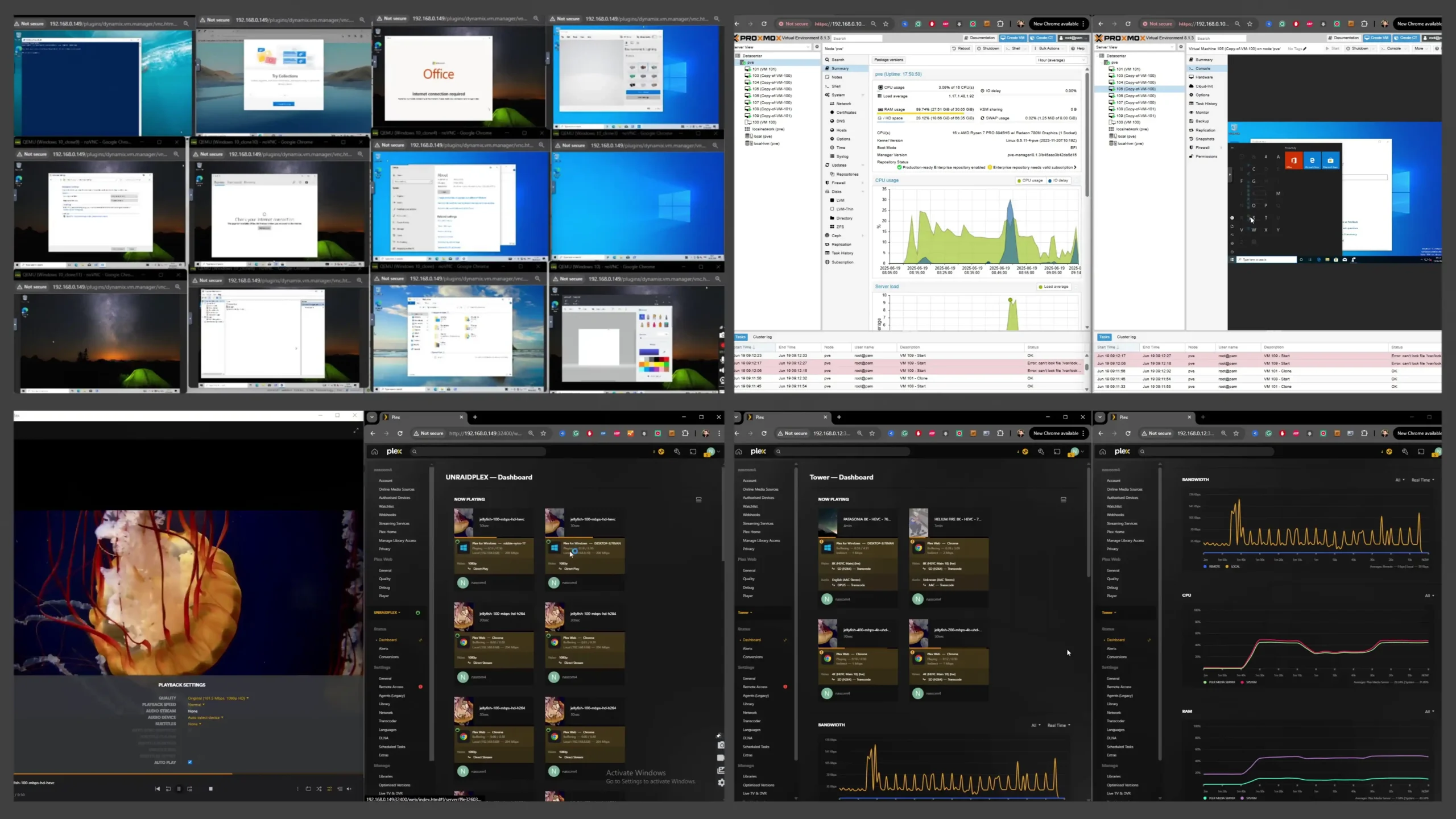
DIY NAS stacks can use specialist network cards such as Infiniband, RoCE capable adapters or unusual fibre interfaces as long as the drivers exist. This allows you to experiment with very high throughput or low latency technologies that are rarely supported on commodity appliance NAS hardware.
47. Custom backup and replication pipelines
With tools like ZFS send and receive, rclone, Restic or Borg you can build very specific backup and replication flows. You can script encryption, throttling, snapshot selection and multiple targets in a way that fits your environment instead of being limited to the fixed policies of one vendor backup tool.
48. Colocation friendly and data center ready
DIY NAS builds can follow data center norms such as using standard rack servers, redundant power supplies, remote management controllers and IPv6 heavy networks. Colocation providers expect this type of hardware, and DIY software lets your storage blend into a standard server fleet rather than being an odd office appliance.
49. Fine grained admin delegation at operating system level
On a DIY NAS you can use normal user, group and sudo rules with SSH keys to control who can run which commands. One person can manage pools, another can manage virtual machines, another can handle monitoring agents, all with precise restrictions that go beyond the coarse admin or user split of many appliances.
50. Integration with dynamic energy and solar setups
Because DIY NAS software can talk to external APIs and home automation systems, you can schedule heavy tasks such as scrubs, backups or transcoding to run when solar output is high or electricity tariffs are low. This kind of energy aware behaviour is difficult to achieve with fixed vendor power schedules.
51. Deep home automation and MQTT integration
DIY storage nodes can publish events into MQTT, Node Red or Home Assistant whenever backups finish, disks fail or space runs low, and can also respond to automation signals from the rest of the house. This lets your NAS participate in a wider automation fabric rather than living as an isolated appliance.
52. Use of enterprise secrets management for keys and passwords
DIY NAS servers can fetch encryption keys, passwords and API tokens from systems such as HashiCorp Vault or other corporate secret stores. That allows central management and rotation of sensitive data instead of keeping secrets inside a proprietary NAS configuration database.
53. Network boot and golden image strategies
You can build a standard disk image or network boot environment for your DIY NAS with all tooling and configuration baked in. If the system disk fails or you want to spin up a second node, you simply redeploy the image and reattach the existing storage pools, which is a very different model from appliance firmware.
54. Validation of changes through continuous integration
When configuration lives in files managed in Git, you can run linting and simulation jobs in a CI pipeline before applying changes to your DIY NAS servers. This allows you to catch syntax errors or bad parameters automatically, which is impossible when all edits happen only through a click driven vendor interface.
55. Custom user interfaces and portals on top of APIs
DIY stacks expose command line tools and often REST APIs that allow you to build your own lightweight dashboards for particular users or teams. You can present a simplified view for media editors, a different one for backup operators, and keep the full complexity of the base system hidden in the background.
56. Tailored localisation and language choices
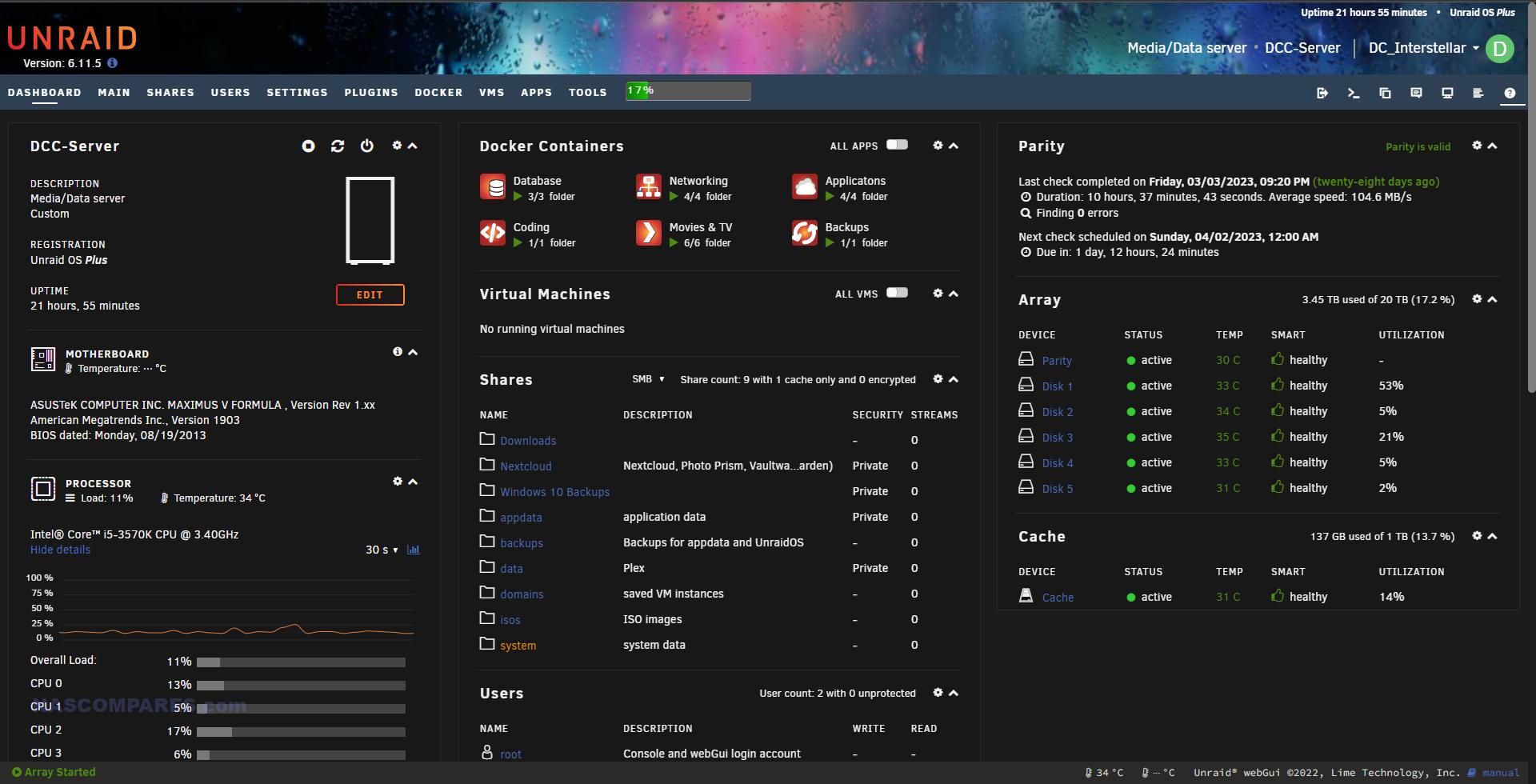
If the default language or terminology of the platform does not suit your users, you can adjust translation files or web templates on a DIY system. Community contributions in minority languages are also easier to ship and maintain than on a closed vendor NAS where only official translations exist.
57. Customised drive qualification and burn in workflows
You can design a strict process for testing new disks, for example running multi day read and write passes, specific SMART tests and temperature checks before a drive ever joins a pool. Scripts and reports can enforce this burn in policy across all your DIY NAS nodes, something turnkey platforms rarely expose in detail.
58. Robust behaviour in extreme or niche environments
In vehicles, ships, remote cabins or unstable power conditions you may need unusual behaviours such as aggressive throttling at certain temperatures, logging to serial consoles or special shutdown routines. DIY software gives you the hooks to script and tune these reactions in ways that appliance firmware does not anticipate.
59. Clean integration with formal change management processes
Organisations with strict change control can insist that all NAS configuration changes arrive through reviewed pull requests and automated deployment tools. A DIY NAS whose configuration is driven by code fits smoothly into this world, whereas an appliance managed only through a browser is harder to audit and control.
60. Easy experimentation with clustered storage technologies
If you want to explore scale out storage such as Ceph, Gluster or other distributed systems, DIY hardware and open platforms are the most practical route. You can repurpose existing nodes into a cluster, test resilience and performance characteristics, and later reuse those machines for other lab work if requirements change.
61. Easier long term data salvage and portability
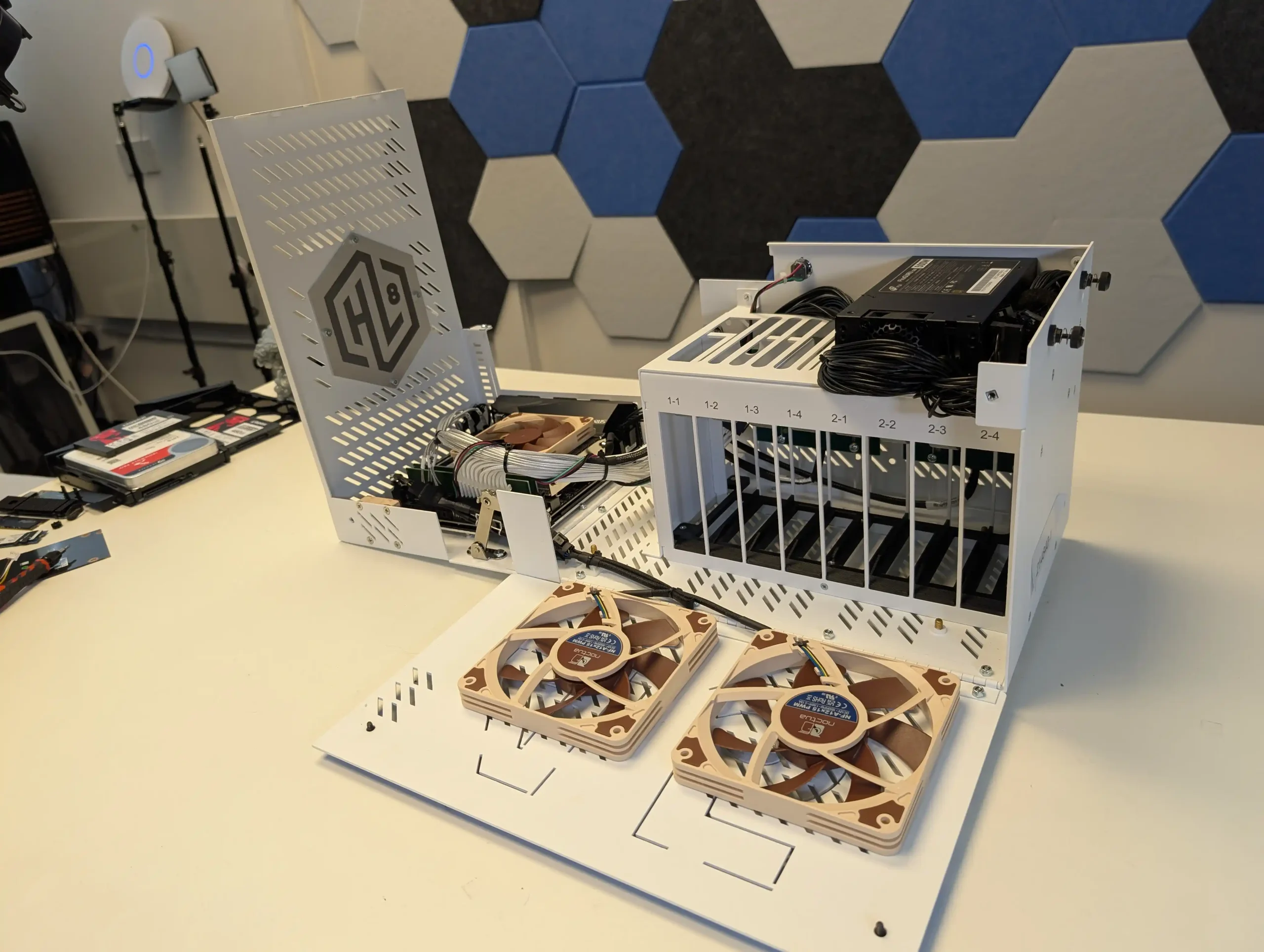
With DIY platforms such as TrueNAS, Unraid, ZimaOS, Proxmox and OMV, the on disk formats and pool layouts are widely documented and used in many contexts. If a motherboard dies in several years, you can move the disks to new hardware, reinstall the same software and import the pools, instead of hunting for an identical appliance or vendor recovery tool.
62. Broader protocol support and deeper tuning
DIY NAS software lets you expose storage over SMB, NFS, iSCSI, rsync modules, sometimes NVMe over TCP and more, with detailed control of versions, encryption, timeouts and caching. You can tune each protocol for a specific workload instead of accepting whatever subset and presets a turnkey vendor offers.
63. Custom hooks on file and dataset operations
Because you control the base system, you can attach your own scripts when files are written, moved or deleted in particular locations. That allows automatic virus scanning, metadata extraction, indexing, transcoding or business workflows that trigger whenever content changes, rather than relying only on built in features.
64. Comfortable operation with serial console and no local screen
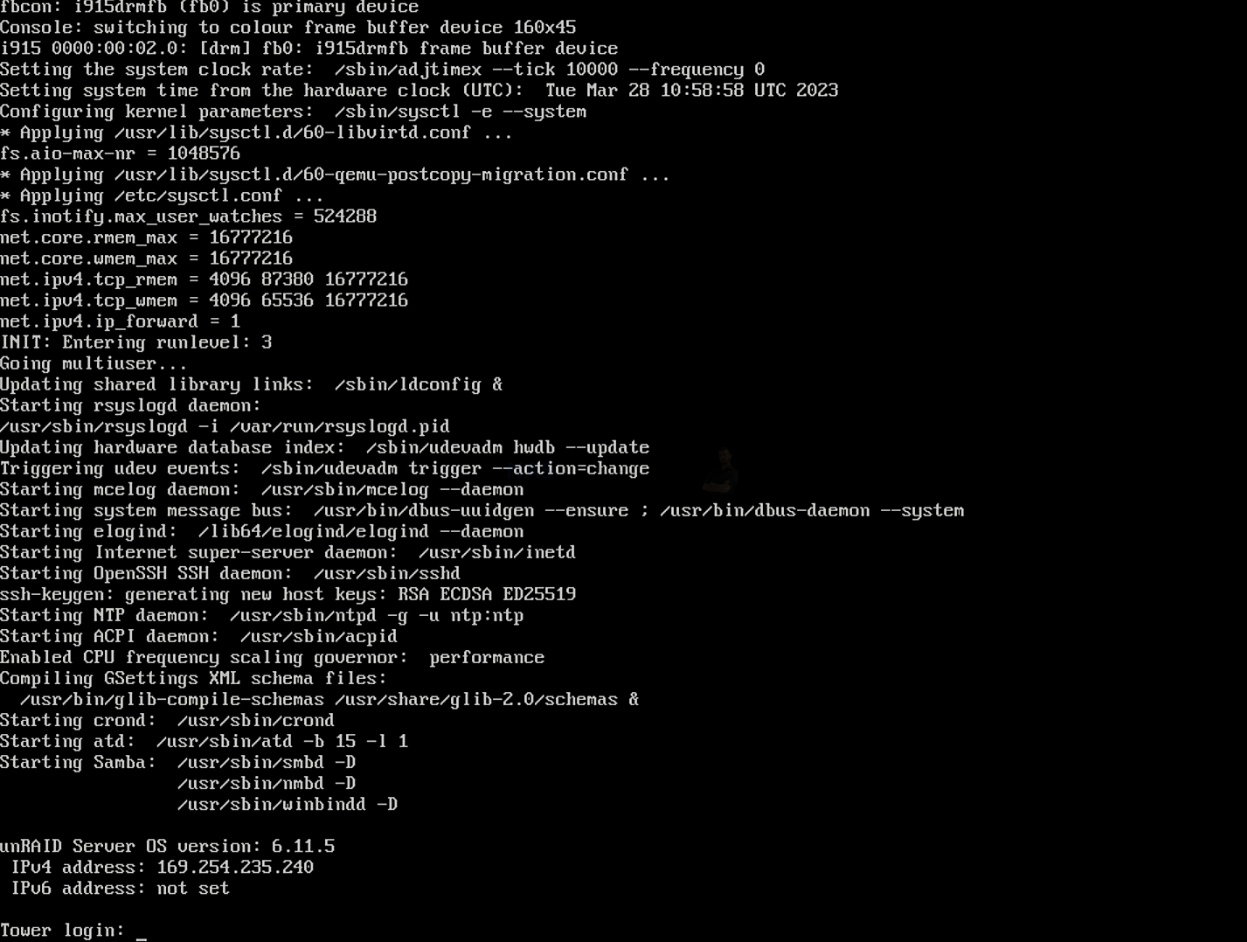
DIY NAS platforms are happy on machines that have only serial console or out of band management with no HDMI or local keyboard. This matches how many server rooms and colocation racks actually work and lets you manage storage over low bandwidth links without any graphical tools if needed.
65. More compression and deduplication options per dataset
ZFS based DIY systems allow you to choose different compression algorithms and record sizes per dataset and to enable or disable deduplication only where it makes sense. You can optimise for databases, media archives or virtual machines individually rather than living with a single vendor setting for an entire volume.
66. Clear separation of storage and management planes
On a DIY NAS you can keep the storage node lean and run most of the management logic on other servers through SSH, APIs or orchestration tools. The storage device can behave as a focused data plane while the control plane lives elsewhere, which is attractive in environments that want very thin appliances.
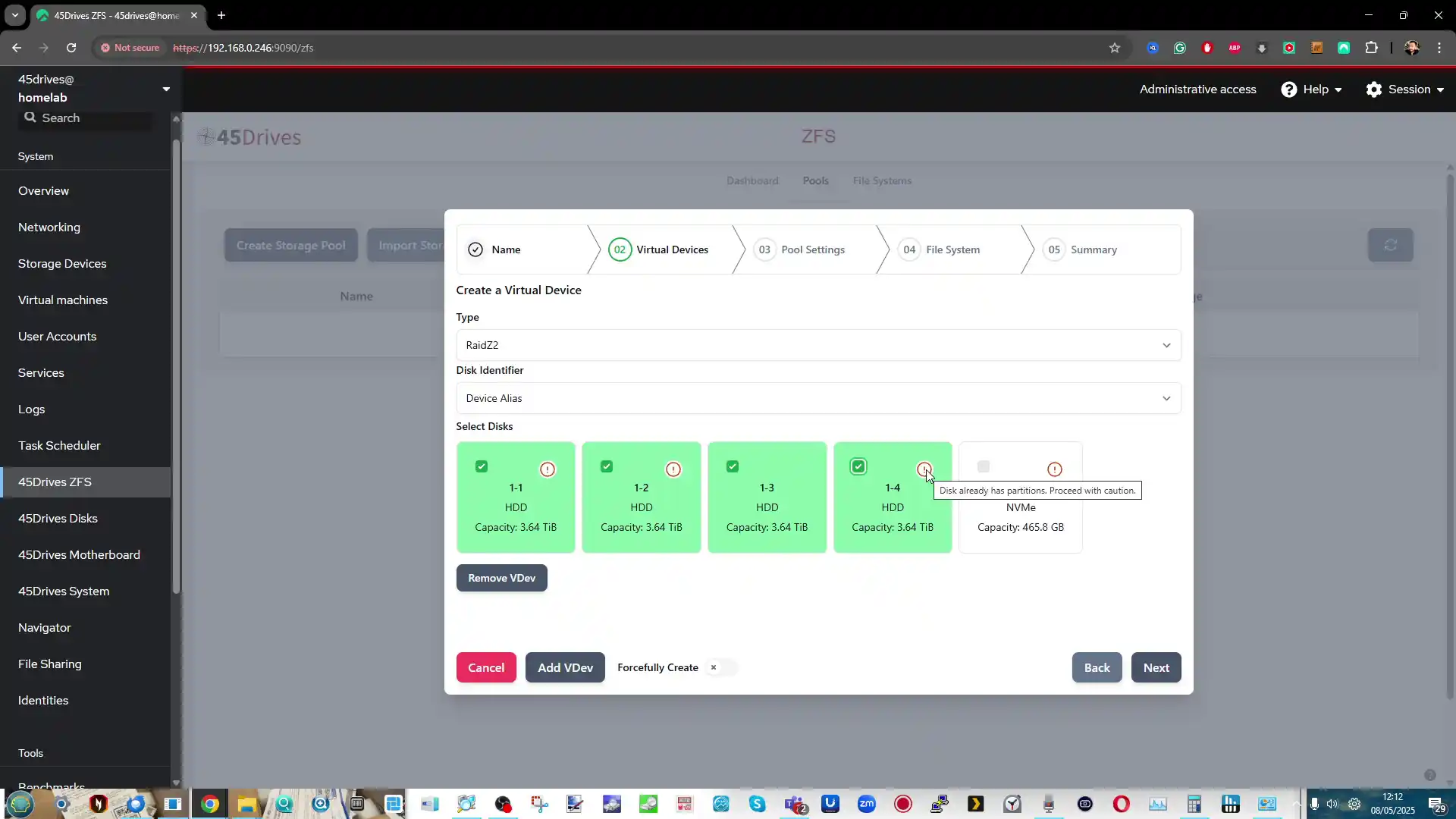
67. Community culture that embraces experimentation
The forums and communities around TrueNAS, Unraid, Proxmox and OMV are full of people who enjoy deep technical dives, benchmarks and off label use cases. For homelab users and engineers that culture can feel more welcoming than vendor moderated communities that discourage unsupported combinations.
68. Reuse of one reference design across home, lab and office
Once you settle on a particular DIY stack and layout, you can repeat the same design at home, at work and in test environments with only minor changes. Automation scripts, monitoring templates and backup strategies can be shared almost unchanged between all these machines.
69. Neutral target for testing third party backup strategies
A DIY NAS can act as a neutral storage target for many different backup products and appliances from other vendors. You can point various commercial systems at the same TrueNAS or Proxmox storage, then compare how they behave for restore, versioning and verification, something that is harder when your main storage is itself a fixed vendor appliance.
70. No hard limits on shares, datasets or exports
DIY platforms rarely impose artificial limits on the number of datasets, snapshots, exports or shares you can create. As long as the underlying system can handle it, you can build very granular layouts for different teams, applications and projects without hitting a model based cap.
71. Better fit for reproducible research environments
In academic or scientific work, it is often important that another team can rebuild the same stack years later. A DIY NAS with configuration stored in code and based on standard distributions can be recreated on any suitable hardware, which supports reproducible experiments and shared lab setups.
72. Combination of storage and high performance computing
In some labs and studios the same physical machines are used both for heavy compute work and for fast local storage. DIY NAS software can happily coexist with HPC toolchains and schedulers on the same hardware, allowing you to run compute workloads close to the data without separate appliances.
73. Precise control of time and clock integration
DIY platforms give full access to NTP, Precision Time Protocol and kernel timing controls. For environments where consistent timing is critical, such as finance, measurement systems or some industrial setups, the storage node can participate in the same strict time hierarchy as the rest of the infrastructure.
74. Better support for unusual backup and archival devices
If you need to attach tape libraries, optical jukeboxes or rare archival devices, a DIY NAS running a general purpose operating system is more likely to support them. You can install the required drivers and tools for these devices rather than waiting for a turnkey vendor to recognise them.
75. Ideal for storage that is a pure backend service
Some administrators want their storage nodes to be invisible to end users and to present only block or file protocols to other systems. DIY NAS installations can be trimmed down to offer only SMB, NFS, iSCSI or object storage with no media portals or user apps, which suits this backend only role very well.
76. Flexible data transformation and ingestion pipelines
Because you can run whatever tools and containers you like, a DIY NAS can also host data transformation jobs. For example, you can receive raw data, clean it, compress it, encrypt it and then push it to cloud storage or another site, all driven by your own scripts and schedules.
77. Reduced reliance on any single vendor decision
With DIY platforms you are not waiting for one company to decide which media codecs, hardware accelerators or remote access features are allowed. If a particular vendor chooses a direction you dislike, you can still adopt the tools and configurations that suit you within your own stack.
78. No forced hardware replacement at support end dates
When a commercial NAS model reaches the vendor end of support, users are often encouraged to buy a new box even if the hardware is still reliable. With DIY storage you can keep updating the operating system on the same machine for as long as the components remain healthy, decoupling software support from hardware marketing cycles.
79. Good fit for very lean remote management
In remote or bandwidth constrained locations, being able to manage the NAS entirely with text tools and small configuration files is valuable. DIY platforms let you perform upgrades, configuration changes and even troubleshooting over slow links without relying on heavy web interfaces.
80. Custom quality of service tied to processes and containers
On DIY systems you can use native resource controllers to limit bandwidth, CPU time or IOPS per container, process group or user. This makes it possible to enforce complex quality of service rules that prioritise critical workloads while still allowing experimental services to run in the background.
81. Strong separation between data layout and hardware chassis
With pools and datasets defined at the software level, you can move storage from one chassis to another or rebalance between servers without changing how applications see their paths. This separation makes it easier to evolve the physical layer over time while keeping logical layout stable.
82. Use as a standard test bench for vendor devices
A DIY NAS environment can act as a standard reference platform when you test routers, backup appliances or other network gear. Because it is not tied to one brand, it is easier to observe how third party devices behave when they read and write to a known stable storage backend.
83. Ability to layer multiple security models
DIY stacks allow you to combine filesystem permissions, network firewalls, container isolation, mandatory access control frameworks and external identity providers in creative ways. You are not limited to the single security model that a turnkey NAS interface exposes, which allows more nuanced defence in depth.
84. Fine control over logging and audit detail
You can configure exactly what is logged, where logs are stored and how long they are kept, from kernel messages to application events. Logs can be shipped to central collectors in formats that match your existing observability stack, making compliance and forensic analysis simpler.
85. Tailored behaviour for backup and disaster drills
DIY platforms can be wired into automated disaster simulations, where systems are repeatedly torn down and rebuilt to prove that recovery works. Storage configurations can be recreated from code, pools imported and test data restored on a schedule, instead of relying on manual wizard driven tests.
86. Ability to swap out components in the software stack over time
Over the lifetime of a DIY NAS, you can replace almost every layer: change the init system, switch to a different web interface, adopt a new container engine or even move from one DIY distribution to another while keeping the same pools. This modularity keeps the platform adaptable as tastes and technology change.
87. Better fit for organisations that avoid proprietary formats
Some organisations have policies against storing important data in formats that depend on closed code or single vendor tools. DIY NAS solutions using standard filesystems and open source utilities are easier to justify under these rules than appliances that use proprietary volume managers and configuration stores.
88. Helpful for education and training labs
Training providers and universities can deploy DIY NAS stacks inside virtual environments so that students can break, repair and rebuild storage systems without touching production gear. The same images can be reset between classes, giving learners realistic hands on experience at low cost.
89. Capacity to follow very specific legal or regulatory rules
In some jurisdictions or industries, unusual requirements appear, such as special retention schedules, local encryption standards or niche logging rules. DIY NAS environments can be scripted to satisfy these specific requirements even when no turnkey NAS vendor has considered them.
90. Natural choice when mixing many self hosted applications
If you already run a wide range of self hosted tools in containers or VMs, adding storage duties to that world with DIY software keeps everything consistent. The NAS simply becomes another service in the same orchestration fabric rather than a separate product with its own way of doing things.
91. Easier experimentation with new network filesystems
When new network filesystem projects appear, such as experimental user space protocols or research systems, they nearly always target Linux and BSD first. A DIY NAS gives you a platform to test these technologies for specific problems, long before any commercial vendor would consider supporting them.
92. Ability to enforce very conservative update policies
Some organisations prefer to update only once or twice a year after extensive internal testing. DIY NAS stacks allow you to freeze versions and postpone upgrades until you have validated them, instead of accepting automatic firmware updates that may change behaviour on the vendor schedule.
93. Better suitability for mixed licence environments
If you already pay for certain commercial tools but want the storage layer to stay licence free, DIY approaches give you that mix. You can run proprietary database or backup software while keeping the underlying storage platform open and under your control.
94. Simple way to expose standard development environments next to data
With Proxmox or similar platforms you can spin up development VMs or containers right next to the storage that holds source code and artefacts. Developers can work close to large repositories and test data without hauling everything over the network, using the NAS as both storage and dev host.
95. Easier to integrate with custom dashboards and reporting systems
Because DIY NAS boxes export metrics in standard ways or can run your own collectors, it is straightforward to feed storage statistics into company specific dashboards and reports. You can show exactly the charts and summaries that matter for your audience instead of relying on whatever reporting screens a vendor includes.
96. Straightforward reuse of disks in other systems if needed
If your plans change, you can remove disks from a DIY NAS, wipe or repurpose them in other servers without dealing with vendor specific metadata or compatibility warnings. The drives are just drives, not part of an opaque appliance ecosystem that expects to keep them forever.
97. Good platform for testing security tools and hardening guides
A DIY NAS can serve as a lab for experimenting with new security scanners, vulnerability assessment tools and hardening recommendations before you roll them out to production servers. You can observe how these changes affect a real storage workload and adjust accordingly.
98. Realistic environment for practising incident response
Because you control every part of the stack, you can simulate failures, intrusions or misconfigurations on a DIY NAS and then practise your incident response procedure. This kind of training is harder with commercial appliances where you cannot fully control or inspect all layers.
99. Freedom to keep legacy protocols alive while you migrate
In some environments you still need to support older protocols for a while, for example legacy SMB dialects or older NFS versions. DIY NAS systems let you keep these services available during migration while still offering modern protocols to new clients, with careful isolation where needed.
100. Serves as a long lived foundation independent of brand trends
Vendors come and go, change direction or pivot to new markets, but the core technologies behind DIY NAS platforms have existed for decades and are used in many places beyond home storage. Building on that foundation means your data and workflows are less tied to the fashion of any particular hardware brand.
📧 SUBSCRIBE TO OUR NEWSLETTER 🔔
🔒 Join Inner Circle
Get an alert every time something gets added to this specific article!
This description contains links to Amazon. These links will take you to some of the products mentioned in today's content. As an Amazon Associate, I earn from qualifying purchases. Visit the NASCompares Deal Finder to find the best place to buy this device in your region, based on Service, Support and Reputation - Just Search for your NAS Drive in the Box Below
Need Advice on Data Storage from an Expert?
Finally, for free advice about your setup, just leave a message in the comments below here at NASCompares.com and we will get back to you. Need Help?
Where possible (and where appropriate) please provide as much information about your requirements, as then I can arrange the best answer and solution to your needs. Do not worry about your e-mail address being required, it will NOT be used in a mailing list and will NOT be used in any way other than to respond to your enquiry.
Need Help?
Where possible (and where appropriate) please provide as much information about your requirements, as then I can arrange the best answer and solution to your needs. Do not worry about your e-mail address being required, it will NOT be used in a mailing list and will NOT be used in any way other than to respond to your enquiry.
 TRY CHAT
Terms and Conditions
TRY CHAT
Terms and Conditions





|
 |


Do You NEED 5GbE NAS? (Or Should You Skip Ahead to 10GbE)
UGREEN DXP4800 PRO NAS Review
Minisforum G7 Pro Review
CAN YOU TRUST UNIFI REVIEWS? Let's Discuss Reviewing UniFi...
WHERE IS SYNOLOGY DSM 8? and DO YOU CARE? (RAID Room)
UniFi Routers vs OpenWRT DIY Routers - Which Should You Choose?
Access content via Patreon or KO-FI
Discover more from NAS Compares
Subscribe to get the latest posts sent to your email.
Thank you for making this content and this level of information.
REPLY ON YOUTUBE
Done both, truenas is the best at this time
REPLY ON YOUTUBE
After 13+ years of Synology (and 3 units) i realized they are slow with outdated hardware. I built my own out of a mac mini m4. now I have real speed, low power consumption and full control of my system. My ‘old’ synology box is just backup of my main system now. Honestly loved the Synology ecosystem and would have stayed, but the lack of real up to date hardware made me walk away.
REPLY ON YOUTUBE
Following reviews of the Beelink ME Pro, it delivers full performance while maintaining excellent power consumption control, ensuring energy-saving and stable long-term operation with lower usage costs.
REPLY ON YOUTUBE
I agree with all the points you made; I love the flexibility of my server and all the things I can do with it on both a hardware and software level. Changes where if I had a turnkey NAS, I would not be able to do at all.
REPLY ON YOUTUBE
First! I watched both videos, both were great. I worked in IT for 34 years so there was nothing I did not understand.
I cut the cord a few years ago but had a large collection of movies and TV shows that I wanted to make it easier to watch from anywhere in the house. I took time to consider the different options including watching videos from you and others. There is a balance between learning something new and just getting it done. There are good points on choosing either a pre-built NAS or going total DIY. It cones down to how much time do you want to spend on just getting it working.
I knew I was going to spend hundreds of hours just converting the disks to media files so I wanted to spend the least amount of time worrying about the server. As I was converting the files to the best resolution possible I bought a UGREEN 2800 with two 12TB re-certified Seagate Ironwolf drives setup to one large volume. I also backed up all the files to backup drives in case there was any problem down the line.
The UGREEN server has worked flawlessly and is updated very often. I am using Jellyfin to share the videos and it works great throughout all of the video players.
Do what you want to do, there is no right or wrong only to be happy with the choice that you have made.
Currently at 583 movies, 28 TV series and multiple music videos and less than 50% full.
REPLY ON YOUTUBE
As a longtime Synology User (started with a CS-406e back in 2006) I’ve been testing to switch to Proxmox on an old HPE ML150G9 since I want to play more with LXCs and Docker containers. The main reason not to go with Synology has been the recent tighter hardware vendor lock in. I love the DSM but what you get for your money hardware wise is bananas. 6 year old CPUs in newly announced hardware? Really?!
The journey ahead will be hard but I hope it will be worth it in the end.
REPLY ON YOUTUBE
Yeah 100%. I started with a Synology system several years ago and I migrated to a DIY system with Unraid last year after Synology’s BS with hard drive support. I like that Unraid feels like a turn key OS on any hardware. Tons of nerd knobs if you want but it’s simple to setup. After the trial I bought the lifetime license and never looked back!
REPLY ON YOUTUBE
I think the UGREEN NASync DXP4800 Plus
Is cheap and open for software
REPLY ON YOUTUBE
Im more concerned about the NAS contacting US IP addresses than I am about Chinese addresses.
REPLY ON YOUTUBE
I had both Synology and QNAP NAS boxes for many years. But since I don’t manage each box on a daily basis, I kept forgetting what the marketing names those companies would use for each feature & function. For everything I wanted to do, I needed to do 15 minutes of research to find the feature/function that I wanted to use/modify. That was my main friction point with using both Synology and QNAP. I now use TrueNAS-Scale for my NAS boxes. Since they use common linux terminology for everything, it’s an easier experience for me. Also, ZFS is a big plus for data security/safety. Since I assembled these boxes myself, I could pick the components that I wanted.
REPLY ON YOUTUBE
Just forget about turnkey NAS.
UnRAID every time. This is the way.
REPLY ON YOUTUBE
I use Proxmox and I have tried all of them, but my simple requirements were not fulfilled. I need my hard disks in ext4, they need to go to sleep when not used, and for backups, these are realized by jobs. At the end, OMV and a stock Unix (Debian) were the simpler and best choices. Unraid, TrueNAS, etc. did not work for my requirements.
REPLY ON YOUTUBE
I subscribed today, finally – thank you for the many years of work you did. Yeah the internet access with Qnap is an unfiltered mess that reboots without allowance in the middle of the night for hotfixes. I had a drive inconsistency that I could only fix with Ubuntu on a Mac (intel), but not within’ the NAS; since MacOS Tahoe no TimeMachine-Backup is completed. At last you check GamersNexus (on YT) what is to think about the big mouth company of Synology (power supply ruined HDD-pool – company is in hiding mode).
Now, after degrading trust in governments I tend to do everthing myself – soon Bind 9 under Proxmox – afterall unpleasant that QNAP sucks so hard (Apple isn’t that helpful, either – at least they working on something). Compared to the last decades the tech companies have no drive, are constantly whining and just think about the bottom line – real buzzkills.
REPLY ON YOUTUBE
Literally nobody would ever go back to a brand name after using a TrueNAS.
REPLY ON YOUTUBE
I have been using Synology since 2012. Last year I purchased Aoostar WTR Max and installed Truenas Scale 25.10. Ooh boy. I am so satisfied. Using only application from lib(Immich, Nextcloud, arr stack, Minecraft servers, Cloud flare, Tailscale, Jellyfin, Calibre an others) is more than enough. I am even running one VM just for gaming with eGPU via Oculink. All in one.
REPLY ON YOUTUBE
Why are you on and on about IP contacted by this device if all you are doing is showing some geo mapping of these IP. For twenty minutes – some of you may be worried with these chinese flags, other devices have fewer chinese flags, but I still think the device is safe. That’s about as profound an analysis as someone reading the future from some sacrificial animal … I mean: what about at least some basic classification about the types of services that are being pinged, etc. Just listing IP Adresses with flags and harping on and on about it is extremely weak and has very little to do with answering anything about a particular NAS or all NAS products from a particular manufacturer being safe …
REPLY ON YOUTUBE
Enjoyed the video. Just picked a apoostar max WTR. Experimenting with Ubuntu server. Thoughts on the software. Did consider Hexos but reluctant to pay $199 US for beta software
REPLY ON YOUTUBE
Broom of Theseus?
REPLY ON YOUTUBE
I am both. Sorry I am just starting to build my diy so I like both
REPLY ON YOUTUBE
Like both.DYI vms and messing around. Turn key for NAS only. If one is worried about back doors well everything is made in counties that like spying on people so everything has one… move along.
REPLY ON YOUTUBE
TrueNAS, Proxmox, Unraid, etc. doesn’t really intimidate me and I’m more than confident enough that I know I can learn to use it competently if tried. It’s just that nowadays I’m too lazy to put the effort and has limited time. Most of all, the features that my Synology and UGreen NAS’es default OS provides is good enough for my needs and they are performing well. Especially my UGreen NAS’es. They have come a long way with UGOS and they keep improving it. In fact, lately I’m finding it much easier to do things with UGOS than with DSM or my Pi 4 & Pi 5 running CasaOS and Cosmos Server. ????
REPLY ON YOUTUBE
What’s the case on the right? The big box, looks like a jonsbo factor form.
REPLY ON YOUTUBE
DIY = learning through tinkering. It’s not for everyone, but it’s my idea of fun! Like Legos, you can build it up, play with it for a while, then tear it down and start over with a different plan. ????
REPLY ON YOUTUBE
FreeNas.. Oh sorry.. TrueNAS.. Yesterday, Today, and Tomorrow.
REPLY ON YOUTUBE
Nothing wrong with diy solutions necessarily, I love my UNAS Pro.
Bigger problem is that people are blurring the lines between NAS as an appliance and NAS as part of a larger general purpose server.
UNAS chooses to be a very solid NAS at an affordable price, while Synology is a constrained server platform that also moonlights as a NAS.
That being said: if you want massive storage solutions I don’t think any turnkey solution is really appropriate.
But for somebody’s living room or as a dedicated appliance in your homelab? Turnkey is probably fine.
REPLY ON YOUTUBE
I am considering going diy. I habe an fujitsu primergy tx1330 m2 at my disposal. 16 Gig ram Xeon 4 Core CPU (Skylake, i guess) and sas Controller with 4x 900 GB HDD. BUT very loud so I am unsure: keep it or Not. Other question is what Romeo with my sas Controller any ideas?
REPLY ON YOUTUBE
Funny thing is, I have a diy system but my diy Nas part is rund by turnkey-fileserver
REPLY ON YOUTUBE
Now that it looks like unraid is going to be able to be installed to an actual drive instead of usb, I may switch my DXP4800 over to it. If I can find my unraid usb key that is. That said, ugos has matured nicely so I might just stick with that.
REPLY ON YOUTUBE
Speaking of data exfiltration threat, not that long ago I purchased a small box designed for NAS with six slots for NVMe. I intended to wipe it from the beginning and install TrueNas but just for the fun of it, I booted it first. The silly thing came up in Windows 11. I get that this was not a box for high performance, mission critical stuff but, I would never trust having a Windows 11 box on my network. If you must have Windows 11, put it on it’s own subnet where you can’t see it from your inside network and it can’t see you.
REPLY ON YOUTUBE
Minisforum N5 Air and True NAS incoming.
REPLY ON YOUTUBE
But I love Turkey!
Sorry…hang on.
Oh. Ok.
Yeah, sorry I get it now. Carry on. I use Unraid and about to build a second Unraid system as backup to the first. Love it ????
REPLY ON YOUTUBE
i think the issue of open source is the security update, Synology did a complete fail and lost ppl trust and no one going to buy their product any more. my next one will be the ugreen
REPLY ON YOUTUBE
The title does not make sense as a sentence FYI.
REPLY ON YOUTUBE
Trunas seems OK, but it still hard to do permissions. QNAP is my choice out of ease and the fact that if it goes down, the drives will plug into the new QNAP. And a few more reasons. I still have a large backup drive. Is there some else besides UnRaid I can try. Lastly QNAP OS is on a DOM.
REPLY ON YOUTUBE
Im really new to the NAS scene, around 6 months. Im running Unraid on a DXP6800 Pro. I always find your videos interesting. Keep it up!
REPLY ON YOUTUBE
I’ve been on DYI for a long time. Used also plenty of enterprise level storage during my IT career, but lately I’m using 2 QNAPs and I’m quite happy. Sure they have limitations, but in most cases they just work :D.
REPLY ON YOUTUBE
I am using just a normal Linux distribution for my NAS.
REPLY ON YOUTUBE
Great vid!
REPLY ON YOUTUBE
DIY: chinese mITX mobos, used hardware, recertified HDDs, 3-2-1 backups, different machines perform different tasks, TrueNAS, Proxmox – all nine yards. You didn’t mention it, many are on DIY side because they adore to learn new things and they consider time spent on tinkering not as costs but as investment into themselves.
REPLY ON YOUTUBE
the only thing stopping me from making a DIY NAS is that there is no sexy DIY case with hot swappable drives, and i dont want a loud rackmount
REPLY ON YOUTUBE
I run XigmaNAS because I don’t need anything other than storage. It’s free, it’s relatively simple, and it just works.
REPLY ON YOUTUBE
Hardware wise, I am pretty set with the AOOSTAR WTR Max. I was able to take my 4 x 24tb drives from my Qnap and add another 2 2x 24tb. I also have added 2 x 4tb nvmes to it. Only thing I can’t decide on is the OS to use.
REPLY ON YOUTUBE
I tried Unraid but had TWO corrupted USB keys within a few months. Changed to Ubuntu Server, and it’s been much more stable. Recently installed Claude Code on the server and it’s made working with Docker a joy.
REPLY ON YOUTUBE
Nice break-down…. all those reasons are valid for staying away from turn-key solutions
I went with a turn-key solution anyway… why?
Because I have more money than time (which is not saying I am rich by any means) I just can’t be spending weeks tweaking an Unraid or true NAS
Now don’t get me wrong. I spun up TrueNAS in a VM and looked it over…. But my Synology is set up just the way I want and for the moment I do not need to switch.
REPLY ON YOUTUBE
The only thing keeping me out of TrueNas with DXP 4800 Plus is the fact that I have bought Ugreens’s usb-c UPS and It is not working directly with nut server and was a pain to set-up.
REPLY ON YOUTUBE
Remember, when Synology used to be reliable company?
REPLY ON YOUTUBE
I am a long-time Synology DSM user. I have TrueNAS Scale running in a VM for the purpose of testing it. At this point, I think I will switch to TrueNAS the next time I need a new NAS. Hopefully by then I will be able to find something tiny, quiet, with two m.2 x2 (or x4) sockets and two 2.5Gbps ports that can be bonded, or a 5Gbps or 10Gbps port.
REPLY ON YOUTUBE
Run truenas on top of proxmox for a 2-bay N100 reviewed here in the past using it for work and it’s filled up and I need more drives. I looked at changing the motherboard in a supermicro recycled server and adding SAS drives (14tb’s can be had for £125-150) it just felt I bit to much like hard work. I have gone hybrid and gone for a minisforum air which is now available to order I will replicate my current setup. I found truenas pretty easy to learn the biggest and most difficult to get my head round was share permission ACL’s. I’ve also started going away from SMB if I can and using NFS. The biggest thing is RAM prices if your building new luckily I have 16GB already that will get me going but I really want a lot more. New drives are punchy but not as shocking as RAM.
REPLY ON YOUTUBE
HADOKEN!
REPLY ON YOUTUBE
I wouldn’t dismiss price. Setting up Unraid is not that much more complicated and time consuming then setting up Synology NAS, but Synology price difference compared to DIY hardware is huge.
REPLY ON YOUTUBE
I’m converting my old AM4 gaming desktop into a TrueNAS box because:
1. Nothing comes close to ZFS for data integrity
2. For the price of a case (Fractal Design Define 7 XL), 64 GB of ECC DDR4, a couple 120 GB SATA SSDs for a boot mirror, and a Sparkle ELF A380 for remote management and transcoding, I’ll have a NAS that runs circles around any turnkey with ECC I’m aware of for that price, and that’s important given the current market conditions.
REPLY ON YOUTUBE
I don’t use any apps other than Plex so the appeal of turnkey based on the huge range of apps. I use Unraid but had to have some help setting it up but it’s actually quite easy once you know.
I have considered Ugreen but it’s an expensive box for not using the OS provided and is basically a very neat box for my drives but at a cost
REPLY ON YOUTUBE
I’ve been running TrueNAS Scale for the past 6 months. Love it. I can use my old i7 8086K w/ 32GB RAM, 10Gbit NIC, no GPU and it runs at 45w steady-state. So the PC is basically free at this point. TrueNAS scale is free. I did purchase 3x 28TB Seagate drives (and a spare). I have PLEX and Jellyfin running and use it to backup all my content and PCs. I backup the TRUENAS to USB external HDs for onsight and offsite backup. I have no worries of a Synology telling me which drives I can use. I have no worry about features being removed. I control it. Yes, there was a bit of a learning curve, but once you understand teh pool, datasets, shares and permissions it makes sense. I have a DS918+ that has been running for 7 years and it works fine, albeit at 1Gbit Ethernet.
REPLY ON YOUTUBE
Interesting video! I’m cool with my basic needs but I get the diy sense of things!
REPLY ON YOUTUBE
Don’t forget in truenas you can have two boot drive so if one fails, it boots from the other drive you then can replace the duff drive and your good to go.
REPLY ON YOUTUBE
I run a proxmox VE, with an external Sabrent 5 bay 2.5″ drive RAID. Multiple Virtual machines, NextCloud, Home Assistant, Plex and Pi-hole with a final Cloudflare VM to manage tunnels to each of my VMs over the web. Will never go back to a turnkey system
REPLY ON YOUTUBE
Im now setting up a media NAS on a Ugreen 4800 plus with OMV
REPLY ON YOUTUBE
Can trueNAS be installed on an old QNAP system?
REPLY ON YOUTUBE
As a home user, I would break down the choice as : 1) Cost of hardware and software, 2) Ease of use, 3) Granularity of configuration. As a retired admin partner of my accounting firm, I would break down the choice exactly the same if I was still working with cost being a very distant third place. I had a full client load but I was also the on site tech guy. If I had the choice between the turn key and the DIY options that we have today to run my accounting practice, I’d go turn key every time. Easy learning curve, easy troubleshooting, easy creation of shares and users. On site and off site backups; remote access; easy peasy. I made a living by selling my knowledge and time and every hour spent messing about with our little server was time and money lost forever. If I ran a much bigger firm, where we had an onsite dedicated tech person, I’d lean towards the DIY solutions. One thing that I would really like to see from the viewers that chime in here is why they prefer one or the other. I’d also like to know what they actually use their NAS’s for. The whole home lab story is an interesting one and I suspect that’s where are lot of your viewers are but, the real question is : what do you really need that NAS for ? Truth be told, I could likely get by with a 2 bay in the bedroom closet and be well looked after for my needs ( not wants ).
REPLY ON YOUTUBE
Contrary to my own advice I went DIY for my first NAS because I could buy the bits over time and not spend a heap of money in one fell swoop. But. Old Dell servers drink power like a fish so I went turn key for my next NAS. Since I can’t leave well enough alone, and as I learn more about NAS’s, not sure what will replace my old PoweEdge. Turn key is attractive; but going to a parts bin (new parts) and building my own like the good ol’ days of PC’s could be fun. Then simply move my TrueNAS over to the new box. Maybe by then hologram storage will finally be a thing (like fusion power – I doubt it).
REPLY ON YOUTUBE
For me , it’s simple, ZFS !
REPLY ON YOUTUBE
With you being English, I’d think you’d be more worried about your own government lol
REPLY ON YOUTUBE
Time for an updated review of this. Im hoping they stepped up their privacy an security because the new NAS systems look amazing.
REPLY ON YOUTUBE
Helpful info… thanks.
REPLY ON YOUTUBE
5:10 NEDERLAND Spotted????????
REPLY ON YOUTUBE
Your video was very interesting for me.
REPLY ON YOUTUBE
Many, many internet connected (smart) hardware is making numerous ‘unknown’ connections nowadays. I could recommend using a proper hardware firewall to anyone being aware of internet vulnerability and who want to protect his/her privacy. For instance over a 90% (!!!) of all connection requests on my Samsung Smart TV, is being blocked without any noticeable effects on the apps I’m running. (The main of those are blocked connections with Amazon servers btw).
REPLY ON YOUTUBE
Is this traffic because of the apps you installed? Is it possible to use this NAS without it reaching out to any external service?
REPLY ON YOUTUBE
I really needed your help and you let me down again. You’re lucky you live across the ocean. Count your lucky stars. I’ll never forget this.
REPLY ON YOUTUBE
Chinese officials will have a crashout for my 5mbps upload speed before they can read any data
REPLY ON YOUTUBE
At this point China is the safer alternative to the EU. I’d be more concerned if it made connections to EU servers tbh.
REPLY ON YOUTUBE
This is probably the one of the lest useful “security” videos possible. This is what happens when someone sees a dashboard and gets dangerous with what they think they know. You really think disable remote access will change what an *outgoing* connection will do? This just shows outgoing IP connections. A lot of these are probably call home for update, but we’ll never know because some basic info wasn’t logged like destination ports, source ports, amount of data transferred, or anything else. Any modern device is going to look like this.
Please have a security expert look at it instead of trying to ad-hoc a security audit based on a list of IP addresses.
REPLY ON YOUTUBE
as if dns in the us are safe ????
REPLY ON YOUTUBE
Prat blocked.
REPLY ON YOUTUBE
How can you be sure that the DNS calls are actually DNS? Ugreen can reuse the port for other things like a «free backup»
REPLY ON YOUTUBE
Love it!
REPLY ON YOUTUBE
Thanks for the hard work!
REPLY ON YOUTUBE
this looks good. lol love watching vids that allows me to get the most out of my 4k 255hz display . keep it up
REPLY ON YOUTUBE
If the user agreement says you cannot post anything against china is a red flag
REPLY ON YOUTUBE
I severely regret buying this Chinese bullshit. I can’t even get the app (which has like 80 reviews and a developer name entirely in hanzi…) to find the stupid thing and trying to use their website is pointless because it literally will not stop bringing up Chinese style bullshit “enter your email for a chance to win” pop ups.
REPLY ON YOUTUBE
It would be interesting to install TrueNAS or Unraid and re-run the test to verify if anything is outgoing from the device itself as opposed to the software.
REPLY ON YOUTUBE
I’m looking for my first NAS and I agree UGREEN hardware is better, but I have a couple of questions. Since Synology has now lifted the ban on 3rd party drives for their 25+ model NAS devices does that change the equation? My second question might seem a bit out there, but with the US government and others worried about back doors in TikTok, TP-link, Huawei and ZTE, should we be worried about security of our UGREEN devices?
REPLY ON YOUTUBE
Yesterday I was watching you review of the UGREEN DH2300 and took away (as from other reviewers) it’s an entry level NAS with only one flaw, the 1Gbps NIC. And even that would be ok for most “entry level” type people, me included. I’m not going to edit on this.
What strikes me from this video, while the NAS is “entry level” easy, keeping the security side sorted seems not so much. If I was UGREEN and had seen your comparison of the NAS with others, where the UGREEN once lights up red with Chinese flags… I’d be concerned, especially as security discussions become more and more important. I wonder if they ever came back to you after sending in your findings?
Anyway, Thanks for the video and the effort that went into making it. Keep up the work, looking forward to #2 on this. (I know I’m 2 months late so will have to see if it’s already out)
REPLY ON YOUTUBE
No seagulls? 🙁
REPLY ON YOUTUBE
I have just installed my Nas and I don’t see Jellyfin or Docker in the App store? Any ideas?
REPLY ON YOUTUBE
wow, all this connect to China really worries me. What keeps the China govt to command ugreen to scan my data? That is their way – I’ve been to China many times – the govt has control of EVERYTHING. There is no saying no to the govt. See how the govt treats their high tech companies.
REPLY ON YOUTUBE
This killed my hype for Ugreen.
REPLY ON YOUTUBE
A better question would be: “Do you trust the PLA backdoor with your data?”
REPLY ON YOUTUBE
Genuine question. Is it not true that network requests to US servers should be of far greater concern than requests to China. Based on the conduct of the two countries?
REPLY ON YOUTUBE
in 8:41 it’s The Netherlands, not France m8
REPLY ON YOUTUBE
3rd Synology in 13yrs with da broken PSU, im done with them, done woth every prebuilt one, well go for standard interchangeable PC parts
REPLY ON YOUTUBE
Thank you so much for taking the time to make this video, really helpful. I have my Unifi network setup blocking all traffic form lets say China. Would this mean quite some apps on a UGreen NAS wouldn’t work or am I thinking too simple? Thanks again!
REPLY ON YOUTUBE
Great informative video; thank you – a ‘dry’ subject very well presented. As many people, I found this as eyeing up the DH2300 as a relatively inexpensive first foray in a home NAS. Usage would be mostly simple file storage – and the unit is being sold by Ugreen as “your first NAS made simple” – so would expect many buyers wouldn’t even consider this side of things at all (I hadn’t!).
But… the UK government is dithering about whether or not it trusts China (it does for trade, but not cyber security). Meanwhile Chinese companies have stakes in vast swathes of UK interests including Heathrow Airport; British Steel; UK Power Networks; Northumbrian Water; Thames Water and even Hinkley nuclear power plant. And connected car brands including BYD, MG Motors, Omoda, Jaecoo and more – so, should we (me) really be over concerned about these DNS links reporting back – to what is, a Chinese made unit. I’m sure the EVs would be reporting back ‘somewhere’ and be much harder to identify/trace. Not doubting the importance of what you have uncovered – but in reality, someone in China may have access to 100s of images of various dogs, meals and holidays that I’ve taken over the years. Given we trust either Apple of Google with mobile devices; Microsoft for ‘everything’; Amazon; Facebook – I bet anything connected could be compromised somehow.
But I will definitely do as much as I can in terms of 2FA and blocking of ports that you shared. And interested in any follow-ups, etc. ????
REPLY ON YOUTUBE
Do not trust a device which uses it’s own DNS settings instead of network DNS Settings. Unless you are using Chines DNS servers it shouldn’t be going to China to look for DNS.
REPLY ON YOUTUBE
Thank you very much for this video ❤
REPLY ON YOUTUBE
I am more concerned about US DNS – recent war in Ukraine showed that global politics can and will influence global interconnection.
REPLY ON YOUTUBE
This video is a complete obfuscation of the security issues. It’s the firmware that’s the issue here.
REPLY ON YOUTUBE
The firmware is the base layer, any OS on top has no way to protect itself from vulnerable firmware. Any firmware vulnerabilities whether present now or in future updates are still vulnerabilities. The fact that the govt in the country of manufacture has strong influence over companies there should be a concern. If they flip the switch then they flip the switch, no hack needed.
This video is not by any stretch of the imagination a security review of the company or their products.
If you think you have no data anyone wants then you do. It’s your data that you want.
Enter the phishing attack!
This video spends too much time ignoring the real issue here.
REPLY ON YOUTUBE
the brand is made in china…so you can bet its on the motherboard
REPLY ON YOUTUBE
Love the vid. I’d really enjoy (and need) a video with your security and network setup. Or at least a starting point to get it up and running locally and access safely from the outside.
REPLY ON YOUTUBE
Question – does this china ping will go away if i install 3rd party OS? like truenas or OMV or Unraid?
REPLY ON YOUTUBE
There is a reason no enterprise would buy these, chinese spyware. My company passed on these as didn’t know if we could trust putting PII on them, so we spent 100k for a fully loaded synology.
REPLY ON YOUTUBE
Funny, ‘fear of china’… as if the US manufactories are more reliable, knowing companies like Blackrock and Palantir already ‘stealing’ all of our data (via our phones). Adobe already ‘skimming’ peoples art work in the cloud ‘for training their AI’ , same as facebook and insta.
And most , will get similar ‘logs’ when just ‘watching stuff on the internet’, so…
REPLY ON YOUTUBE
I tried .. it would not work without internet access. It does a ton of ICMP activity. I will restrict it.
REPLY ON YOUTUBE
Interesting video, especially as I just purchased the DXP4800. I find it a great NAS for the money, especially since upgrading from a Synology DS220j – difference is outstanding. However, not too concerned about the extrenal connections it makes, as once it is ready and I have migrated everything to it, its internet connection will be blocked at the router.
The purpose being, it is my own personal cloud, for you on my own home network. No way so I want the ability to access it remotely and I want my home network as secure as strong as possible ????
REPLY ON YOUTUBE
Take a Chinese backdoor or a NSA one. What’s your poison?
REPLY ON YOUTUBE
I was thinking about buying ugreen, but i do not trust chinese products. Will pass after seing this video ☺️
REPLY ON YOUTUBE
A British guy saying French IP while hovering the mouse over a Dutch flag is priceless. ????
You’re on full Brexit mode mate!
REPLY ON YOUTUBE
the clip is biased, you say the connections are resolved for (most) of the other NAS devices and only this gives so many china unresolved services/stuff. at 18:09 is a perfect example, you have google dns 8.8.8.8 and still the service is not put there by unifi, the conclusion is simple – you altered the settings in the 2 tests, impossible for 8.8.8.8 to not be shown as DNS Google
REPLY ON YOUTUBE
In the Video you mentioned less interest in this kind of videos. So here I am doing what I rarely ever do: I write a comment on a YouTube video. In this case it’s mostly to say thank you and boost this kind of content which is less „selling“ and more „education and security awareness“. Please do more videos like this!
REPLY ON YOUTUBE
Sure a lot of them may be DNS servers, but ask yourself WHY are they using Chinese DNS servers when the Chinese Internet is behind a firewall from the outside world. If it’s querying a Chinese DNS server, something is trying to access something within China that is allowed by the CCP. You can’t just visit Chinese websites based on Chinese servers without being monitored by the CCP. So…No thanks. DNS server or not, it’s still suspicious since there is absolutely no need to query a Chinese DNS for a NAS outside of China.
REPLY ON YOUTUBE
But I are Green NAS’s close to or as reliable as Qnap or Synology?
That’s my main question.
REPLY ON YOUTUBE
Thumbs up , I am leary of any nas without a standard mobo and maintained bios. You never know…
REPLY ON YOUTUBE
I saw this device just released on someone else’s thumb nail and immediately searched for your channel to watch the review of this NAS. The ONLY place i come for NAS reviews.
REPLY ON YOUTUBE
As a matter of fact you made this video incredibly interesting. Is it possible to skip the account creation and all of that and just use web interface ? would the OS still ping those DNS servers or it is ideally to just before setting up, create a VLAN for the NAS and use a home VPN to connect to it?
REPLY ON YOUTUBE
as long as they are a chinese company in country where the government requires you to handover data under the terms of “the national secuirty law” and you can’t even challenge it in court or make people aware of the request they aren’t
REPLY ON YOUTUBE
8:42 That’s not France, that’s the Netherlands. But, to be fair, they look similar????
REPLY ON YOUTUBE
if you put that on the internet directly, you deserve to be hacked.
REPLY ON YOUTUBE
Why are you so fixated on DNS? The primary security issue is rogue updates to apps or the OS that allows the system to exfiltrate or encrypt your data (and hold it hostage). You dismissed this concern as “pretty slim” and said any regional IP is vulnerable. Regional IPs are mostly irrelevant. The real issue is whether you can trust uGreen’s update servers and that wasn’t discussed at all except to give them a free pass.
REPLY ON YOUTUBE
In a digital world ran by the mossad. Yes ugreen is pretty safe in my standards
REPLY ON YOUTUBE
Anyone know if UGREEN will support ZFS in the future? Or simply forget ever getting native support and have to install TrueNAS to get it?
REPLY ON YOUTUBE
Thanks!
REPLY ON YOUTUBE
My Android phones are oftern connect to North America despite I am far away from North America. Andoid phones are connecting to North America every day at 3am when I am not using the phone and am a sleep. Should I be worried?
REPLY ON YOUTUBE
Maybe use wireshark to capture and inspect network traffic to and from China. The youtuber Apalrd’s Adventures did this with a nanokvm sent to him for review. He didn’t find any obviously malicious activity, but some potential security issues, do to poor software/web development coding practices. Kind of like Chinese hardware – you get good stuff, you get crappy stuff (often bad QA/QC), it’s a crap shoot.
REPLY ON YOUTUBE
Thank you for making a video on this topic. I think we should be careful with all stuff we connect on the network. So I would love to learn more about how to set devices up in secure way.
REPLY ON YOUTUBE
Thoughts.
There would probably be greater value in processing the log to show total packets per IP. Giving a clearer picture of the width and depth of the hard coded traffic. Eg. 1 IP a hundred times is easier to allow/block/understand, than 100 different IPs.
Similarly if anything in your connection is blocking any IP or Port (even your ISP) it could generate more & wider attempts to connect even in a properly written (but hard coded) application/service. A poorly written app might even go into a meltdown of retries!
There might be a regional context here too. Do the Chinese consumers have regular problems with Router and DNS setup and availability? Either locally or at their ISP? It might explain a culture where apps and services have a (long?) hard coded list to “get things to work” without relying on other configuration settings and services. I’m not saying it’s a good idea for security – but it could be a market specific method that’s escaped. A nation wide solution to “helping your uncle over the phone when he doesn’t understand what a router is and his ISP blocks everything but port 80″.
Let’s remember that a lot of consumer routers used to use a very short hard coded list of NTS time server IPs and essentially drowned a number of primary time servers – – rather than using domain names (or even IPs) of consumer tier servers. Partly as it was very old code/lists carried over generations of routers and noone had considered what happens if I sell 100,000 of these”.
REPLY ON YOUTUBE
Can CDNs make a difference?
REPLY ON YOUTUBE
Just the CCP logging the world, nothing out of the ordinary. *shrug
REPLY ON YOUTUBE
Is there a ‘best practices’ guide to setting up a UGreen NAS in terms of security? Something step-by-step for amateurs would be very helpful.
REPLY ON YOUTUBE
At this point, I’m more concerned about the security of US and UK IP addresses.
REPLY ON YOUTUBE
I have region blocked all traffic to 43 countries, including China, in my UniFi OS. Amongst those 43 blocked countries are known sources of malicious scans, attacks and botnets. I’m implementing the zero-trust mentality not just on a per device level, but also on a per country level intertnet-wide. And maybe you should too. If some service ends up not working because of one of the region blocks, then that specific traffic can be added to the allow list. Otherwise everything is completely blocked by default.
REPLY ON YOUTUBE
How could that happen? I mean a thumbnail where of the Ugreen NAS all Slots are in the right order? Must have been an overlook by some intern, right?
REPLY ON YOUTUBE
I’d rather have links to China in my Nas than links to America. Ugreen is a Chinese product so it is logical that there are many links to China. I would rather be worried if there were a lot of links with America. I have more faith in China than in America or England and all eyes of America. Chinese products are simply much better than American ones. Look at the Chinese cars n e.g. Huawei, and now this Ugreen Nas. Get rid of those dictator traits of American products and synology. I am convinced that Ugreen will later get its own server instead of Amazon. So that the 4800 plus is completely separate from the fascist America and friends.
REPLY ON YOUTUBE
That is such a great info! Hard work there. Respect. ???? I still believe that Ugreen have a lots of potential and i will buy the new 2Bay UG DXP2800 and put on RAID 1, changing my old Syn, and trust them. Let’s see if it’s a success, like other stuff that i have from UG, that i love, or if UG NASync DXP2800 is a bluff. But.. i will configure Proton VPN directly on the Router and check the outcame ???????????????? Thanks!
REPLY ON YOUTUBE
Run a pi-hole dns filter
REPLY ON YOUTUBE
Robbie, excellent video as usual. I’m still going through your “Complete” video to setup my UGREEN NAS and I am concerned about how to secure an internet connected NAS. I’d like to see a “complete security” video as well if you think that content would be popular
REPLY ON YOUTUBE
No, not safe…All the data you stored will be backed up in China by CCP’s regulations as the same as DJI and Hikvision. If you don’t care, go ahead! ????????????
REPLY ON YOUTUBE
Great vid as always! Please install a non self signed SSL cert on your Nas. 🙂
You can use Wireshark to have a deeper look at the uGreen Nas … Connect the Nas and a pc/laptop via ethernet, then monitor that port and start the uGreen…. Would be keen to see what goes on (requests sent) during post and boot.
REPLY ON YOUTUBE
Literally have the non plus model of that NAS you were using in the video out for delivery right now. So are you saying that these apps by default ignore my network’s defined DNS lookup source (I’ve got unbound running on a Pi configured as my DNS) and directly look up something configured internally to the various programs/apps? Debating if I should immediately return it and try and find something else, or try some light configuration. I don’t like the idea of it ignoring my network setup that has local and preferred fallback DNS defined already. If I return, suggestions? I don’t need AI, or anything significant in media serving as it is intended to be just a reliable backup for a couple family members files and photos.
REPLY ON YOUTUBE
‼ *It is an incredible shame to advertise UGREEN. UGREEN is a Chinese company and is 100% NOT safe.* ‼
‼ *❯ China operates concentration camps with “space” for over a million people. If you were there, you would wish you had been in one of Hitler’s concentration camps,* because Hitler didn’t torture you for decades.
‼ *❯ China fights against democracy and openly supports Russia, the murderer of millions.*
‼ *❯ China WILL attack Taiwan.*
‼ *At the latest, when China attacks Taiwan, EVERY Chinese piece of hardware in the West will become a weapon against us or a spy. You will hate it* when YOUR hospital can no longer help you, when you freeze in winter, when the internet collapses, and there is hardly any energy available.
REPLY ON YOUTUBE
Excellent video and very informative.
REPLY ON YOUTUBE
Comment for increased views hopefuly. Its undertated effort. GW Nascompares
REPLY ON YOUTUBE
You should be comparing this to other well known bands. In other words, is this more than Synology? Also, what happens if you block the NAS from all Chinese IPs?
REPLY ON YOUTUBE
Really useful stuff. ????
REPLY ON YOUTUBE
Interesting. I have the DXP4800 PLUS. Fully loaded with nearly all apps but no JellyFin, qBittorent, Firefox, HomeAssistant. 5 days of uptime now. During that time I only had two China connection attempts. Both were blocked with no ill effects so far. The NAS can only be accessed from WAN through Tailscale or Wireguard.
REPLY ON YOUTUBE
How difficult would it be to send data to a server in US and then redirect the data to China? It’s not just sending data to China directly. It is also that China has it written into law that all companies ands individuals must cooperate with the government for “national security purposes.” That includes any passwords or encryptions.
REPLY ON YOUTUBE
Put Truenas on it.
REPLY ON YOUTUBE
Lol made in China
REPLY ON YOUTUBE
Thank you for the work that you do to make this video.
REPLY ON YOUTUBE
There is NEVER a reason for a device to use its own DNS (outside of failure fallback which should be a user exposed setting). That’s not what’s going on here so very scary if these are DNS requests hitting China. Are these DNS requests or HTTP requests hitting China?
REPLY ON YOUTUBE
Security is based on the user’s settings in the NAS.
REPLY ON YOUTUBE
Those frequent ICMP requests to the DNS servers could be turned off by renameing or deleting the file /etc/firmware_config/test_dns.txt
It seems the process hwmonitor is the source for those requests.
REPLY ON YOUTUBE
Just checked my DXP2800 (again). Bought it from Amazon Germany, running in Europe. ~1600 calls for a month. All of them US, Germany, Netherlands and few local NTPs. Most of them DNS and some to a Germany located UGreen server (which has a resolvable name). ZERO China. @nascompares I guess the calls you see are either because of some extension that I don’t have installed or it is something related to physical region/location.
REPLY ON YOUTUBE
This should be titled “UGREEN NAS – IS UGOS SAFE?”. Unless, of course, the NAS’s onboard chips are phoning home. ????
REPLY ON YOUTUBE
Great video! If only you created awareness, it was worth it.
REPLY ON YOUTUBE
I really appreciate this video because I have been considering a ugreen NAS
REPLY ON YOUTUBE
I understand this is a less exciting video than new product reviews or at least product updates, that said, it feels more important. We should get Ugreen to see this and our concerns and hopefully Ugreen would change at least take some measures.
I am seriously considering Ugreen Nas because of their performance to price ratio, but I was already kinda worried about it being a Chinese company before this video. I would go with synology but what pisses my off more than their hdd policy is their poor hardware, I want to run some apps for my business and when I compare DXP2800/DXP48000 to their synology equivalents ds725 and 425 I am scared away because of their awful specs.
Keep it up, great job as usual
REPLY ON YOUTUBE
Well, I’m using a Unifi Cloud Gateway Fiber myself and have two PI 5s as my DNS Servers (Adguard Home). I just checked the traffic logs of my DXP6800 Pro and there are ZERO DNS request to China. Most are to Germany (70%), US (20%) and Switzerland (10%). Everything is routed thorugh my Adguard Home DNS servers. Also subscribed to CyberSecure Enhanced by Proofpoint and Cloudflare on my UCG Fiber.
I think using Adguard Home or Pi Hole as your DNS helps a lot and would be worth trying in your next video.
Also curious about ZimaOS, Unraid, OMV and TrueNAS.
For me there is no casue of concern so far. Sure… I have nothing exposed to the internet.
REPLY ON YOUTUBE
as I said from the start: if you buy a Ugreen NAS, don’t buy it for the software, get the unit and install TrueNAS or OMV or anything else
REPLY ON YOUTUBE
I don’t understand most of ppl here worry about UGREEN or other Chinese NAS, you are not in China, unlike me, if you are a Chinese lives in China, you should be worried.
Giving your data to other countries’ governments is almost always better than giving it to your home countries’ government
REPLY ON YOUTUBE
I wonder if a pihole would help
REPLY ON YOUTUBE
Good content, as usual. But for the love of god, please use some of that youtube money or start a patreon to fix those teeth, thanks!
REPLY ON YOUTUBE
Bearing in mind that these things can have the likes of TrueNas installed, I’m not so much concerned with the security of the software it comes with , but on the hardware itself. Hardware of course can have a “silicon backdoor”, or “supply chain implant”.
REPLY ON YOUTUBE
I run Unbound on my firewall and am concerned that some of these OSes and/or apps have DNS Server IPs hardcoded rather than using the one being provided by the LAN’s DHCP Server.
Monitoring and blocking these IPs one by one is impractical. I don’t have a UGREEN NAS so am unable to determine if the BIOS would generate outbound network traffic regardless of the installed OS.
REPLY ON YOUTUBE
Not something we have to worry about here in Australia! Ugreen doesn’t seem to want to sell their products to us anyway. Have to use terramaster systems
REPLY ON YOUTUBE
Great video. Watched the whole thing.
REPLY ON YOUTUBE
i build me own nas or san. i will not use off the shelf items. i have never had an issues with my own, but had issues with others when it came from spoofing from other counties.
REPLY ON YOUTUBE
Holy crap, security nightmare out of the box. I’d rather have locked hard drives from $ynology than phoning home to China. Guess I’m building my own NAS next time, I don’t think I have faith in any of the off the shelf solutions anymore.
REPLY ON YOUTUBE
It’s good to raise security awareness, but… please take this as constructive critique: you should probably team up with somebody with a bit more security/network experience, if you want to do more content like this. I don’t mean to bash on you, security is *hard* and explaining it to people not working with it professionally is **very** hard.
But e.g. your advice to do whack-a-mole blocking of individual IPs is potentially harmful – it’s ineffective, it ends up with a lot of cluttered individual block-rules you can’t really reason about, and it’s easy to end up blocking something that makes wanted functionality stop working… which then becomes hard to fix because it’s lost in the myriad of individual block-rules.
You deserve credit for not being alarmist, though! Sure, the video title is the somewhat-clickbaity youtube norm, but you aren’t scare-mongering, and the advice to check up on device traffic is good (albeit most people don’t know what to look for, and might get spooked at the traffic logs).
As other people have commented, it would be interesting to see the traffic pattern after a week of only having the base OS with no apps installed.
REPLY ON YOUTUBE
A NAS that ignores your DNS settings and directly queries Chinese DNS servers is not behaving transparently or securely. At minimum it indicates poor design, and at worst it could indicate intentional backdoors that can be activated this way. This behavior is a serious red flag, indicating it should not be trusted.
REPLY ON YOUTUBE
Better to drop the default OS on these newer Chinese NASes & go with something with better history like TrueNAS, Zima, Unraid, Proxmox etc. open source ones are generally better.
REPLY ON YOUTUBE
Excellent video. Very well researched too. I’d be very interested to see how it performs (along with applications and update services) with many of those unknown DNS servers blocked. See what trips up.
REPLY ON YOUTUBE
I would think that replacing the UGreen OS with TrueNAS would eliminate most/all of these callbacks, but I’d consider it a worthy endeavor to test that supposition to make absolutely sure we don’t have a false sense of security by simply swapping out UGreen’s OS for TrueNAS.
Nevertheless, great job! Thanks for the detailed breakdown on what’s going on under the hood. I do wonder what applications are the worst offenders.
REPLY ON YOUTUBE
No Chinese equipment is safe.
REPLY ON YOUTUBE
I would like a test of TrueNAS installed on a Ugreen NAS since I’m worried about security issues on the firmware level.
REPLY ON YOUTUBE
Important subject, only thing is I now I realise I know nothing about networking / access control, would you think of doing a “ new nas user guide “ for us ???? who are not up to speed.
I got the Ugreen dx4800 plus fo4 my photography library …
REPLY ON YOUTUBE
For your firewall rules, you could create from top to bottom something similar to this. Just make sure deny/ block all is at the bottom. Hope this helps.
1.Allow your subnet range or local ip to allow access to your nas
2.Block all countries/regions (not your own)
3.allow only ports you need
4.Block/deny all
Also Disable the Ugreen link remote access
REPLY ON YOUTUBE
I love the video. Please bring more light to security and privacy to all products on your channel.
REPLY ON YOUTUBE
Thank you for this video, it is very informative!
REPLY ON YOUTUBE
Sorry if it was said and I didn’t process it, but what happens if you just block China in Unifi? What breaks in the NAS?
REPLY ON YOUTUBE
1) Interersted in the same test with ZERO additional apps installed and access to the internet limited apart from checking for NAS OS upgrades.
2) From the comments below TrueNAS seems better behaved
REPLY ON YOUTUBE
Oh, I just got to the end, it’s one thing getting the info aka being engaged until the end, it’s another thing actually creating router/gateway policies and setting up 2FA for all admins.
REPLY ON YOUTUBE
Region blocking on my Cloud Gateway Ultra includes China. So far my 2800 works just fine. Also added to a /30 VLAN and region blocked the network as well as content filtered
REPLY ON YOUTUBE
there is no doubt that China is not the most open, and not the best to support open speech etc. but why do we all think that e.g. USA is much better ?
Install Pi-hole, or adguard and block it if you have issues
REPLY ON YOUTUBE
“DNS tunneling is a real concern. More than once, I have been able to set up a VPN tunnel to break out of an air-gapped network. You can search for tools like iodine, DNSCat2, and DNSexfiltrator. Even with a local, recursive DNS, there is still a chance to exfiltrate data or even set up a reverse tunnel. Therefore, it is indeed a bit concerning.”
REPLY ON YOUTUBE
Not living in the US myself, although I did before, these days I wouldn’t trust the US either. In the end, it’s seems to be about how paranoid people are but yes how the info is or isn’t being used. A lot of assumption are made based on what we hear, often without concrete proof but I do understand we also have to be cautious with our data. And yes, this applies to all NAS, not just UGREEN. Good video as always.
REPLY ON YOUTUBE
You don’t get what you don’t pay for in a NAS.
REPLY ON YOUTUBE
can you run the same test but with truenas or another OS on the UGREEN NAS? completely taking out the SSD with UGOS and replacing it entirely? I’m curious if it’s just the software or is it hardware forced
REPLY ON YOUTUBE
minisforum, asustor, and casaos the same?
REPLY ON YOUTUBE
So it’s safe as houses, but the current property market may make you think of addiitional security 🙂
I’m looking at replacing my home router soon, I’m getting quite keen on Ubiquiti’s offerings
REPLY ON YOUTUBE
Please make a video on why we should update our NAS if we don’t browse the internet with a NAS just as a backup, at least in my case
REPLY ON YOUTUBE
all the products are made in china
If that were the case with the DNS, all of them could be compromised
REPLY ON YOUTUBE
UGOS has a built-in DNS server it uses to supply its own apps and OS to get around ISP/router filtering and that is almost certainly where you are seeing the wide range of upstream DNS being pinged by. I discovered this when trying to install a Technitium DNS server container and found port 53 in use. I permanently disabled/renamed the service file (it *will* re-enable on reboot, so rename the .service file!) to allow me to take over port 53 for Technitium.
Once this was done, I pointed the DNS address in UGOS network settings to itself (actual IP, not loopback) and that allowed their apps to run without issue, while respecting my filters in Technitium.
REPLY ON YOUTUBE
I geo block China, India, Russia, etc as they are sources of a lot of attacks. So… would that basically mean this device wouldn’t work for me?
REPLY ON YOUTUBE
NAS are %100 unhackable if you leave them inside of your network with no internet access
Or if you have to have access, make a VPN, and your NAS will be safe too
REPLY ON YOUTUBE
how about some sort of a hardware lock so it serves as a DAS only,
REPLY ON YOUTUBE
What a great canary (or seagull) in the coal mine video. DNS is such an important part of Internet Trust and your explanation gives the novice a clear understanding of the danger. Of course, I would like additional dives into other vendors or maybe even a quick walk thru of doing simple blocking. Can the UGreen Firewall be set up to do the blocking and a quick sanity check that it was successful by external logging would be an excellent follow up topic.
REPLY ON YOUTUBE
It may take time before ugreen nas security is tested: hackers typically prefer to go after products with large fleets because they need a high number of targets to justify the “investment”.
Why not a ugreen nas hardware with an open source nas OS installed over the vendor’s own? As a bonus, you avoid the suspicion that comes with Chinese software..
REPLY ON YOUTUBE
Look like this can be a nice DDOS platform. Not to mention the possible blackdoor(s) . Network traffic that using hard coded ip address(es) also doesn’t need to contact DNS.
REPLY ON YOUTUBE
You want to see the logs jump up, see what happens when you block the NAS from talking to the internet. 10,000+ logs in 24 hours being blocked from the U-NAS
In short, block it all like I do. If you need access to your files remotely then VPN into your home network or use something like tailscale. Only unlock it temporarily if needed to do an OS update or download the OS update and do a manual install keeping all outgoing communication blocked.
I only have a base system that I am not using yet, trying to decide if I want to keep uGreenOS or not. It has base 12 apps installed.
In the last 6 hours my network has blocked 3,291 attempts out to the internet from the U-NAS. Over 10K in the last day, and 10K is the limit currently for my logging.
Things that bother me is ping to google DNS servers, it’s a DNS why piling it. I also have CloudFlare for the DNS being relayed but it try’s to avoid that. I have a local NTP relay on my networks but it ignores that. And the rest is HTTPS encrypted traffic to random server addresses. Don’t let the china servers concern you as most can use local servers like amazon AWS anyway and still accomplish the same thing they are doing or logging on china servers. I can’t explain the Germany servers I am seeing. A location of a server doesn’t constitute trust in what the code is doing or collecting.
NOTE: With these 12 apps installed I have not seen any DNS reaching outside. I am only seeing ICMP, NTP and HTTPS. But it’s possible the unify system is reporting the DNS protocol wrong since it’s showing ICMP to all DNS server?
My 12 apps installed are:
Photos,Theater,Cloud Drives,Universal Search,Files,Logs,Sustem Management,Sync & Backup,Support,Task Manager,Control Panel,Storage
REPLY ON YOUTUBE
As you say, a dry, nerdy subject, but probably worthwhile doing comparisons for the major brands that you cover. Would be interesting to know if you get any feedback from U Green about this.
REPLY ON YOUTUBE
Maybe this could be a collab with @LAWRENCESYSTEMS a unify expert to go over things like security rules, firewall settings and vlan settings to help create a walled garden for sketchy network attached devices like NAS drives.
REPLY ON YOUTUBE
So how do I produce a similar live status page of accesses on my three Synology systems? Where do I even go to see what my devices have been up to over time for comparison (trolled through every possible network and log page while this video was running)? I can find nothing.
REPLY ON YOUTUBE
lol … 2:57 … ” *_No_* ”
REPLY ON YOUTUBE
I’m happy with my Custom NAS with TrueNAS❤
REPLY ON YOUTUBE
This is the review Ive been waiting for, thank you! Would you be able to check if these network requests persist if instead trueNAS is installed?
REPLY ON YOUTUBE
If you are using Ugreen hardware, but the truenas software, does this mitigate/eliminate these issues?
REPLY ON YOUTUBE
Comment in general for all Chinese devices (applicable to any brand from any country, but for obvious reason extra caution is to be taken with Chinese products. Apart from security, we should not forget that it was already demonstrated that some popular Chinese products either have built in weaknesses on purpose, either sleeping backdoors you cannot detect unless activated. Since most people use those devices not in an isolated environment, any app trying to do a call home (even for a simple DNS record, a ping, whatever, collecting logs for analysis should be approached very carefully as any kind of traffic (even a ping) can carry data to its destination and can bring data back with instructions to launch something (it can be as simple as a ping packet coming back with a specific bit pattern intercepted by the network card and translated into an action from within the hardware.) Is this far fetched? Yes, of course. But it remains China. And believe me: lots of Chinese look at US products the same way> I still stand by my opinion that within the West we should avoid as much as possible to use electronics from companies having a Chinese mother company. For a couple of tens of dollars more, you can in general get a similarly specced product built in a Western country. I personally refuse to use anything Chinese in my house if it is having a network connection or cell connection or carries data.
REPLY ON YOUTUBE
Hi! ????This is a good start of ugreen security analysis. However, for whathever ip address it is communicating to the Internet, what about the data that is travelling inside any “conversation” that is transporting to? You only concentrated your analysis on what ips it is talking to and where. But what informations, what data it is transmiting. It would be interesting to sniff the communication betweeen ugreen nas and internet. Is Unify firewall can do that? Can you use Wireshark. Is any expert can look into that ? Also, no matter what options or security tool ugreen may have put in its OS, nothing prevents it from having hidden something that bypasses this. What we call a backdoor.
Looking foward for another great analysis video from you about these security concerns.???? thx
REPLY ON YOUTUBE
I’m sure it’s all totally fine but as with anything attached to the Internet- nothing is safe
REPLY ON YOUTUBE
Ideally we’d have the same 1-week study but without any apps, just the bare UGOS.
REPLY ON YOUTUBE
Aren’t there several levels to this. Yes, it is worrying that individual components are each using different DNS providers for their services. Begs the question of how many of the address resolutions result in IPs that not reachable by preferred and trusted DNS services. That might raise a question as to why a dedicated DNS resolution has been put in place.
Also, I would have thought that any questionable communications would be random and dispersed in time to draw less attention to analysis. Anything hooky needs only one message. Catching that is a needle in a haystack job. Sending repeated and frequent messages is so easy to spot.
So, is it deliberate or just early days limitations and laziness?
REPLY ON YOUTUBE
I want to side-step the analysis and look at it from the developer’s view.
They need to develop software that functions properly even when the NAS is not properly configured. If the network does not have a DNS server and the app requires DNS, it must have internal servers listed.
REPLY ON YOUTUBE
Did you at anytime ask this same question about synology or qnap NAS?
REPLY ON YOUTUBE
I just don’t trust a company that sells NAS’s on kickstarter
REPLY ON YOUTUBE
Would love a full video on further hardening the security of a Ugreen NAS…including network gateway settings.
REPLY ON YOUTUBE
Ugreen should allow to choose Country during initial set up, like iPhone, when choose America or other countries, it will automatically use DNS that’s in that country instead of China.
REPLY ON YOUTUBE
There is also something to be said for the less popular brands. If you’re a hacker, you will want to find the weakness that affects as many installed units as possible ( at least I would ). There was a somewhat recent attack on some Asus routers. It’s just one reason why I prefer my Synology routers; they are not nearly as popular and, to my way of thinking, less valuable as a broad target for a security breach. It was the reason that I didn’t use WordPress for a website. And, low and behold, before long, sites using WordPress were targeted.
REPLY ON YOUTUBE
NSA and GCHQ are more likely to be tracking you.
REPLY ON YOUTUBE
The DNS issue is relatively easy to fix. Just block all DNS to the internet, redirect all DNS to an internal server, the allow only that server to only your chosen DNS servers. I do the same thing with NTP just to be safe.
REPLY ON YOUTUBE
Will installing another NAS OS (like TrueNAS) helps eliminate the risks?
REPLY ON YOUTUBE
With Ugreen, i personal won’t be supprise that there is hidden back door sittings inside the sorce code and just waiting for an activate condition pattern on the internet to activate, That’s Why there is this so many IP connection
or there is a software so call security change on any piece of packages can activate it anytime with just a small section of code change
REPLY ON YOUTUBE
Ever since getting into the Unifi world with such clear logging (my old router didn’t tell me anything!) I’ve become much more interested in this topic. So a thumbs up from me for more like this.
REPLY ON YOUTUBE
Regarding how they handle future security incidents due to unintended vulnerabilities, I’ll give them the benefit of the doubt. I don’t think it’s in their best interest to provide inferior service. I’m more concerned about potential backdoors that could expose my private data to China. It might be nice for Plex or something, but even with a different OS like TrueNAS, my private data won’t end up there.
REPLY ON YOUTUBE
The bottom line for any NAS you buy is that it’s only as secure as the administrator running it.
If you don’t open any ports in your firewall and make it internet-facing, you’re going to be perfectly safe unless the hacker has physical access to your house.
If you need external access, the ways to achieve that, in descending order of security, are:
1. Overlay VPN like Tailscale / Netbird
2. Set up a self-hosted Pangolin in a VPS and host an instance of their newt container in your LAN so Pangolin can wireguard tunnel into your network (you can use Cloudflare tunnel if you want to, but their ToS prohibits certain kinds of traffic)
3. Create one or more “External” VLANs that are isolated from the rest of your LAN, and put any public-facing services there, then open the port and forward to the server hosting the external services
REPLY ON YOUTUBE
@nascompares How about addressing the fact that after a year we are still missing lots of features (emails, encryption, camera app, plex ap, etc…) on UGOS and the fact that UGreen doesn’t seem to bother updating those compatibility lists at all.
That includes the HDD or NVME drive lists, the UPS list such as of now lists ONLY their own US3000-UPS (Synology vibe).
REPLY ON YOUTUBE
Services shown are nothing to do with DNS. They are based on ports used. Custom applications very often use non-defined ports, that’s what non-defined ports are for. If you start blocking stuff that your NAS is trying to connect to then you are just breaking it. If you are this paranoid then you’d be better off building your own linux based NAS.
REPLY ON YOUTUBE
*WORTH READING FIRST* After a comment from @sirlikealot about DNS handling, I’ll need to return to the logs (the video was made a few weeks ago) to be sure, but as I recall, I made a minimal setup (NAS default, directed into the UniFi gateway, then installed all the officially labelled UGREEN Nas apps). Everything was default as possible.
I set the NAS up on my LAN with DHCP, so in theory all DNS should have gone through the resolver provided by my router. What I actually saw in the UniFi logs was that some of the built-in UGREEN apps weren’t just using my chosen DNS, but were also reaching out directly to other resolvers – a mix of public/free ones in different regions. That would explain why the log looks so noisy/messy/’like the character select screen of Street Fight II”, and why there are so many showing up. To be clear, most of those are just DNS lookups rather than data transfer, but it does mean the system isn’t consistently respecting the network DNS settings and I need to investigate. But you are right (if I understand your point), it makes traffic harder to control or audit, and depending on the resolver used, it can also leak metadata outside your preferred path. I don’t think it’s evidence of malicious behaviour, more that some apps have hard-coded DNS endpoints built in for things like metadata, updates, or cloud relay. But I agree it’s something users should be aware of and ideally something UGREEN should give more control over in the settings.I’ll send this to UGREEN also for clarification on their side, as well as update on what my dynamic/static setup was back during the record!
+++ for those that miss this in the vid (some of it, anyway!), @praetorxyn ‘s comment below covers the “what else can I do” even better:
If you don’t open any ports in your firewall and make it internet-facing, you’re going to be perfectly safe unless the hacker has physical access to your house.
If you need external access, the ways to achieve that, in descending order of security, are:
1. Overlay VPN like Tailscale / Netbird
2. Set up a self-hosted Pangolin in a VPS and host an instance of their newt container in your LAN so Pangolin can wireguard tunnel into your network (you can use Cloudflare tunnel if you want to, but their ToS prohibits certain kinds of traffic)
3. Create one or more “External” VLANs that are isolated from the rest of your LAN, and put any public-facing services there, then open the port and forward to the server hosting the external services
REPLY ON YOUTUBE
All IPs are regional. Buy a Chinese NAS, expect Chinese IPs. Let’s get real, it’s almost certain that the Chinese government have backdoors/day 0 vulnerabilities baked in, but that is no different than the US government. They won’t be targeting millions of NASs, they will use these backdoors to target specific targets. Home users and small businesses that aren’t in any way involved with national security need not worry.
REPLY ON YOUTUBE
Do I understand correctly, that you have set up this NAS on your own network using DHCP, and there were parts of the NAS or applications you installed which have ignored the DNS you have set for your network and used their own DNS instead? Which in total sums up to pretty much a dozen of different free DNS available in the world?
REPLY ON YOUTUBE
How are these other comments 2 weeks old when the video just came out??
REPLY ON YOUTUBE
Customization only has sense if defaults are sensible.TrueNAS is not there, not even close
REPLY ON YOUTUBE
Best to have a solar panel, charging a power station, connected to a pure sine wave UPS powered by the power station, in turn connected to the NAS. This way the UPS provides very clean power to the NAS, and when there is no sun for days at a time due to heavy rain storms and the power station runs out of power, the UPS will do a clean shutdown of the NAS.
REPLY ON YOUTUBE
I have two ds220J’s (potatoes) a laptop, router and NBN modem oh and fridge freezer running 24/7 from my solar setup; if the battery gets low in winter after a few days of cloud it switches over to the grid.
REPLY ON YOUTUBE
We are in need of a nas build using the amazing intel arc a380 gpu pls
REPLY ON YOUTUBE
a NAS on solar? I’m not sure I think that’s reasonable. Now having said that I have built machines for a customer who intended them to be able to run on solar.
This was quite a few years back and the customer was a university. They had developed a fire wall/router software, quite advanced for the time, and they needed simple to use computers to run it. Now the solar part came from the ambition to use them in different African countries to provide internet access in remote areas where there were no chance they would ever have a chance to get internet access using a normal ISP. To make this possible the computer would have to be small, solid without any fans or ventilation and it would have to be very power efficient. So we started with deciding on the processor and motherboard, then we designed a chassis in 8mm aluminum. A professor at the university designed a power management system that allowed the computer to be run on mains or a 12V battery backed up by a solar panel. They would be installed mainly where mains power was available, but as it was common that power went out they would have a 12V car battery and a solar panel connected. Not having any air flow was to make sure the computer wouldn’t get filled with sand and dust. Oh yes, most would be installed on transmission towers where needed.
I remember sending a box to a university in some African country and it got held in customs. I then learned that although this was one of the most well working countries in Africa they would still need to pay what was effectively a bribe in order to get the customs official to let them have the box. This was in addition to the tax they also had to pay. The bribe was seen as perfectly normal over there. It was just how it worked.
I have no idea how well this worked, if it did. We just built the machines to order and the people from the university took care of getting them to Africa and have them installed. That once was the only time I sent a machine directly to that university. At the time I did a look at google maps and could see that the city where the university was located looked amazing. Not at all what you would expect from an African city but more something you would see in a very wealthy town in the US or Europe.
REPLY ON YOUTUBE
Wow, a setup like this would be PERFECT for the seagull sanctuary that I operate across the road from Robbie’s studio! Ahem. 😉 ????????????
REPLY ON YOUTUBE
A solar NAS in the UK?!? It’s the same vibe as a voice-controlled lift in Scotland. xD With love from Spain.
REPLY ON YOUTUBE
Hi. Will there be a video about CWWK AMD-7840HS? I would like to know if ECC memory works on it.
REPLY ON YOUTUBE
Just something to note, having the inverter to generate AC uses power as well (probably about 20w). Along with the losses converting DC from the batteries to AC then back to DC using a power brick us loosing about 20%. If you can plug the NAS/Router/etc from DC. You can get USB to barrel jack adaptors at 12v, it wouldn’t surpise me if you could find a synology power cable that uses a USB port as well. Failing that you can use the DC Car Port or Barrel Ports on the solar generators to output about 12v and use buck/boost regulators to convert that to whatever voltage the devices needs. I have used a 300W boost converter to power my 3D printer so you can get get quite a lot of power if you needed too.
REPLY ON YOUTUBE
Really interesting video, thank you. ????
REPLY ON YOUTUBE
As a home owner with 8.2kw of solar for the last 4 years, i love it but i get many sometimes consecutive days with zero generation over winter. My 2 pence, small scale is pointless, as a hobby project, fun but will never pay back the money invested. House scale i expect it to cover the cost within 5 or 6 years. Pure profit after that point ????
REPLY ON YOUTUBE
Only 5 min in, but some quick math for the US… At the max draw of 18W and cost of $0.12 per kWh (US average), this maxes out at $0.05/day – or $19/yr. If the solar power setup costs $300 for battery and panel, we’re looking at over 15 years for pay-off.
I still need to watch the rest of the vid, but was curious where we stand. And obviously you can probably run more off the solar/battery than just the NAS, so that could help offset the cost too.
REPLY ON YOUTUBE
Wow, “140W” panel delivering 5W in the middle of a clear day in march.
Quality product worth every penny. China strikes again.
REPLY ON YOUTUBE
LOL the merch 🙂 hope they don’t do doodoo on your panels in revenge.
REPLY ON YOUTUBE
Pointless
REPLY ON YOUTUBE
I’m running a “similar” set-up but different.
Allow me to comment/feedback;
First, I believe from the looks of it, your solar panel are not in the optimal angle?
Looking at the size of the panel, I’m not too sure if it will be able to deliver 140 watt but I strongly recommend tilting the panel and look at the solar input of Portable Generator. Rule of thumb for an approximate of your ideal angle: Take your latitude and add 15 degrees for winter, or subtract 15 degrees for summer.
For example: if your latitude is 40 degrees, the angle you want to tilt your panels in the winter would be: 40 + 15 = 55 degrees. In the summer it would be: 40 – 15 = 25 degrees.
Next, the portable Generator; those are not that ideal, they contain a lot of (extra) electronics and thus overhead and not that efficient. (in our investigations we came to about 60% to 70%, but these were bigger-sized portable generators, 1KW and 3KW but we also tried 500W and even 300W).
I also strongly, very strongly recommend using (also) an UPS when using your such a set-up; These kind of portable solar generators often use LiFePO4 cells. These are quite powerful with one drawback; their discharge-curve is quite horizontal until about 10% charge-left. Then it drops quite steep. You will notice that often that the portable generator will indicate a fair charge for quite some time but suddenly will go down all of a sudden rapidly and turn off (to protect the LiFePO4 cells against deep-discharge). With a UPS you have a wee bit more time to gracefully turn off the NAS gracefully.
As stated, we use a similar set-up, using a bunch of 100Watt solar panels (and these are quite bigger in size, I noticed), 3KW 12-volt inverters, and a bank of LiFePO4 prismatic cells with a BMS. In our current set-up, we can run for about 3 days without power and no disruptions. At all.
And lastly, I strongly recommend external (roof)antennas for your wifi, that might also reduce the power consumption. We use directional antennas.
Granted, what I describe might be way over the top for a typical set-up, but you can most certainly downsize it to your needs, set-up and budget.
If you are willing and able to go a wee bit into the DYI route.
REPLY ON YOUTUBE
One issue with these power units is that they typically don’t provide a UPS interface (serial or USB) that could be used to power down a NAS cleanly…
REPLY ON YOUTUBE
Love this content! Going to lose a lot of efficiency with the AC inverter.
I have a larger power station but seems to draw about 20 watts with the inverter just switched on.
It should be possible to provide the synology direct DC power at 12 volts
REPLY ON YOUTUBE
Did you check the angle of the solar panels? Different parts of the year can make a big difference.
REPLY ON YOUTUBE
I hate seagulls too! ????
REPLY ON YOUTUBE
This is so random
REPLY ON YOUTUBE
First. Are the seagulls solar powered?
REPLY ON YOUTUBE
Would you consider doing an update comparison 2024 truenas scale vs synology software?
REPLY ON YOUTUBE
After just over a year of using Truenas I am now going to dump that system completely, it’s unreliable they push out certain upgrades which completely breaks all the apps that you are currently using and you cannot upgrade those apps anymore so you don’t get any security fixes or any extras that are being upgraded the example was upgrading to next cloud 27 that required a complete change in the system which I couldn’t implement because the system itself is just completely broken it cuts to the point where you’ve got to basically back up all your data then destroy the whole system install these upgrades alleged upgrades and then re-import all your data back I mean what the fuck are they thinking? Put out a system and then put out modification that breaks valuable data storage that the whole point of data storage is that you’re trying to protect your data not fucking destroy it, As such I would never recommend true scale or any of Truenas systems because they’re just inherently unreliable badly maintained they push out updates without thinking about how it might affect their consumers and they’re just not a very good company to be quite honest they want to make out that they’re really helpful and that they’re really useful but if you actually go to their forum pages most of them are full of gibberish the help pages are pretty un useless and obviously this whoever does actually design in the system is smoking far too much dope. Also the completely unfriendly user permission system is a mess as well I mean I don’t even know what it’s been designed that way really there’s so many other variables out there that use different systems and they have able to manage their systems correctly without having all this absolute gibberish everywhere. Basically true mass has been designed by a bunch of stoners who spent too much time at university and not enough time in the real world actually using the systems that they’re designing. it appears to me that this whole system has been designed because they want you to employ them to fix it they pretend that the system is designed for anybody to use but the fact of the matter is it isn’t designed for anyone to use it’s like Apple where they only do the repair themselves and for the most part of the system is probably like that for 80 to 90% of the people that use it will not be able to repair it in the event of a Breakdown they will have to troll the forums and do everything just like it used to be with another particular server that I’m not gonna mention And it just smacks of windows to be quite honest pages and pages and pages of useless information that doesn’t really help anyone at all. The fact of the matter is if you want a decent system the better off just installing synology using the project that’s up on GitHub and then you won’t have any of this crap to deal with that this company is doing
REPLY ON YOUTUBE
Does truenas support auto photo backup from phones? Like synology.
REPLY ON YOUTUBE
I own two Synology NASes, they are (so far) a reliable storage and okay software experience,
I’ll be exploring TrueNAS Scale from now on, as it seems to be much more capable thanks to more powerful hardware support, and with Docker + Kubernetes and VM support it’ll likely become my primary application hub, keeping Synology as rcync backup mostly..
REPLY ON YOUTUBE
Does Synology have the feature to backup on NAS to another NAS and to the cloud (say Backblaze)?
REPLY ON YOUTUBE
I understand the desire for flexibility and customization of the TrueNAS, but Synology has always been rock solid in my experience and I love the simplicity.
REPLY ON YOUTUBE
Excellent Video.
But you have missed certain parts of Truenas.
1. With Truenas, even if your system bricks, you can still mount the zfs pool on any BSD / Linux System [ Especially motherboard failure ]
2. You can expose shares as NFS as well CIFS simultaneously [ Not advisable though ]
3. Snapshot replication in encrypted form over wan is very much a use case. [ We do this all the time ]
4. You can install Wire guard.
5. You can excellent LSI HBA’s to extend number of drives.
6. Boot Time is much lower in case of Truenas.
7. Mounting earlier snapshot as separate share .
8. Not tied up a particular hardware.
9. API everywhere.
10. Costly but pays every penny in long run. Its enterprise system all the way.
REPLY ON YOUTUBE
Great video, just a question isn’t a microserver g8 with a xeon cpu and up to 24gb ram better than any up to date synology, I know synology has allot more software, clour, remote photo synk…. thank are good but, now they recommend disabling remote access to prevent getting hacked,
REPLY ON YOUTUBE
The benefit of Synology is that it’s a full featured operating system not just a home NAS software.
You also don’t get things like BTRFS scrub, snapshots, low power consumption, stability, consistency, etc.
And if you’re using this for cloud storage and backup then mobile apps should matter to you.. which, again, Synology wins.
You pay a lot more for lesser hardware but it’s not the hardware you’re paying for.. it’s DSM.
REPLY ON YOUTUBE
What about dsm vs truenas scale?
REPLY ON YOUTUBE
Thanks
REPLY ON YOUTUBE
I think it will be more fair to compare qnap too, although recently they got qlock issue but I believe it might due for default settings not tight enough or the user lacking update the version. I used nas long years which recently eyeing to upgrade to ts-h973ax
REPLY ON YOUTUBE
❤️ Hermosa eleccion 4.FO/Elizeid de mejor
1 (elecciones ) 9.9/10 2 ( culturales ) 9.7/10
Son unos de los mejores conciertos
, no-puede-ir-pero-de-tan-solo verlos
desde pantalla,, se que estuvo
Sorprendente .
REPLY ON YOUTUBE
Hi, I run a company and I use Synology Nas to share and receive data. Each customer has their own user name and can access file station using quickconnect. This works very well but my only issue is that I need to manually access each folder to see if there has been an upload. Is it possible to get an alert when a user logs into DSM using quickconnect or a notification when there was been an upload?
Thank you
REPLY ON YOUTUBE
I use both systems, but prefer TrueNAS mostly because of ZFS. I just noticed TrueNAS Scale does not seem to have alerting yet. 🙁
REPLY ON YOUTUBE
If only Synology didn’t complicate things by locking out other branded HDDs and not supporting SHR for some of their range regardless of the performance impacts sometimes there is a use case where you need the flexibility of mixing drives. They could recommend NOT to use it in the setup with a description of why but taking that choice away is a mistake.
I am looking at buying a larger NAS at the moment and unfortunately synology is immediately disqualified from my choices due to their decision on forcing their HDDs. Why didn’t they just have the advantage of updating HDD firmware with a button push or maybe a longer warranty if using their drives as a carrot… they are forcing me to look at other options… who know maybe when I look elsewhere I will like what I find and never come back… really REALLY silly decision.
REPLY ON YOUTUBE
You did really well with this and as unbiased as you could possibly be.
My background isn’t in IT, so I initially looked at QNAP, then Synology and for my needs they weren’t sufficient in the event of multiple types of failure. I had the money and more importantly I was prepared to put in the effort for greater file integrity/safety. I didn’t find the Apple approach to data that Synology use (you can have it back, if you buy another Apple), but I appreciate that’s for ease of use.
I started by throwing an install on an Athlon CPU machine (very old) that I had knocking around and had 6 320GB drives to use as well (along with a spare SSD for the boot drive). I just played with it very casually, harshly pulling drives and seeing how easy it was to fix. Direct play Plex used only a few percent CPU usage, which impressed me – it only pushed the CPU with transcodes.
Two years on and I have an understanding of a system that I trust with my business and personal data. As so much of our lives are stored in bits and bytes, it makes sense to do what you think matters when it comes to protecting it.
Well done for this, it was really interesting to see the Synology GUI.
REPLY ON YOUTUBE
The thing that got me was the hybrid raid. Like…that’s common sense thought why wouldn’t everyone want that feature if possible.
REPLY ON YOUTUBE
???? I’m a DSM fanboy, but I need that safety net of TrueNAS available to me, if Synology changes their business model to a subscription service or pushes their hard drives more.
REPLY ON YOUTUBE
QNAP system, btw, jokes apart; really… i’ve tried synology, i’ve tried freenas, i’ve tried truenas, i’ve tried them all… in the end i always come back to qnap system, cause are the best for my needs 🙂
REPLY ON YOUTUBE
For the novice… Dsm…
For the little bit more advanced user… Truenas.
In general Truenas, because you can use your own hardware or the ix system hardware.
REPLY ON YOUTUBE
Thank you for the excellent comparison of the two. Sticking to the Synology path as my tech skills are low. Cheers
REPLY ON YOUTUBE