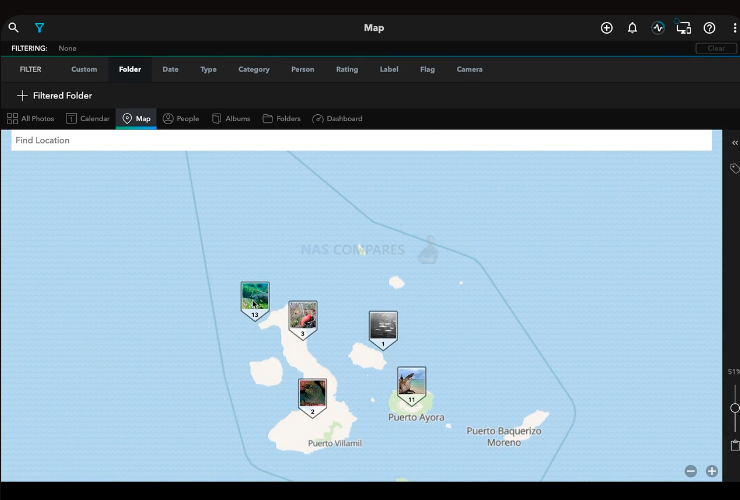
Best Photo app for a NAS (Synology, Qnap etc) that includes photo editing, smart object search and more. The answer is mylio app. Map View your geotagged photos pinned to a map. Quickly add location data to untagged photos by dragging and dropping them onto the map individually or many at the same time. Life […]
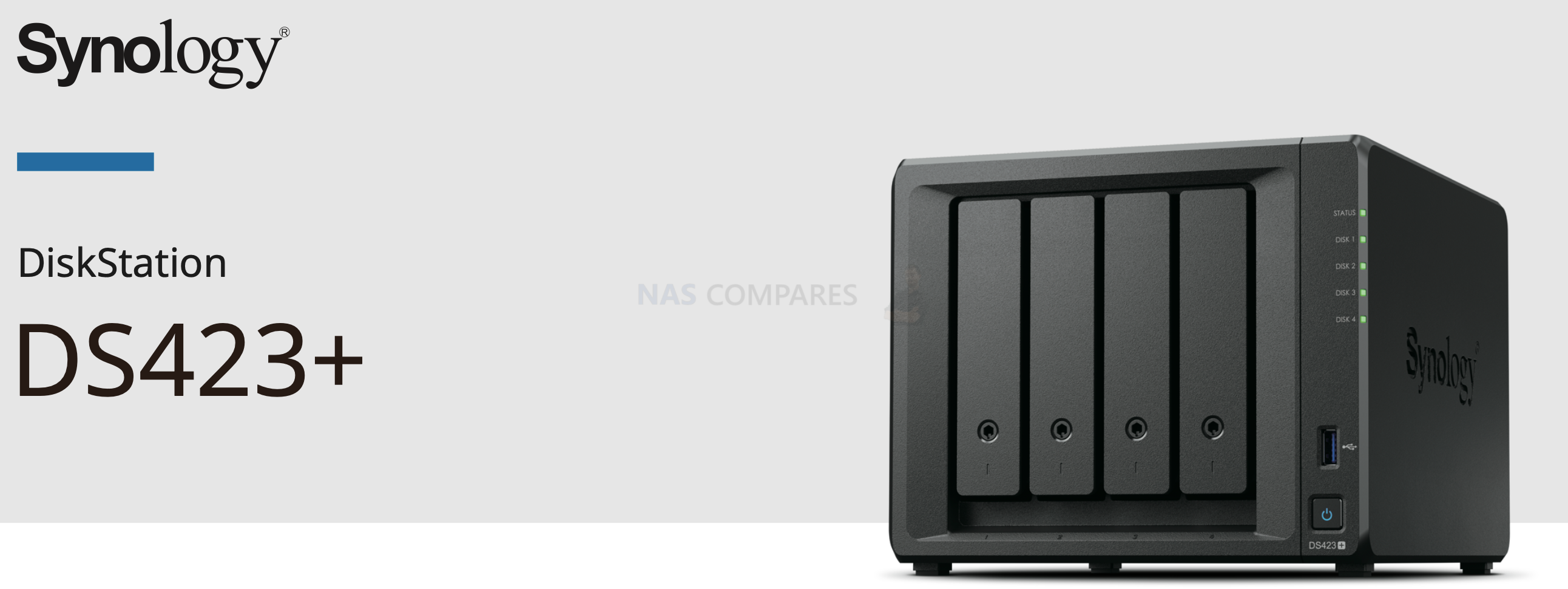
DS423+ release date Synology DS423+ Released (4-Bay Plus Series NAS) Synology, a global leader in network-attached storage (NAS), is set to release their latest model, the DS423+. This powerful NAS device is packed with features that make it perfect for both home and business users alike. With a release date set for March 15th 2023, […]
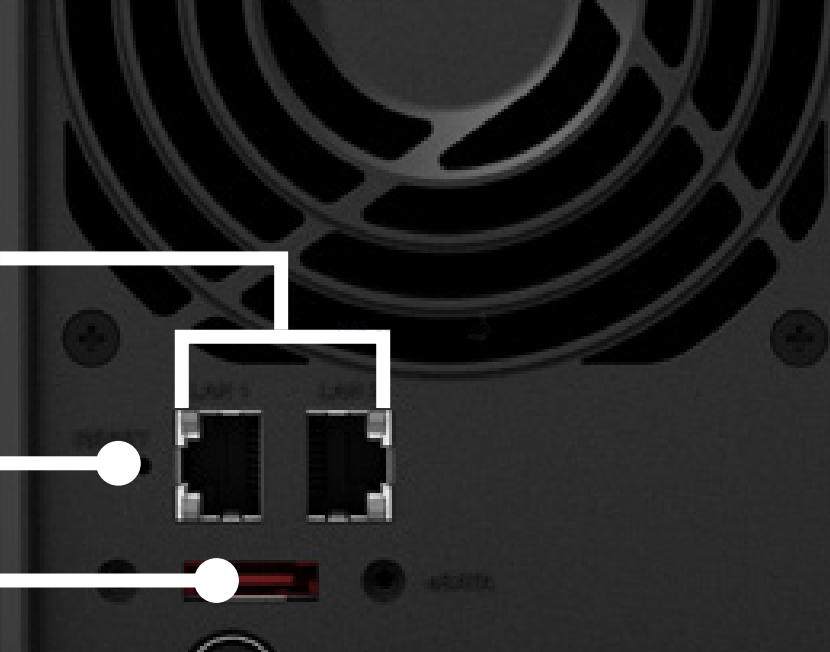
Choosing the right Network Attached Storage (NAS) device can be a difficult decision with so many options available. Two popular options from Synology, the DS423+ and DS920+, have a lot in common, but also have some key differences. In this article, we will compare these two models based on their upgrades, multimedia capabilities, expansion options, […]
Are you in the market for a new SSD and looking to upgrade to PCIe Gen 5.0? You’re not alone. Many tech enthusiasts are eagerly anticipating the release of these next-gen SSDs, which promise faster speeds and improved performance over their PCIe Gen 4.0 counterparts. However, the release of these SSDs has been delayed, leaving […]
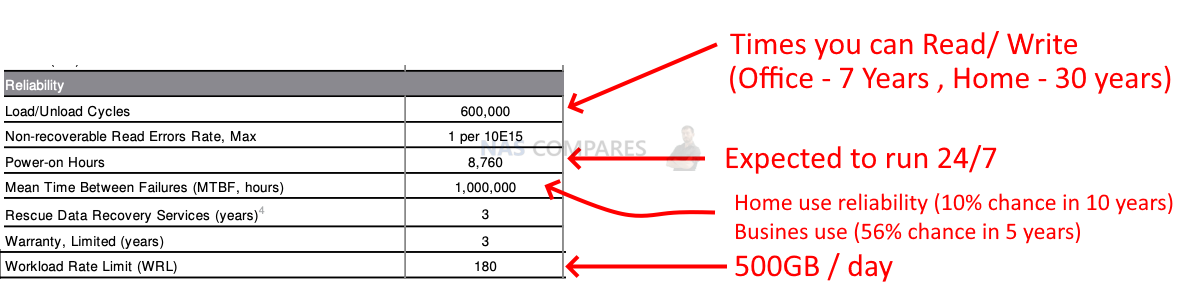
If you’re in the market for a new hard disk drive (HDD) to use in your network-attached storage (NAS) setup, then you’re probably facing a barrage of technical jargon and specifications that can be overwhelming. But fear not, as we’re here to help you make sense of HDD spec sheets and find the right drive […]
Here is a step-by-step guide on how to enable SHR on XS series Synology models like the DS3615xs: Connect to your Synology device using a web browser and log in to your newly created account. Once logged in, go to the Control Panel and select Terminal & SNMP from the System section. Under the Terminal […]
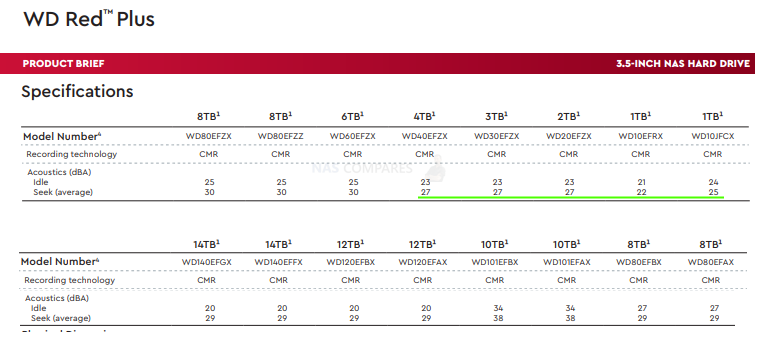
What are the Quietest hard drives for NAS I work with a lot of photo and video files, therefore I need a way to store everything. I have two 5TB Toshiba X300 drives, bought around 5 years ago, which have been rarely used in an external enclosure. Recently I built a new desktop PC and […]

HDD compatibility warning – way to disable it? Synology Storage Manager will display an Incompatible or Unverified message If you have a Synology NAS, you may have encountered the “Incompatible or Unverified” message in Synology Storage Manager. This message is displayed when the hard drive you have installed is not in the Synology’s compatible-drive database, […]
What is video transcoding and do I need Graphics chip on my NAS? GPU on the NAS is used for two reasons HDMI and transcoding. Qnap and Asustor can be connected to a TV via HDMI to stream videos. The user interface is very nice, but some people prefer it over the DLNA etc. […]
Synology DiskStations are powerful devices that can be used as centralized storage solutions for personal and business use. They support various types of storage pools and volumes, including HDD, SSD, and NVMe SSD. However, the Synology DSM (Disk Station Manager) interface only allows the NVMe SSDs to be used as cache. If you want to […]
One of the key features of TOS 5 is the AES 256-bit disk array encryption, which provides a high level of security for the data stored on the NAS. AES 256-bit encryption is considered to be one of the most secure encryption methods currently available. It uses a 256-bit key to encrypt and decrypt data, […]
Is there a 2.5 GbE USB adapter for Synology? Before Aquantia based PCIe cards and adapters used to work. But Synology saw people using Qnap components inside Synology, so they blocked this chip. But realtek seems untouched still. Yes, looks like bb-qq has made this possible. Also someone in Germany has put this into practice. […]
2.15.0-4 DSM7.0 – credit to bb-qq/r8152 Added support of ASUS USB-C2500. USA UK 2.5 GbE USB adapter for Synology Note: The installation will fail the first time. After that, run the following command from the SSH terminal: sudo install -m 4755 -o root -D /var/packages/r8152/target/r8152/spk_su /opt/sbin/spk_su Users of DSM 6.2 should use past releases. […]
best nvme for Synology NAS (Synology, Samsung 990 Pro, FireCuda 530, FireCuda 520 and WD Red SN700) How do Synology NVMe compare with other brands? In order to choose SSD for caching consider the size of the NVMe required, as this will impact the amount of data that can be cached. The Synology NVMe M.2 […]
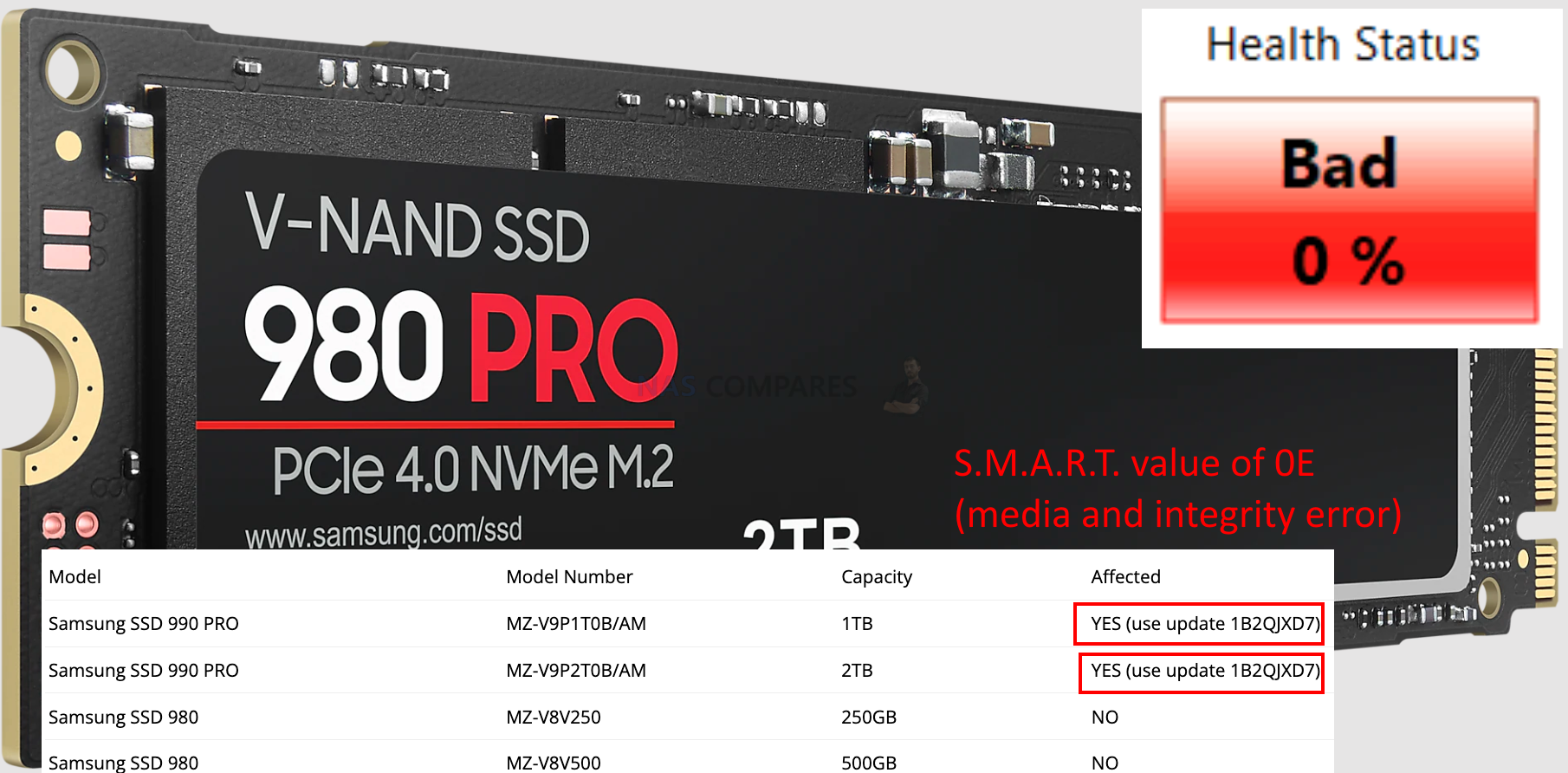
What are the updates since the news broke out? UPDATE 14th Feb 2023 Samsung has been investigating customer inquiries about anomalies related to the SMART of the 990 PRO SSD. These anomalies were found to be caused by issues with the 990 PRO SSD’s firmware. Accordingly, a firmware update was released today, February 13, 2023, that […]
In today’s world of digital entertainment, the importance of a robust and reliable home media server cannot be overstated. With so many options available in the market, it can be challenging to pick the best one for your needs. Among the most popular and feature-rich media servers are Emby, Jellyfin, and Plex. Each platform comes […]
This is an comparison. Between 2 Seagate Exos Drives. Only difference is the Advanced Format.. One is 4kn and the other 512e … which one do you recomend , I am gonna have it in my Dell Poweredge T320. . on 24/7 . The choice between the 4kn and 512e Seagate Exos drives ultimately depends […]
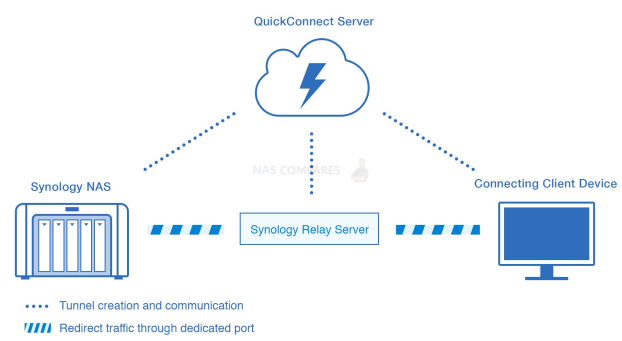
Network Attached Storage (NAS) devices are an essential part of any home or office network. They provide a central storage location for all your digital files, making it easy to access and share them across multiple devices. However, connecting to a NAS device can be complicated, and choosing the right connectivity option can make all […]
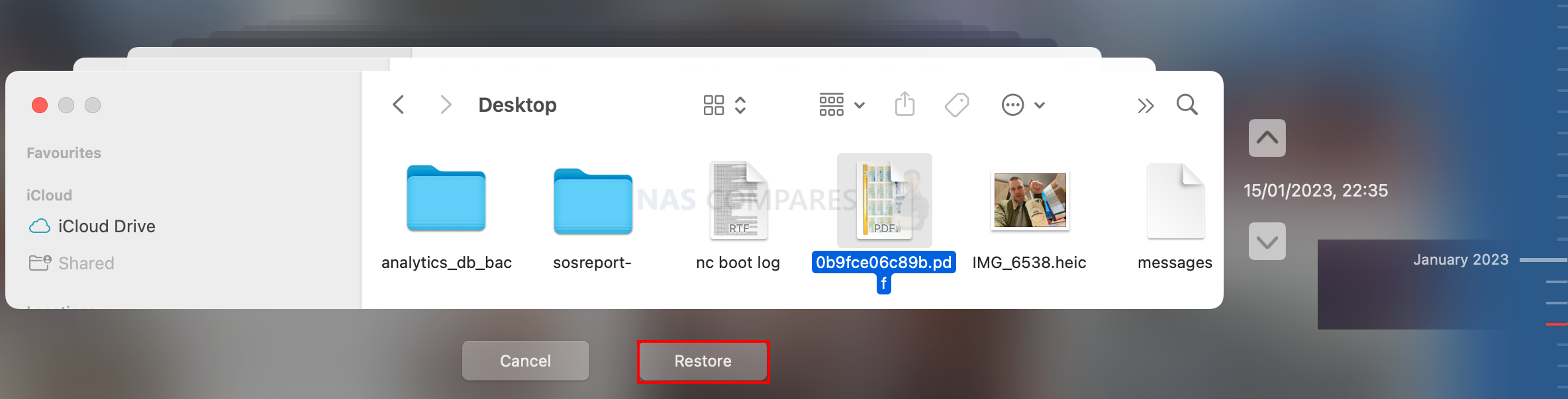
Steps to set this all up Create NAS user for time machines access only If you want to be able to run timemachine backupe remotely over the internet, consider using Tailscale or nConnect VPN: How to access your NAS remotely? A Comparison of NKN nConnect and Tailscale To create a NAS username for use […]