https://nascompares.com/podcasts/weekly/week48-2025.m4a QNAP Launches myQNAPcloud Surveillance Cloud Backup for Camera FootageQNAP has introduced a new cloud-based surveillance backup system under its myQNAPcloud umbrella. This feature offers a reliable solution for backing up security footage from QNAP NVR and NAS systems directly to the cloud, enabling users to create a multi-tiered surveillance storage structure. The backup system […]
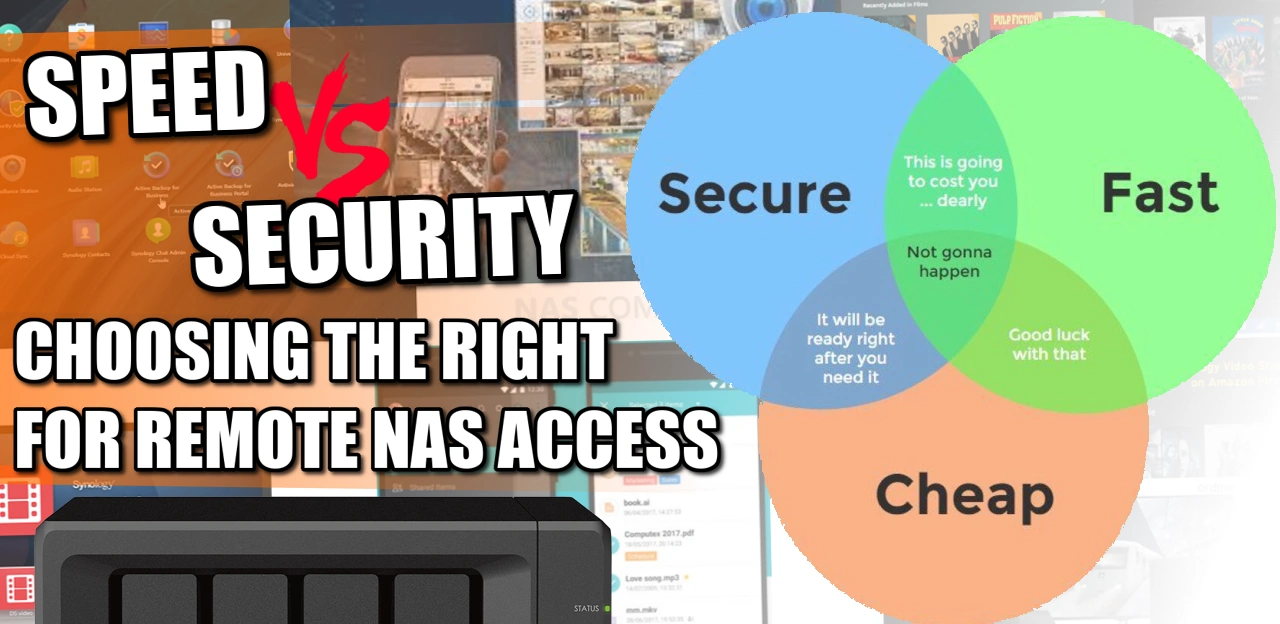
Accessing Your NAS Remotely – Security vs Speed vs Cost! Network Attached Storage (NAS) devices are an essential part of any home or office network. They provide a central storage location for all your digital files, making it easy to access and share them across multiple devices. However, connecting to a NAS device can be […]
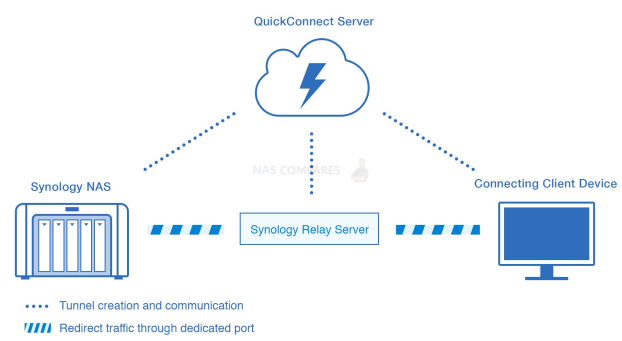
Network Attached Storage (NAS) devices are an essential part of any home or office network. They provide a central storage location for all your digital files, making it easy to access and share them across multiple devices. However, connecting to a NAS device can be complicated, and choosing the right connectivity option can make all […]
Using Kodi Safely – Why you need to use a VPN with Kodi If you are reading this, then chances are you are already familiar with the media application Kodi. Why wouldn’t you, it is a fantastic application, effectively free and with a low system resource requirement, it has fast become the biggest Media collection […]
What is a VPN and why should I get one for my Synology or QNAP NAS? The internet is not the place it once was! Thanks to the likes of the Net Neutrality bill and Internet service providers (ISPs) now having free access to your searches and online behaviour (worth a fortune in it’s marketing […]
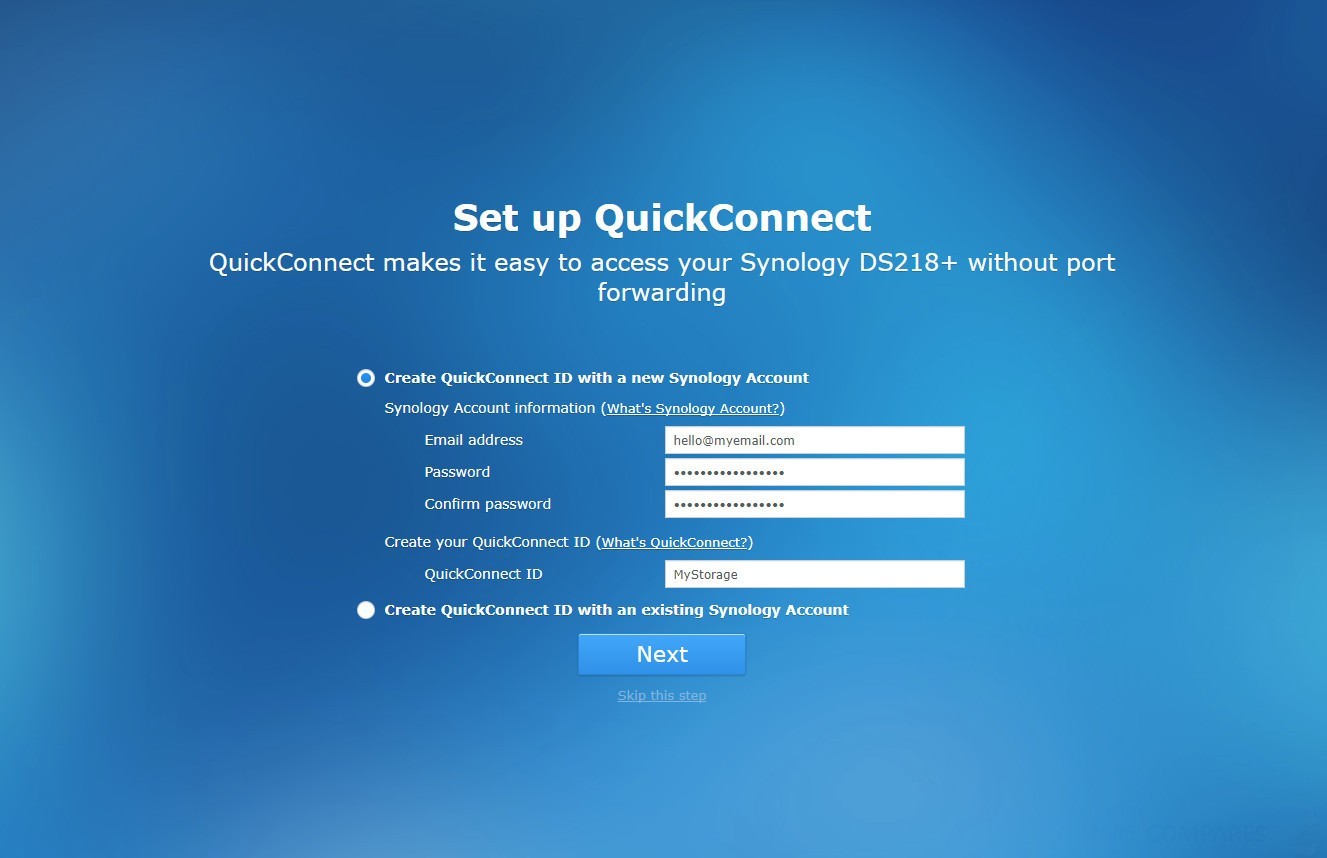
How to Accessing your Synology NAS Anywhere You can connect to your Synology NAS over the Internet, allowing its services to be accessible from anywhere and anytime. This part of the NASCompares Synology guide explains the basics regarding using the Synology EZ-Internet wizard, advanced port forwarding functions, and DDNS hostname registration to connect your Synology […]